|
VOOZH | about |
|
VOOZH | about |
Forms are one of the basic elements of any web application because they allow for information submission, such as name, email address, phone number, and other required information whether one is signing up for a new account, sending a contact form, or posting news updates. These factors make Ruby on Rails highly popular in managing and working with forms because it is equipped with its own built-in features and helpers, making the process of building, submitting, and validating a form less difficult.
In this article, we will see each aspect of working on a form in Rails-from building to its validation while keeping it secure and an excellent user experience.
Table of Content
In Rails, forms are also used to extract data from users and then send that data on to the server. The form helpers in Rails make it a very simple task to create forms since they automatically generate the correct HTML and take care of security concerns like CSRF protection. Form helpers even let you tie your forms directly to your models so that your view and backend logic integrate transparently with each other.
A form handling feature extends beyond capturing data and also includes managing form submission, sanitizing the input of users, along with providing immediate feedback to the user once there are errors. Validations also play a significant role in ensuring that data presented is correct and subject to the necessary conditions before saving in the database. Otherwise, your application would be prone to bad data and security risks.
Rails provides many forms helpers to ease the process of building forms. The most commonly used helper is the form_with, which will bind a form to an active record model.
Example:
Let's create a form for adding a new user. In your view (new.html.erb):
Explanation:
Rails automatically includes CSRF tokens to protect from cross-site request forgery.
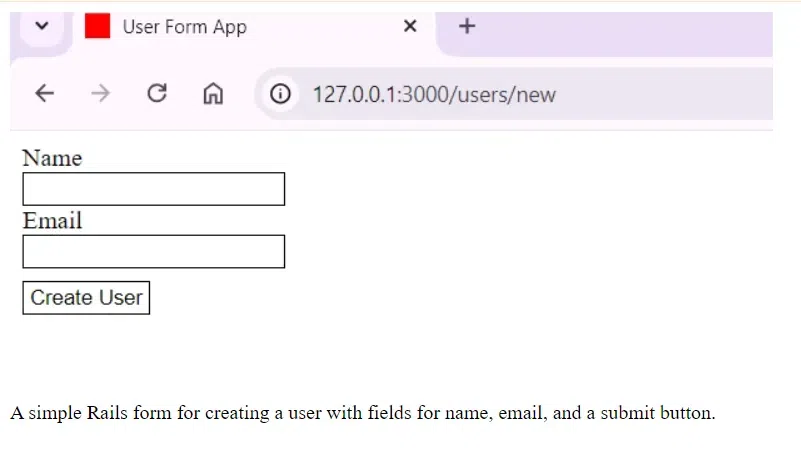
Output
This form allows users to enter their name and email.
Rails form consists of several elements:
When the form is submitted, it sends the data to the controller where you process it. In our example, it will be the UsersController that receives the data.
Example:
Here’s how you would handle your form submissions in your controller:
Explanation:
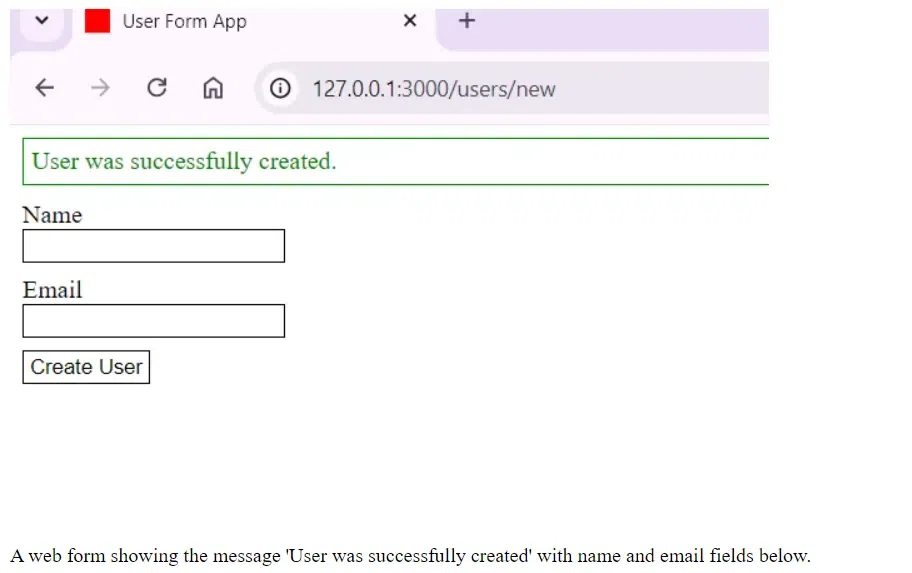
Output:
Validations check to ensure that the input to a form is correct before it saves them to the database. Rails has provided several easy ways to implement model-level validations.
Example:
Let's add validations to our User model:
Explanation
When the form is submitted, data that fails the validations will automatically trigger error messages displayed in the view by Rails.
When a form fails validation, Rails automatically provides error messages, which you can display in the view.
Example:
In your new.html.erb form, you can display the validation errors like this:
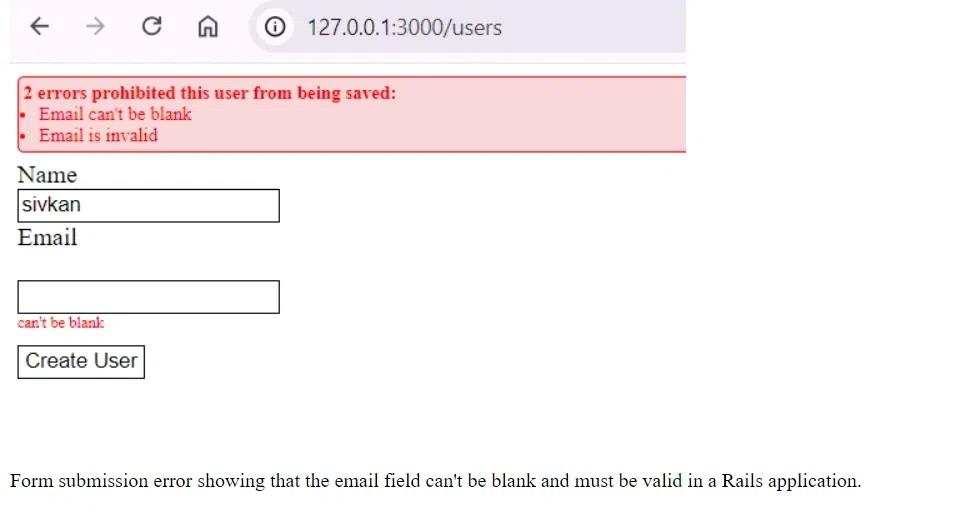
This will display a list of errors on the form page when the user submits invalid data.
Output:
Ruby on Rails makes handling forms easier with the embedded helpers and validation. If implemented in the following steps from this article, a developer would be able to build solid forms, handle their submissions efficiently, validate data before saving it into the database, and generally enjoy the ease and security that Rails' conventions and helpers add to the process of form handling in Rails applications.