|
VOOZH | about |
|
VOOZH | about |
Ruby on Rails (often just Rails) is a popular web application framework written in Ruby. One of its core features is validation, which ensures that data entered into a Rails application meets specific criteria before being saved to the database. Validations help maintain data integrity, enhance user experience, and prevent invalid or incomplete data from being processed.
Table of Content
Validation in Ruby on Rails is a mechanism to enforce rules on the data within your application's models. It ensures that data conforms to certain rules before it is saved to the database. This is crucial for maintaining the consistency and accuracy of the data your application handles.
Rails provides several built-in validation methods that you can use to validate your data. Let’s see some of the most common ones.
Let's create a simple demo application to see these validations in action. We’ll build a basic application to manage users.
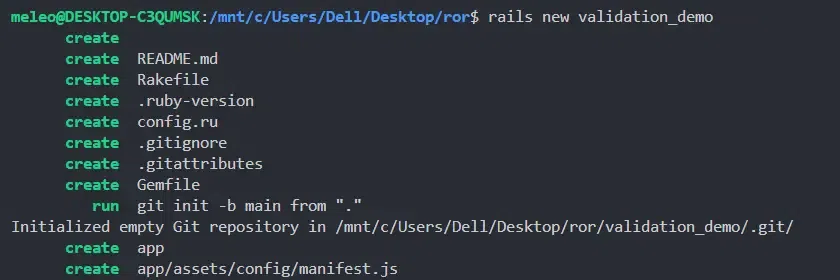
Create a demo application using the below command.
rails new validation_demo cd validation_demo
Run the following command to generate a 'User' model with a few fields.
rails generate model User name:string email:string age:integer gender:string password:string
Then, migrate the database,
rails db:migrate
Open the 'app/models/user.rb' file and add the following validations.
Here’s what each validation does:
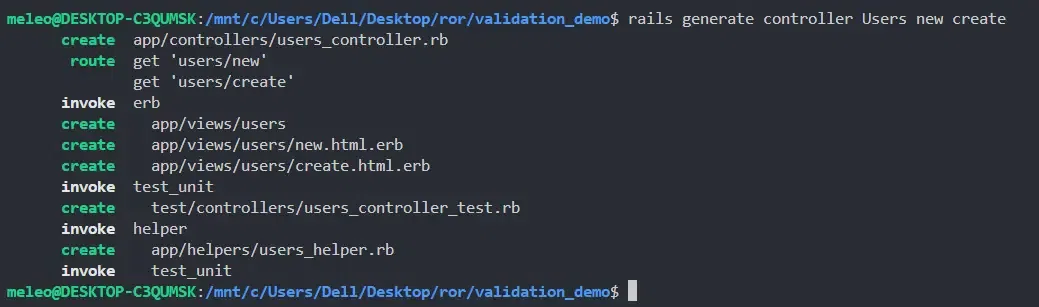
Next, let’s create a form for users to sign up. Start by generating a 'UsersController'.
rails generate controller Users new create show
Then, in the 'app/controllers/users_controller.rb' file, add the following.
Next, create a view for the 'new' action in 'app/views/users/new.html.erb'.
Next, create a view for the 'new' action in 'app/views/users/show.html.erb'.
This page will be displayed after the successful submission of the form without breaking any validation.
Make changes in 'config/routes.rb' like this,
Use the below command to execute the code:
rails server
Each input will be checked according to the validation rules specified in the User model. If any input fails to meet the defined criteria, such as presence, format, or length, then the form will not be submitted. After successful submission, the user data will be visible on the next page. You can use a 'flash' message or JavaScript to display error messages.
Skipping validations in Ruby on Rails can be useful in certain scenarios, such as when you need to make a quick update to a record without enforcing all the validations. Here are some examples of how you can skip validations using the Rails console.
You can skip validations when saving a record by passing 'validate: false' to the 'save' method. This tells Rails to save the record without running any validations.
Now, let's create a user in the Rails console.
rails console
Create an object 'user' with record details.
user = User.new(name:"john", email:"john@gmail.com", age:15, gender:"Male", password:"123")
Try to save it without skipping validations.
user.save
It will give 'false' since the age is less than 18.
Now, save the record while skipping validations.
user.save(validate:false)
See the below output for better understanding:
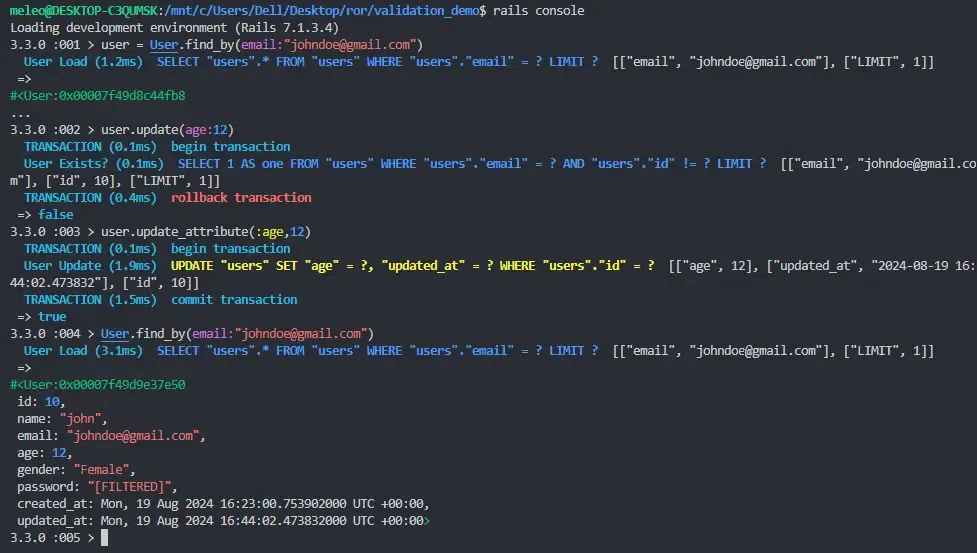
The 'update_attribute' method skips validations for a single attribute and saves the record directly.
Open the rails console and create an object 'user'.
user = User.find_by(email: "johndoe@gmail.com")
Try to update the age with validation. It will give 'false'.
user.update(age: 12)
Skip validations and update the age.
user.update_attribute(:age, 12)
See the below output for better understanding:
Validation in Ruby on Rails is a powerful tool that helps you ensure data integrity in your applications. With the built-in validation methods, you can easily enforce rules on your data before it gets saved to the database. In this article, we covered the basics of validations, including how to create a simple application with a form that uses various validation methods. With this knowledge, you're ready to start adding validations to your Rails applications.