|
VOOZH | about |
|
VOOZH | about |
Prerequisite - OpenGL
OpenGL is a cross-language, cross-platform API for rendering 2D and 3D Vector Graphics. Using this, we can make a lot of design as well as animations. Below is a simple Game made using OpenGL.
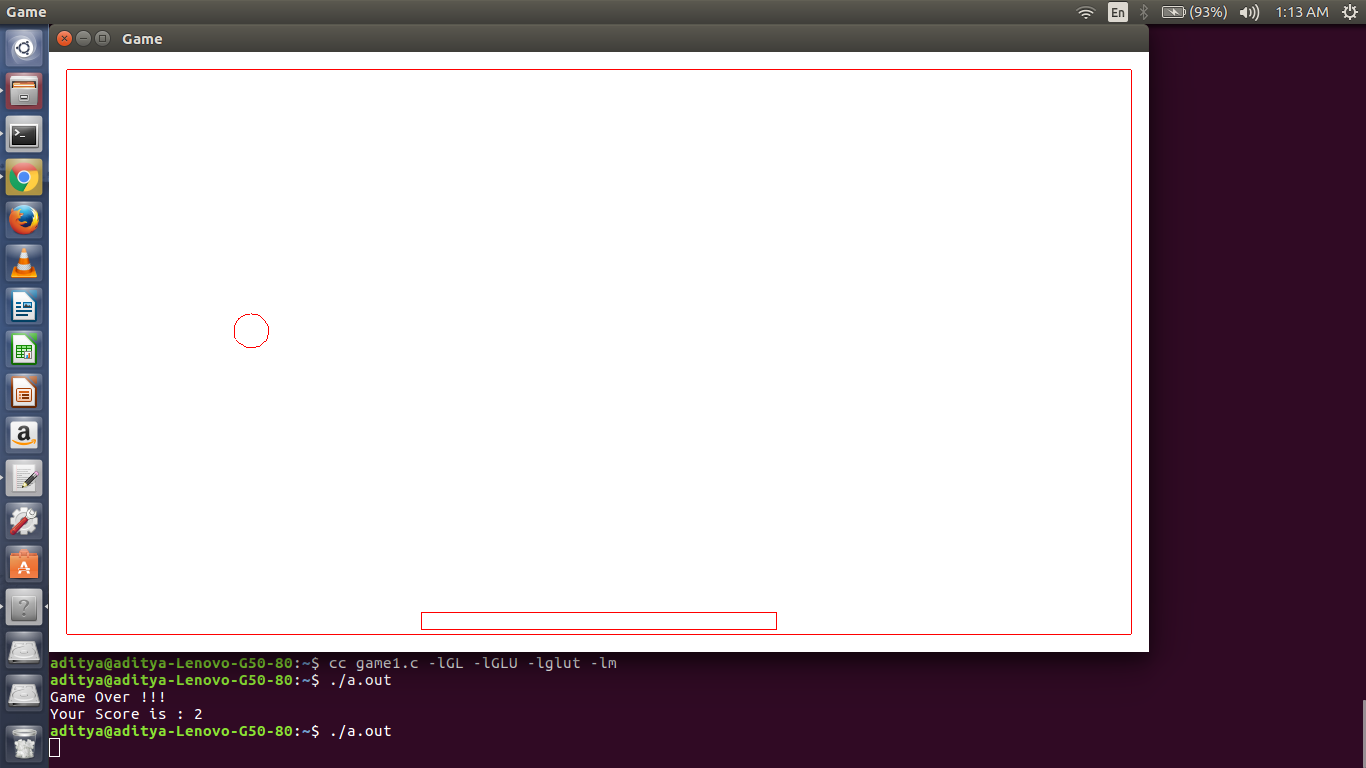
Description : In this, a ball is moving starting from middle and goes to up-left in starting. But, then it collides with wall and changes direction but speed remain same. Consequently, it comes to downward direction where it should be catched on a rectangle (which is capable of moving in horizontal direction) in order to continue.
For working on Ubuntu operating system:
gcc filename.c -lGL -lGLU -lglut -lm
where filename.c is the name of the file
with which this program is saved.
Below is the screenshot of the animation. This screenshot is of one instance. In actual, ball will move in different direction which should be catched on the smaller rectangle. Rectangle can be moved to left by pressing lowercase b and towards right by lowercase n. However, this can be changed by changing the code in keyboard function where ASCII value of key can be changed.