|
VOOZH | about |
|
VOOZH | about |
Twitter, now rebranded as X, has been a popular platform for sharing thoughts with a global audience. However, as privacy concerns grow, many users are opting to make their Twitter accounts private. This guide will walk you through the simple steps to make your Twitter account private, ensuring that only your approved followers can see your tweets. Learn how to enhance your Twitter privacy settings and secure Twitter for a safer social media experience.
In this blog, we will look at simple steps to make your Twitter account private and protect your tweets from public viewing.
👁 how to make twitter account private
Every new signup account has a default privacy setting, that is your tweets will be open to the world. To change this there are pretty straightforward steps to tweak your privacy settings. Let us learn how you can make changes in the privacy settings of your Twitter account and switch it to a private account.
A private account offers perks like a re-enforced private Twitter life and thereby helps you to avoid all the negative people on the platform.
A private Twitter account gives you a more exclusive digital space where you control who's in. So, here only your approved followers can see what you share. It acts like a no-entry board for all the other users.
So, feel free to tweet without worries – only your approved followers are getting the updates. There is one thing that you should pay close attention to, and that is to keep an eye on who you invite into your Twitter circle!
Making your Twitter account private offers several benefits:
Control Over Followers: Only approved followers can see your tweets, ensuring your private Twitter account is protected.
Privacy: Share personal updates without worrying about strangers seeing them.
Avoid Unwanted Attention: Keep your tweets away from random users and potential trolls, effectively securing your Twitter presence.
When you protect your posts and make them private, accounts that followed you before you went private will still be able to see your feed unless you block them. Initially, when you create your account, it’s public by default, allowing anyone to follow you. If you lock it, you’ll need to individually approve follow requests.
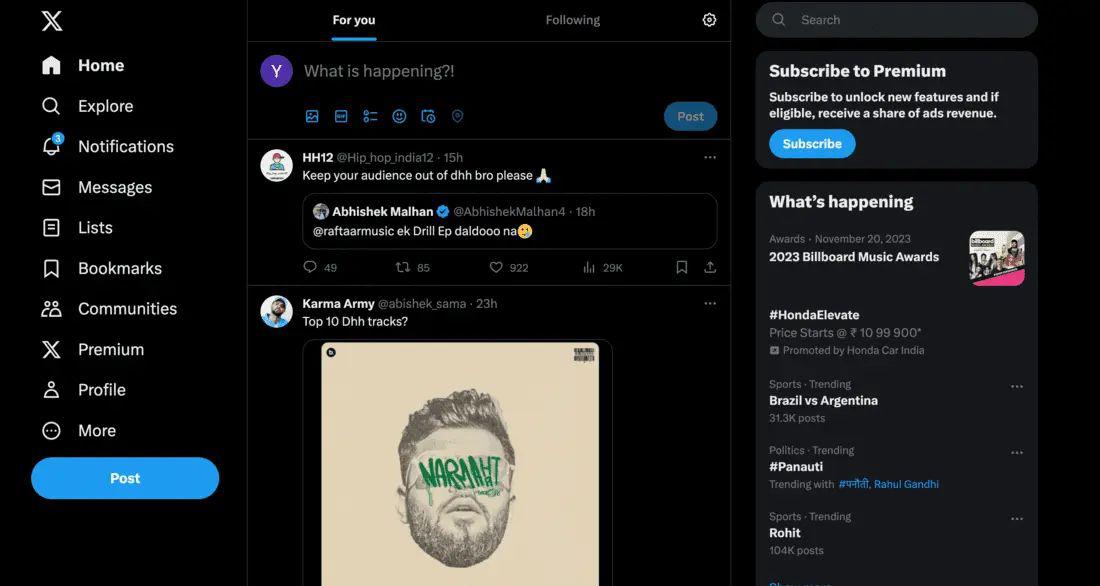
If you’re using X on your desktop computer via a web browser, here’s how to do it:
Open Twitter: Go to Twitter's website (https://twitter.com/) on your browser and log in.
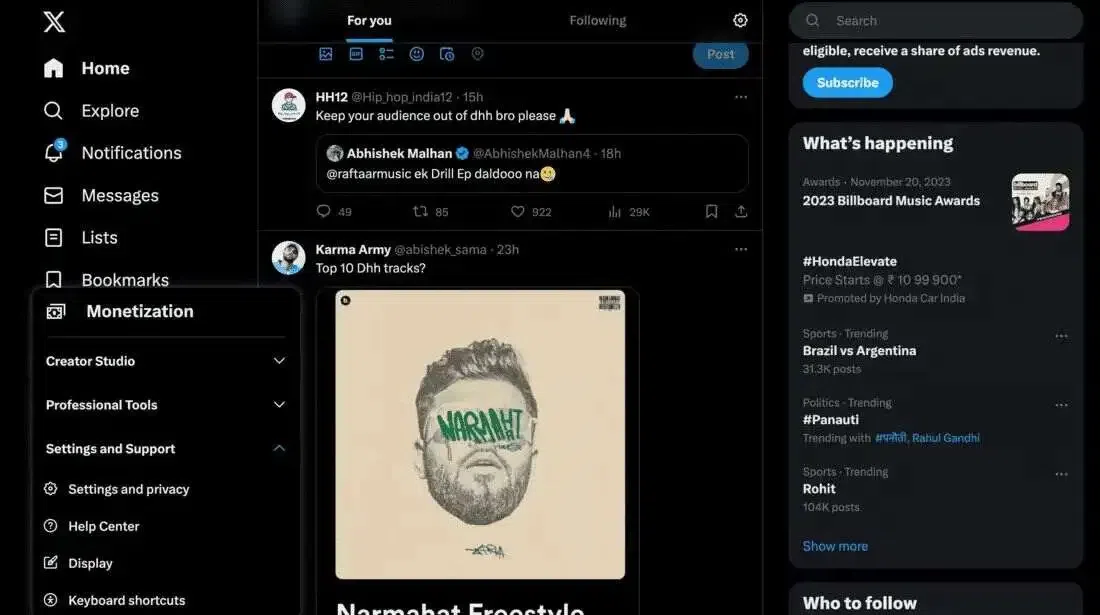
Access Settings, Once logged in, look for "More" on the left side, click it
Click on "Settings and Privacy".
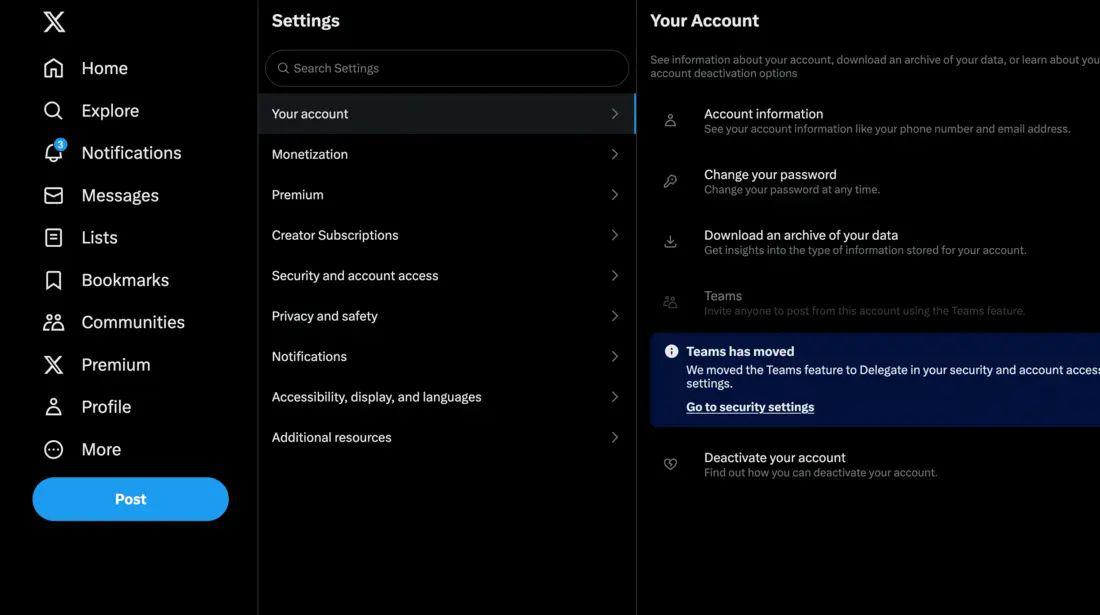
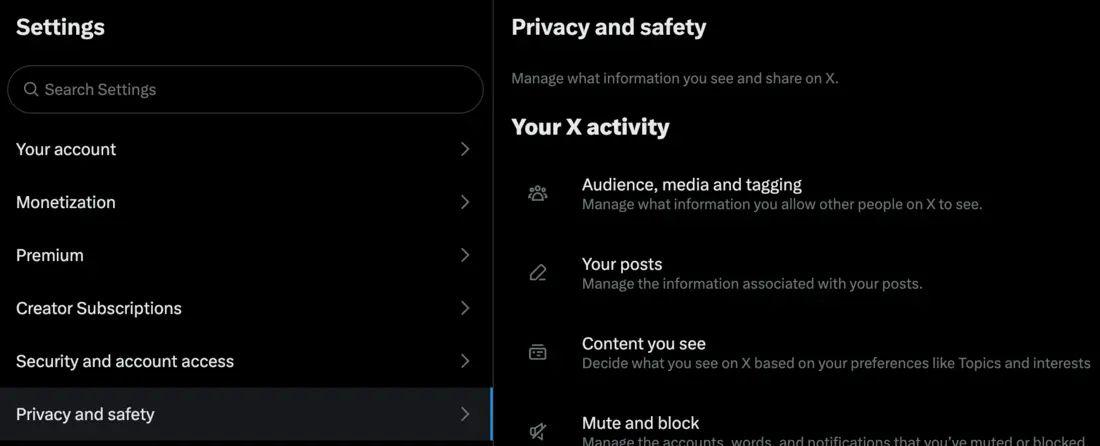
Privacy and Security, In the Settings menu, pick "Privacy and safety" to open privacy settings.
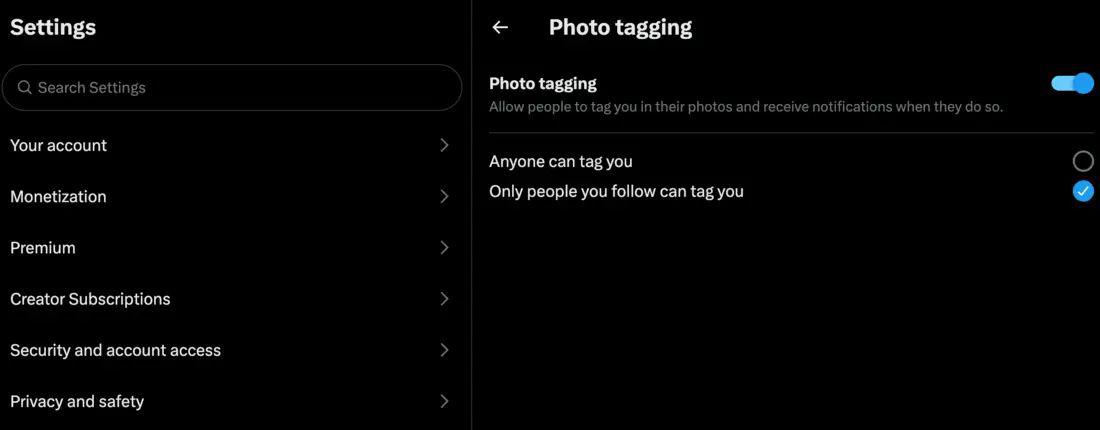
Under "Privacy and safety," look for "Audience and tagging" to manage who sees your tweets.
Scroll down to "Privacy" in Audience and tagging, find "Protect your Tweets," and check the box next to it.
Go back to your profile – you should see a message saying your tweets are protected and only visible to your approved followers. That's it!
If you’re using your Android smartphone or tablet, follow these steps:
Open the Twitter app and tap your profile icon or the menu (three lines), depending on your Android version.
Go to "Settings and Privacy".
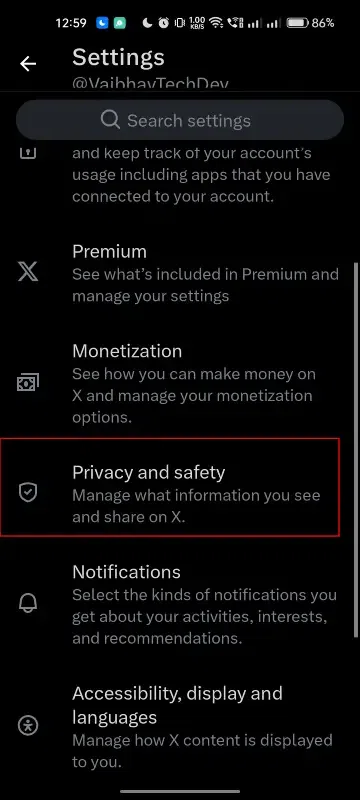
In the settings menu, tap "Privacy and Safety".
Next to "Protect Your Tweets", toggle the slider to on. (On some phones, you might check a box instead).
Also, managing your followers is easy – just visit your profile and tap the "Followers" tab. If you ever want to go public again, follow the same steps and switch off the "Protect your Tweets" toggle.
If you’re using X on your iPhone or iPad, here’s what to do:
Open the Twitter app and tap your profile icon.
Navigate to "Settings and Privacy".
In the settings menu, select "Privacy and Safety".
In the "Protect Your Tweets" section, toggle the slider on. Your account information will now be seen only by your followers, and you’ll need to approve any new follower requests.
When you lock your account, a padlock icon will appear next to your profile. If you come across a user profile you don't follow and see a padlock icon, they've protected their account, and you'll need to send a request to become an approved follower.
Here are some friendly tips:
By making your Twitter account private, you gain control over who sees your tweets, enhancing your online privacy. Follow the steps outlined in this guide to easily switch to a private account and enjoy a more secure social media experience. Remember, you can always revert to a public account if needed. Stay safe and tweet wisely!