|
VOOZH | about |
|
VOOZH | about |
Replit is an online coding platform that lets us write, run and share code in various programming languages. It provides an easy-to-use interface and an integrated development environment (IDE) for coding directly in the browser. It offers a versatile environment to bring our ideas to life.
"Replit AI transforms how you build applications by providing intelligent, context-aware assistance throughout your development journey. These AI tools adapt to your needs and help you ship faster, whether you’re a beginner learning to code or an experienced developer building complex features."
With Replit AI, you can:
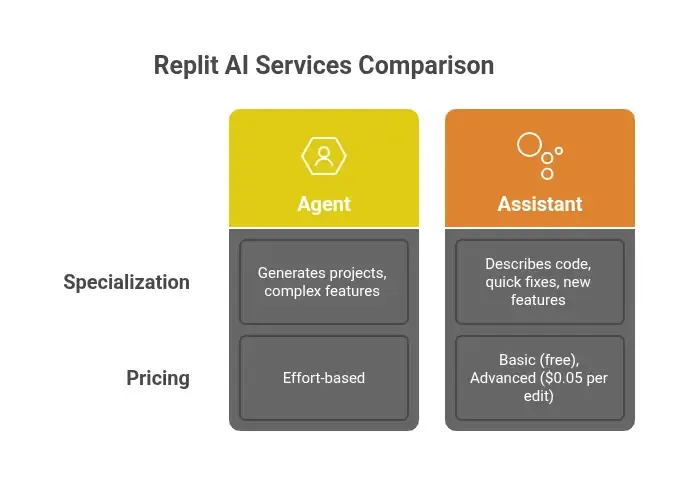
Replit AI includes two complementary services designed to support different aspects of your development workflow:
Replit AI offers powerful features that adapt to your development style:
Complete app generation
Intelligent code assistance
Interactive development
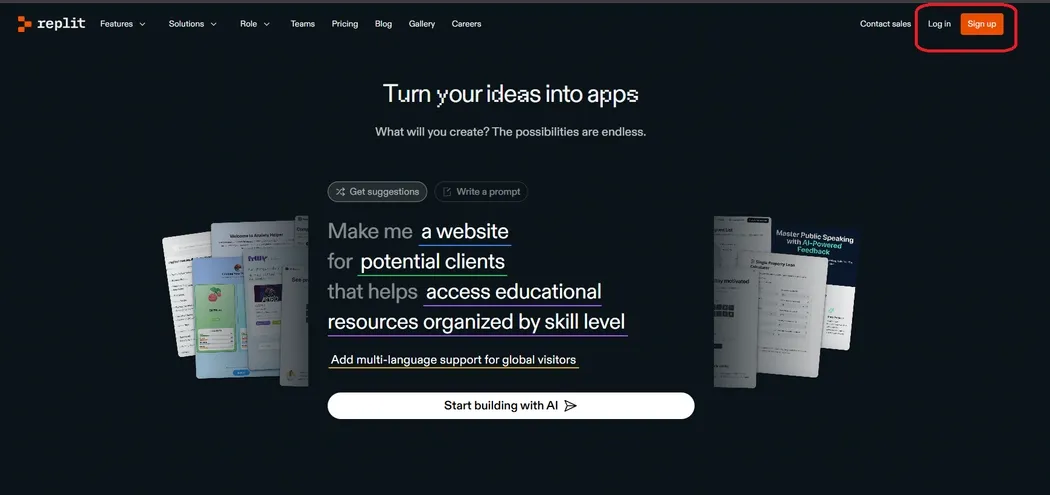
Step 1: Visit the official website of Replit.
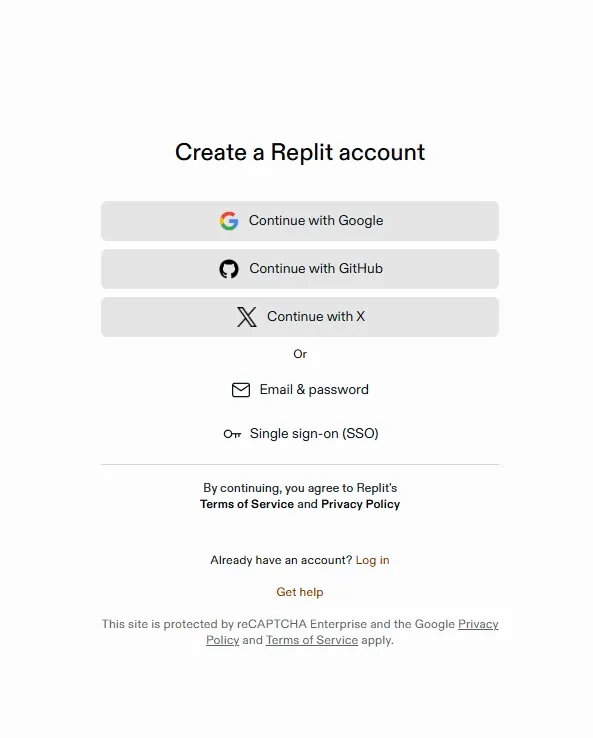
Step 2: Create an account by clicking on "Sign Up" button.
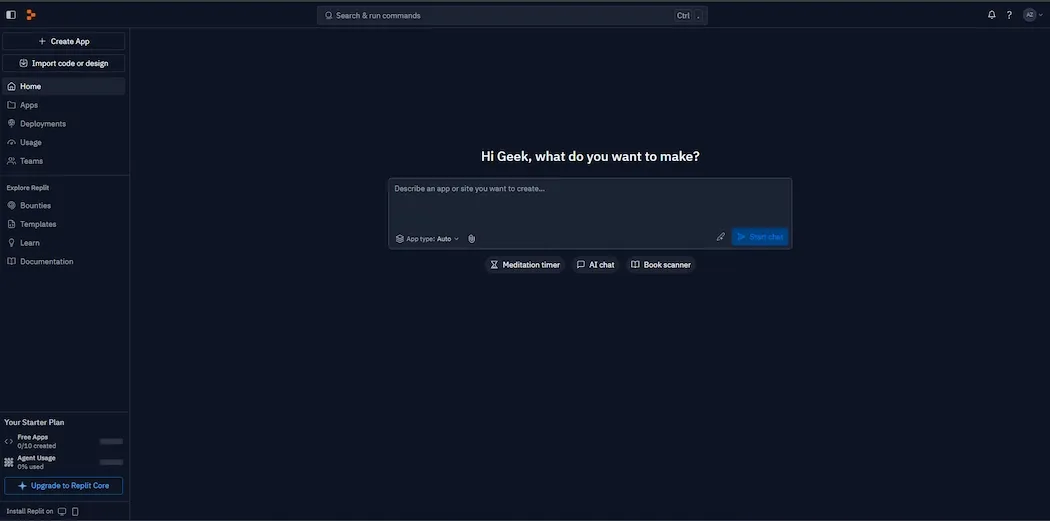
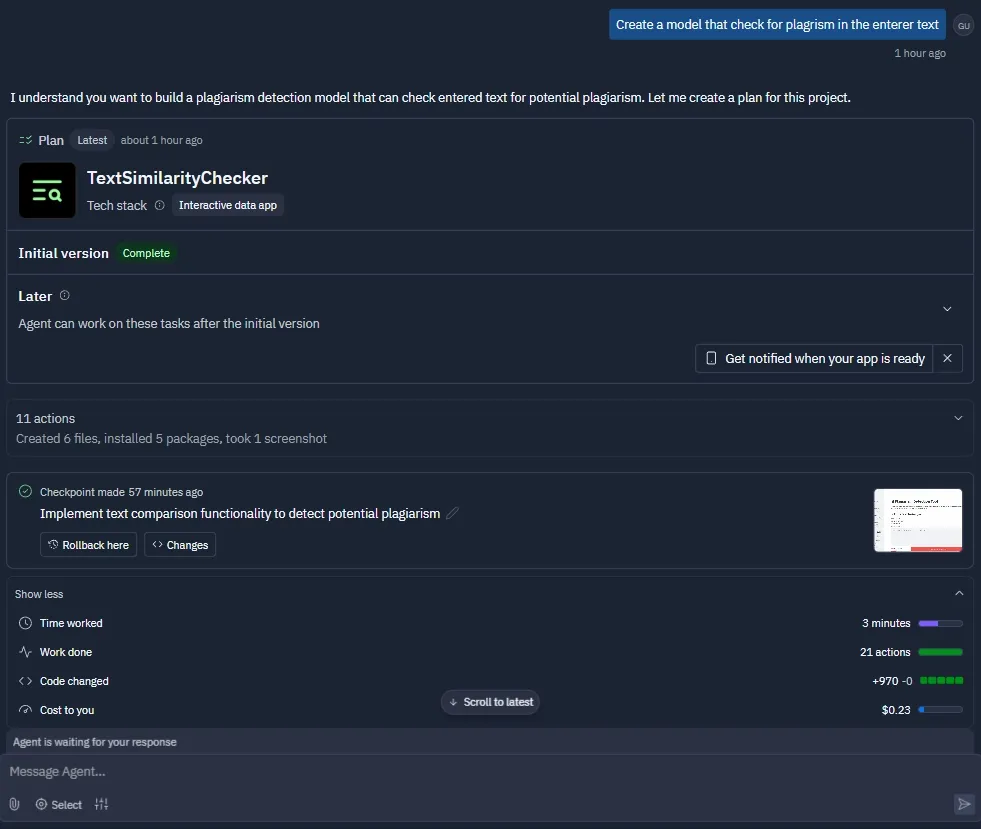
Step 3: After Login, we can create any project with the help of Replit Agent.
Describe your app idea in natural language and let Agent handle the implementation:
Navigate to the Replit dashboard. and click on “+ Create” to start a new project.
Choose the “Create with Replit Agent” tab or manually select a template under “Choose a Template”.
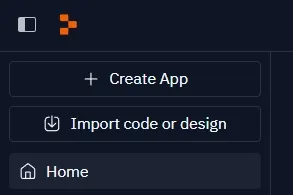
Click on "+Create App".
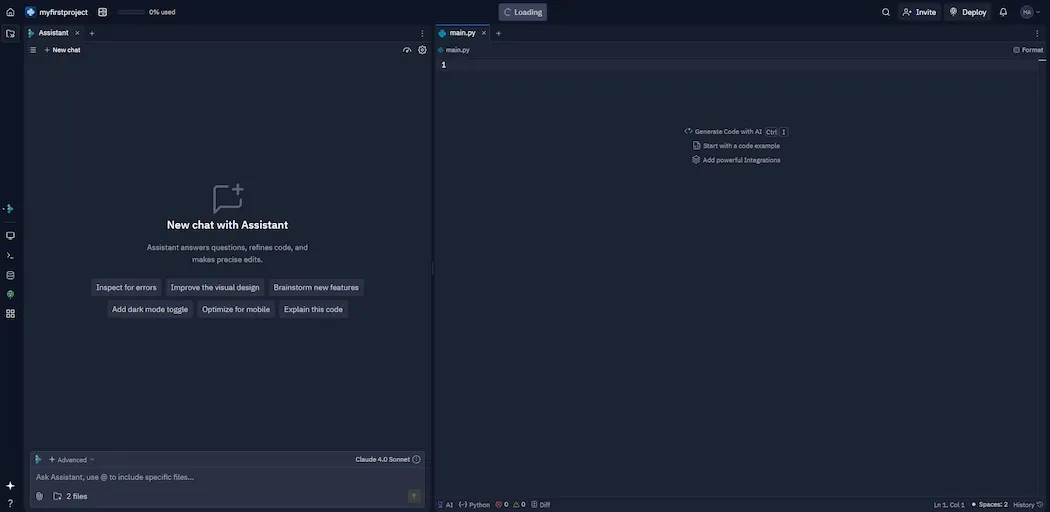
Once inside the project, open the main.py file.
Either we manually write the code or we prompt the agent about the specifications and it generates the code for us.
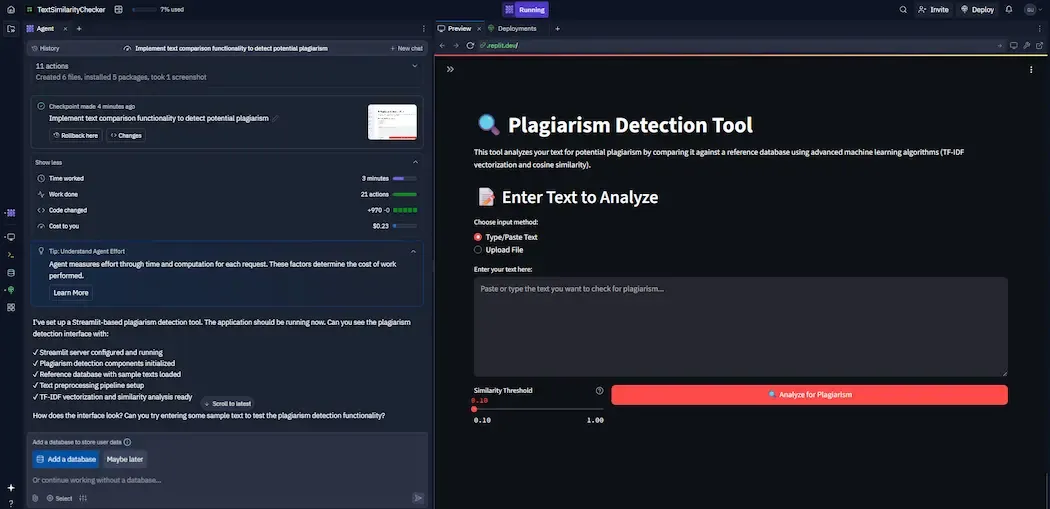
We can either paste the text or we can upload a file to check.
Enter your text and get the results.
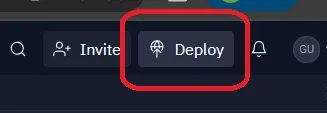
Click on Deploy at the top of the Replit Interface.
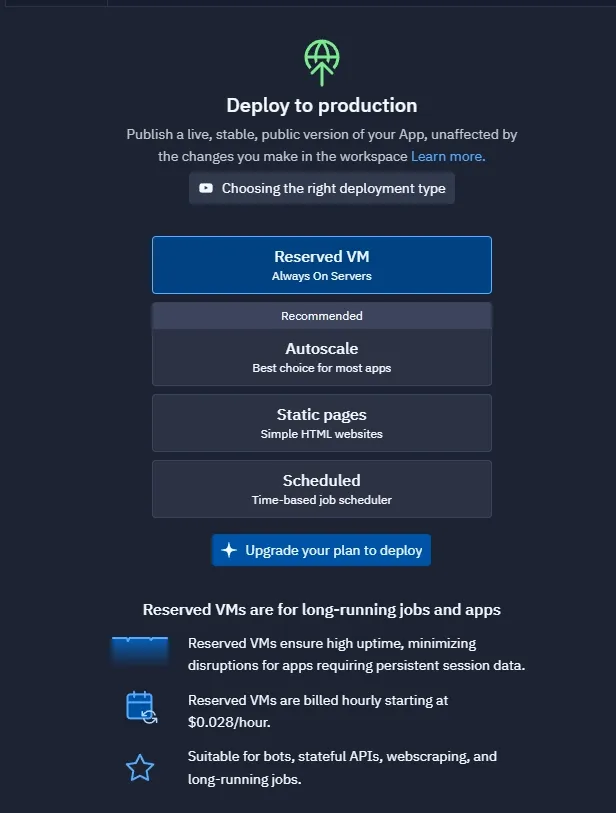
Select the type of deployment.
Now the application prepared by Replit Agent is deployed.