|
VOOZH | about |
|
VOOZH | about |
Microsoft’s Copilot Image Creator is an exciting new tool that allows you to generate images using AI in just a few clicks. Powered by Bing Image Creator, this AI image generator lets you create stunning visuals from text prompts, making it perfect for anyone looking to add a creative touch to their projects.
If you need graphics for presentations, social media, or personal use, this tool simplifies the process by turning your ideas into images. Best of all, Bing Image Creator is easy to use and offers a free AI image generator option, making it accessible for everyone. In this article, we'll show you how to get started with Microsoft's Copilot Image Creator and explore its creative potential.
Table of Content
Using Microsoft Designer's free AI image generator offers several benefits, making it a valuable tool for both personal and professional projects:
Yes, you can create images using Copilot. Furthermore, it also has another tool, Microsoft Designer. It is also free to use; you just need a Microsoft account to use it, or you can sign up and create a new account.
Copilot is also a free AI-powered tool to generate unique, customizable images with textual prompts.
This platform uses DALL-E 3 to create AI images. The best part is that it is free to use, giving it an added advantage over ChatGPT Plus. Scroll down to learn more about its functionality:
First we will learn how to use Microsoft Copilot Image Creator App:
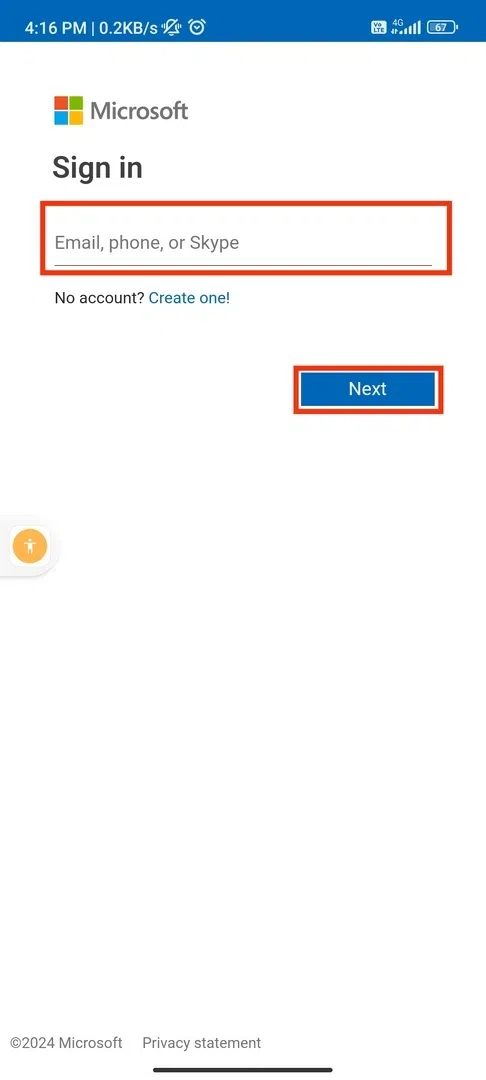
Download the Copilot app from your App Store or Play Store. After installing sign in to a Windows account to access the image creation capabilities. You can also continue without signing up but would not get DALL-E support. You need to sign in to use all the functions.
Enable GPT-4 on the app for better results. Which is free to use. To activate it - toggle the GPT-4 button.
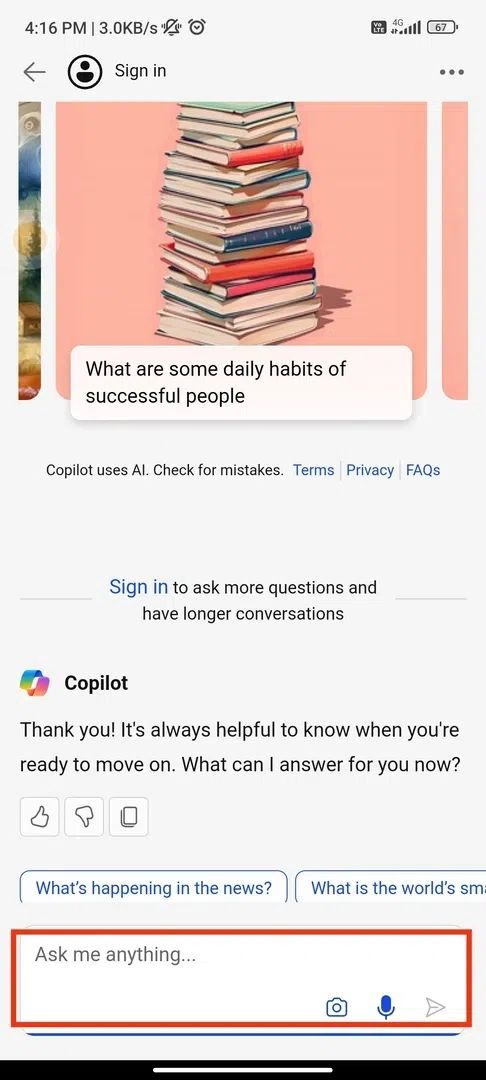
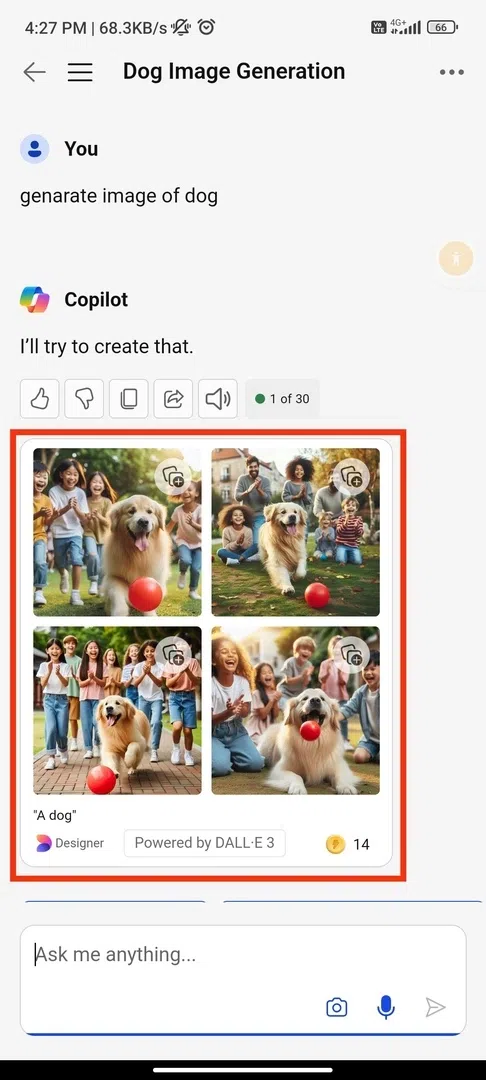
Provide a description of the type of image you want to create. You can also use microphone option to provide audio instructions. It will generate four images. To view any picture, click on it, and it will get bigger.
Click on the selected picture and click on the three dots option next to the share icon. Select 'Download.' Now open the image, long press, and select “Save to Photos” on iOS. On Android, long-press and tap "Download image." It also provides numerous customization options to make more edits.
You can create and edit pictures that match your description using their official website. Here are a few steps to follow-
Open any browser that supports Microsoft Copilot, such as Chrome, Edge, or Firefox, and navigate to the website.
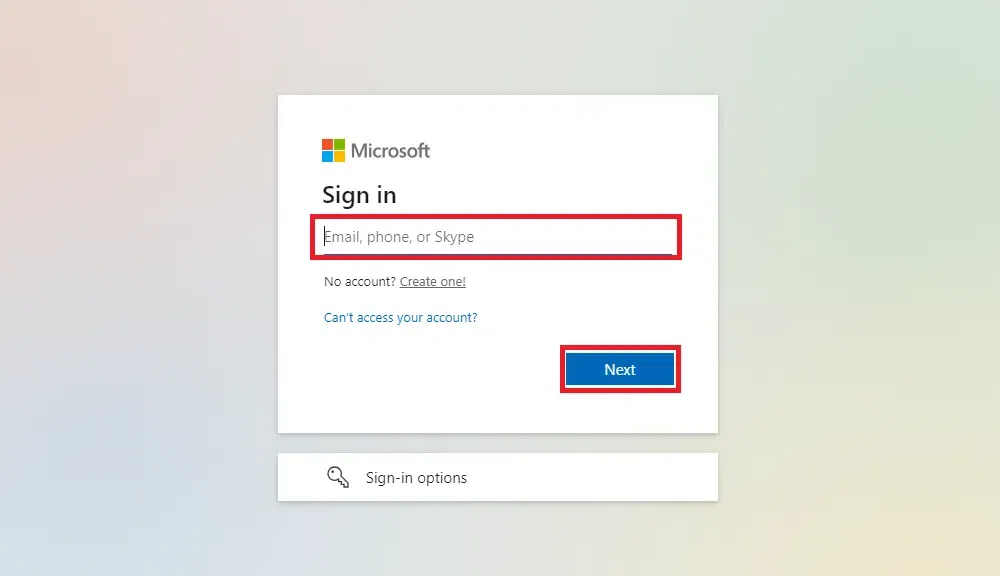
Sign in by using your Microsoft account or can click on signup to create a new one.
After sign in, give the prompt to generate image.
Now choose your image which suits your needs best.
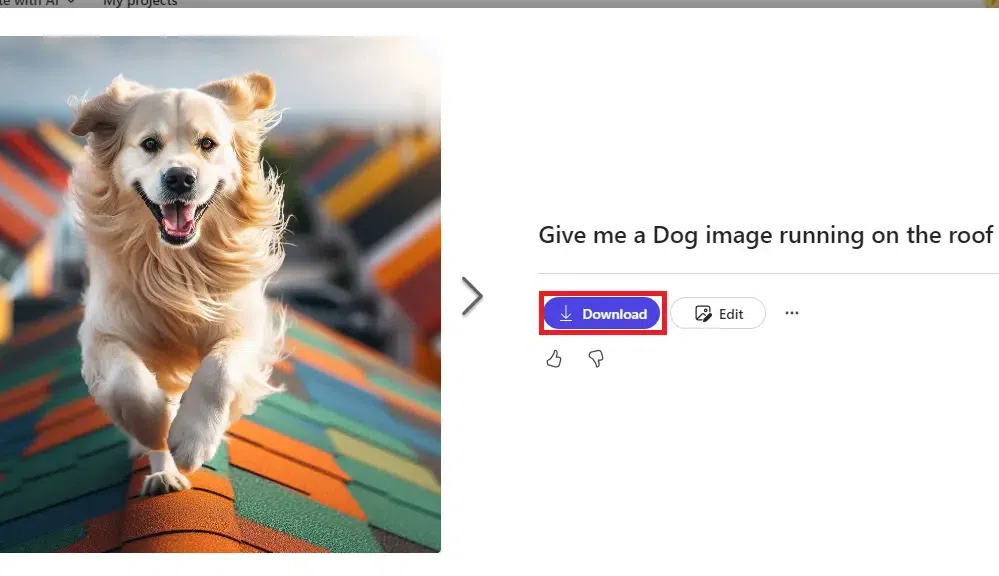
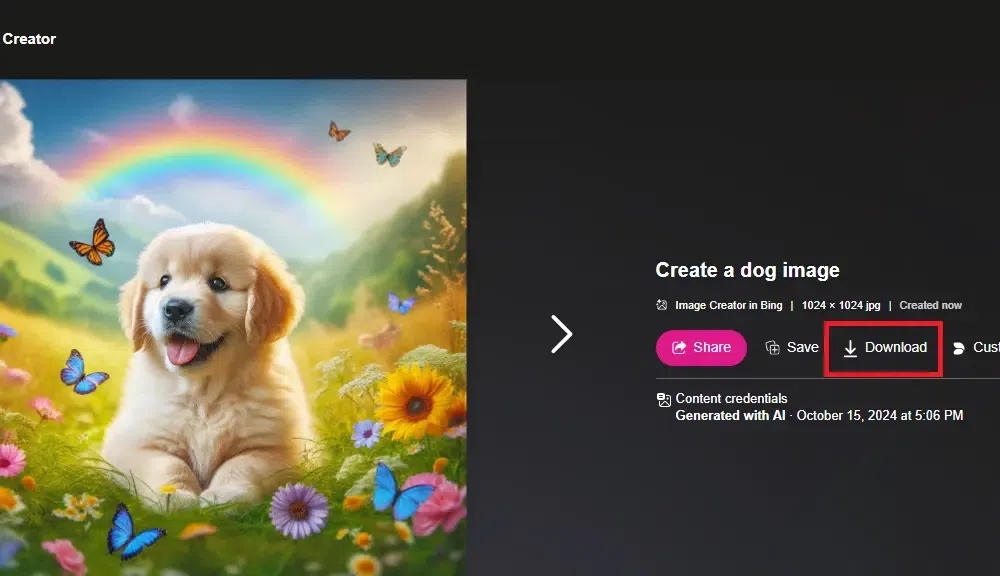
Now you can also edit the image or directly download the image by the download button.
Bing Image Creator is also developed by Microsoft which helps create unique images based on text prompts. It also uses OpenAI's DALL-E model to generate digital images based on natural language descriptions.
Visit the Official Bing Image creator on any of browser.
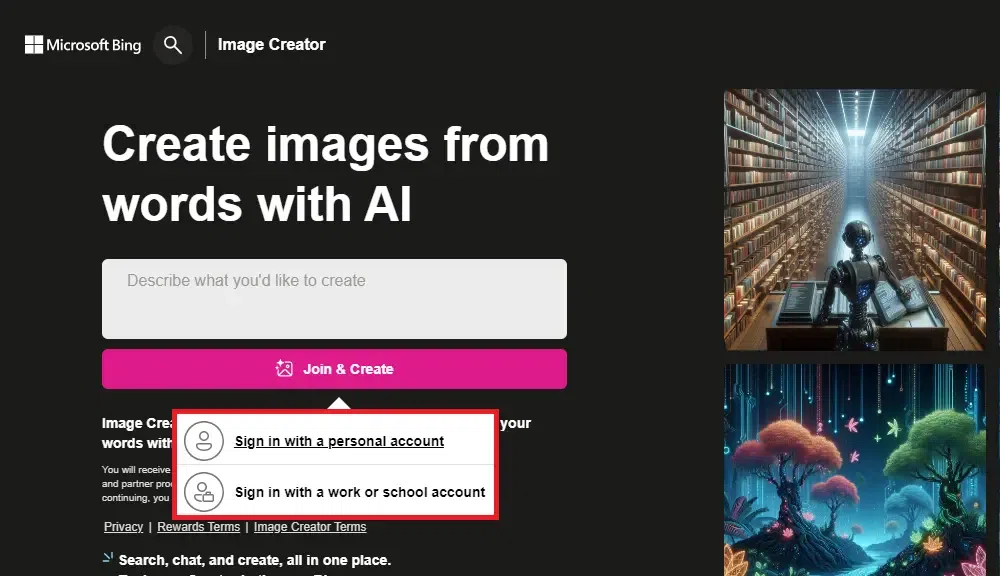
First, you need to open their official website in your web browser and click on 'Join & Create' to sign in.
Now, you need to select your conversation style to 'More Creative' (as Bing currently works only in this mode). Now, you can enter a description of the image you want the image creator to generate for you. It is recommended to be as descriptive as possible to get the best output.
Once you enter the input, click on the 'Create' button. It will generate the image based on your input within a few seconds. It will generate four images; you can choose the one that fits appropriately as per your instructions. It outputs a JPG image of 1024 × 1024 resolution.
Choose the final image and click on the 'Share,' 'Save,' or 'Download' options to save the file. You can also select the 'Customize ' option to make further editing in the image.
In conclusion, while the Bing Image Creator and other tools like Microsoft Image Creator offer powerful solutions for generating visuals, they do have some limitations. These AI image generators are excellent for quick, creative outputs, especially with the Bing Image Creator free option. However, the level of customization and creative control can sometimes be restricted compared to more advanced tools.
Despite these limitations, using a free AI image generator like the Microsoft AI image generator or the image creator from Microsoft Designer is a fantastic way to get professional-looking visuals quickly. Whether you're looking for an AI image generator from image or from text prompts, these tools remain incredibly valuable, especially for users seeking efficiency and accessibility in their design projects.