Nano BananaTutorial: How to Use Google 2.5 Flash Image
Last Updated : 5 Sep, 2025
On August 26, Google DeepMind unveiled a new image editing mode known as Google Flash, aka Nano Banana. It is already in early preview, and according to Google, it is a top-rated image editing model.
This model is used for:
Product Photography
Fashion Photography
Social Media Photography
Old Image Restoration and more.
Key Features of Nano Banana
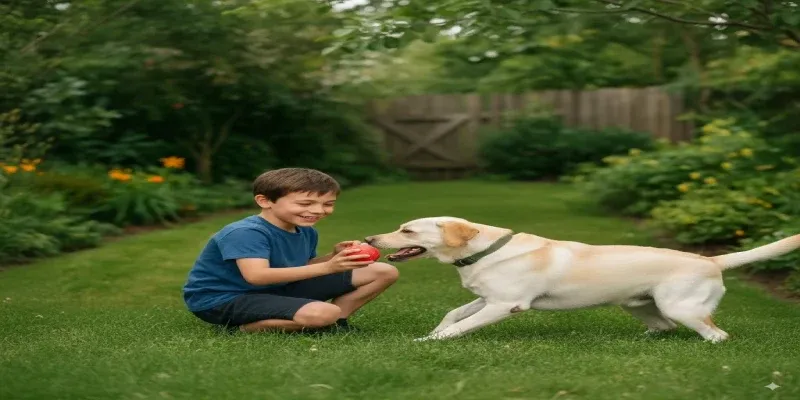
Character Consistency: Whether you're adding a hat, changing a hairstyle, or blending multiple images, Nano Banana ensures that people, pets, and objects maintain their core appearance across edits.
Multi-Turn Editing: Refine your images step by step—like updating a room’s color scheme, inserting furniture, or shifting details—all while preserving balance and coherence.
Multi-Image Fusion: Blend elements from different images into seamless, realistic composites. For example, merge your photo with your pet’s or apply textures from one image onto objects in another.
Natural-Language Prompts: Give instructions like “blur the background and add a sunflower field” or “remove the stain from the shirt,” and the AI performs targeted edits with precision.
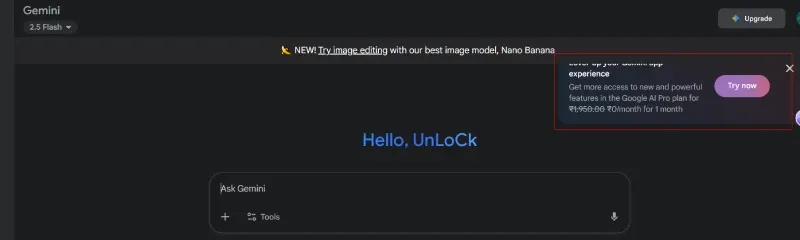
Accessible Across Platforms: Available to both free and paid Gemini users on mobile and web interfaces.
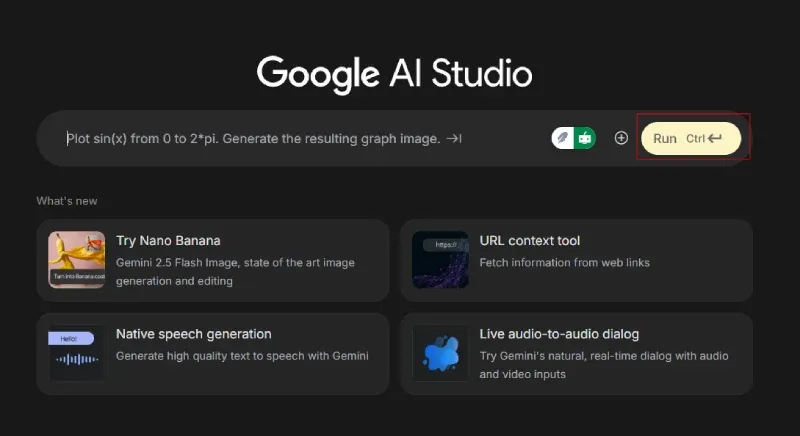
How to Use Nano Banana: Complete Step-by-Step Guide
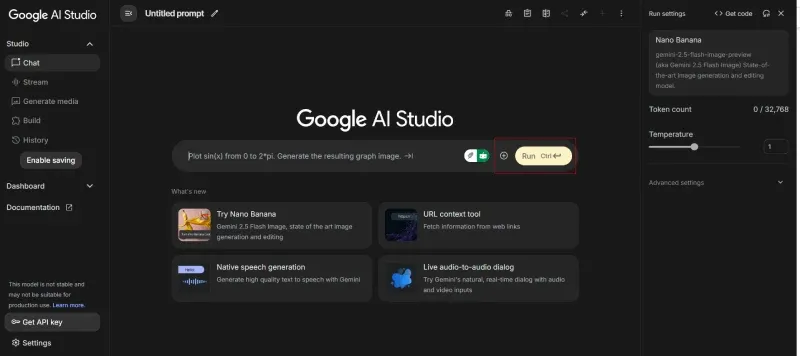
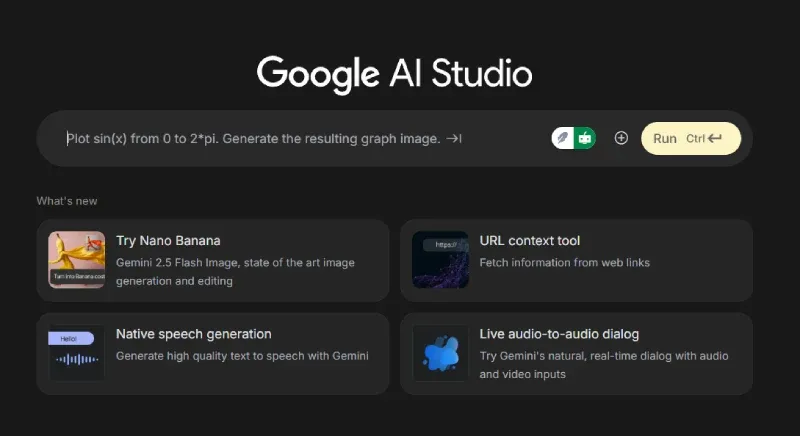
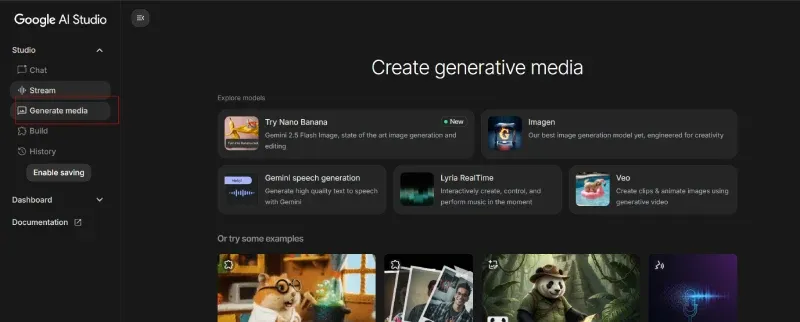
Based on comprehensive testing and real-world usage examples, here are multiple ways to access and use Nano Banana effectively.