|
VOOZH | about |
|
VOOZH | about |
Creating eye-catching posters in Figma is both fun and efficient. Figma offers a wide range of tools and features that make the design process smooth and enjoyable. Whether you are designing a poster for an event, a promotion, or a personal project, Figma has everything you need to bring your ideas to life. We will consider a dummy case, where in the designers of the poster are form a particular NGO (Non-Governmental Organization), thriving to fight for the environment.
Figma is a powerful online tool used for designing websites, apps, and other digital products. It acts like a digital canvas where you can create and edit designs easily. One of Figma's best features is its ability to let multiple people work on the same design simultaneously, making teamwork easy and efficient. It works on any computer with an internet connection, so you don’t need to install any special software. Figma is user-friendly and perfect for both beginners and experienced designers.
Designing posters in Figma is fun and simple. Figma offers a variety of tools to help you create eye-catching and professional posters. You can easily add text, images, and graphics, and customize every element to fit your vision. With Figma's intuitive interface, you can quickly adjust colors, fonts, and layouts to make your poster stand out. Plus, Figma's collaborative features allow you to work with others in real-time, making the design process more dynamic and efficient.
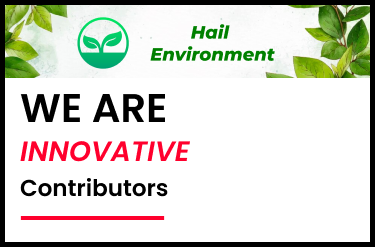
Step 1: Start by creating a header with a logo of the NGO, and add a slogan or a trademark line of the company.
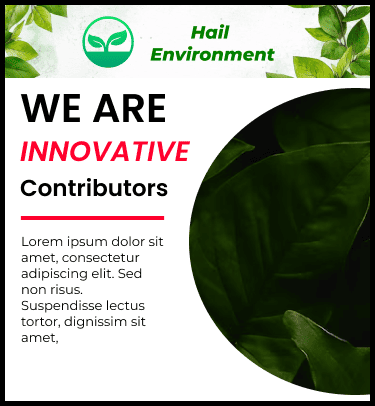
Step 2: Add a main section & create headings there using different colors & features of design.
Step 3: Add a background image in the right side & small piece of content in the left side.
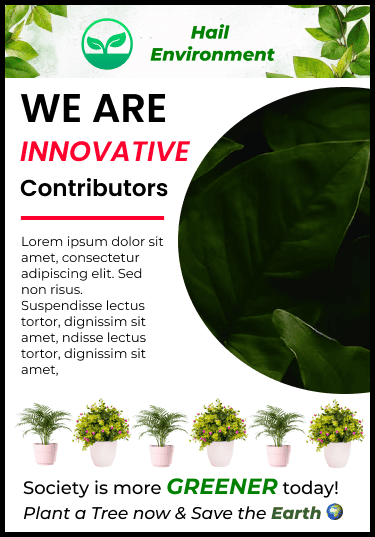
Step 4: Add a few more pictures, say plants in an alternative fashion of two different images to make it look more impressive & connected. Also add another slogan under these images.
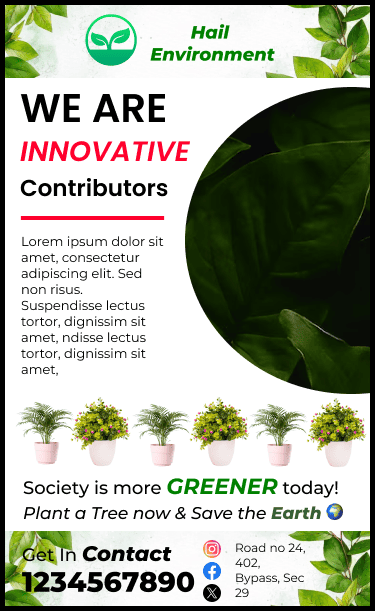
Step 5: Finally, add a footer at the end with contact details , address & links to social sites. Here's the final design:
Posters are versatile tools that can be used for many different purposes, making them an essential part of effective communication. Here are some common uses of posters:
Posters are great for advertising events such as concerts, workshops, festivals, and conferences. A well-designed poster can grab people's attention and provide all the important details about the event, encouraging them to attend.
Businesses use posters to highlight special offers, discounts, and promotions. Eye-catching posters placed in strategic locations can attract customers and boost sales by informing them about the latest deals and products.
In schools and universities, posters are used to share important information and announcements. They can display schedules, promote student activities, provide educational content, and enhance the learning environment with visual aids.
Posters are effective tools for spreading important messages about health, safety, and community issues. They can be used by governments, non-profits, and organizations to raise awareness about topics like disease prevention, environmental protection, and public safety.
Individuals can use posters for personal projects such as creating custom artwork, decorations for parties and events, or unique gifts for friends and family. Designing a poster for a personal project allows you to express your creativity and make something truly special.
Designing posters in Figma is a straightforward and enjoyable process, thanks to its powerful features and intuitive interface. By utilizing Figma's tools and following the tips we've discussed, you can create professional and visually appealing posters for any purpose. Whether you're new to design or a seasoned pro, Figma makes poster design easy and fun. Start exploring Figma today and see how it can enhance your poster projects.