|
VOOZH | about |
|
VOOZH | about |
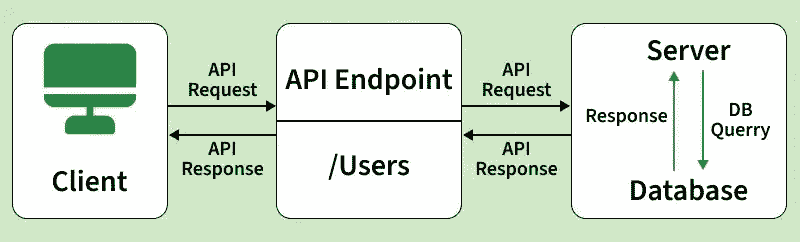
API stands for Application Programming Interface. It is a set of rules and protocols that allows different software systems to communicate and exchange data, often over the internet. API calls are widely used in modern web development to connect applications with external services and servers.
1. GET Request: Used to fetch data from a server, like showing users or products in an app.
GET /api/users2. POST Request: Used to create new data, like registering a new user or submitting a form.
POST /api/users
{
 "name": "John Doe",
 "email": "geeks.doe@example.com"
}
3. PUT Request: Used to update existing data, like changing a user’s email or profile details.
PUT /api/users/1
{
 "email": "geeks.updated@example.com"
}
4. DELETE Request: Used to remove data from a server, like deleting an account or post.
DELETE /api/users/11. Client Request: The Client sends a HTTP request to the server. This request include
2. Server Processing: The Server receives the request, process it and perform the required action.
3. Server Response: The Server sends back a response to the client. This response includes
API management is crucial for several reasons. Below we provide that information for your reference.
A common way to make API calls is using REST, an architectural style that relies on standard HTTP methods (GET, POST, PUT, and DELETE) to interact with URLs.
For this walkthrough, we will use [https://jsonplaceholder.typicode.com/users]. This free testing API allows us to practice fetching fake user data, specifically the user ID, username, and email, without needing to set up a backend server.
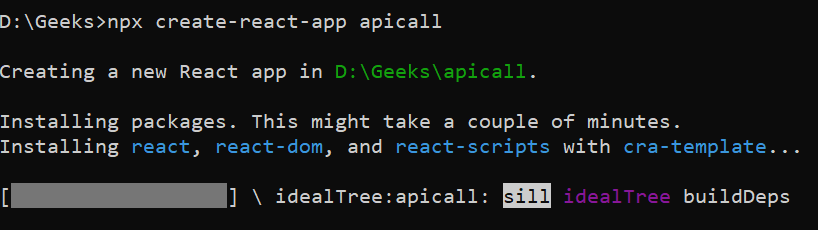
First we need to create a React Project by using npm commands. Below we provide those commands to create a React Project with outputs for reference.
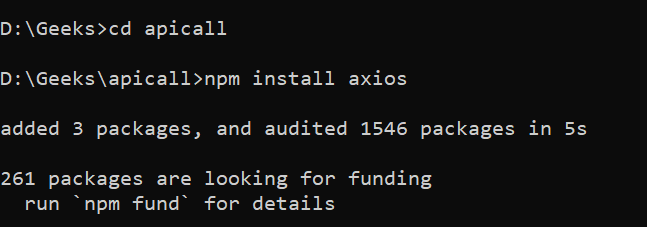
npx create-react-app project-nameOnce Project is successfully created, Now redirect project folder and install Axios for communicate with APIs.
cd project-namen
pm install axios
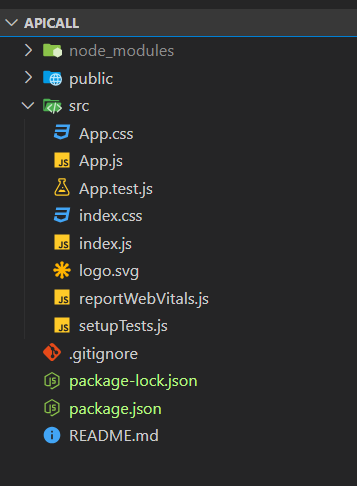
Now we open this project through VS Code editor. After this we develop the required logic for creating REST API call in the App.js file which is located in the src folder of project
Once everything is setup, Now we created a logic for REST API call in the App.js file. Below we provide that source code for your reference.
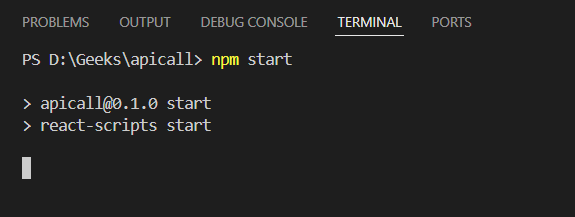
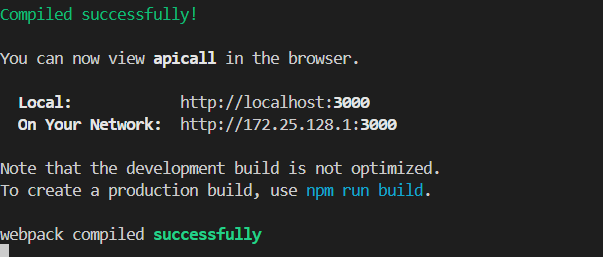
Once business logic is developed now we need to run the project by using below command. If application ran successfully got http://localhost:3000
npm startStep 6: Output
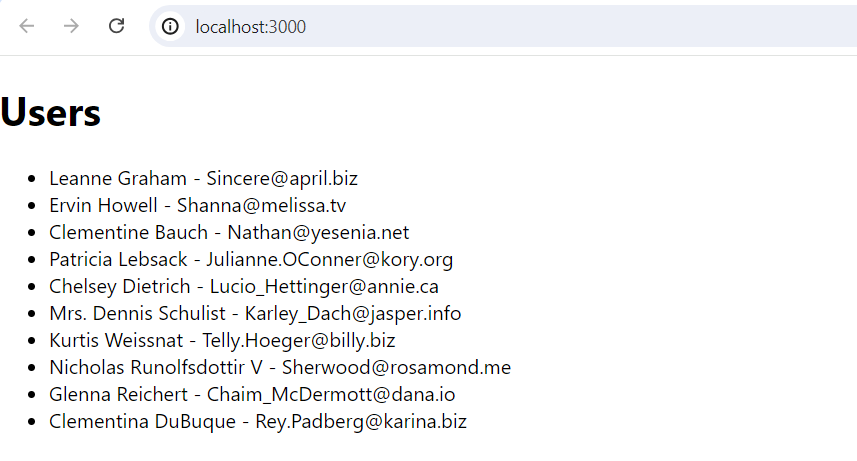
Once application running successfully, Then got this URL for to see the output.
http://localhost:3000/