 |
VOOZH | about |
|
VOOZH | about |
We use cookies to improve your experience on our site. By using our site, you are agreeing to the collection and use of data as described in our Privacy Policy.
Cookie Settings×Table of contents
Whether you’re looking to integrate your organization's SaaS applications or connect your customers’ with your product, you’ll need to use the applications’ APIs.
We’ll help you do so successfully by breaking down impactful examples of SaaS integrations. But first, let’s align on the definition of SaaS APIs.
SaaS APIs consist of endpoints that let you access certain types of data and functionality in SaaS applications.
They include the following elements:
For example, Sendoso, a gifting platform, supports the following for their API endpoints:
It’s worth keeping in mind that API providers approach these areas differently, so you’ll need to read through their documentation thoroughly before building to their endpoints.
Note: SaaS API management is often used interchangeably with SaaS APIs, but it’s broader in scope. The former refers to the end-to-end process of handling API requests, from authenticating requests to analyzing API usage to troubleshooting and resolving errors.
You can build internal SaaS API integrations, or integrations that work across the applications your organization uses internally, or product-based SaaS API integrations, which work between your product and your customers’ apps.
Here are just a few examples of internal integrations.
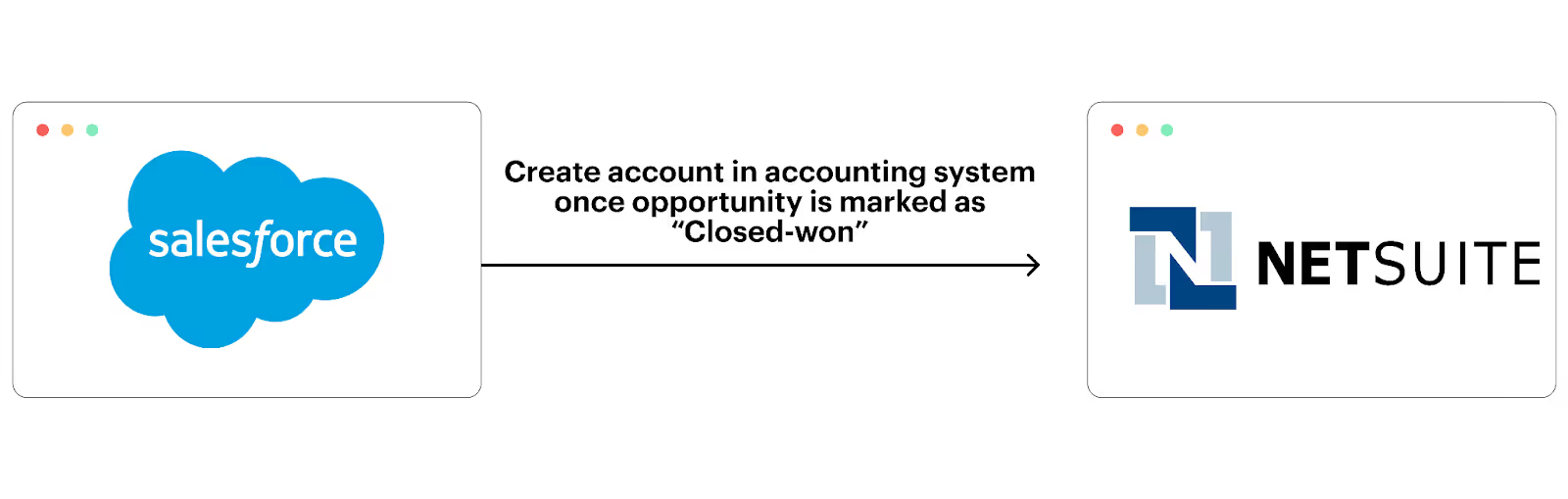
To help your finance team build and deliver invoices soon after a prospect converts into a client, you can connect your accounting solution with your CRM and build a flow where once an opportunity is marked as closed-won in the CRM, their account automatically gets created in the accounting solution.
The newly-created account can include all of the relevant information from the deal, enabling finance to create the invoice quickly, independently, and without issues.
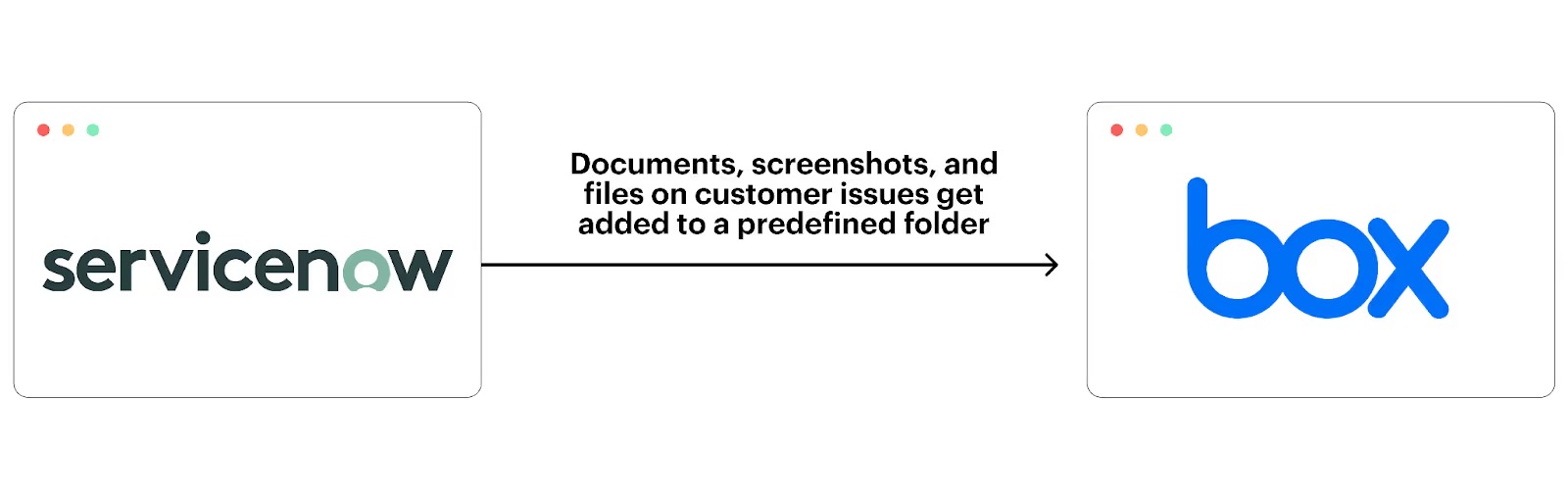
As your customer support and success teams work through issues with clients, they’ll often receive documents worth preserving—whether it’s screenshots of bugs, log files showing errors, or other supporting materials.
To help them store these documents effectively and with ease, you can build an integration where specific types of documents uploaded to your ticketing app are automatically routed to the appropriate folder in your file storage system.
Here are some real-world examples of customer-facing integrations.
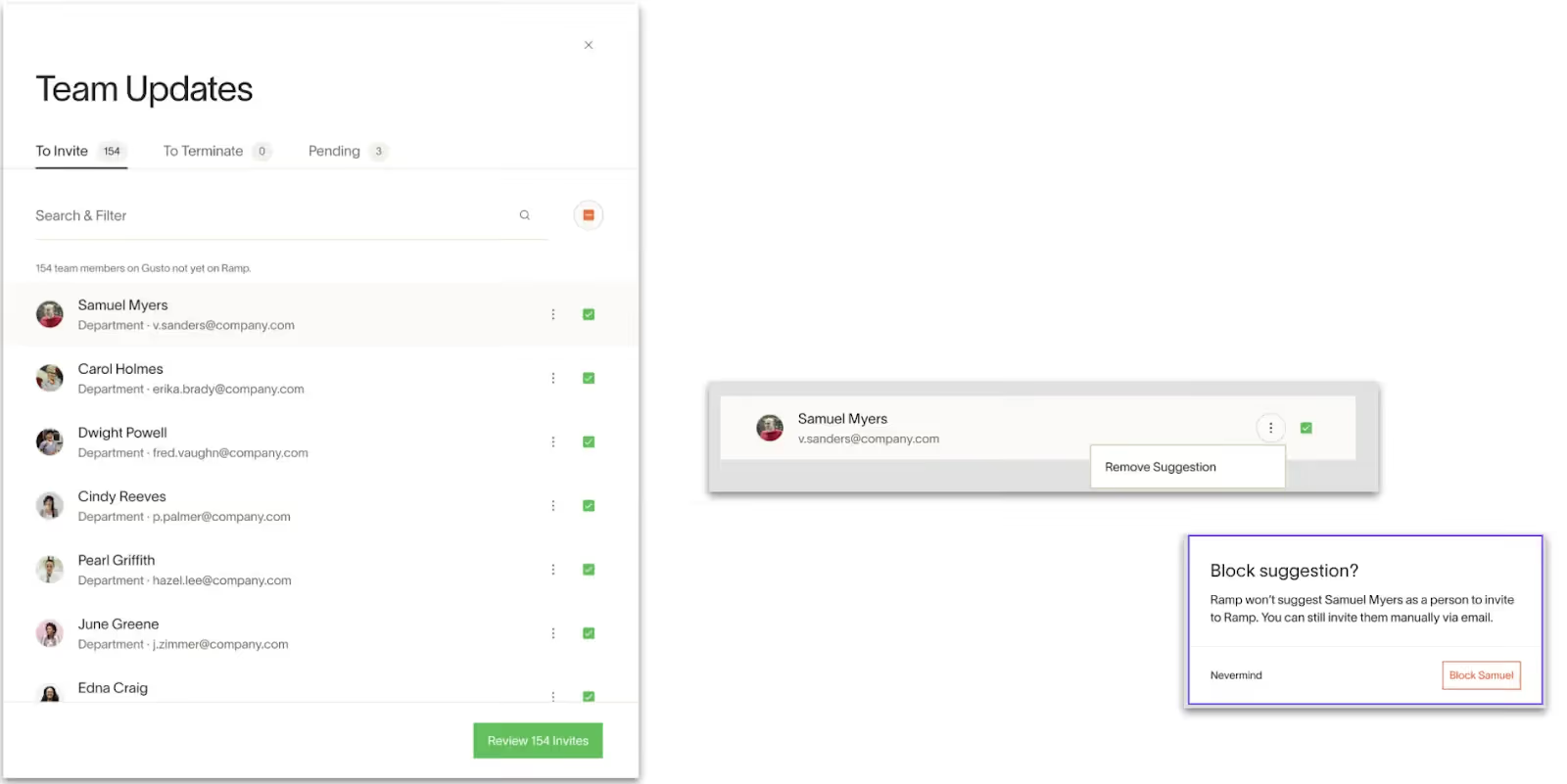
Ramp, a leading financial operations platform, offers HRIS integrations to help customers add users to and remove them from the platform more easily.
More specifically, once a user is added in the integrated HRIS, a Ramp admin can invite them to the platform with a few clicks. That user would eventually be auto-provisioned corporate cards based on their data in Ramp and the rules their employer sets.
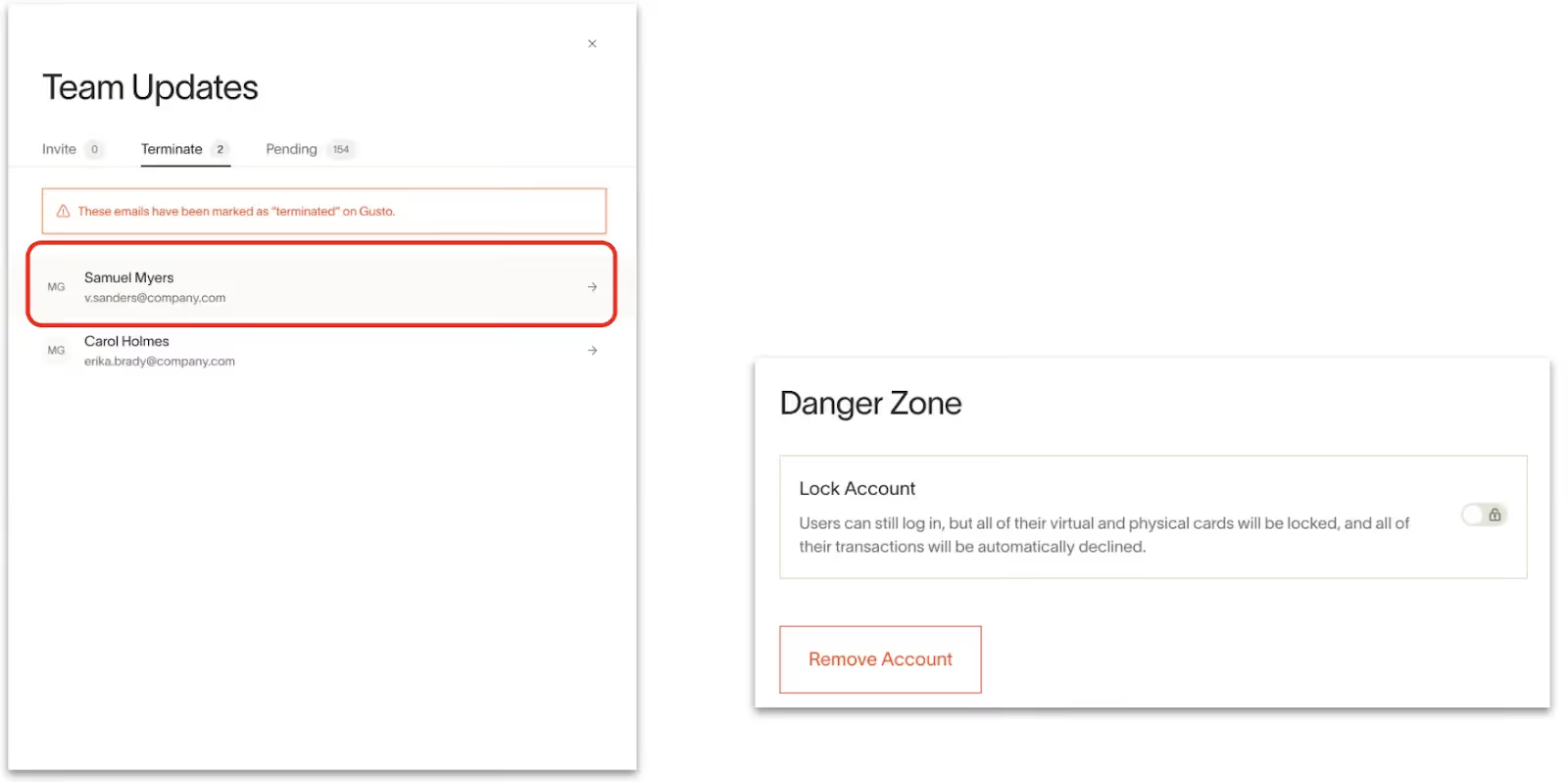
Conversely, if a user is removed or marked as terminated in the connected HRIS, the Ramp admin will get notified and can deactivate that employee’s account—including their corporate cards—with a few clicks.
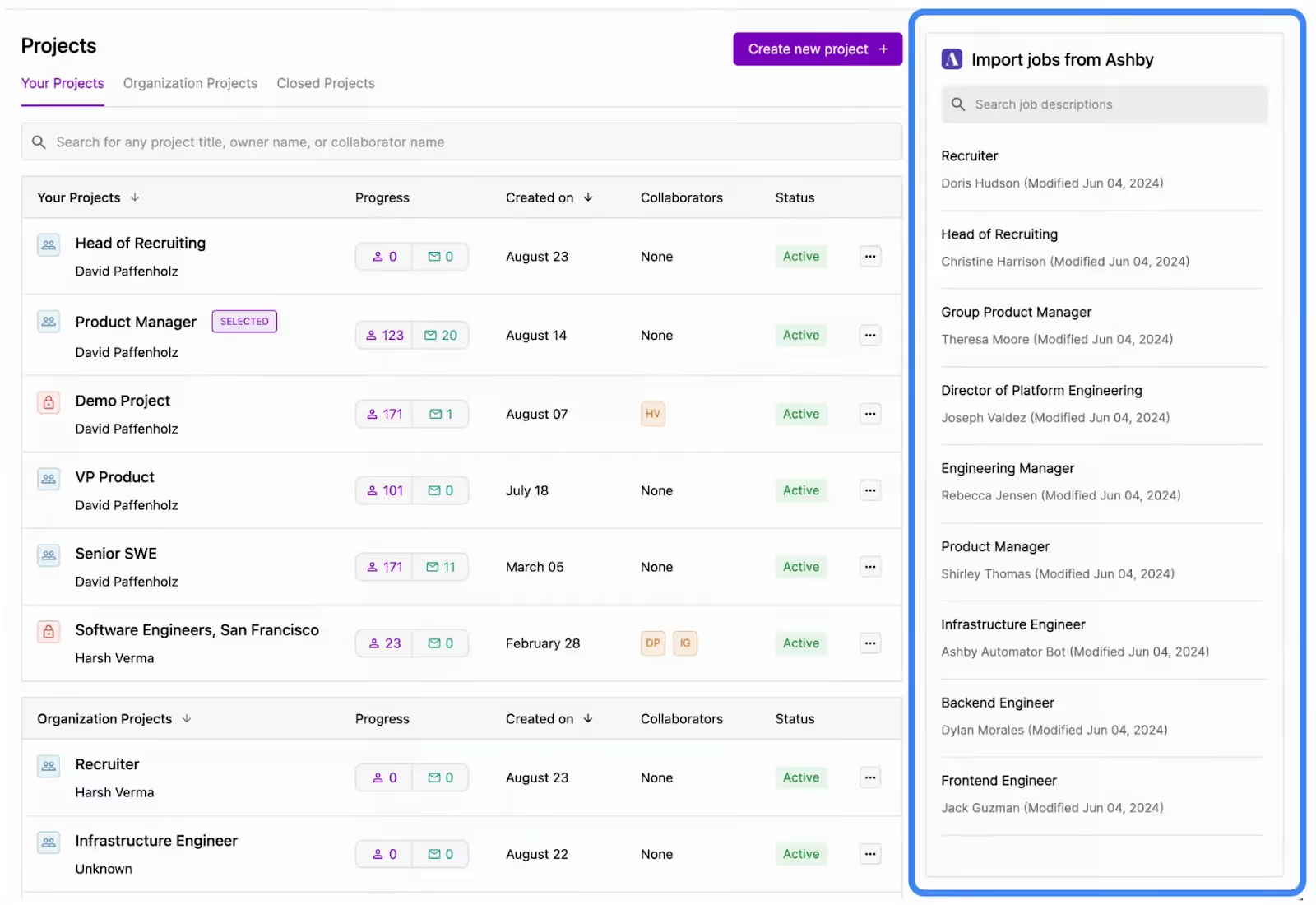
Juicebox, which offers an AI-powered solution for sourcing and recruiting talent, uses ATS integrations to surface open roles within their UI. Juicebox users can even click on one of the listed roles to automatically start generating candidates.
Once a user starts to nurture candidates in Juicebox, they can also add them to the integrated ATS in a matter of clicks.
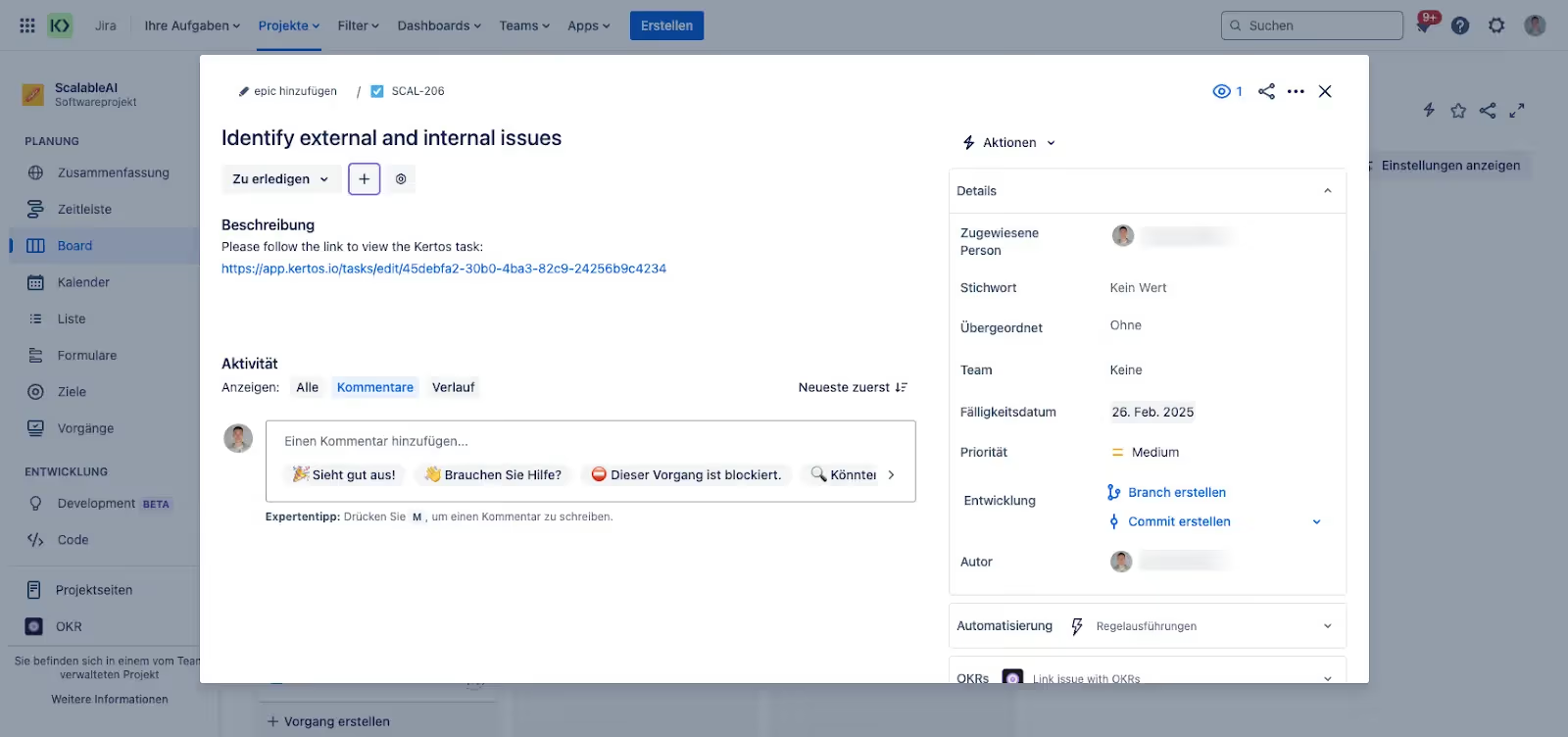
Kertos, a compliance automation platform, offers ticketing integrations to help customers identify and work on tasks that would them comply with critical security frameworks, like GDPR.
For example, once a task is created in Kertos, it’s automatically created in the customer’s integrated ticketing solution with all of the pertinent details (name of the ticket, a description, the assignees, the due date, etc.). The tickets also get synced bidirectionally. That way, as customers work on the ticket in the ticketing system, the task gets updated accordingly in Kertos.
Related: The top SaaS integration platforms
Using SaaS APIs, clearly, offers several benefits. These also vary depending on whether you’re implementing internal or customer-facing integrations.
Here are just some of the benefits:
This lets you meet all of your customers’ integration needs quickly and it enables your sellers to close more deals—as integrations are no longer a blocker.
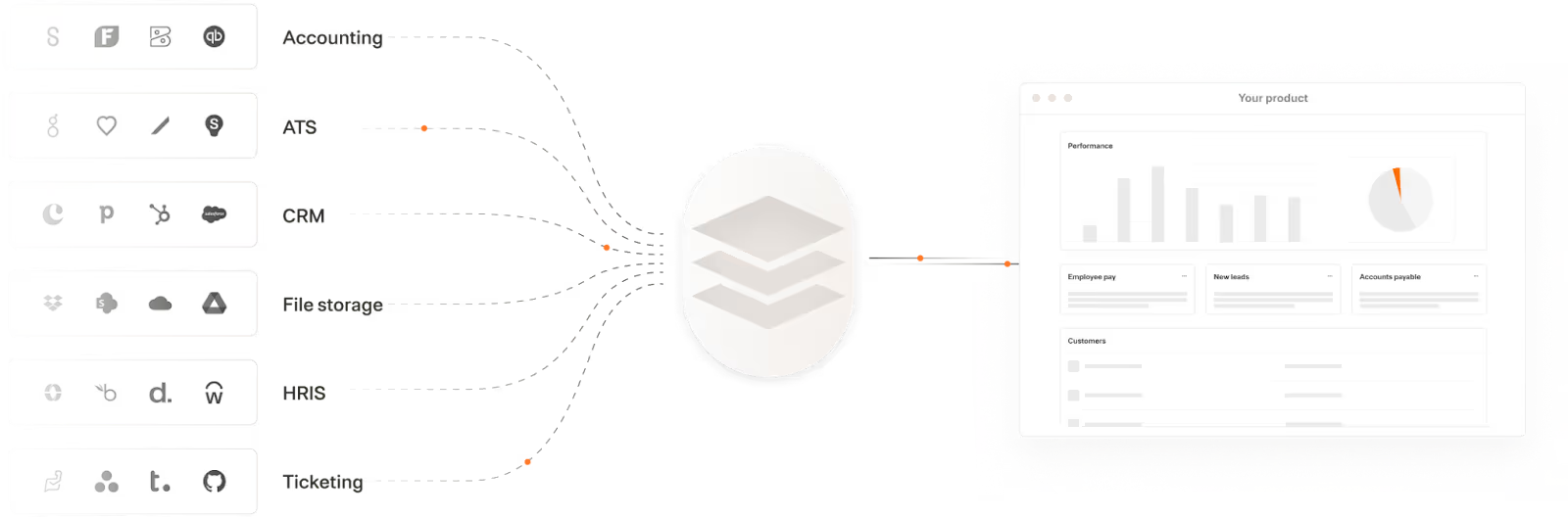
In addition, with Merge, the leading unified API solution, you can:
Learn more about Merge by scheduling a demo with one of our integration experts.
.avif)
.jpg)
.avif)


.avif)
.png)



