

Microsoft Edge
Your AI browser
Meet Copilot Mode
Copilot Mode is our next step towards building a more powerful way to pilot the web.

Built to start and stay fast
Stay focused and in control with Microsoft Edge, the only browser optimized for superior performance on Windows.

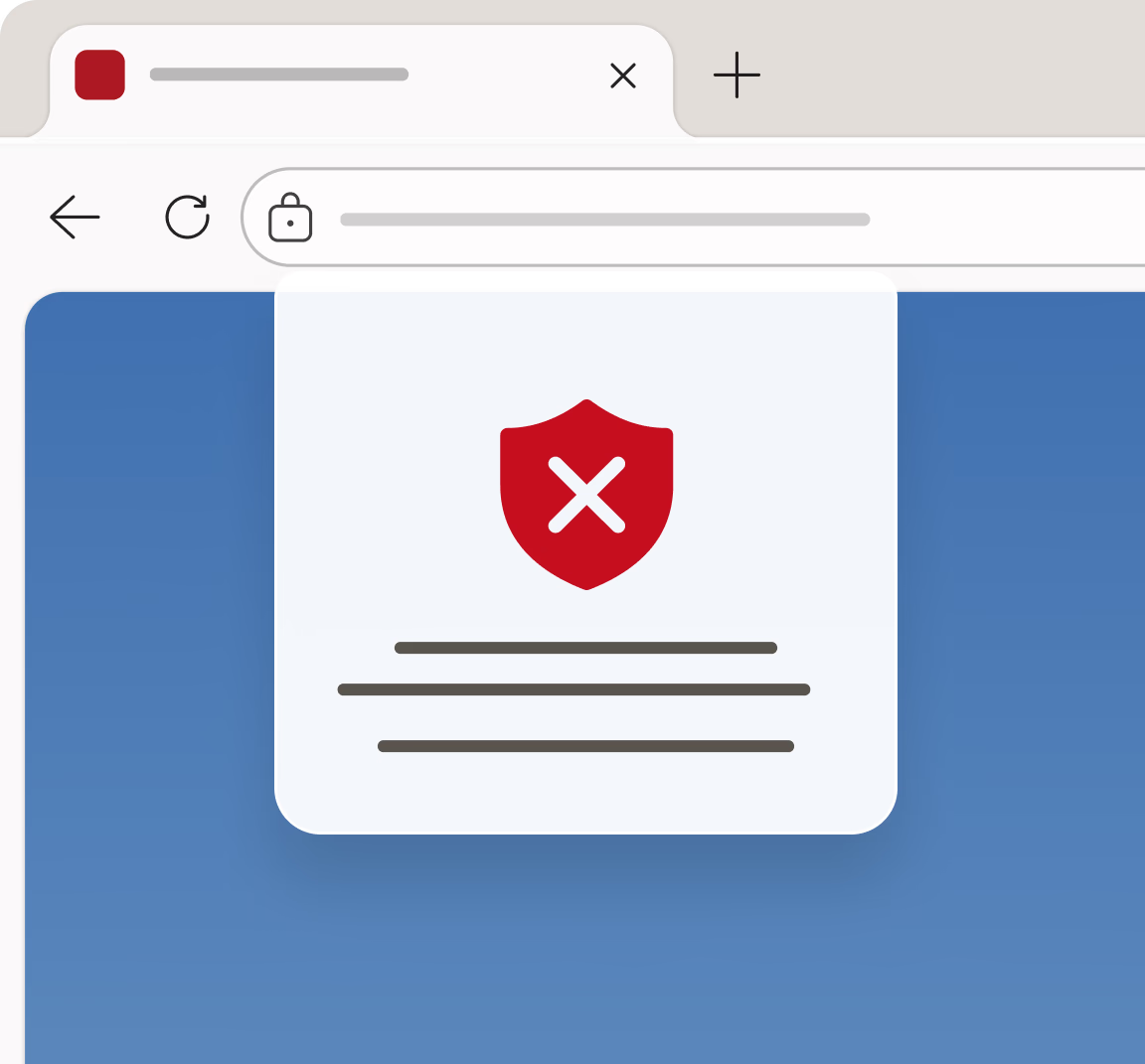
Stay safer online
Browse with confidence on Microsoft Edge, designed with built-in security features and advanced controls to help protect your data from online threats.

Copilot is your AI companion built right into your browser, ready to help. Ask Copilot anything and get quick, relevant answers without ever leaving the page.
Say Hello to Copilot Mode
Copilot Mode turns your Edge browser into an intelligent web companion. Just ask Copilot to find that website from last week, summarize information on multiple tabs, or even finish online tasks for you. Plus, you always stay in control—enable select features or turn Copilot Mode on and off whenever you like.
A new way to browse with Copilot Vision
With Copilot Vision, Copilot can see your screen and instantly scan, analyze, and offer suggestions based on your screen.
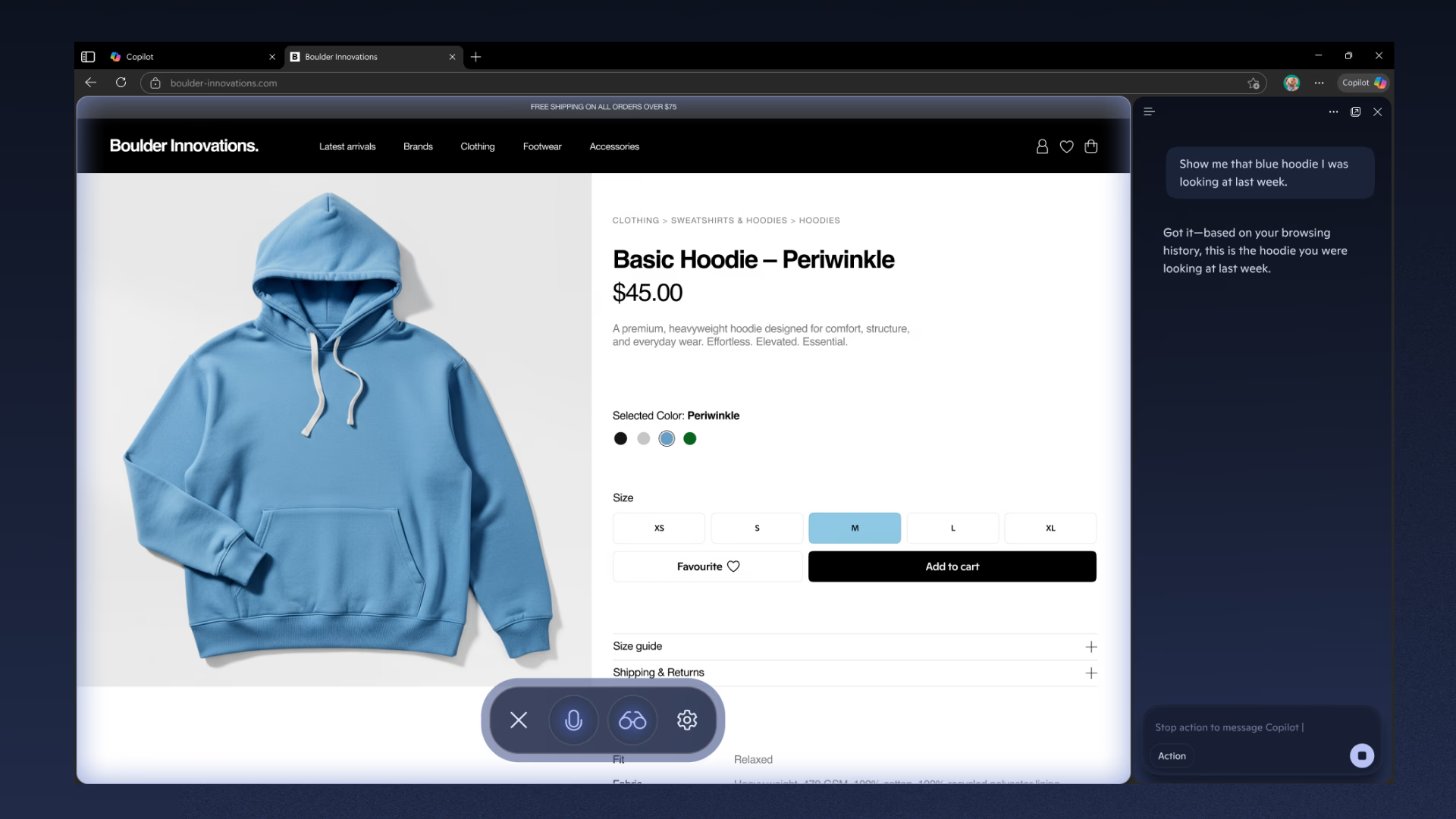
Start your shopping with Copilot in Edge
Shop smarter with Copilot in Edge, your personal, AI-powered shopping assistant built right in your browser, so you can save time and money and shop confidently. And now, Copilot Mode can notify you if a better deal is available elsewhere and if there are cashback deals.
Explore even more
AI innovations in Microsoft Edge
Find, create, and accomplish beyond what you ever thought possible with an AI browser.


Built on the browser that puts you first
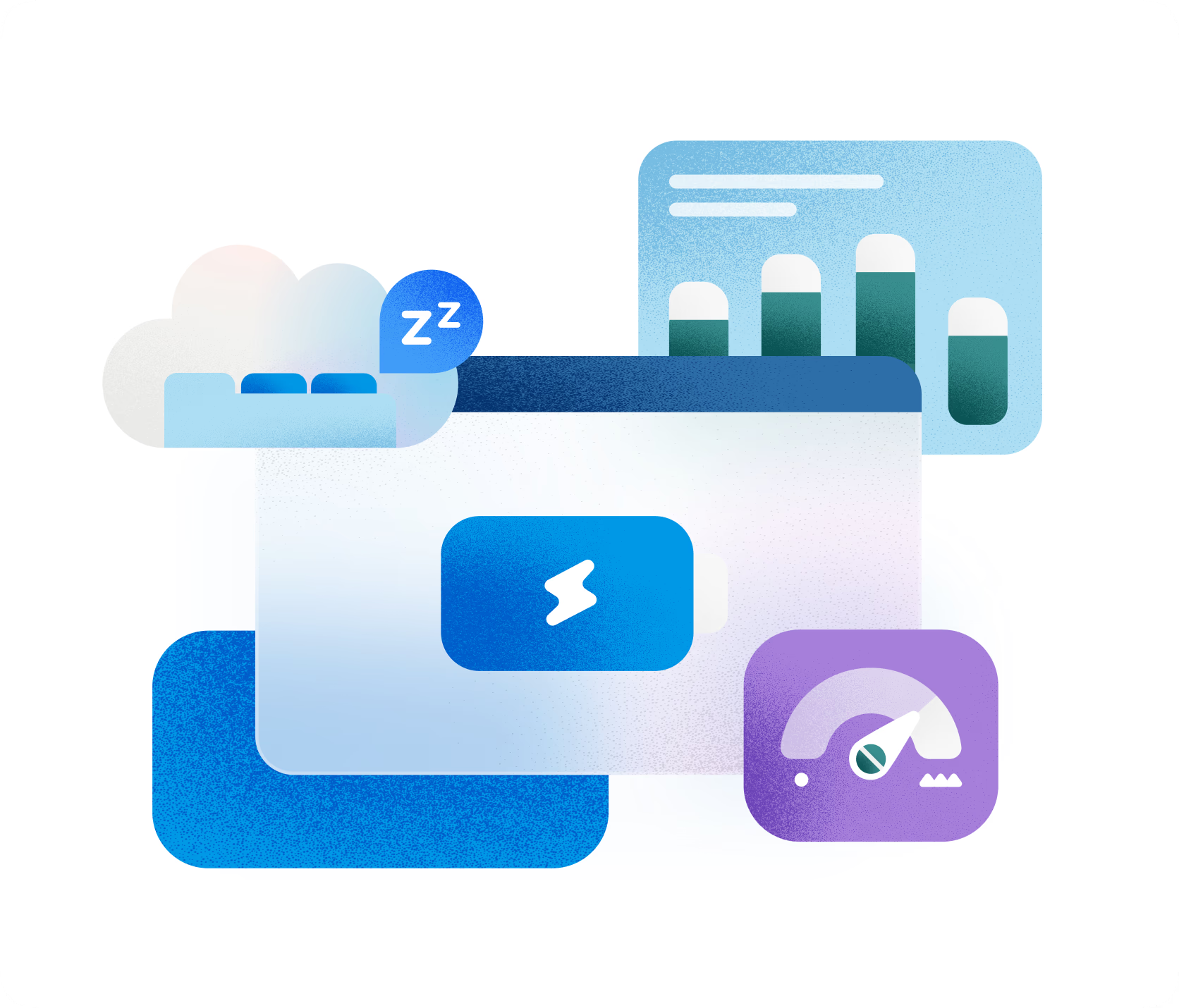
Achieve more performance
Stay focused with Microsoft Edge, built with Copilot, browser actions, tab organization, and advanced performance features to help you do more with every minute you spend online.
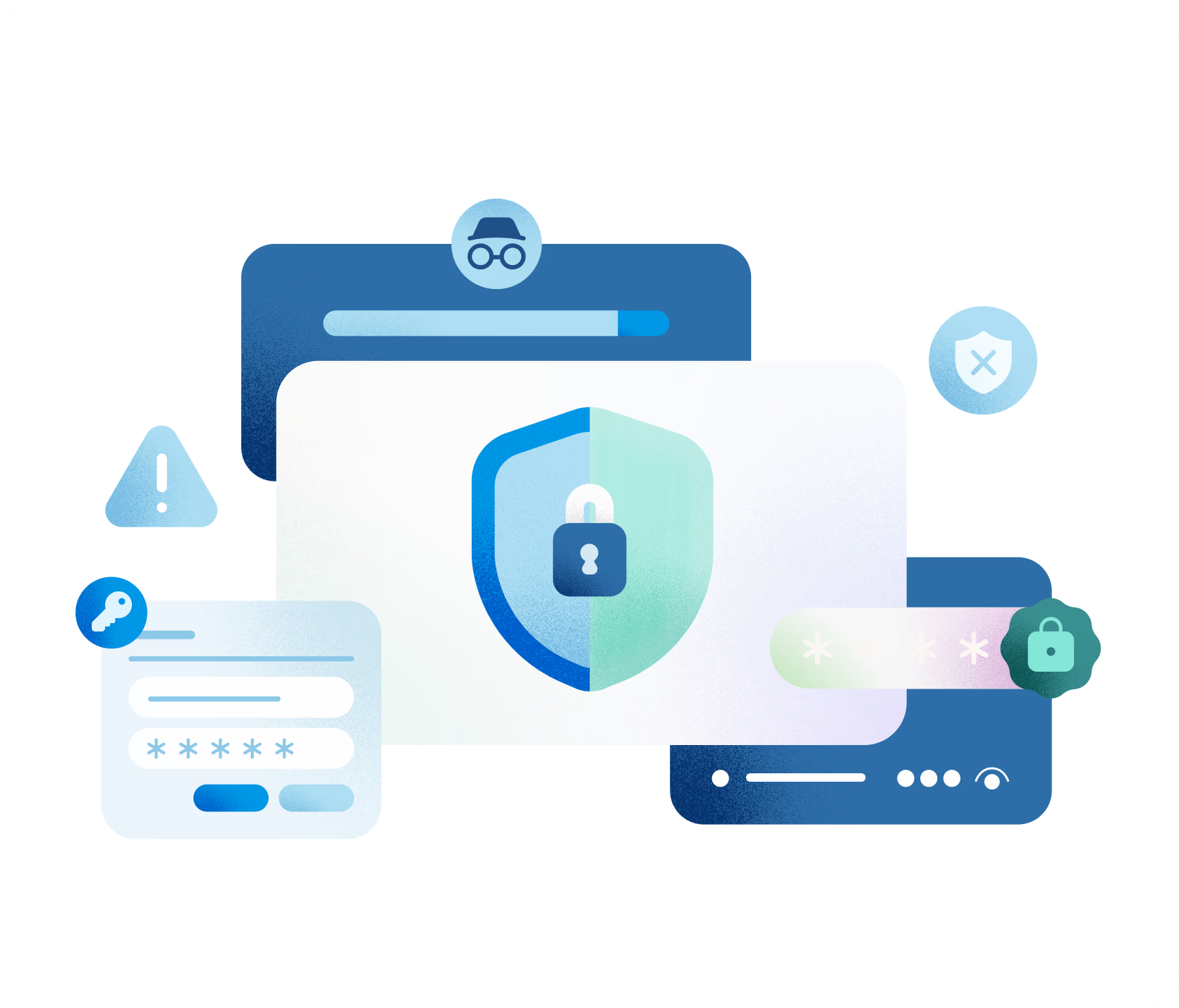
Stay safer online
When it comes to online safety, Microsoft Edge has your back. Equipped with built-in enhanced security features and advanced security controls, Edge makes it easier to defend yourself against online threats.
Microsoft Edge helps you stay protected while you browse by blocking phishing and malware attacks.
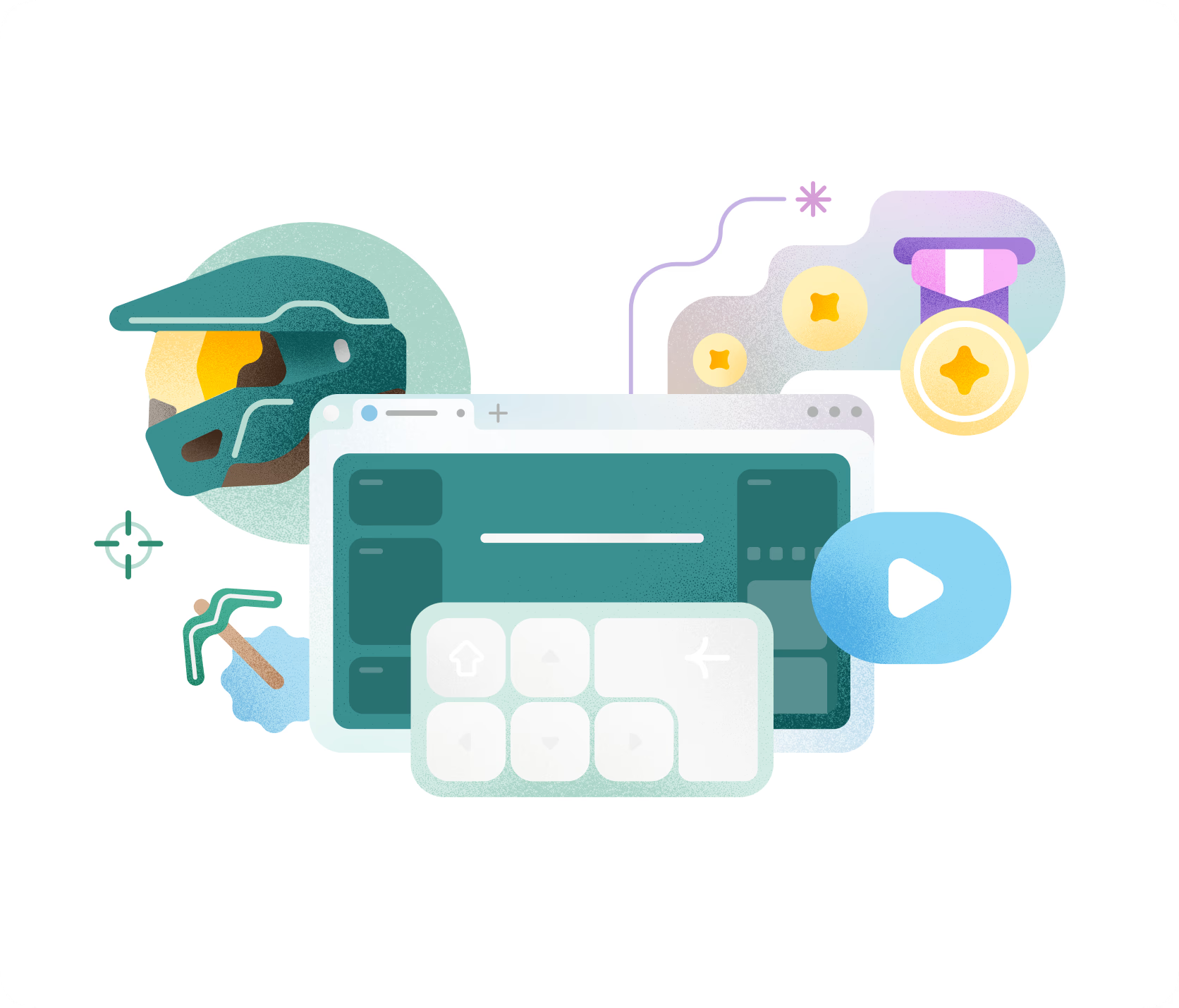
Use the in-game browser built for gaming
Use the in-game browser built for gaming
Access guides, gaming tips, your favorite sites and more without leaving your game with Microsoft Edge Game Assist, the first in-game browser built specifically for PC gaming.
Do more with Edge
What's new in Edge
Edge introduces new features every month. Check out the latest features here.

AI browsing on the go
Edge with Copilot built in helps you browse, search, and stay productive on any device.
Unlock more in your browsing experience
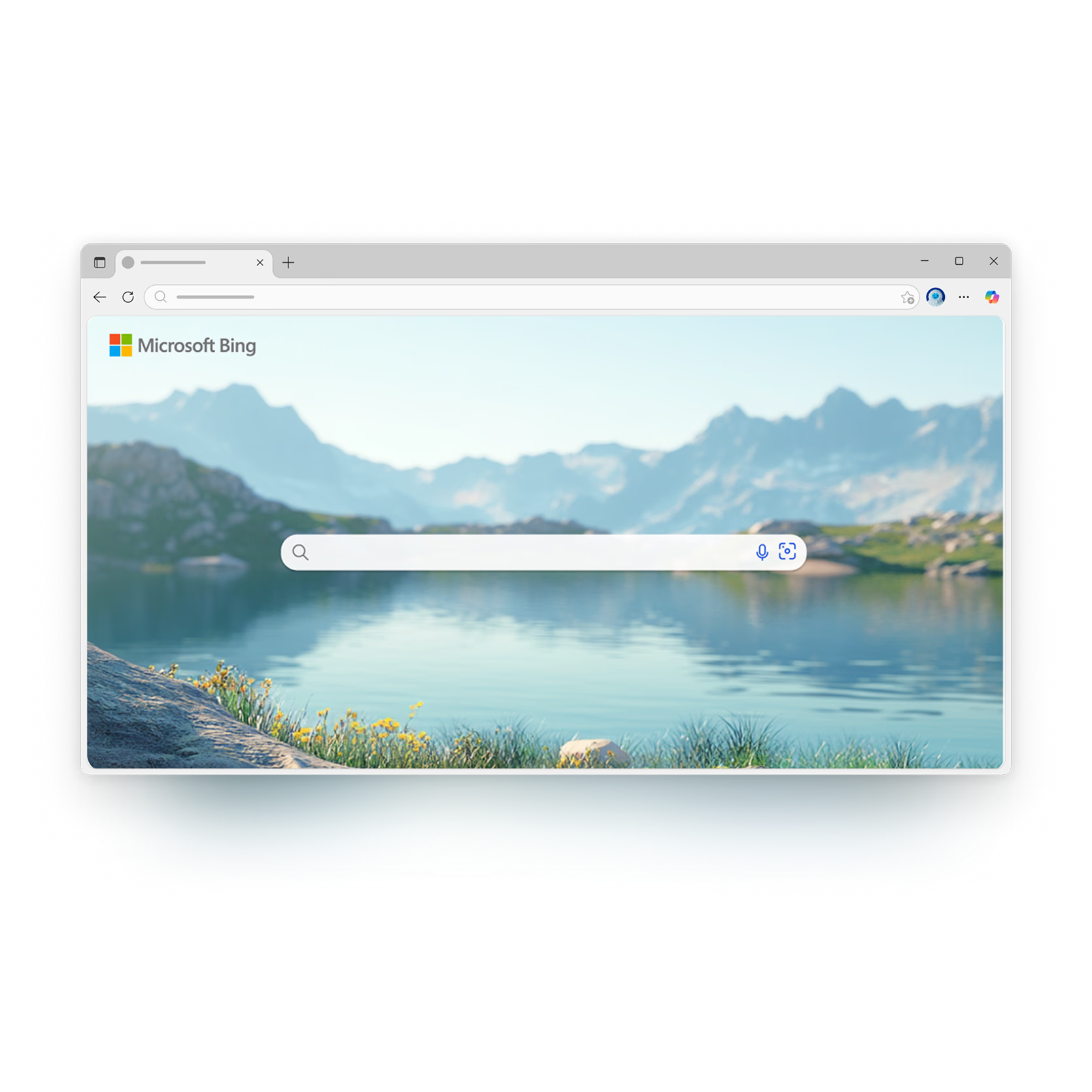
Bing
Edge is designed to enhance your Bing search experience, providing faster, smarter, and more tailored results. Experience seamless integration between Bing and Edge.
Rewards
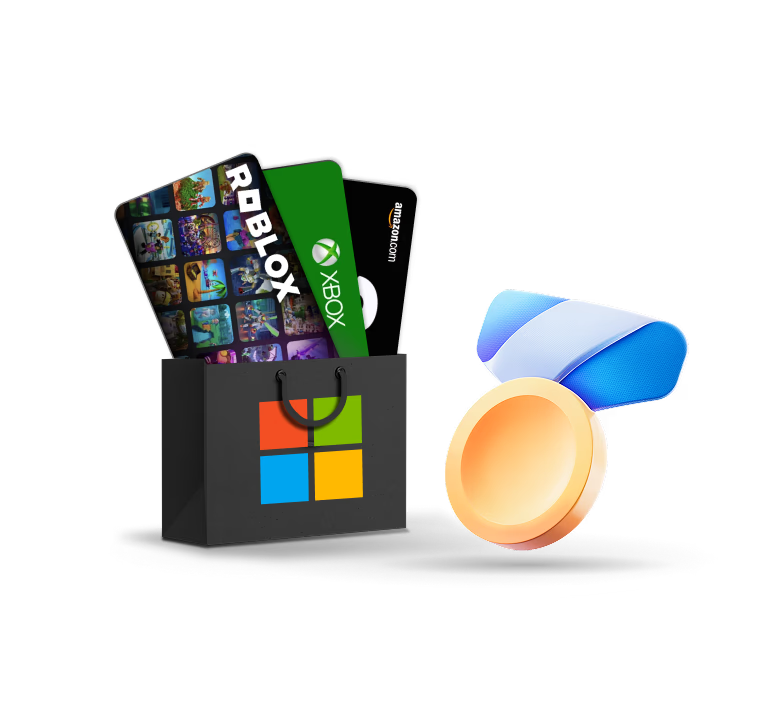
As a Microsoft Rewards member, it’s easy to get rewarded for doing what you already do. Earn Rewards points fast when you search with Bing in Edge. Then, redeem your points for gift cards, donations, and more.
Microsoft 365
Enjoy access to free Microsoft 365 web apps like Word, Excel, and PowerPoint–side-by-side with your Microsoft Edge web content–in just a click. Internet access required, fees may apply.

Browse with Edge across all your devices
Easily sync your passwords, favorites, and settings across all your devices—Windows, macOS, iOS, or Android.
- * Feature availability and functionality may vary by device type, market, and browser version.
- * The content on this page may have been translated using AI.