|
VOOZH | about |
|
VOOZH | about |
dotnet add package IronPdf.MacOs --version 2025.8.8
NuGet\Install-Package IronPdf.MacOs -Version 2025.8.8
<PackageReference Include="IronPdf.MacOs" Version="2025.8.8" />
<PackageVersion Include="IronPdf.MacOs" Version="2025.8.8" />Directory.Packages.props
<PackageReference Include="IronPdf.MacOs" />Project file
paket add IronPdf.MacOs --version 2025.8.8
#r "nuget: IronPdf.MacOs, 2025.8.8"
#:package IronPdf.MacOs@2025.8.8
#addin nuget:?package=IronPdf.MacOs&version=2025.8.8Install as a Cake Addin
#tool nuget:?package=IronPdf.MacOs&version=2025.8.8Install as a Cake Tool
👁 Nuget
👁 Installs
👁 Passed
👁 windows
👁 macOS
👁 linux
👁 docker
👁 aws
👁 microsoftazure
👁 livechat
👁 IronPDF NuGet Trial Banner Image
Get Started | Features | How-Tos | Code Examples | Licensing | Free Trial
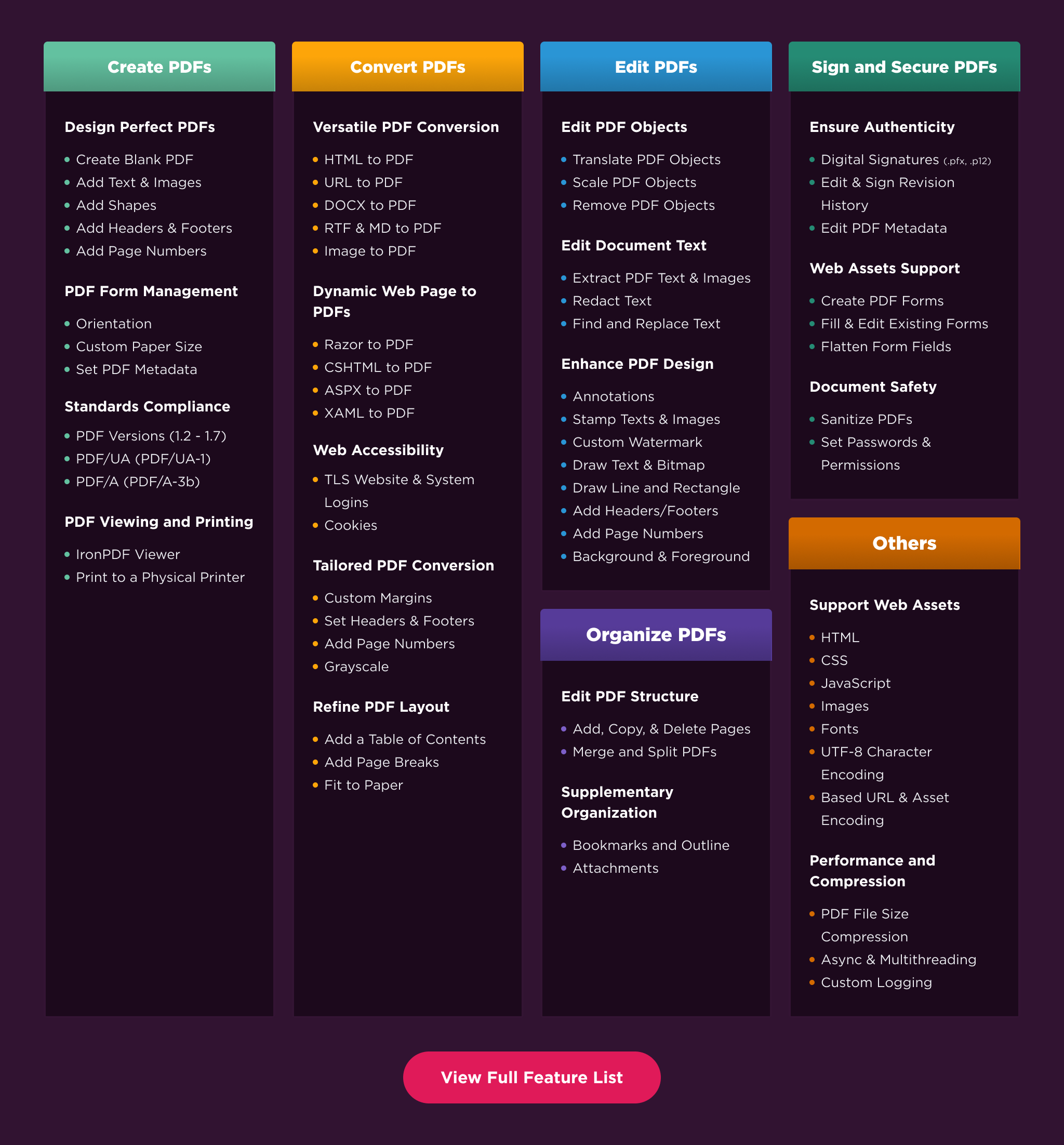
IronPDF is a library developed and maintained by Iron Software that helps C# Software Engineers to create, edit and extract PDF content in projects in .NET.
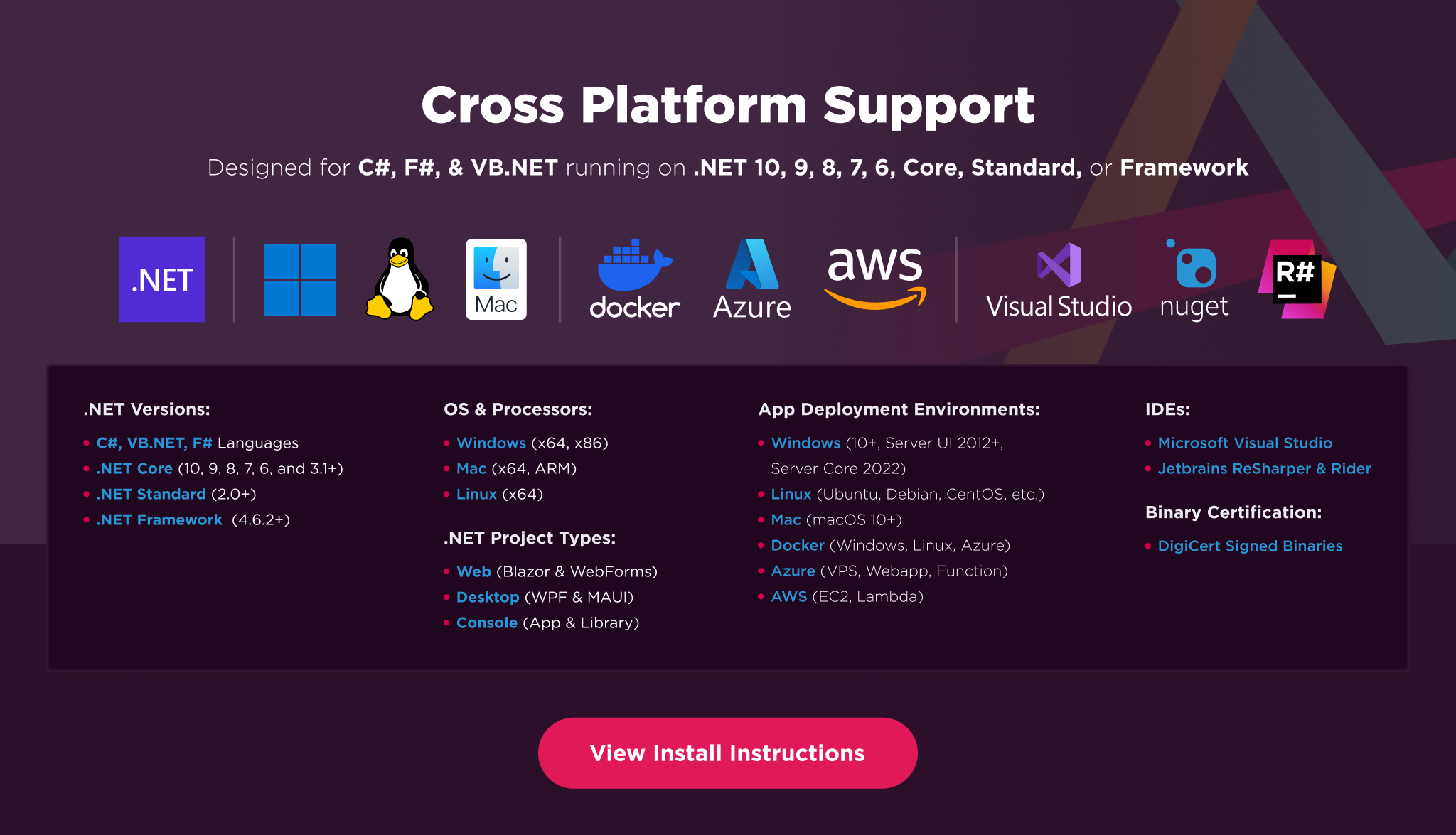
👁 IronPDF Cross Platform Compatibility Support Image
Additionally, our API reference and full licensing information can easily be found on our website.
Installing the IronPDF NuGet package is quick and easy, please install the package like this:
PM> Install-Package IronPdf
Once installed, you can get started by adding using IronPdf to the top of your C# code. Here is a sample HTML to PDF example to get started:
// HTML to PDF
using IronPdf;

var renderer = new ChromePdfRenderer(); // Instantiates Chrome Renderer
var pdf = renderer.RenderHtmlAsPdf(" <h1> ~Hello World~ </h1> Made with IronPDF!");
pdf.SaveAs("html_saved.pdf"); // Saves our PdfDocument object as a PDF
And another option is to create from URL to PDF:
// URL to PDF
using IronPdf;

var renderer = new ChromePdfRenderer(); // Instantiates Chrome Renderer

// To include elements that are usually removed to save ink during printing we choose screen
renderer.RenderingOptions.CssMediaType = IronPdf.Rendering.PdfCssMediaType.Screen;

var pdf = renderer.RenderUrlAsPdf("https://ironpdf.com/");
pdf.SaveAs("url_saved.pdf");
For our full list of code examples, tutorials, licensing information, and documentation visit: https://ironpdf.com/
For more support and inquiries, please email us at: support@ironsoftware.com
| Product | Versions Compatible and additional computed target framework versions. |
|---|---|
| .NET | net5.0 net5.0 is compatible. net5.0-windows net5.0-windows was computed. net6.0 net6.0 is compatible. net6.0-android net6.0-android was computed. net6.0-ios net6.0-ios was computed. net6.0-maccatalyst net6.0-maccatalyst was computed. net6.0-macos net6.0-macos was computed. net6.0-tvos net6.0-tvos was computed. net6.0-windows net6.0-windows was computed. net7.0 net7.0 was computed. net7.0-android net7.0-android was computed. net7.0-ios net7.0-ios was computed. net7.0-maccatalyst net7.0-maccatalyst was computed. net7.0-macos net7.0-macos was computed. net7.0-tvos net7.0-tvos was computed. net7.0-windows net7.0-windows was computed. net8.0 net8.0 is compatible. net8.0-android net8.0-android was computed. net8.0-browser net8.0-browser was computed. net8.0-ios net8.0-ios was computed. net8.0-maccatalyst net8.0-maccatalyst was computed. net8.0-macos net8.0-macos was computed. net8.0-tvos net8.0-tvos was computed. net8.0-windows net8.0-windows was computed. net9.0 net9.0 was computed. net9.0-android net9.0-android was computed. net9.0-browser net9.0-browser was computed. net9.0-ios net9.0-ios was computed. net9.0-maccatalyst net9.0-maccatalyst was computed. net9.0-macos net9.0-macos was computed. net9.0-tvos net9.0-tvos was computed. net9.0-windows net9.0-windows was computed. net10.0 net10.0 was computed. net10.0-android net10.0-android was computed. net10.0-browser net10.0-browser was computed. net10.0-ios net10.0-ios was computed. net10.0-maccatalyst net10.0-maccatalyst was computed. net10.0-macos net10.0-macos was computed. net10.0-tvos net10.0-tvos was computed. net10.0-windows net10.0-windows was computed. |
| .NET Core | netcoreapp2.0 netcoreapp2.0 is compatible. netcoreapp2.1 netcoreapp2.1 was computed. netcoreapp2.2 netcoreapp2.2 was computed. netcoreapp3.0 netcoreapp3.0 was computed. netcoreapp3.1 netcoreapp3.1 was computed. |
| .NET Standard | netstandard2.0 netstandard2.0 is compatible. netstandard2.1 netstandard2.1 was computed. |
| .NET Framework | net461 net461 was computed. net462 net462 was computed. net463 net463 was computed. net47 net47 was computed. net471 net471 was computed. net472 net472 was computed. net48 net48 was computed. net481 net481 was computed. |
| MonoAndroid | monoandroid monoandroid was computed. |
| MonoMac | monomac monomac was computed. |
| MonoTouch | monotouch monotouch was computed. |
| Tizen | tizen40 tizen40 was computed. tizen60 tizen60 was computed. |
| Xamarin.iOS | xamarinios xamarinios was computed. |
| Xamarin.Mac | xamarinmac xamarinmac was computed. |
| Xamarin.TVOS | xamarintvos xamarintvos was computed. |
| Xamarin.WatchOS | xamarinwatchos xamarinwatchos was computed. |
This package is not used by any NuGet packages.
Showing the top 1 popular GitHub repositories that depend on IronPdf.MacOs:
| Repository | Stars |
|---|---|
|
marinasundstrom/YourBrand
Prototype enterprise system for e-commerce and consulting services
|
| Version | Downloads | Last Updated |
|---|---|---|
| 2026.7.2 | 51 | 6/26/2026 |
| 2026.6.1 | 691 | 5/26/2026 |
| 2026.5.2 | 632 | 4/29/2026 |
| 2026.4.1 | 1,654 | 3/27/2026 |
| 2026.3.1 | 2,053 | 2/26/2026 |
| 2026.2.1 | 2,160 | 2/17/2026 |
| 2026.1.3 | 2,475 | 2/9/2026 |
| 2025.12.2 | 6,558 | 12/26/2025 |
| 2025.11.12 | 5,916 | 11/10/2025 |
| 2025.10.8 | 6,570 | 10/8/2025 |
| 2025.9.4 | 6,090 | 9/2/2025 |
| 2025.8.8 | 5,617 | 8/13/2025 |
| 2025.7.17 | 8,584 | 7/22/2025 |
| 2025.6.8 | 5,981 | 6/17/2025 |
| 2025.5.6 | 5,966 | 5/13/2025 |
| 2025.4.4 | 6,010 | 4/8/2025 |
| 2025.3.6 | 6,401 | 3/5/2025 |
| 2025.2.8 | 6,145 | 2/3/2025 |
Features
- Added a new VerifiedSignature.SignerName property for accessing the digital signer name.
Enhancements
- PDF with form fields is now automatically flattened when converted to images, ensuring form values appear by default.
Bug Fixes
- Fixed an issue where saving a PDF as PDF/UA after saving it as PDF/A would throw an AccessViolationException in certain cases.
- Fixed an issue where PDF/UA conversion threw an AccessViolationException when converting certain PDF pages to PDF/UA.
- Fixed an issue where long HTML header and footer content would be incorrectly clipped when the content required word-wrapping.
- Fixed an issue where emojis and special characters in PDF title metadata using numeric character references caused Exception during PDF generation.
- Fixed an issue where Chinese form field value was corrupted when rendering HTML to PDF in Linux.
- Fixed a memory leak in PDF/A conversion for certain PDF files.
- Fixed an issue where the background color would turn black when replacing or removing any PDF object.
- Fixed an issue where signing a PDF that contains an unsigned signature form field threw an exception.