
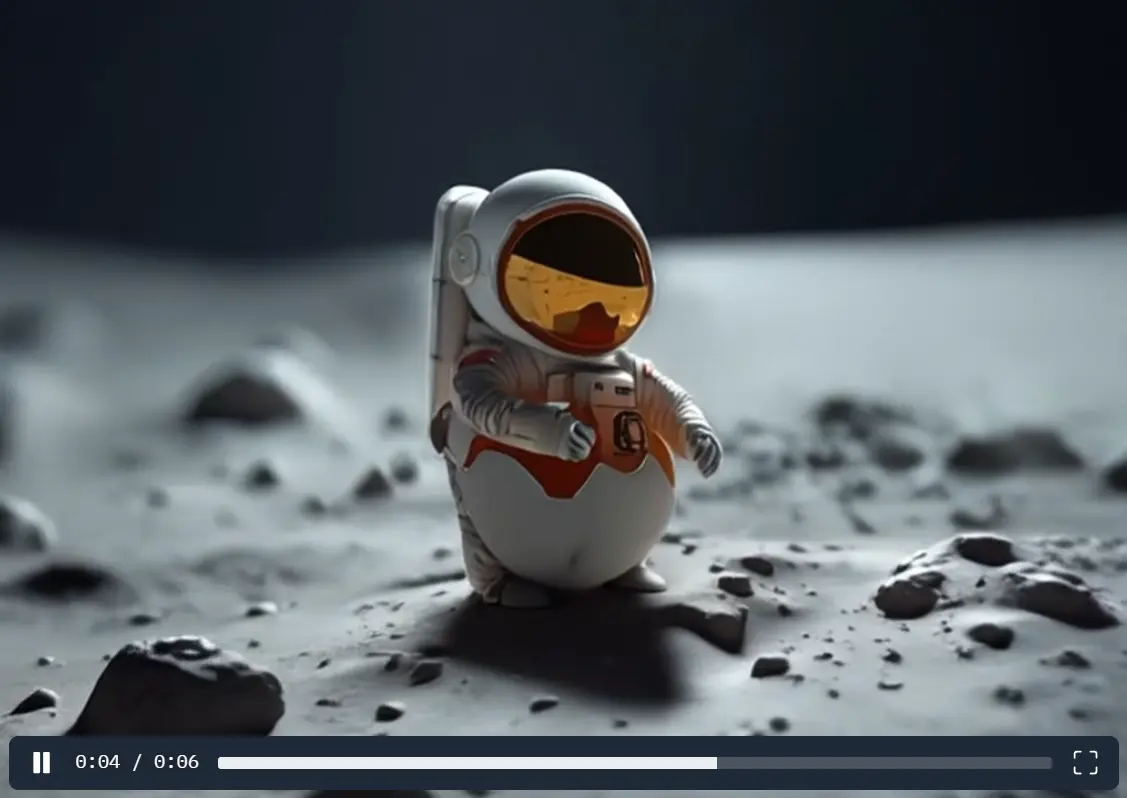
DimensionX is an AI framework that generates photorealistic 3D and 4D scenes from a single image using video diffusion.
You might often face challenges generating 3D models from limited input, leading to time-consuming manual adjustments and unsatisfactory results. DimensionX overcomes this by leveraging controllable video diffusion.
This method decouples spatial and temporal factors by learning dimension-aware LoRAs, which allows you to generate 3D and 4D representations from sequential frames by combining spatial and temporal dimensions accurately.
DimensionX Playground
Features
- Single Image to 3D/4D Scene: Transform a static image into dynamic 3D or 4D scenes.
- Controllable Video Diffusion: Manipulate spatial structure and temporal dynamics with precision.
- Dimension-Aware LoRAs: Decouples spatial and temporal factors for better control.
- Trajectory-Aware Mechanism: Enhances 3D generation accuracy by aligning with real-world trajectories.
- Identity-Preserving Denoising: Improves 4D generation by maintaining consistency across frames.
- CogVideoX Integration: Uses the open-source CogVideoX for efficient video generation.
- Hugging Face Space Access: Easily accessible through the Hugging Face platform.
- Prompt-Based Control: Specify how the video should generate with simple prompts.
- Orbit Type Customization: Choose between left or right orbit for the generated scene.
- Photorealistic Output: Achieve high-quality, realistic 3D and 4D scenes.
Use Cases
- Content Creation: Generate dynamic visuals for social media, websites, and marketing materials.
- Architectural Visualization: Create 3D models from architectural plans or photos.
- Game Development: Develop immersive environments and assets for video games.
- Educational Content: Produce engaging visual aids for learning and teaching.
- Virtual Reality (VR) Experiences: Develop 3D assets for VR applications.
Examples

How to Use It
- Go to the DimensionX Hugging Face Space.
- Upload an image or take a photo using the camera function.
- Enter a prompt to guide the video generation process.
- Select the orbit type (left or right) for the scene.
- Click “Submit” to start the transformation process and view the generated 3D video.
Pros
- Simplified 3D/4D Creation: Easily generate complex scenes from a single image.
- High-Quality Visuals: Achieve photorealistic results with advanced video diffusion.
- User-Friendly Interface: Accessible and straightforward to use on Hugging Face.
- Precise Control: Manipulate both spatial and temporal elements with dimension-aware LoRAs.
Cons
- Processing Time: Generating high-quality videos may take some time.
- Dependence on Image Quality: Output quality relies heavily on the input image.
- Learning Curve for Prompts: Users may need time to master effective prompt crafting for desired results.
Related Resources
- DimensionX Paper on arXiv: Read the research paper for technical details.
- DimensionX Checkpoint on GitHub: Download the checkpoint for local use.
FAQs
Q: What types of images work best with DimensionX?
A: High-resolution images with clear subjects and good lighting produce optimal results.
Q: How long does the conversion process take?
A: Processing time varies based on image complexity and server load.
Q: Can I control the animation speed?
A: The temporal dynamics can be influenced through prompt engineering.
Q: Does DimensionX preserve the original image quality?
A: Yes, the identity-preserving denoising strategy maintains visual fidelity.


Leave a ReplyCancel Reply