

WebcamGPT-Vision is an open-source web app that allows users to capture any real-world scene, object, or person with their webcam and generate an AI-powered description.
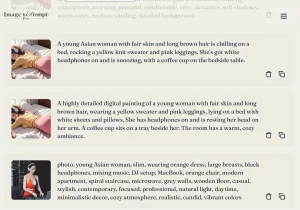
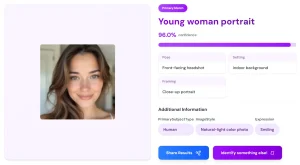
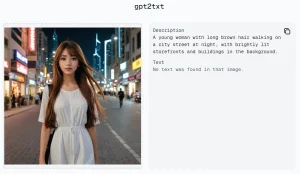
It uses GPT-4 Vision API to process images from webcams and returns detailed, multi-sentence descriptions of contents. Potential use cases include enhancing accessibility for the visually impaired, analyzing surveillance footage, automatically captioning images, and more.
How to use it:
1. Before using WebcamGPT-Vision, you’ll need:
- A modern web browser
- A webcam connected and enabled
- Backend installed (PHP, Node.js or Python)
- An API key for the GPT-4 Vision API
2. Install the WebcamGPT-Vision on your server.
3. Open the web app in your browser.
4. Click “Capture” to take a snapshot from your webcam.
5. The AI-generated description will appear below the image.
6. Try capturing various scenes and objects to see GPT-4V’s capabilities.




Leave a ReplyCancel Reply