
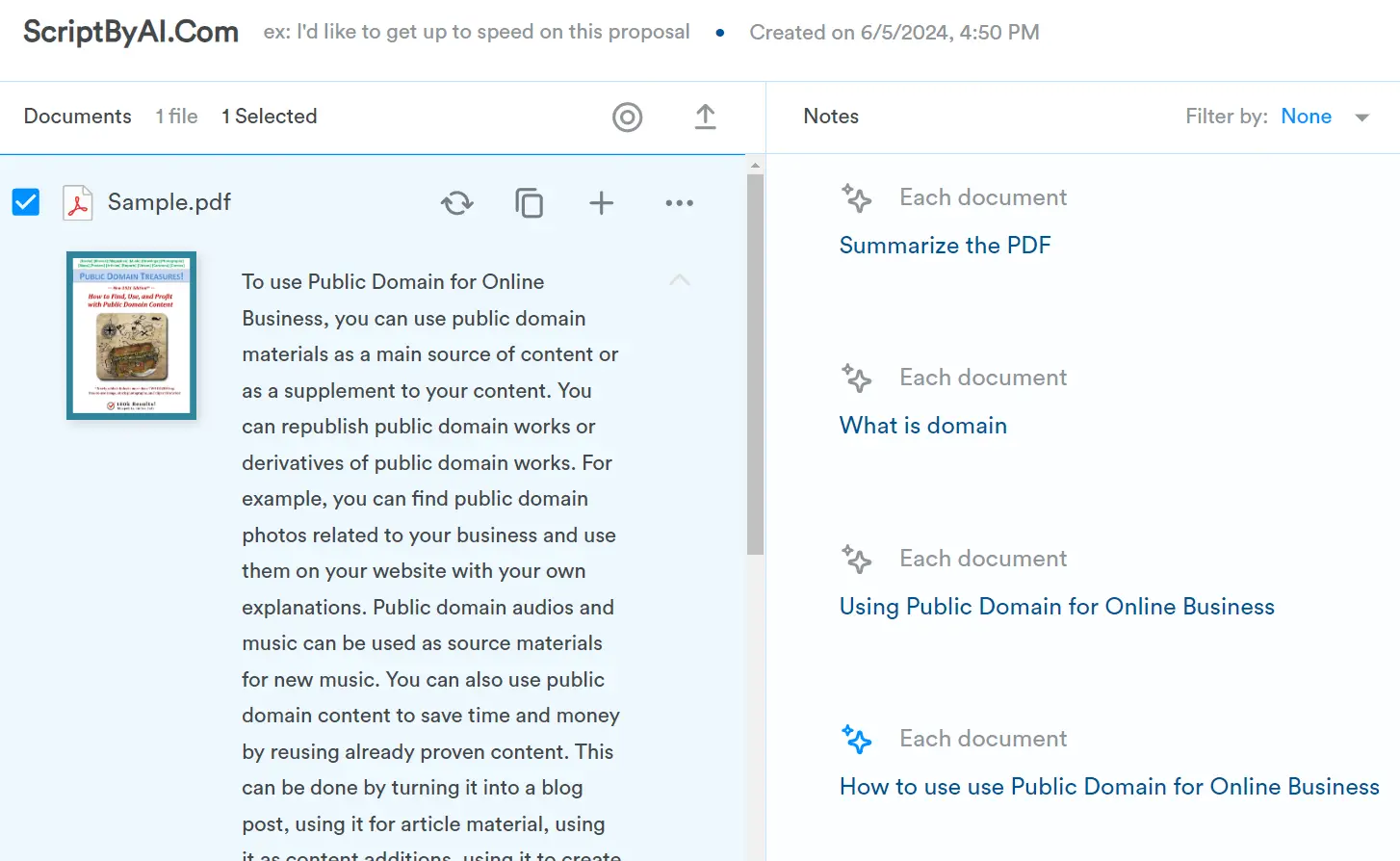
Docufai is your intelligent document assistant that instantly provides answers, summaries, and insights for any document you upload.
Key Features:
- Document Summarization: Gain immediate and comprehensive understanding of your documents with Docufai’s autogenerated summaries.
- Multilingual Access: Break down language barriers. Translate documents and understand content regardless of the source language.
- Intuitive Q&A: Have a question about a specific document or a group of files? Docufai uses AI to analyze content and provide accurate answers within seconds.
- Cloud-Based Accessibility: Access your documents and folders securely from anywhere, anytime, with Docufai’s cloud storage.
- File Processing: Docufai utilizes OCR to automatically prepare various file types for analysis, including PDFs, images, and presentations.
- Organized Workspace: Personalize your experience with Docufai’s workspace feature. It allows you to categorize your documents for easier access.
How to use it:
1. Visit the Docufai platform and sign up for a free account. You can register using your email address or Google account.
2. Verify your email to activate your account and log in.
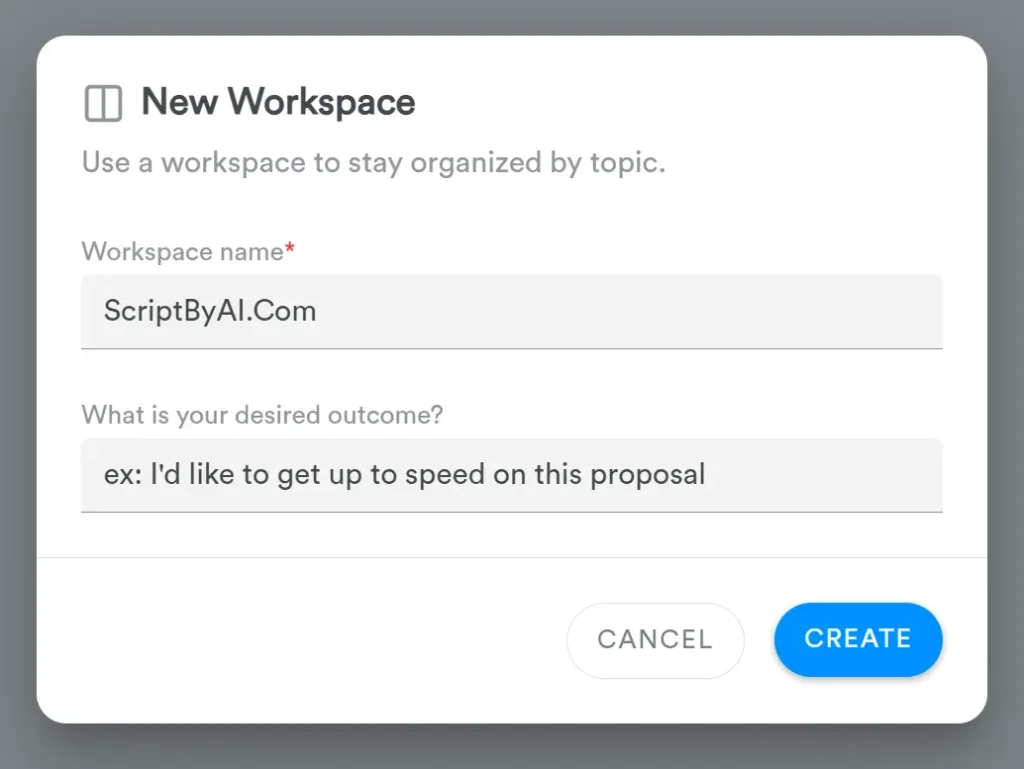
3. Create a new Workspace. This will be your dedicated space for organizing and interacting with your documents.
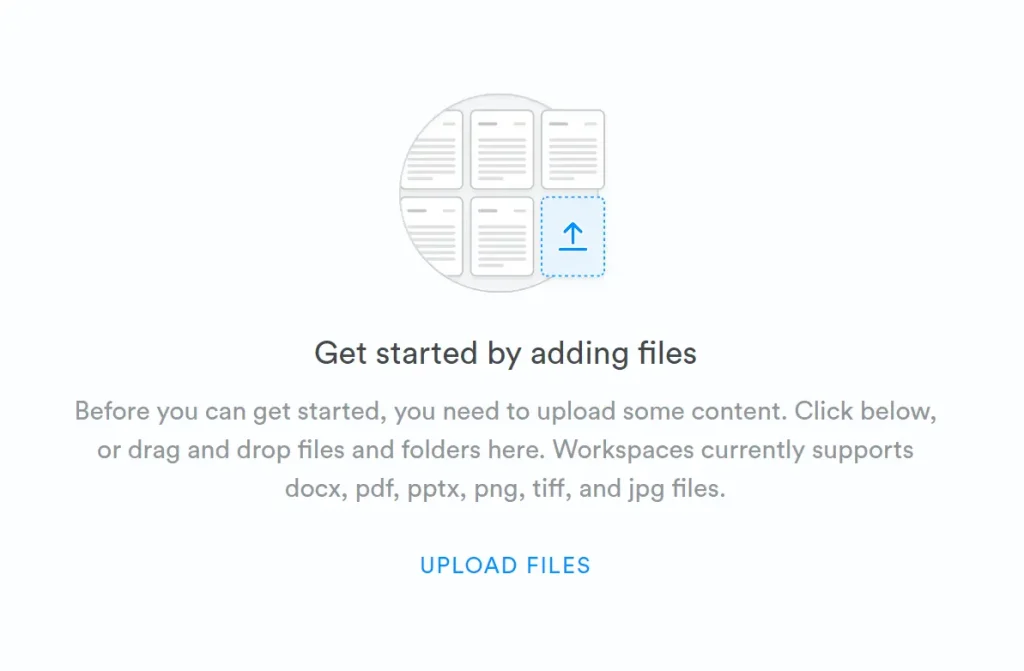
4. Before you can get started, you need to upload some content into your workspace. Click the upload area, or drag and drop files and folders. Workspaces currently support DOCX, PDF, PPTX, PNG, TIFF, and JPG files.
5. Select one or more documents to interact with them. Ask questions, and Docufai will analyze the content and provide accurate answers.
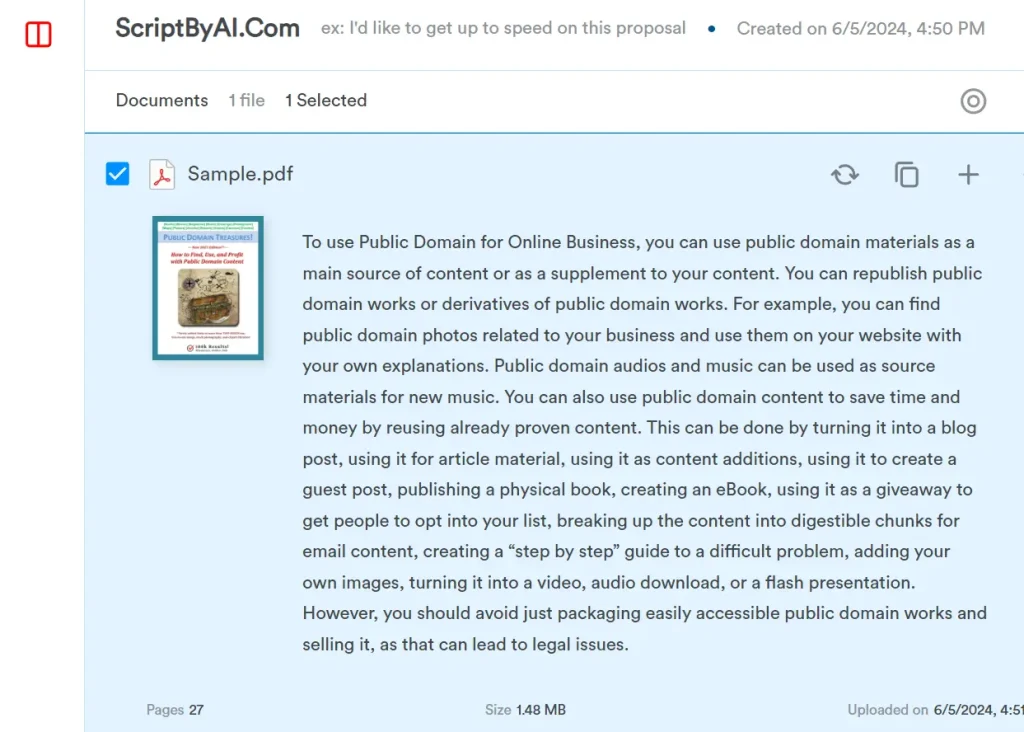
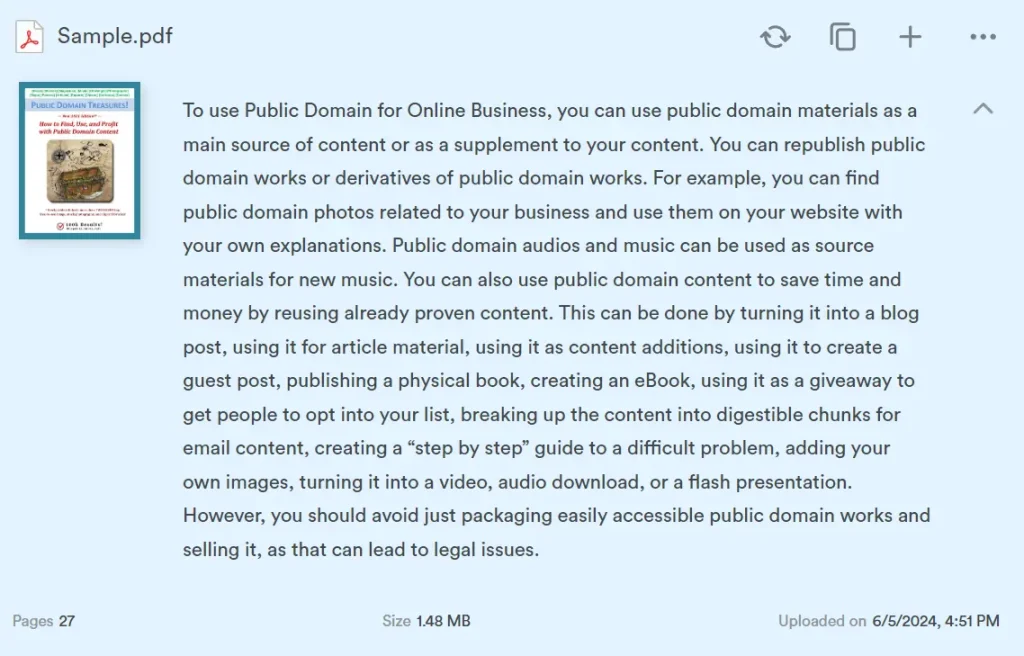
6. For instance, after uploading a PDF, I inquired about ‘How to use Public Domain for Online Business’. The AI quickly summarized the PDF’s content and provided a accurate response within seconds.
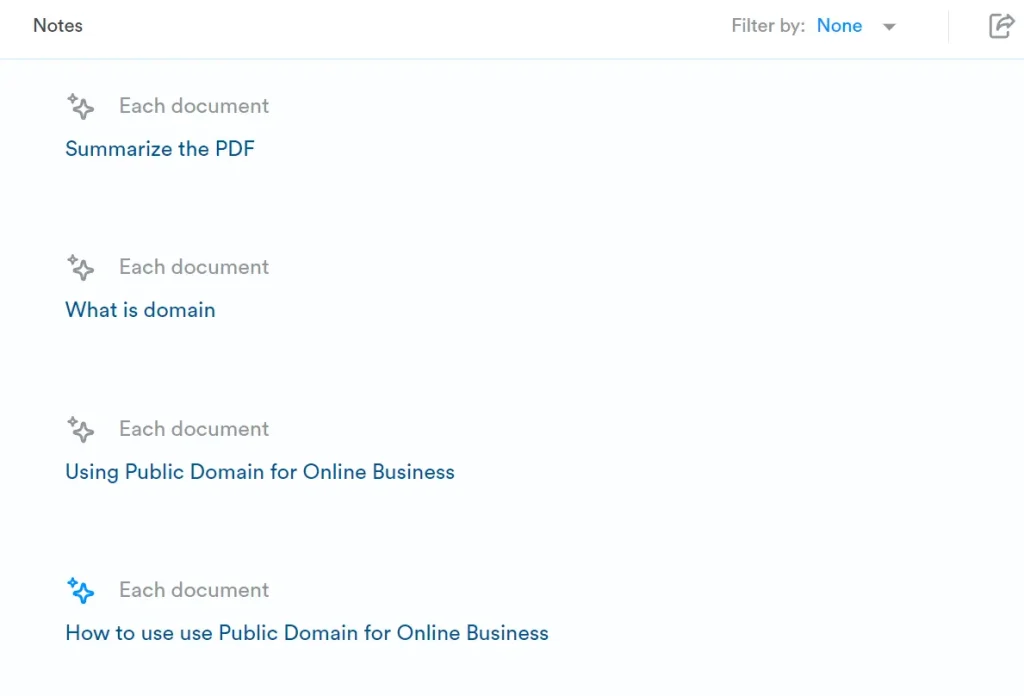
7. View your interaction history: All AI interactions with your content are automatically saved in the ‘Note’ area on the right side of the page.
8. Docufai currently offers full, unlimited functionality to free users, including:
- Upload PDF, JPEG, PNG, and TIFF
- Automatic OCR and text extraction
- Ask unlimited questions
- Create unlimited workspaces
- Enterprise-grade security
9. For enterprise users, contact the sales team to access advanced features:
- Custom data modeling
- Document sharing
- Dedicated customer success
- Access to professional services
- Early bird feature preview
- And more






Leave a ReplyCancel Reply