
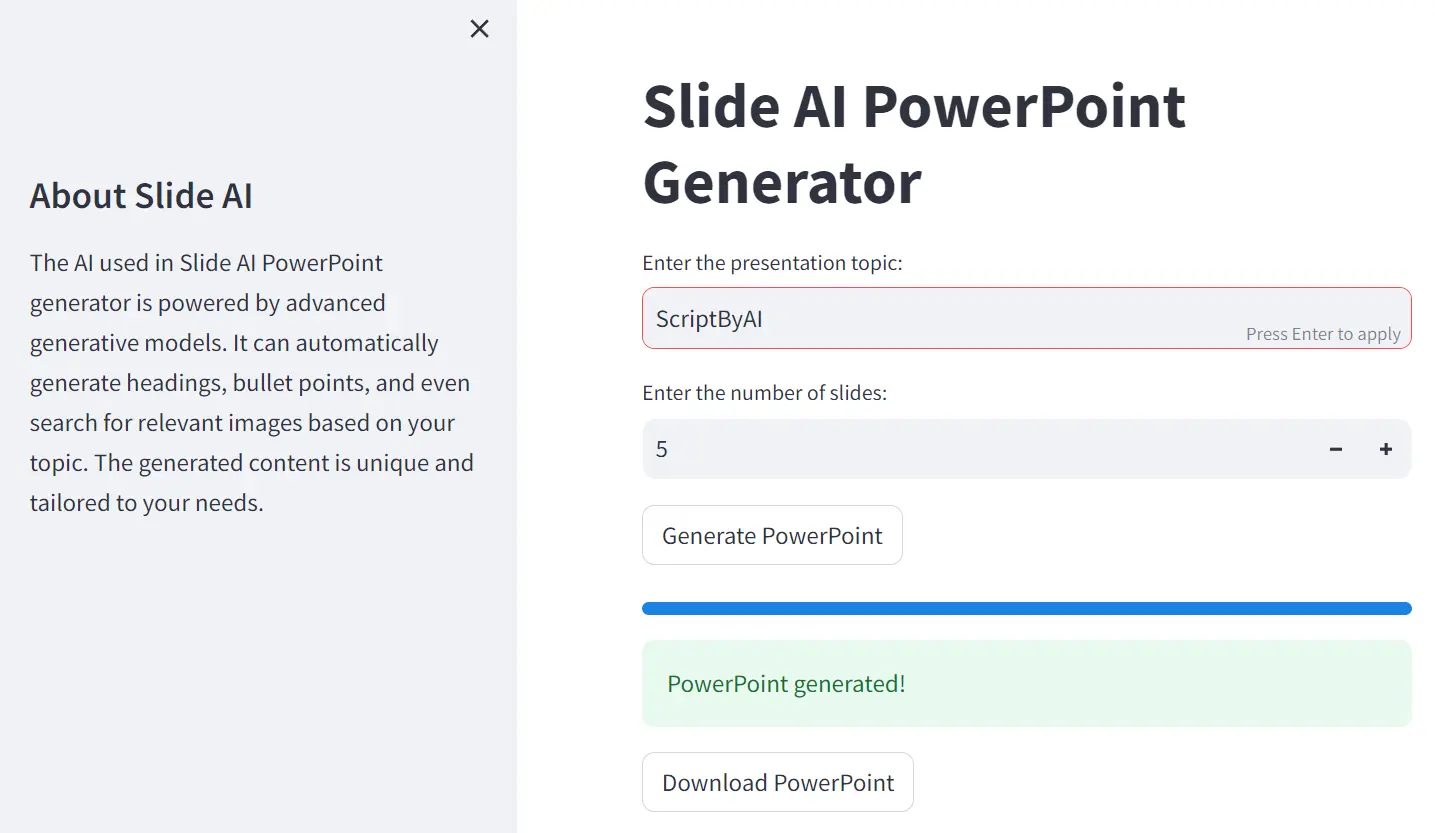
Creating a PowerPoint presentation can be a time-consuming task. Slide AI aims to change that.
This presentation generator uses advanced AI to generate presentations on any topic in just minutes, completely free of charge.
It is perfect for busy professionals, students, or anyone who needs to create a quick and informative presentation. Even if you’re a presentations pro, SlideAI can be a helpful starting point that saves you time brainstorming and structuring your content.
How to use it:
1. Visit the Slide AI website and click the ‘Try SlideAI Now!’ button.
2. Enter your presentation topic and specify the number of slides you need.
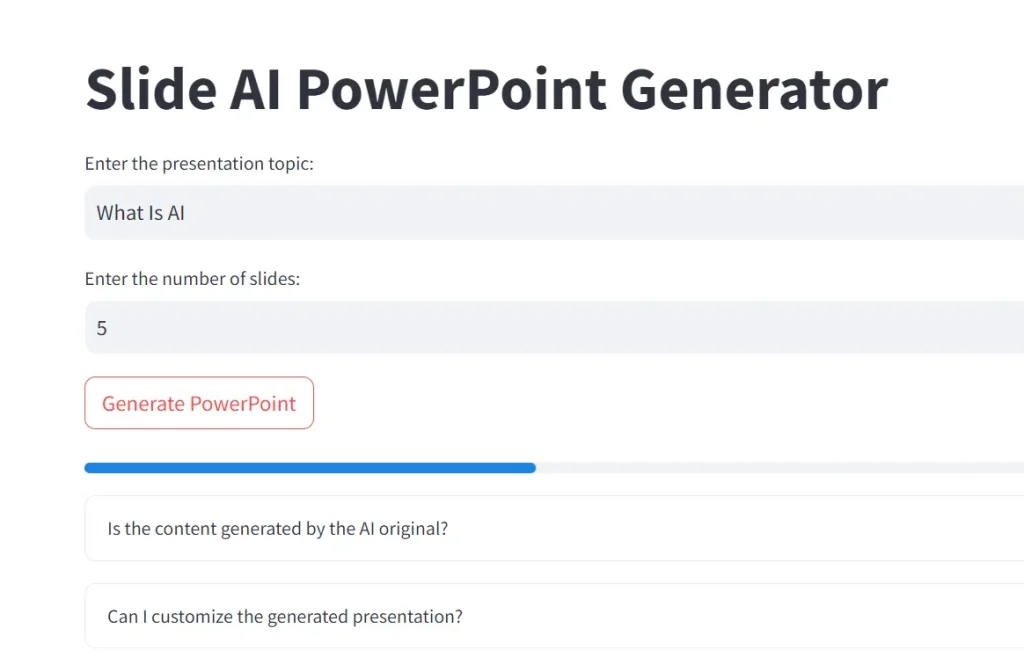
3. Click the “Generate” button your AI-generated presentation will be ready within seconds. You can then download it as a .pptx file to view, edit, and customize in PowerPoint.

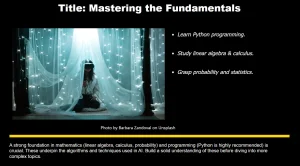
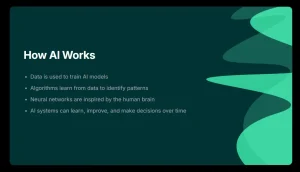
4. But don’t just take my word for it—let me show you an example of what Slide AI can do. I recently used the tool to create a presentation on the topic of “What Is AI?” The result was a comprehensive overview of artificial intelligence, covering everything from the basics of machine learning and deep learning to the real-world applications and future impact of this technology. It’s a great starting point for anyone looking to understand the fundamentals of AI.
FAQs:
Q: Can I customize the Slide AI-generated presentations?
A: The current version of Slide AI allows you to adjust the number of slides and choose the topic. The developers plan to add more customization options in the future, but for now, you can download the generated presentation and make further edits in PowerPoint.
Q: How does Slide AI ensure unique content for each presentation?**
A: Slide AI uses advanced generative models that tailor content specifically to your presentation’s topic, ensuring uniqueness and relevance.
Q: Does Slide AI include images in the presentations?
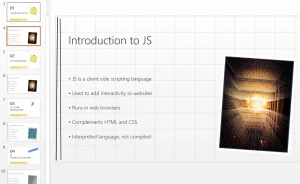
A: Yes, Slide AI automatically searches for and includes relevant images in your generated presentation.
Q: What topics can I use Slide AI for?
A: Slide AI can be used for a wide range of topics. Simply enter your topic and the AI will generate content relevant to that subject.


Leave a ReplyCancel Reply