

TTSVox is a 100% free text-to-speech (TTS) service that uses advanced AI to instantly convert your text into natural-sounding speech. It provides various realistic synthetic voices across multiple languages and allows you to customize the output to suit your needs.
This TTS service can be useful for content creators who want to create engaging audio content, such as audiobooks, podcasts, or voiceovers for videos. There are no hidden costs or complicated interfaces. Simply enter your text, select your voice preference, and download your high-quality audio file in seconds.
How to use it:
1. Visit the TTSVox website and enter the text you want to convert into speech.
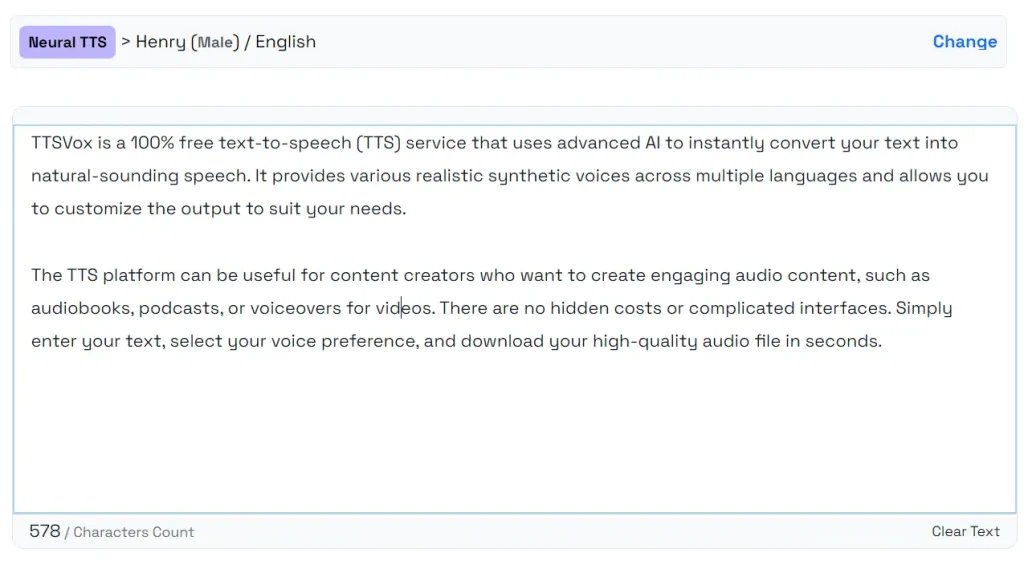
2. Click Change link to explore the voice options. You can filter by language, region, or gender or simply search for a specific voice type.

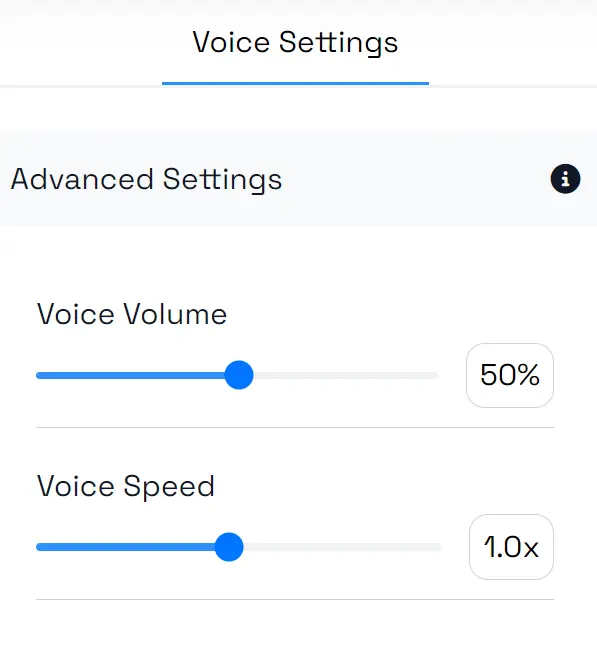
3. Fine-tune the audio by adjusting the voice volume and speed. Play around with these settings to find the perfect fit for your project.
4. Click the “Convert to Speech” button, and the AI will generate the audio for you. Within seconds, your text will be converted into natural-sounding speech. The exact time depends on the length of your text.
5. You can listen to the audio directly on the page, and if you’re satisfied, click the download button to save the audio as a WAV file.
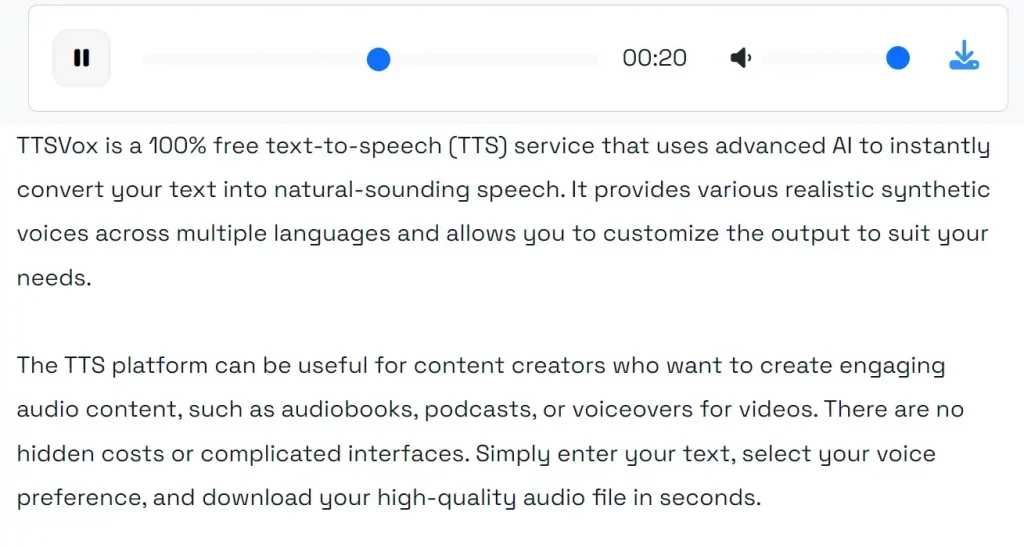
6. Here, as an example, I’ve used TTSVox to convert the introduction of this article into speech (default setting). You can click the play button below to listen to it!






Leave a ReplyCancel Reply