
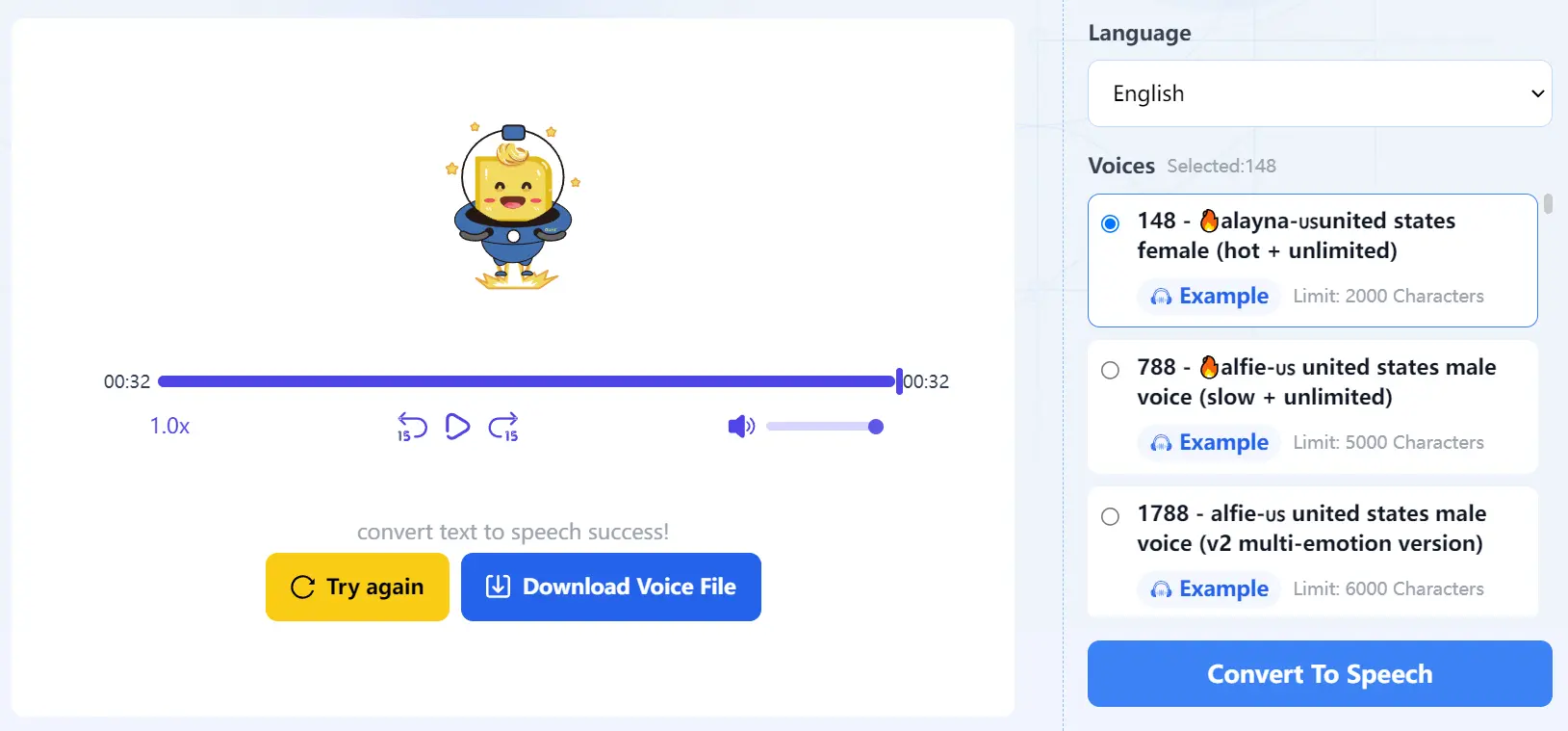
This is a completely free text-to-speech (TTS) platform designed to transform written text into high-quality, natural-sounding speech.
It supports a wide range of languages, including English, French, German, Chinese, and Japanese, and offers a variety of voice models to suit various preferences: female or male voices, speech rate, audio volume, and more.
How to use it:
1. Visit the Texttospeech IM website. Enter the text you want to convert into speech.
2. Select the desired language from the dropdown and determine which voice model you prefer. Note that each voice model supports a specific maximum character count, so choose the appropriate model based on your text length.
Use the ‘Example’ link to preview different voice models and find the perfect match for your text.
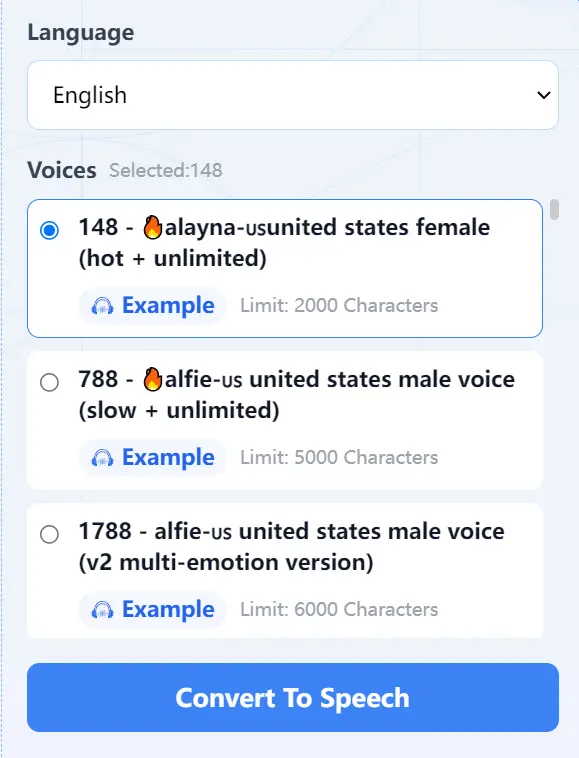
3. Click the “Convert To Speech” button to start the process. Once the conversion is complete, you can listen to the voice online. If you’re satisfied with the results, download the voice as an MP3 file to your device.
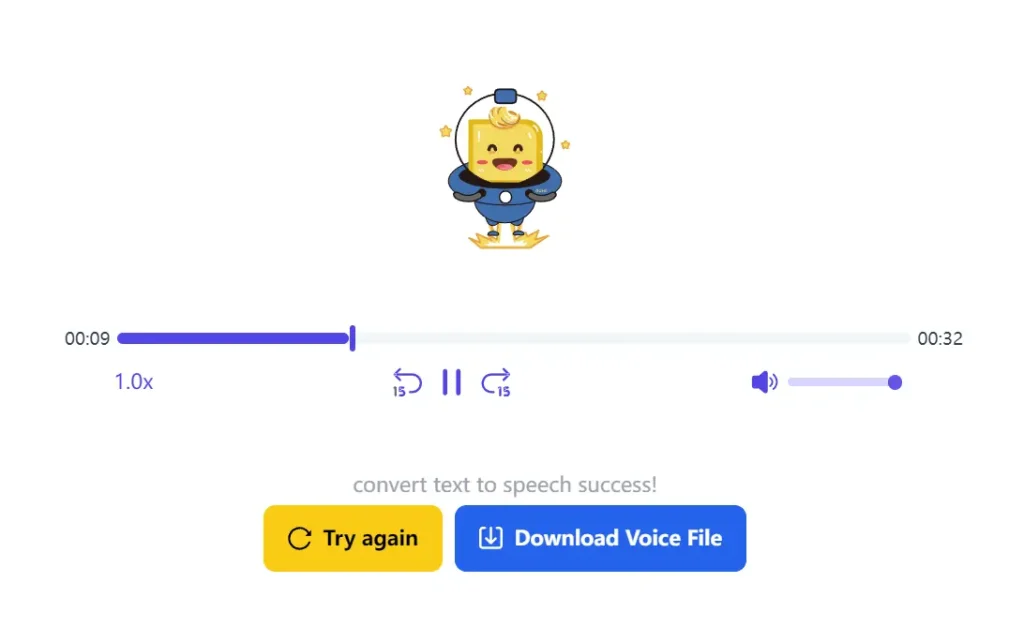
4. Here’s an example of speech I generated using the ‘148 alayna-🇺🇸 united states female (hot + unlimited)’ voice model. You can listen to it online to experience the quality of this TTS tool firsthand.


Leave a ReplyCancel Reply