|
VOOZH | about |
|
VOOZH | about |
Everything you need to manage contacts, segment your audience, and send targeted email or SMS campaigns.
Haven’t found what you were looking for? Contact us now
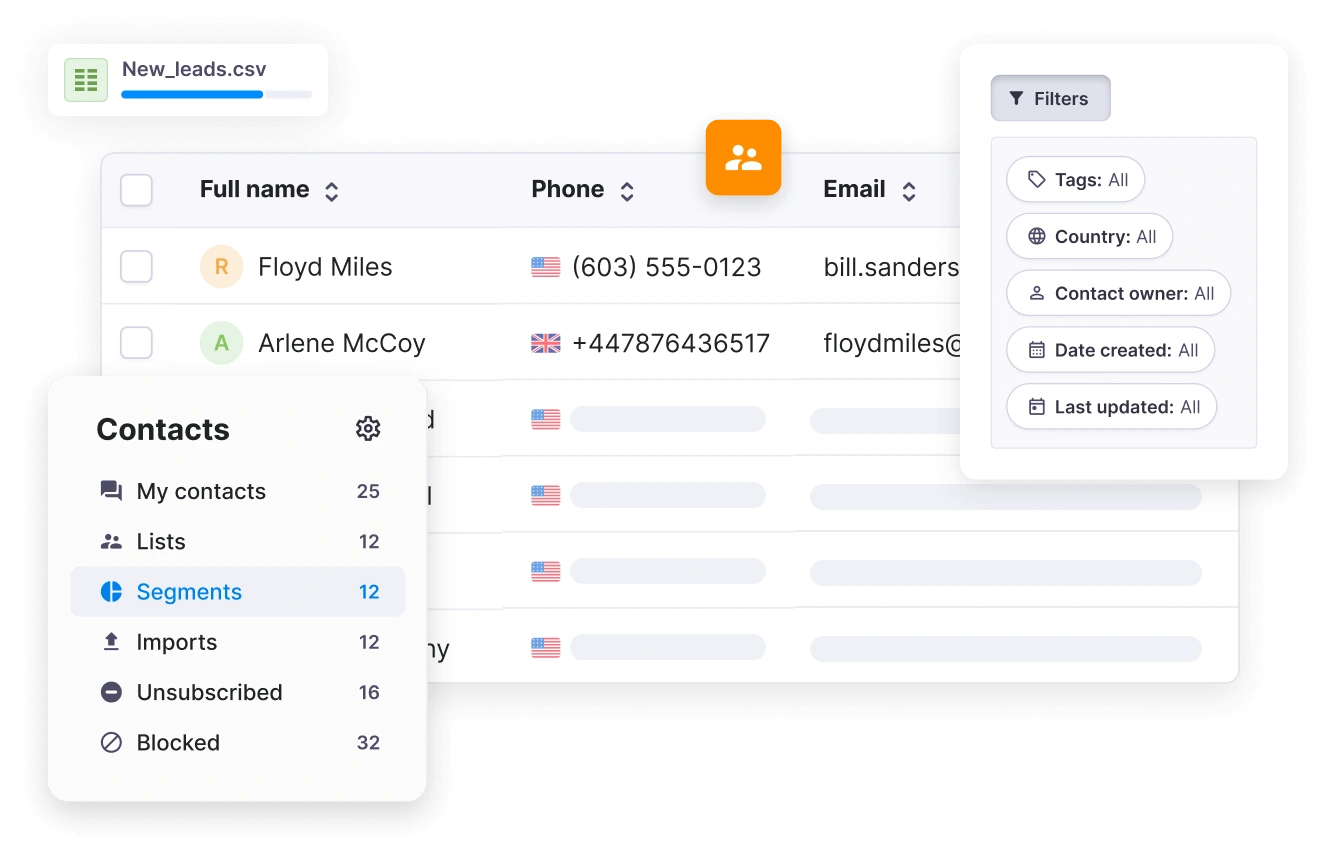
The easiest and most effective way of organising contacts is by grouping them into lists. Sending messages to contact lists is easier than adding each contact manually. Here’s how you can create your own contact lists and send bulk campaigns using Textmagic:
Step #1: Log in to your Textmagic account or register for a full-featured trial.
Step #2: Go to Contacts from the dashboard and click on New List. Give a name to your list. You can tick the option below to make the list private or share it with your team members. Click Save.
Step #3: Every time you add a contact to your address book manually, you will also be asked to assign it to a list. Importing contacts will save you a lot of time and effort. Textmagic allows you to import Excel/CSV files and to paste numbers from your clipboard.
After you make all the necessary settings, you will be asked to select a list where you want your contacts to be added and begin the importing session.
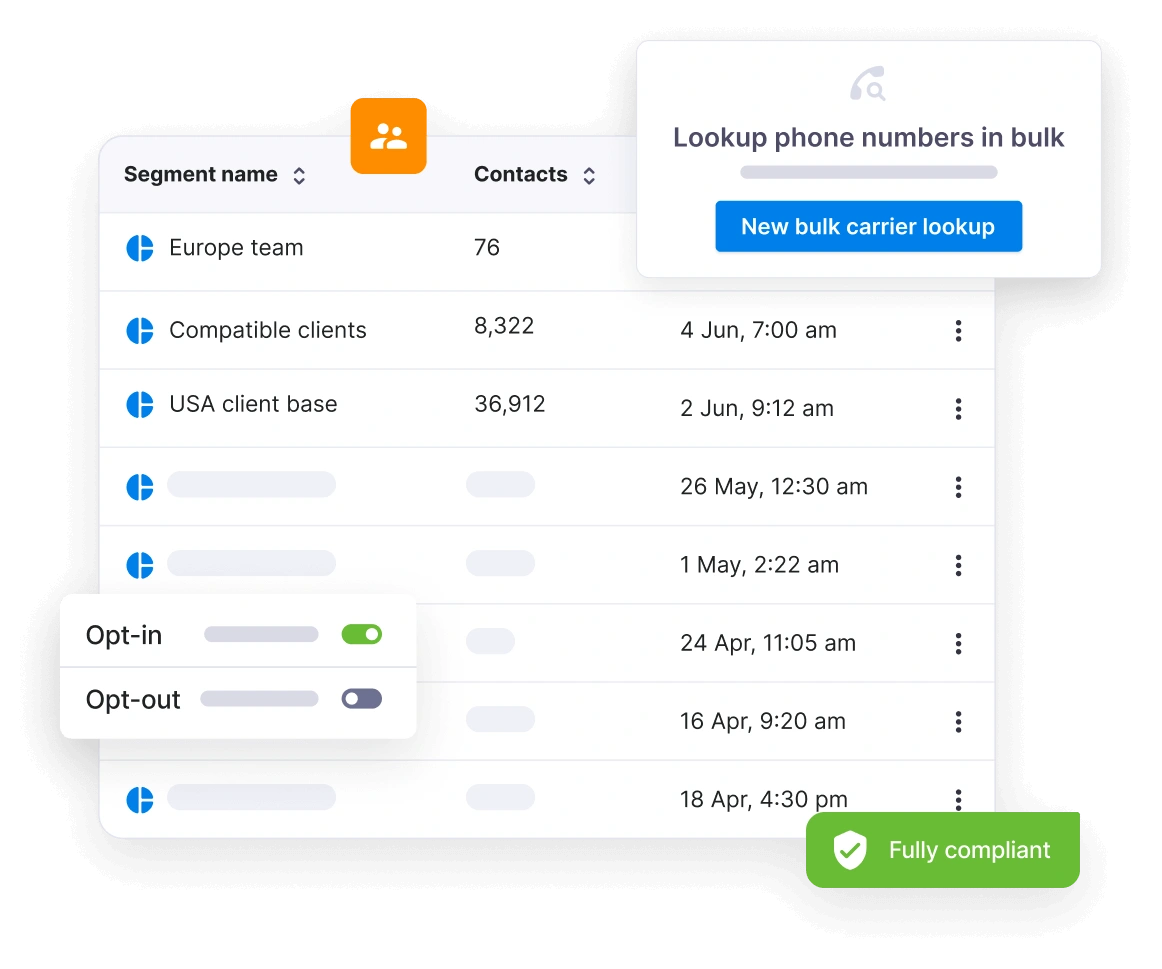
Textmagic allows you to organize contacts into segments based on filters such as tags, behaviour, location, or custom fields, so you can send highly targeted messaging campaigns. Segments update automatically based on user actions or filters used.
Yes. You can use customizable lead capture forms to collect new contacts and automatically add them to your Textmagic lists.
There’s no hard limit on contact storage. You can store unlimited contacts and manage thousands of them at the same time. However, large lists may impact campaign processing time depending on message volume.
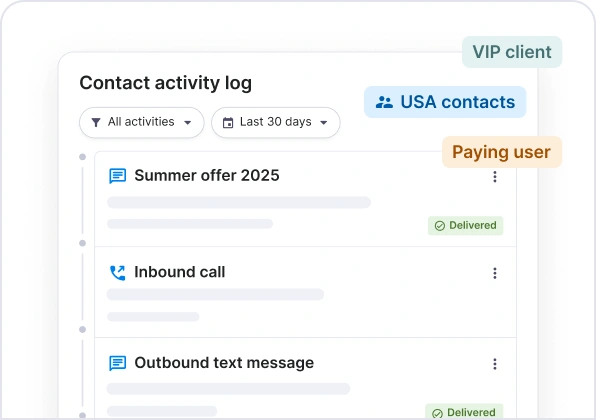
Yes. Textmagic supports multichannel messaging, and each contact profile can include phone numbers, email addresses, and tags for each messaging channel.
Textmagic offers email and number lookup and validation services. You can check perform bulk checks to identify invalid phone numbers and email addresses, helping you maintain high deliverability rates.
To perform a lookup navigate to Services -> Carrier lookup or Services -> Email lookup. Each lookup incurs a small fee of 0.04 in your local currency.