
There was a time when using Windows Media Player on older versions of Windows was as common as using services like OneDrive and Copilot in today's world. Over time, Microsoft's media app fell by the wayside, and was even replaced by Groove Music for several years. It wasn't until 2022 that Windows Media Player made a surprising comeback for Windows 11 users, bringing back a familiar user interface along with support for custom playlists and various video formats.
Although it has returned to its place in the OS, it feels like a missed opportunity. There are no significant updates, no new features, and sadly, no return of those fun, quirky visual skins that made the player unique (such as the green head). There are now plenty of alternatives available for the best laptops, such as VLC and MPlayer, but it's about time for Windows Media Player to be refreshed for the modern era and reclaim its former glory. With that in mind, we've listed three features below that could entice users back to the app.

How to play HEVC-encoded media in Windows Media Player for free
Did you get the dreaded "To play this video, you need a new codec" popup for HEVC files? Here's how you can do it for free.
3
Twitch integration👁 Using Twitch within Microsoft Edge in Windows 11
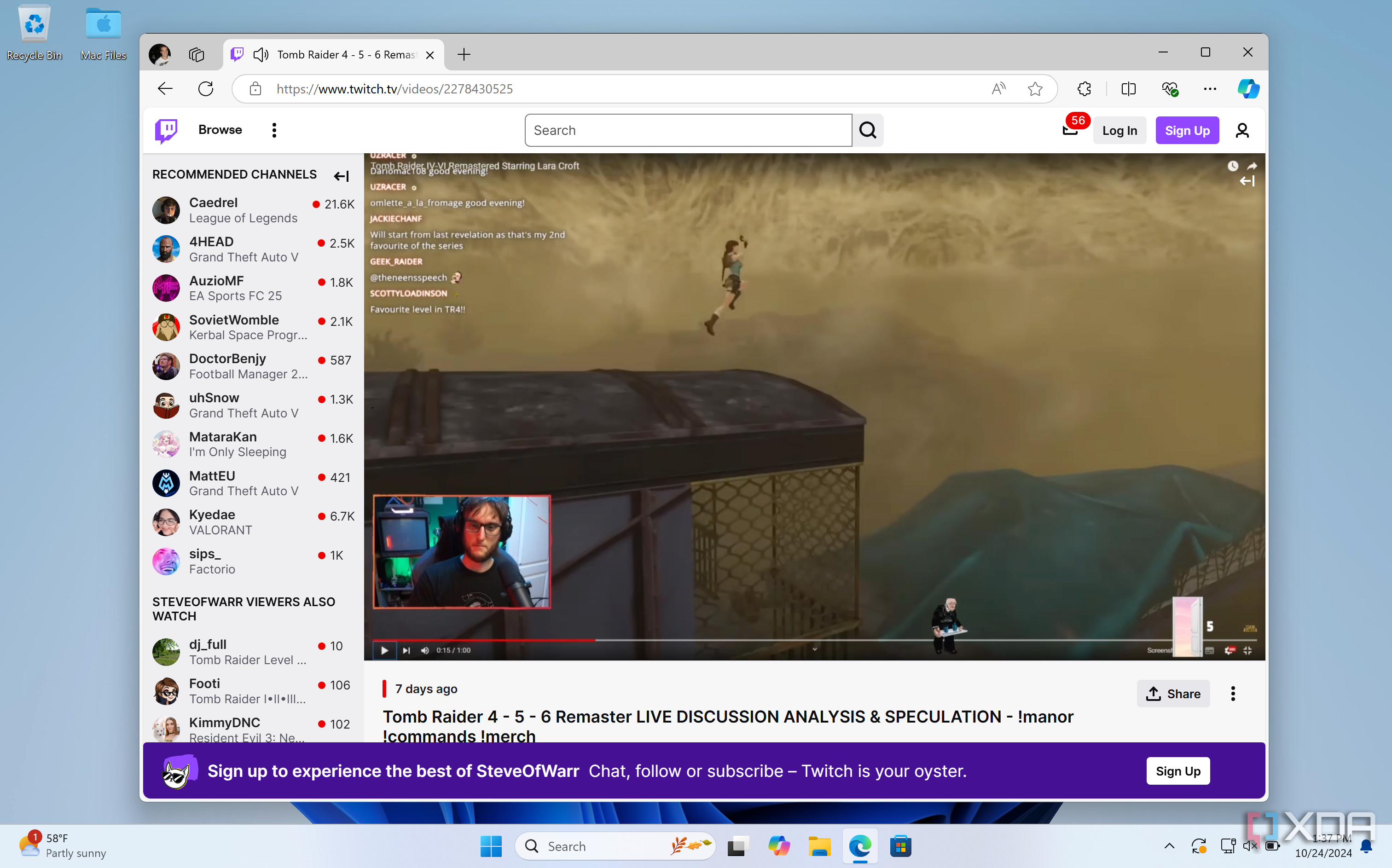
The concept of streaming games was unheard of in the late 90s. The closest you could get to that experience would have been watching your friend play Tekken 3 on the PlayStation in the same room. Today, platforms like Twitch allow you to watch gamers play their favorite games from anywhere, interact with them via emojis, and even support them with monthly subscriptions for exclusive perks. Granted, you can use a web browser like Microsoft Edge to access Twitch, but when you can use its apps on mobile devices, as well as on Xbox, it makes Windows users feel left out, since there is no dedicated PC app. This is why integrating Twitch with Windows Media Player would make a lot of sense. Microsoft's app could feature an additional option on its sidebar to let you easily watch Twitch streams. It would be the perfect blend, and you would be able to follow and catch up on your favorite streamers via an accessible user interface.
2
Support for all music file formats👁 VLC
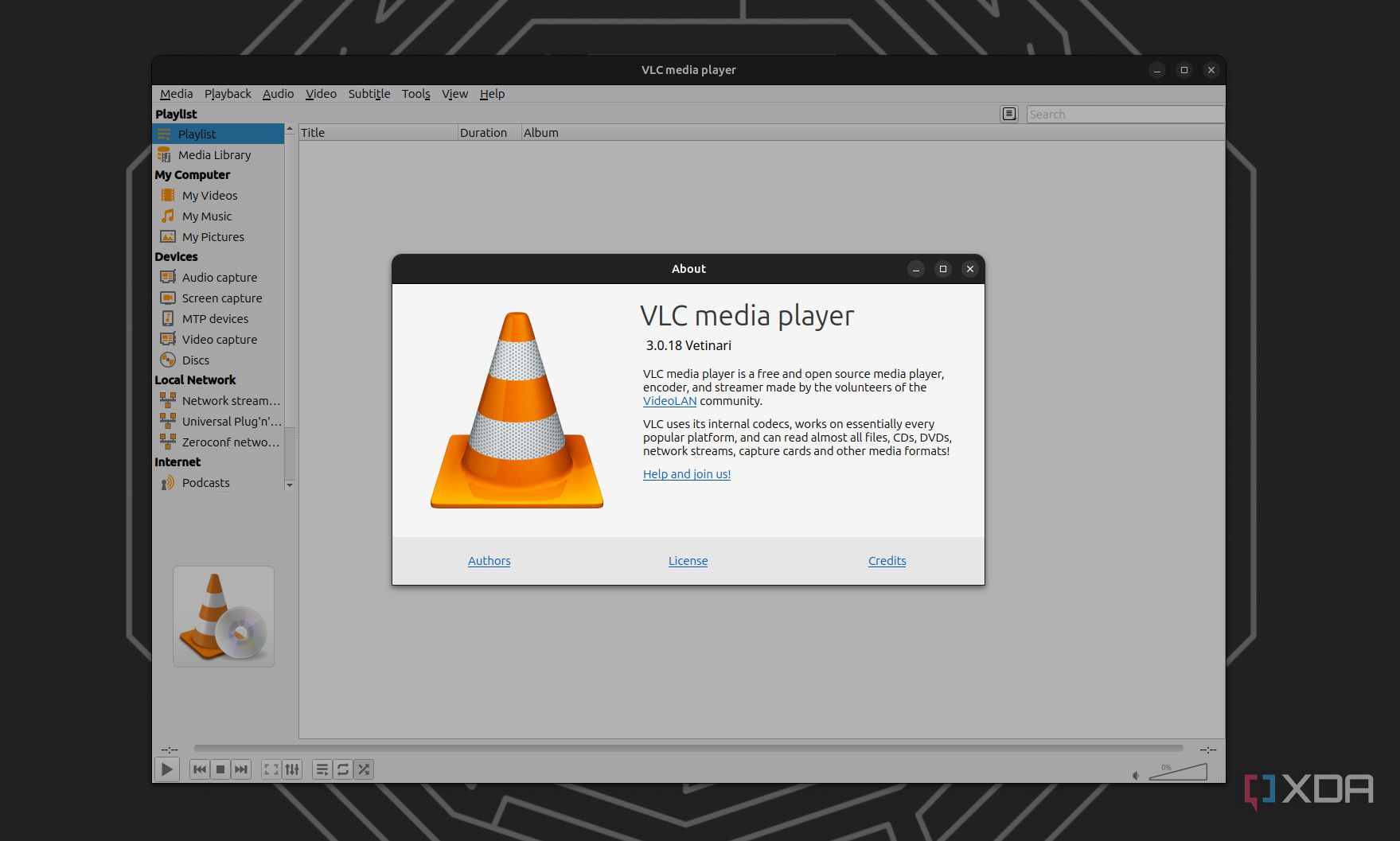
While you can play music on Windows Media Player, its support for different formats is limited. For example, lossless audio formats like APE and MPC aren't compatible. Currently, the app supports formats such as FLAC, MP3, OGG, AAC, and WMA — but in today's landscape, that's not good enough. In a future update, it would be great for Microsoft to expand Windows Media Player to include the breadth of file formats that other apps like VLC and MPlayer offer. This would allow dedicated audiophiles to transfer their entire music collection to Microsoft's app, complete with high-quality album art and the ability to create playlists, regardless of their preferred audio format.
1 Podcasts
We recently highlighted three ways to listen to podcasts in Windows 11, noting the lack of a dedicated PC app, unlike Apple Podcasts which is available for the best iPhones, iPads, and Macs. Windows Media Player seems like an obvious solution to fill this gap. Just as Apple's iTunes app used to be the hub to play music, podcasts, and videos, as well as managing your iPod and iPhone devices, Microsoft could position Windows Media Player to do something similar. Imagine the scene: you've discovered a great podcast while browsing the web, and as you click on 'Subscribe,' Windows Media Player launches and adds the latest episode of this show to its 'Podcasts' section. From there, you could explore previous episodes of the show, or choose to browse related podcasts, offering a similar experience to Grover, a third-party podcast app shown in the images above.
VLC is a great alternative to Windows Media Player
Although these three features would give Windows Media Player the boost it sorely needs, we're not holding out much hope for Microsoft to implement them anytime soon. Media apps like VLC already offer support for nearly every music and video format available, with no need to download additional plugins or updates. Plus, you can customize the app however you want, from using skins to change VLC's appearance, to swapping out the rugged 'cone' icon for something more playful, perhaps, in your Windows desktop experience. If you're considering switching to VLC, we've got a helpful guide below that takes you through the basics of how to use it as your go-to media player.

Why you should use VLC Media Player on your PC
VLC is the most popular cross-platform media player for a reason (or a few).