
I know enough about networking to know that there's a ton I don't know, understand, or possibly never will. But that hasn't stopped me from building a (fairly) smart home, with VLANs to make it more manageable, and a robust cybersecurity solution to keep my privacy—well—private. I might have been late to the party on a few nifty networking features, but I got there eventually, and I don't want you to go through the same hoops of trial and error.
Now, assuming you don't want to migrate your home network to using fancy storage solutions like NVMe over Fabrics, you might be wondering if the 1GbE networking equipment you likely already have will be enough now or in the future. Sadly, it's not, and it hasn't been for some time. John Cage's timeless quote from when he was at Sun Microsystems says, "the network is the computer." It was oddly prescient all those years ago when you look at how interconnected every device we own is.
Wired network speeds have stagnated on consumer hardware because wireless connectivity was the hotness, and cell phones or laptops take a lot of the strain at home. But when a single NAS drive can saturate a 1GbE network link, it's time to think about what you do on your home network, if you've noticed slowdowns you assumed were your ISP's fault, and work out what you'll need to get 2.5GbE network links going in your home.

Why Multi-Gig networking is the future of home connectivity
It's not all about download speeds, but they're indicators for future usabiliy
It's not all about straight-line speed
More bandwidth means a better experience for everyone
Now, you don't have to go straight to prosumer hardware. I mean, you could, but you don't need to. Plenty of great Wi-Fi routers already support 2.5GbE connections, and chances are that you already have devices with 2.5GbE onboard. That's how networking on the consumer side always works: flagship devices like smartphones, laptops, and desktops get faster connectivity, and then the core networking gear trickles down from the enterprise.
Flagship smartphones don't launch without the latest Wi-Fi or Bluetooth connectivity, even if nobody has the routers or access points to use them. Computer motherboards launch with flagship chipsets, decked out with faster wireless and wired connectivity to ensure low-latency communications while playing games or editing video files over the network.
It'll make your wireless devices nicer to use
I've got Wi-Fi 7 access points at home, and I'm still running copper and fiber between devices and rooms. Every device you can remove from the airwaves reduces congestion for the wireless-only devices you own, improving your experience across the board.
If you're using a Wi-Fi router, the connections between wireless and wired networks are handled internally. However, if you've got separate devices, you want enough bandwidth to feed the Wi-Fi access point without limiting your network's performance. For the Wi-Fi 7 access points I've got, the wired connection is 10GBase-T because anything slower wouldn't be enough to feed the wireless AP fully. That's why most new networking equipment comes with Multi-Gig ports that support 2.5GBase-T or 5GBase-T, as well as the 1GbE your existing hardware supports.

When should you use wired or wireless internet?
There are certain times where you may need wired or wireless internet, and you can follow this guide to help you figure out if you need to switch.
Plus, you can run all the network things you want
So much more bandwidth for activities
Whether you're looking for more smart home devices for automation, security, and efficiency orself-hosted services to ease the grip SaaS subscriptions have on your wallet, a resilient home network is the foundation of everything you want to accomplish. The information superhighway isn't quite as literal as that, but it's a good enough visual image of how network traffic behaves, and the more lanes (aka bandwidth), the more traffic can flow.
With a faster home network, you can build the digital empire you envision. Roll out your own game streaming service with a NAS holding your games, or set up an NVR for 24/7 home security while controlling the different ecosystems in your smart home enclave. This is only a small cross-section of what a more capable network connected to a NAS can do, and the only way to get a consistent, enjoyable experience for every person in your home is with faster networking.
Even if you don't think you need it
One common misconception about home networking is that you should match your internal network speeds to your ISP's. This doesn't even pass the sniff test. Don't let this distract you from the fact that, if this was a race, Hector is going to be running three Honda Civics with spoon engines. On top of that, he just went into Harry's and ordered three T66 turbos with NOS and a Motec System Exhaust. You don't want to be an also-ran; you want to win.
Your home network is the racing line. Whatever happens on those surface streets controlled by the ISP doesn't matter to the devices inside your home, unless they need to get data from the Internet. The point is, every device on your home network benefits from the faster speeds of 2.5GbE, even if they're not grabbing data from outside. Perhaps even more so if not, because most ISPs are only starting to offer Multi-Gig services.

6 ways you can repurpose an old prebuilt NAS after going DIY
Don't throw away your old NAS! Here are some things you can repurpose it for.
Upgrading your home network to 2.5GbE makes sense (for now)
👁 A person holding a Zyxel network switch
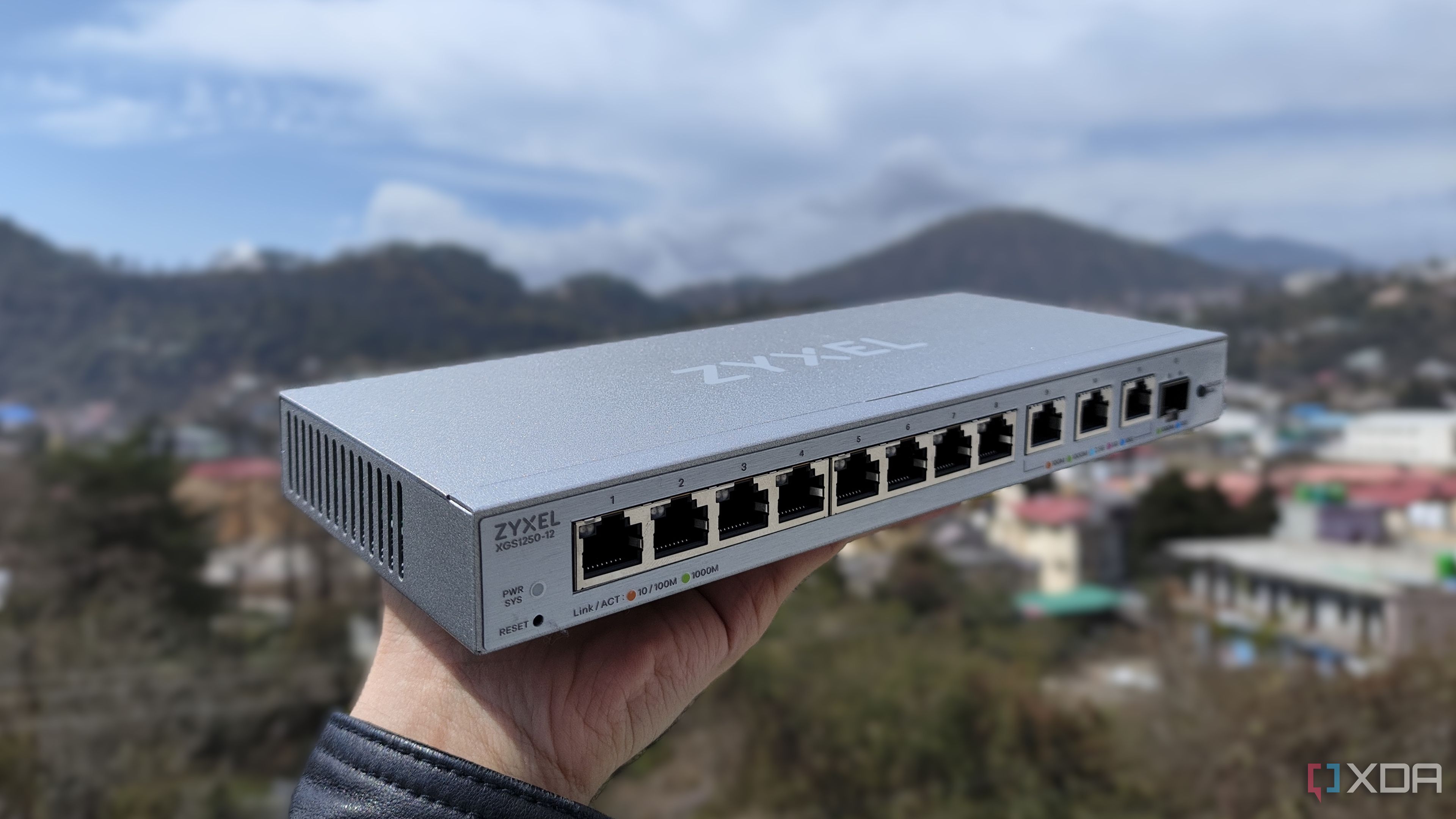
My colleague Adam recently added a 2.5GbE managed switch to his network, saying, "it was perfect for his needs." And his network isn't that wacky, even with the home lab experiments he gets up to. Having twice the speed to work with made everything from NAS transfers to smart home automation easier and quicker to do, and that's just the start of what a fast home network will enable.