AI email support for SaaS: how it actually works in 2026


Last edited June 20, 2026
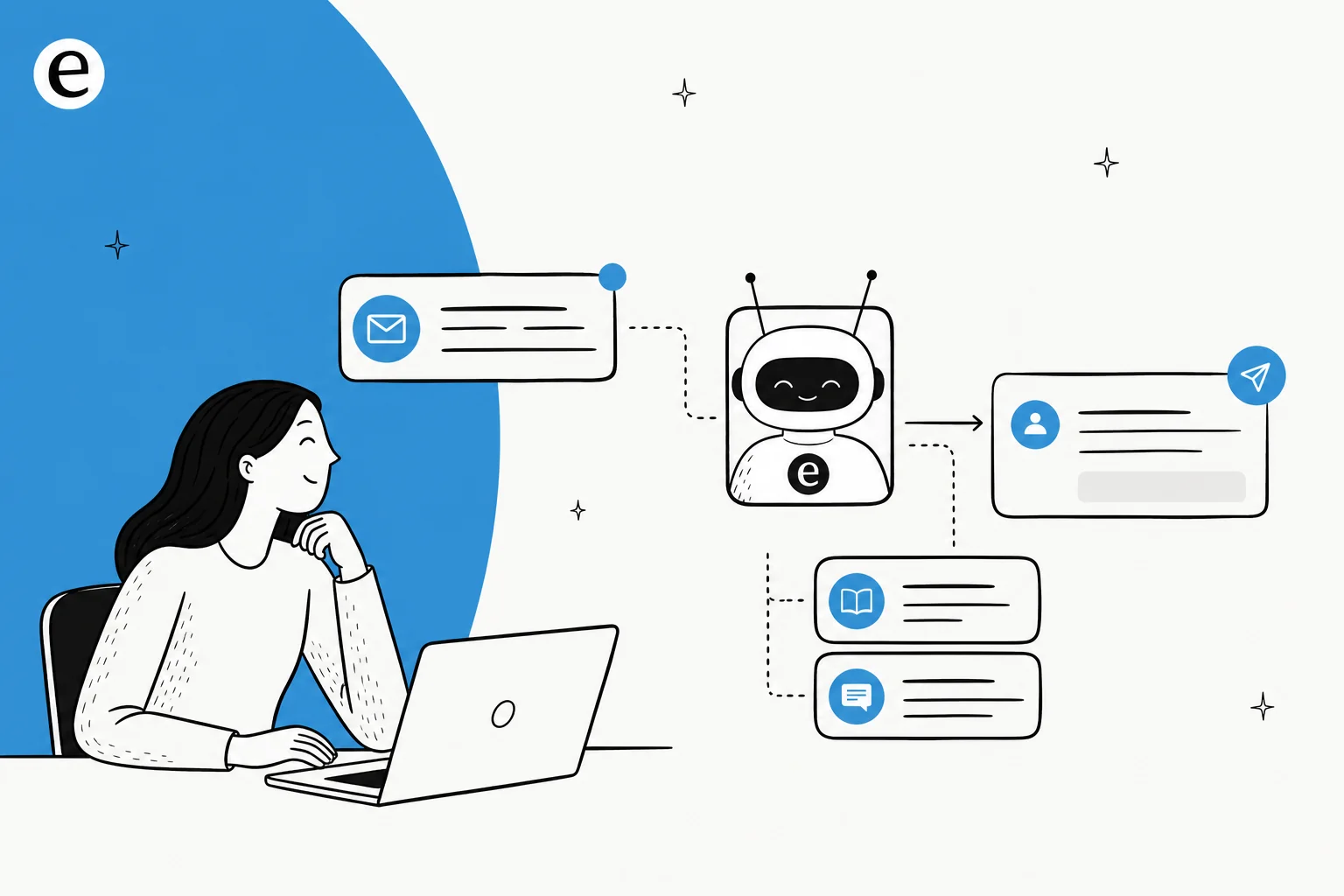
Table of Contents
- What "AI email support" actually means for a SaaS team
- Why email is the hard channel for SaaS support
- How AI email support works under the hood
- What it gets right, and where it still trips
- Rolling it out without breaking customer trust
- What to look for in an AI email support tool for SaaS
- Real numbers from SaaS teams running it
- Try eesel for your support inbox
What "AI email support" actually means for a SaaS team
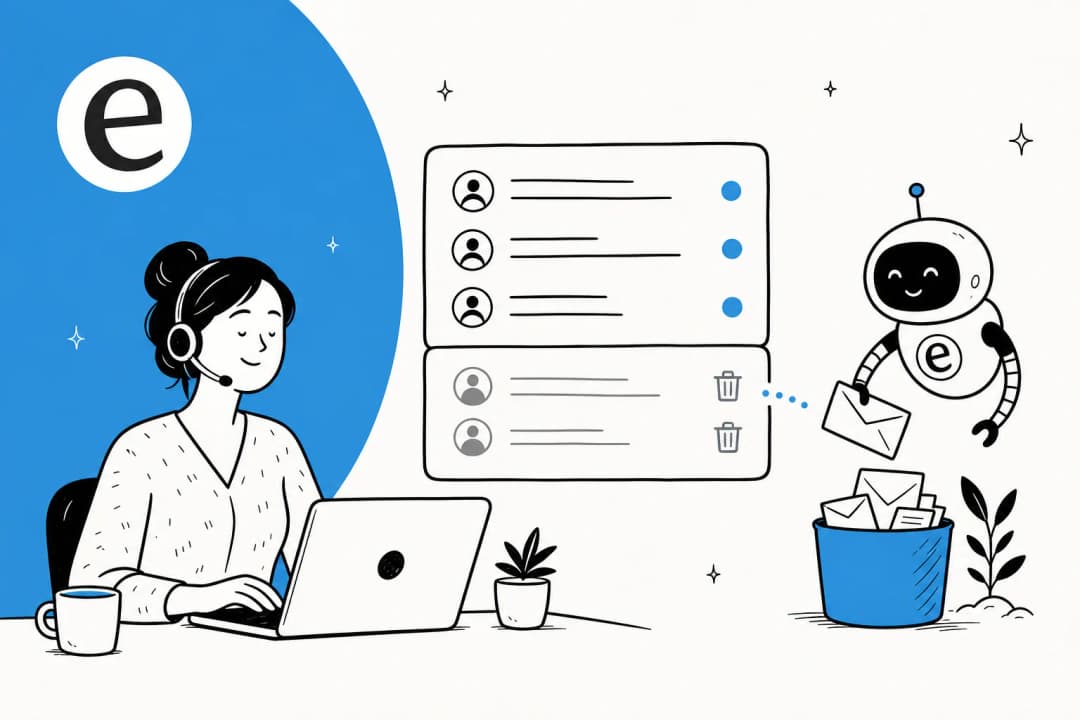
I work the support queue, so let me be concrete about what we're talking about. AI email support is not a chat widget bolted to your marketing site, and it's not a generic AI email writer that helps you draft a single message faster. It's an agent that lives in your support inbox and handles the inbound flow: a customer emails support@, the agent reads the email, figures out what they're actually asking, finds the answer in your knowledge, and acts.
"Acts" is the part that varies. Depending on how much you trust it, the agent can:
- Draft a reply and leave it as an internal note for a human to review and send (this is the copilot mode most teams start in).
- Send the reply itself when it's confident, and only loop in a human when it isn't.
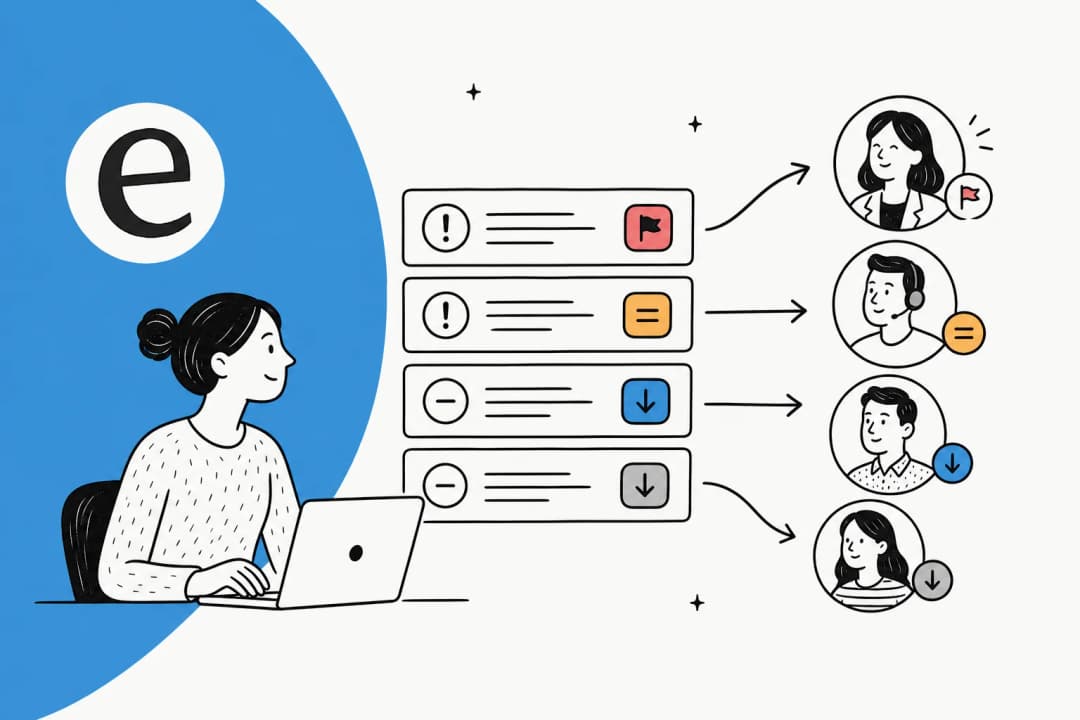
- Tag, triage, and route the email to the right person or queue, even when it doesn't answer.
For a SaaS company the email channel is where the chewy stuff lives. Billing questions, "how do I do X in your product," bug reports, plan changes, cancellation saves. A lot of it is repetitive, which is exactly what makes it a good fit for automation, but a fair chunk needs real judgement, which is why "send everything to the bot" is the wrong instinct.
Why email is the hard channel for SaaS support
Chat is easy mode for AI. Messages are short, the context window is one conversation, and customers expect quick back-and-forth. Email is harder, and SaaS email is harder still.
A support email is often a wall of text with three questions buried in it, a forwarded thread, and a screenshot attached. The customer is usually a paying user with a specific account state, so a generic "here's our help article" answer reads as a brush-off. And SaaS questions tend to be technical: integrations, API limits, knowledge that's scattered across your docs, your changelog, and a Slack thread from six months ago that only one engineer remembers.
That scatter is the real problem. The answer to most support emails already exists somewhere in your company, it's just not in one place. Which is why the quality of AI email support comes down almost entirely to how well the agent can read across all your knowledge sources, not how clever its writing is.
"The AI will never be able to answer 100% of the questions... I need an AI who is only handling the tickets that it's confident to handle and all the other ones, leave them alone."
a DTC supplements CX lead, on what actually makes AI support usable (eesel customer research)
That quote is the whole thing in two sentences. The teams that get value from AI email support are the ones who let it handle the slice it's good at and stop expecting magic on the rest.
How AI email support works under the hood
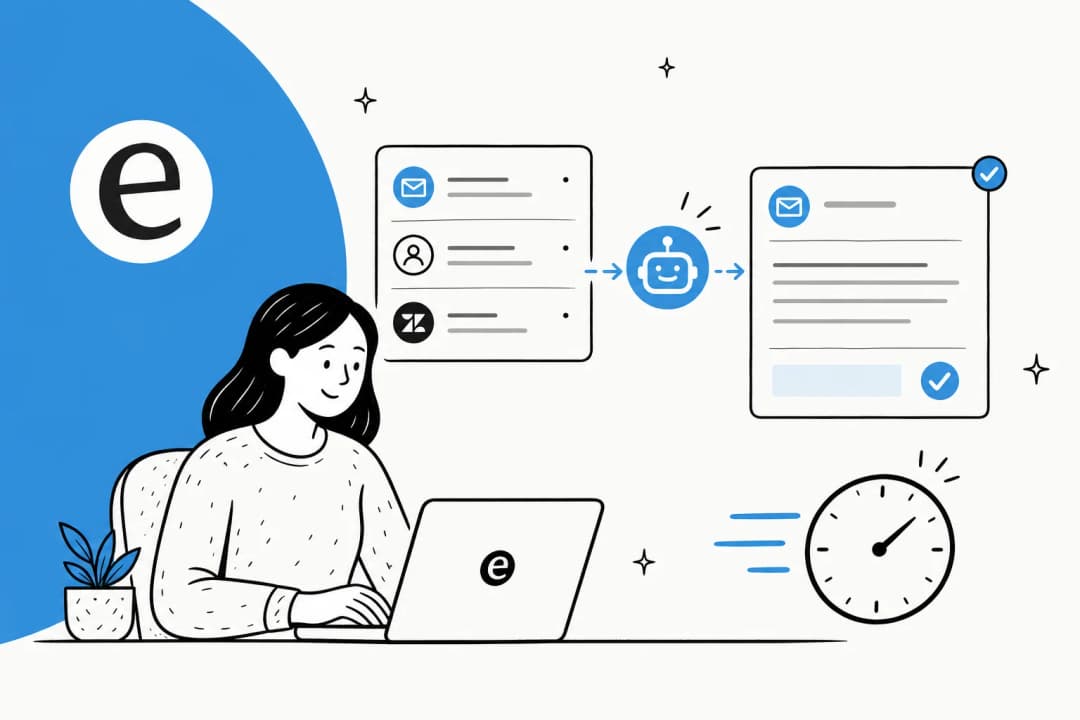
Here's the pipeline, minus the marketing gloss. When an email arrives, a decent AI support agent does roughly this:
- Reads the email and works out the intent, the same way a human triages: what's being asked, how urgent, what account is this.
- Searches your knowledge across help docs, past resolved tickets, internal wikis, and whatever else you've connected.
- Scores its own confidence in the answer it found.
- Acts based on that score: high confidence gets an auto-reply, medium gets a drafted reply for an agent to approve, low confidence gets escalated to a human with no guess attached.
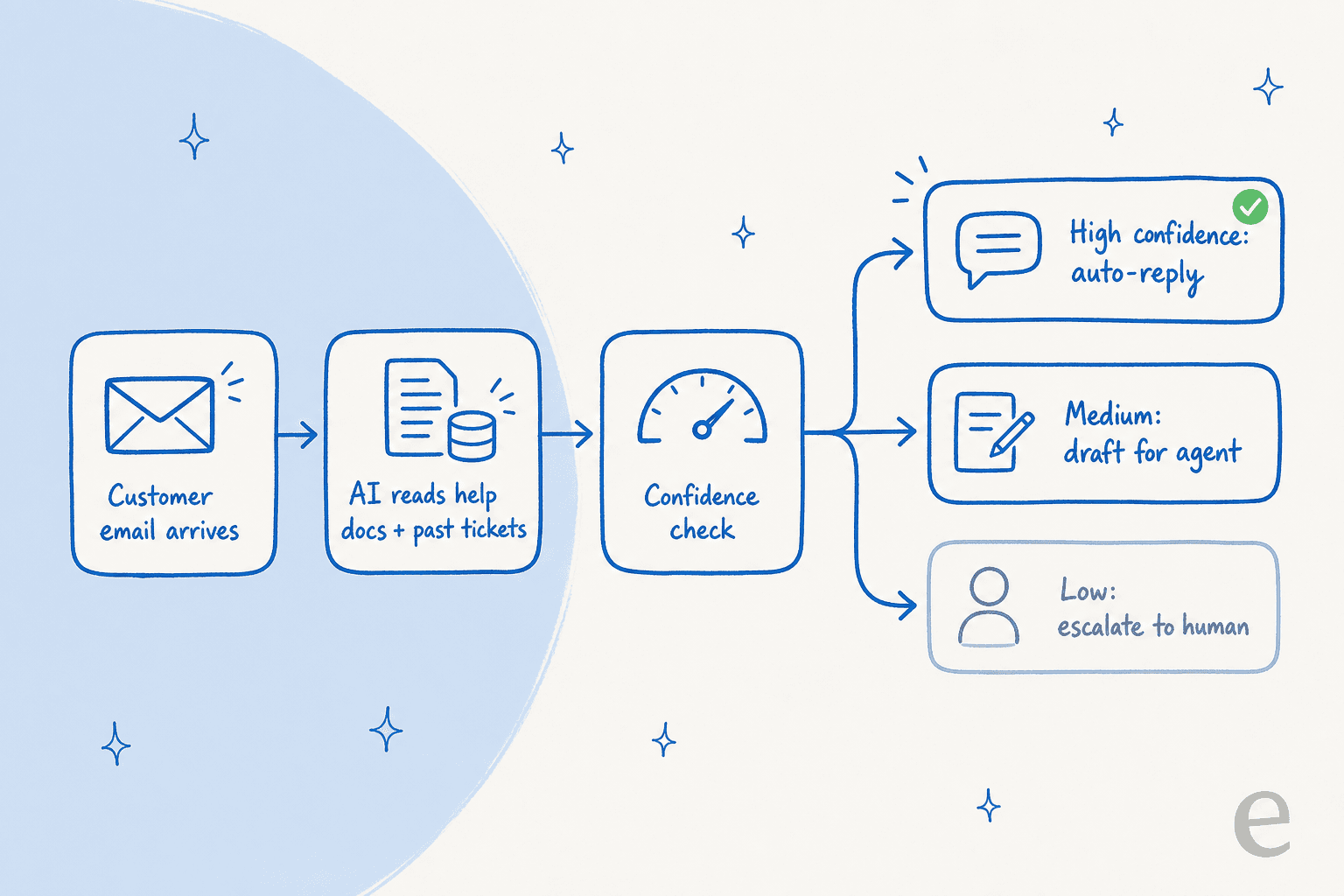
That fourth step is the one that separates tools that are safe to run from tools that aren't. An agent that auto-replies to everything is a liability. An agent with confidence-based routing is a teammate, because when it doesn't know, it says so instead of inventing an answer. This is also where the "trained on past tickets" point earns its keep: an agent that has read how your team actually resolved 10,000 prior emails answers in your voice and knows your edge cases, where one trained only on your public help center gives textbook answers that miss the account-specific reality.
What it gets right, and where it still trips
I want to be straight about this, because the hype cycle isn't. AI email support is genuinely good at a specific shape of work and shaky outside it.
What it's good at: the high-volume, well-documented tier-1 questions. In one real trial on live Zendesk traffic for a SaaS-adjacent retailer running about 1,000 tickets a month, the agent hit 93% triage accuracy and 100% spam detection with zero false positives. Draft usefulness on returns and refunds questions was 93.8%, and on straightforward product inquiries it was 100%.
Where it trips: the same trial showed only 12% of drafts were good enough to send as-is, with a 7% factual error rate on the harder stuff. Read those two numbers together and the lesson is obvious. AI email support is a brilliant triage-and-draft assistant and an unreliable send-everything robot. The teams that treat it as the former win; the teams that flip it to fully autonomous on everything and walk away get burned.
This is the bit we learned the hard way at eesel. We've spent the last few years putting AI agents on live support queues, and we've watched confident-sounding bots quietly give wrong answers to real customers. That's exactly why we now simulate every rollout against a company's historical tickets before a single live reply goes out, so you can see what the agent would have said and fix it before a customer ever does.
Rolling it out without breaking customer trust
The single biggest predictor of whether AI email support works isn't the model. It's how you roll it out. The teams that succeed treat autonomy as something the agent earns, not a switch you flip.
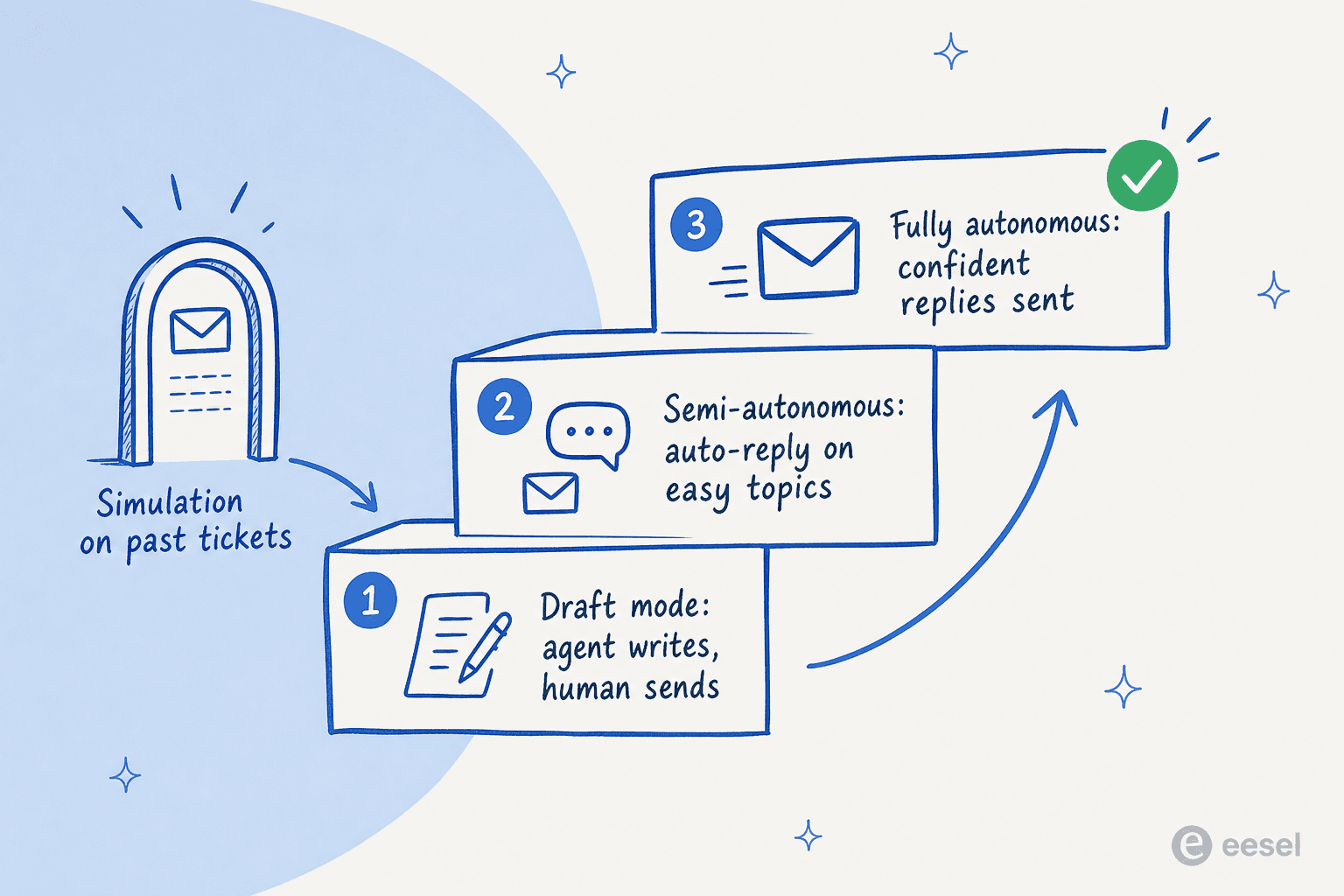
Here's the ramp I'd actually recommend:
- Start in draft mode. The agent writes replies, your humans read and send them. You get the speed-up immediately and zero risk, and your agents catch the misses.
- Simulate against past tickets. Before you let it send anything, run it over a few thousand of your historical emails. You'll see coverage by topic, where it's strong, and where it's guessing. Fill the knowledge gaps it surfaces, then re-run.
- Go semi-autonomous on the easy stuff. Turn on auto-send for the narrow set of topics where it's consistently right, like password resets or "where's my invoice." Leave everything else in draft.
- Expand the autonomous set slowly as confidence holds, and keep a human in the loop on anything billing, security, or churn-related.
That sequence is also the honest answer to "how do I stop it sending wrong answers." You don't do it with one setting. You do it by only granting autonomy where you've already seen the evidence it's safe.
What to look for in an AI email support tool for SaaS
Not all of these tools are built the same. If you're shopping, here's the checklist I'd hold them to, weighted for a SaaS team specifically.
| What to check | Why it matters for SaaS | The bar |
|---|---|---|
| Works with your existing helpdesk | You don't want to migrate off Zendesk or Front to add AI | Sits on top, no rip-and-replace |
| Trains on past tickets, not just docs | Your edge cases live in resolved tickets, not the help center | Indexes historical tickets + docs + wikis |
| Confidence-based routing | Stops it from auto-sending a wrong answer | Drafts/escalates low-confidence, never guesses |
| Simulation before go-live | Lets you see accuracy before a customer does | Runs over your real ticket history |
| Pricing that scales with value | Per-seat pricing punishes you for growing the team | Usage-based or per-resolution, no surprise tiers |
| Multilingual | SaaS customers are global by default | Answers in the customer's language |
| Security and data handling | You're piping customer PII through it | SOC 2, EU residency, no training on your data |
The pricing row is worth dwelling on. A lot of AI support tools charge per resolution or per seat, and the per-resolution model in particular gets expensive in a way that punishes you for being successful: the better the AI does, the bigger the bill. For a fast-growing SaaS team, a usage-based model that you can actually forecast matters more than a flashy demo.
Real numbers from SaaS teams running it
Enough theory. Here's what the channel looks like when it's working, with sources you can click.
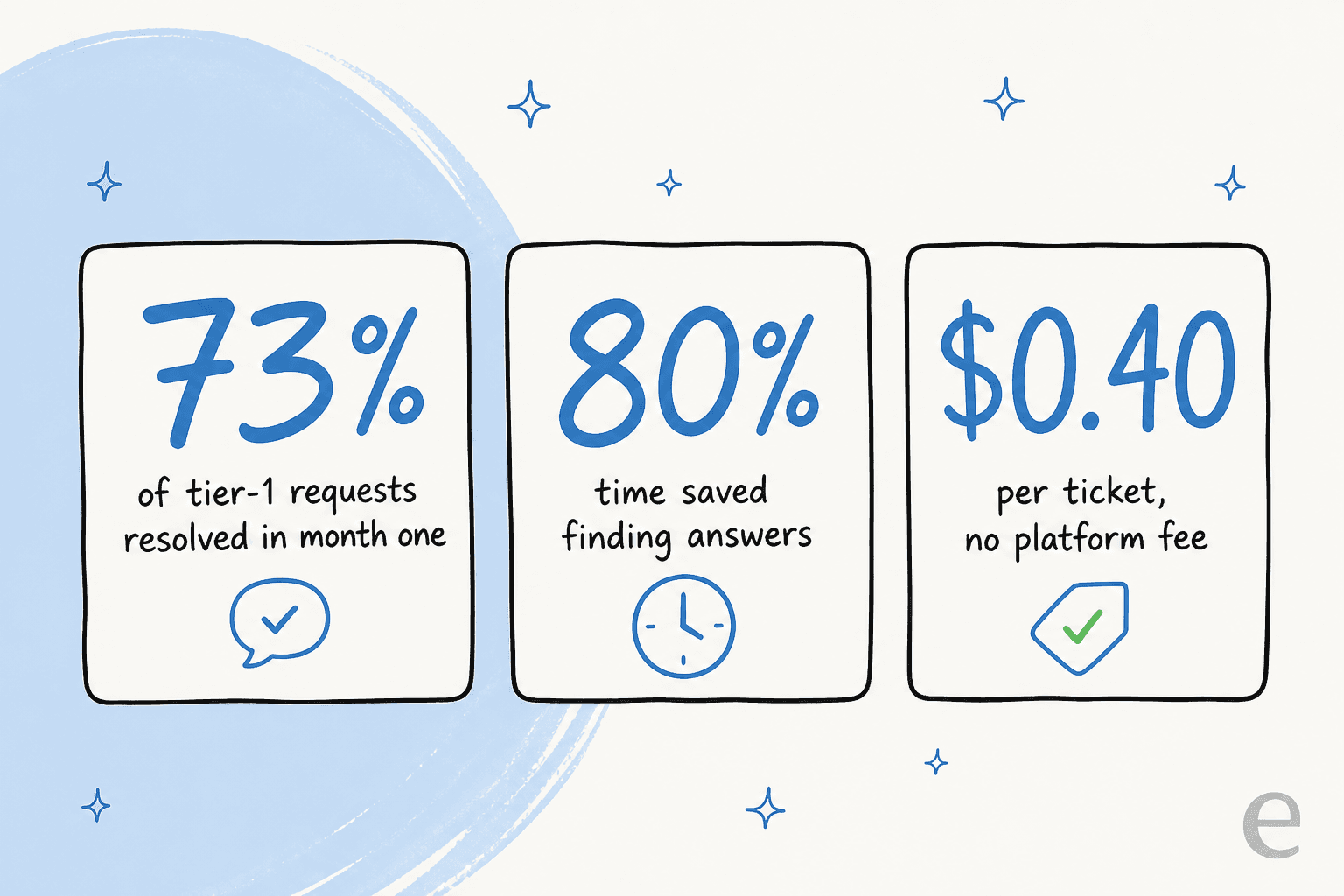
A gig-economy driver-analytics app running on Zendesk Business (~1,300 interactions) saw an AI agent resolve 73% of tier-1 requests in its first month, with results showing up during a 7-day trial. On the time-savings side, a chief innovation officer at a payments company using AI over their Confluence docs reported up to 80% time savings on finding answers and onboarding new staff.
On unit economics, one Shopify-plus-Gorgias team handling roughly 700 tickets a week came out to about $1.07 per ticket under usage-based pricing. Compare that to the fully loaded cost of a human agent per ticket and the math on tier-1 deflection gets very easy, very fast.
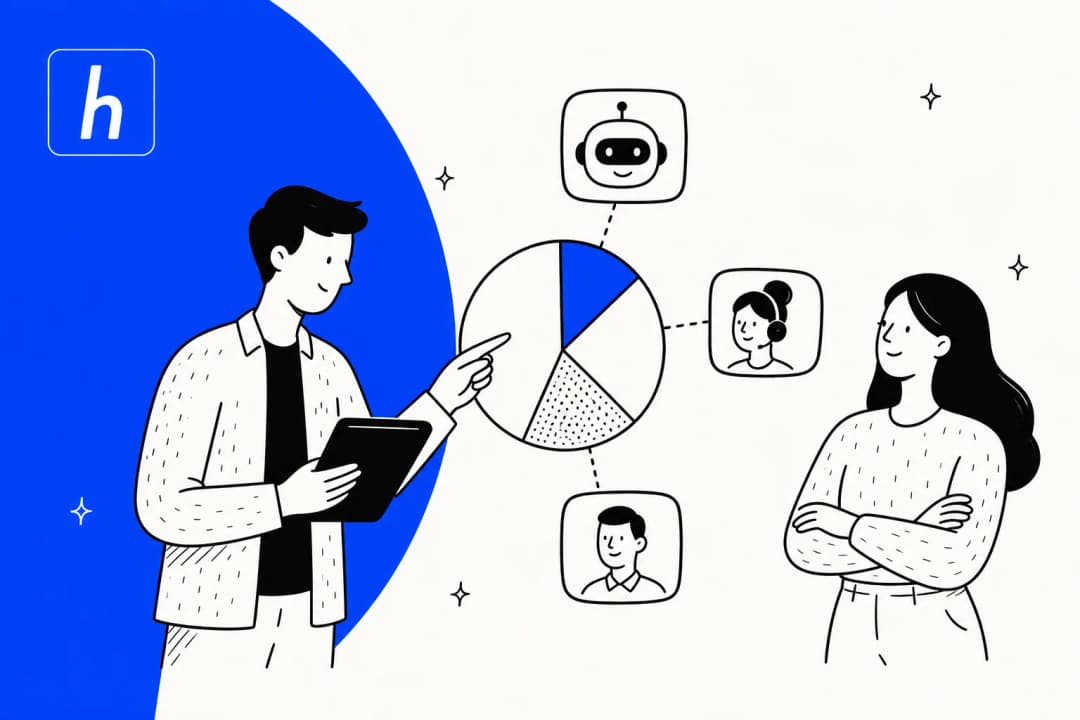
The pattern across all of these: nobody flipped a switch and replaced their team. They put AI on the repetitive email volume, kept their humans on the hard and high-stakes stuff, and the numbers followed. If you want the wider playbook, our guide to scaling SaaS support with AI goes deeper on the staffing side.
Try eesel for your support inbox
If you want AI email support that plugs into the helpdesk you already run, eesel is built exactly for this. It connects to Zendesk, Freshdesk, Front, Help Scout, and Gmail in a few minutes, learns from your help docs and past tickets on day one, and drafts or sends replies right inside the inbox your team already lives in. No migration, no rebuilding your knowledge base.
The differentiator that matters for SaaS: you can simulate the agent on thousands of your real past tickets before it sends a single live reply, so you see its accuracy by topic and fix the gaps first. Then you ramp autonomy at your own pace, with confidence-based routing keeping the unsure stuff away from customers. It's usage-based at about $0.40 per ticket with no platform fee, free to start with $50 of usage and no credit card, and it's rated 4.6/5 on G2. Want to see what it'd do with your inbox? Try eesel free.
Frequently Asked Questions

Put AI on your support inbox
eesel reads your docs and past tickets, then drafts or sends email replies inside the helpdesk you already use.
Share this article

Article by
Riellvriany Indriawan
Riell is a designer and writer at eesel AI with about two years of experience researching CX platforms, AI chatbots, and helpdesk software. She combines her design background with a sharp eye for how these tools actually look and feel in practice — making her comparisons unusually visual and user-focused.