AI ticket routing for SaaS support: a practical 2026 guide


Last edited June 20, 2026
Table of Contents
- What "AI ticket routing" actually means for a SaaS team
- How AI ticket routing works under the hood
- Where AI routing wins, and where it quietly doesn't
- The thing that actually moves accuracy: integrations, not the model
- How to roll it out without losing your team's trust
- What AI ticket routing costs for a SaaS team
- Try eesel for AI ticket routing
What "AI ticket routing" actually means for a SaaS team
Routing sounds like a solved problem. Every helpdesk has had assignment rules for years: if the subject line contains "refund", send it to the billing queue. So why does the term keep coming up?
Because keyword rules break the moment a real customer writes a real sentence, which is exactly how teams end up fighting skill-routing issues in the first place. A ticket that says "my card got charged twice after I upgraded and now I'm locked out before a demo in 20 minutes" is a billing issue, an access issue, and an urgent one, and no rule you wrote in advance catches all three. AI routing reads meaning, not keywords.
It's worth separating three things that often get lumped together:
- Ticket tagging labels what a ticket is about.
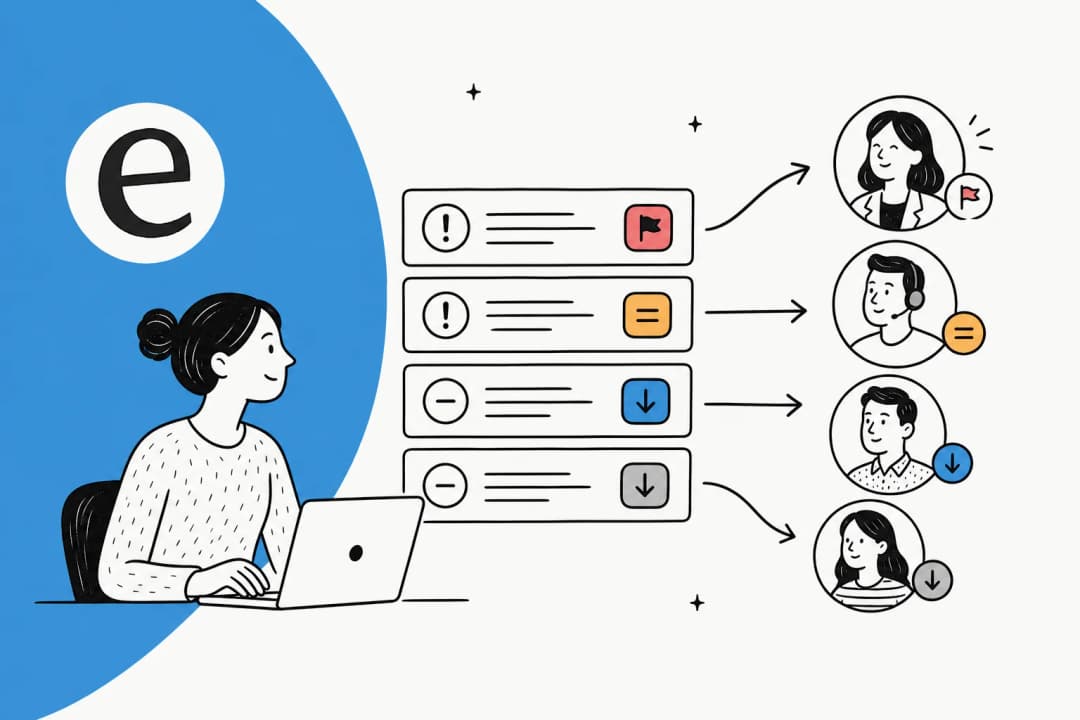
- Ticket triage decides priority and order.
- Routing decides where it goes next, which includes the option of answering it outright.
Modern AI does all three in one pass. That's the shift from the rule-based bots of 2018: instead of matching a keyword to a static article, the model extracts intent and sentiment, classifies the ticket, checks how confident it is, and then either resolves it, assigns it, or escalates with a tidy handoff. Zendesk's own teams report saving an average of 45 seconds per ticket on triage alone once this runs, and at SaaS ticket volumes that adds up fast. It's also why routing keeps showing up as a deciding factor in customer service AI comparisons.
How AI ticket routing works under the hood
Here's the part I spend my days on. When a ticket lands, a well-built routing layer runs it through a short pipeline before anyone on your team sees it.
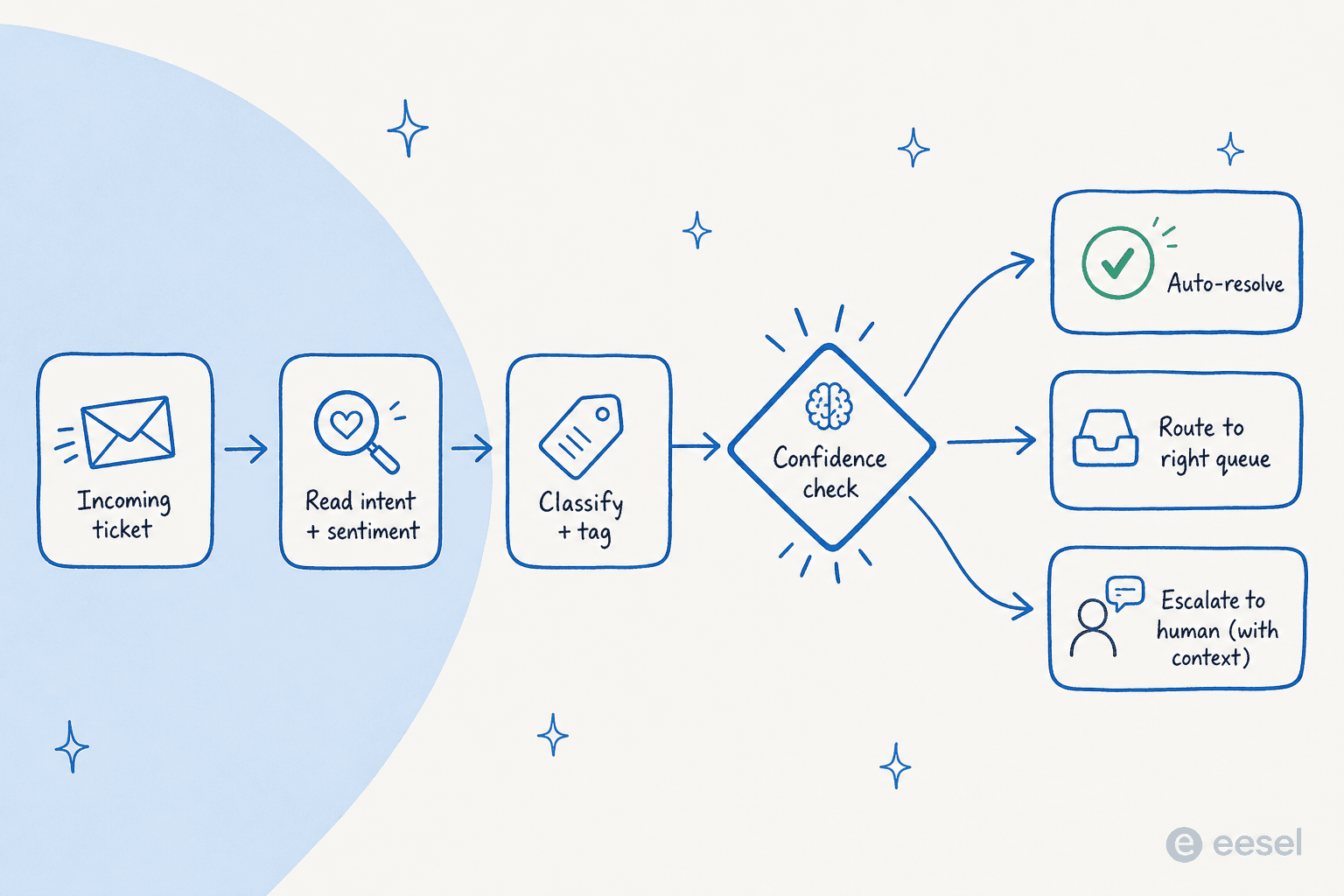
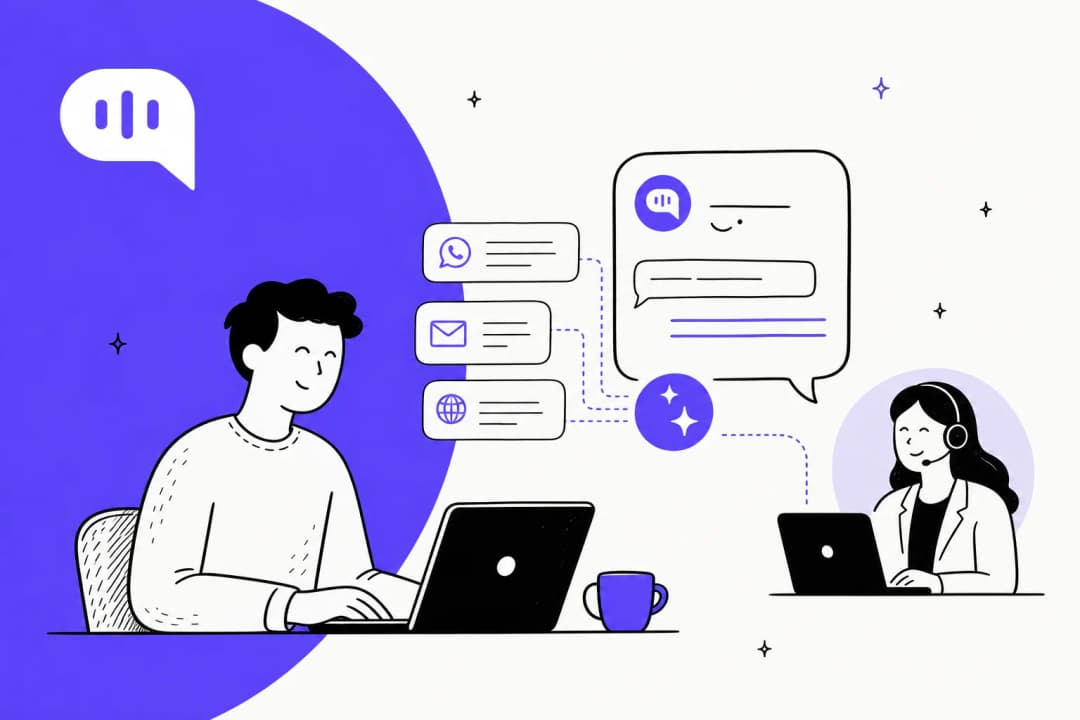
- Ingest. The ticket arrives from any channel, email, chat widget, in-app, Slack, into one queue. No pre-sorting.
- Read intent and sentiment. The model works out what the customer actually needs and how they feel about it. "Still not working" gets flagged differently from "quick question."
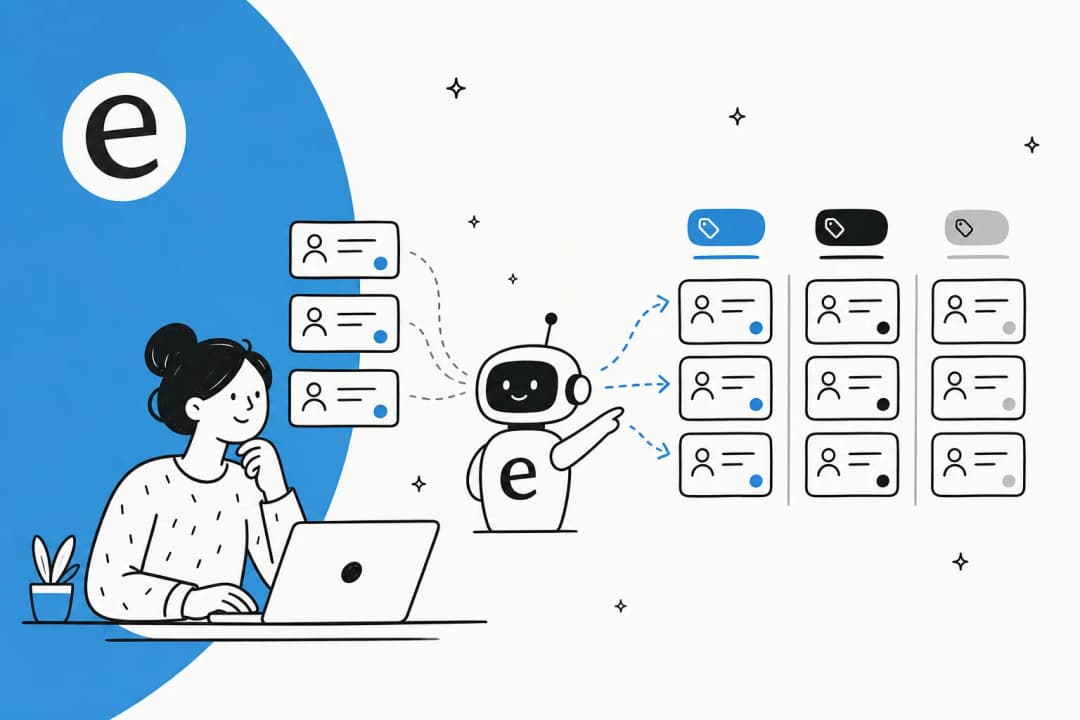
- Classify and tag. It maps the request to a category and applies tags, drawing on patterns from your past tickets rather than rules someone wrote by hand.
- Check confidence. This is the safety valve. The model scores how sure it is. High confidence can auto-resolve; low confidence should never reach the customer.
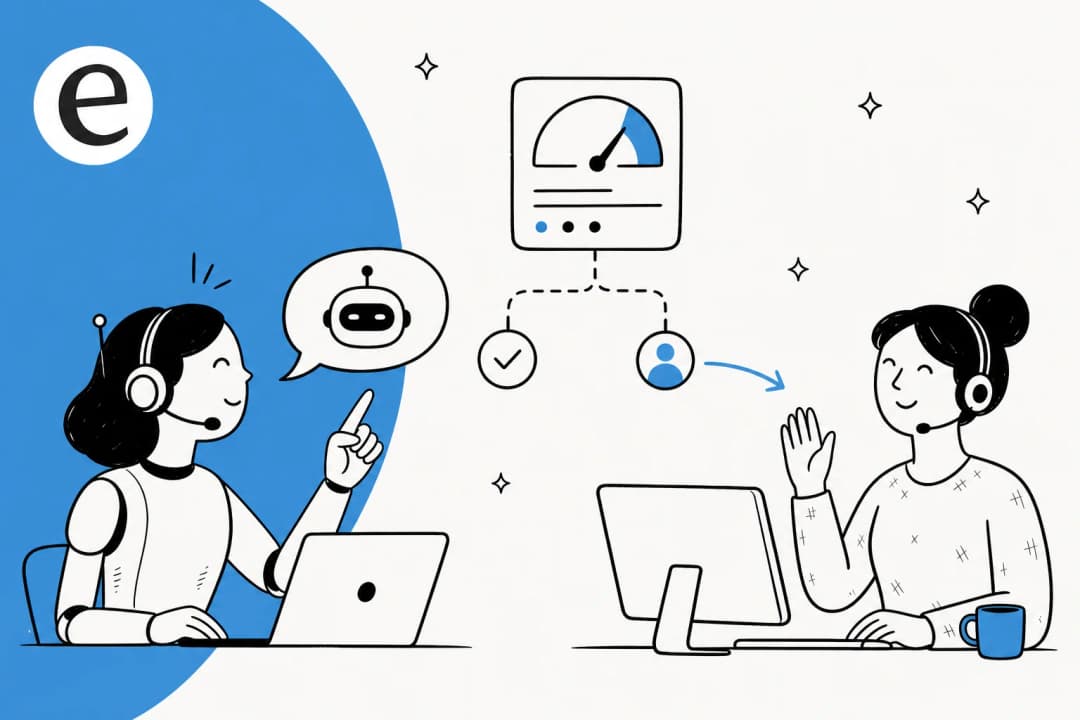
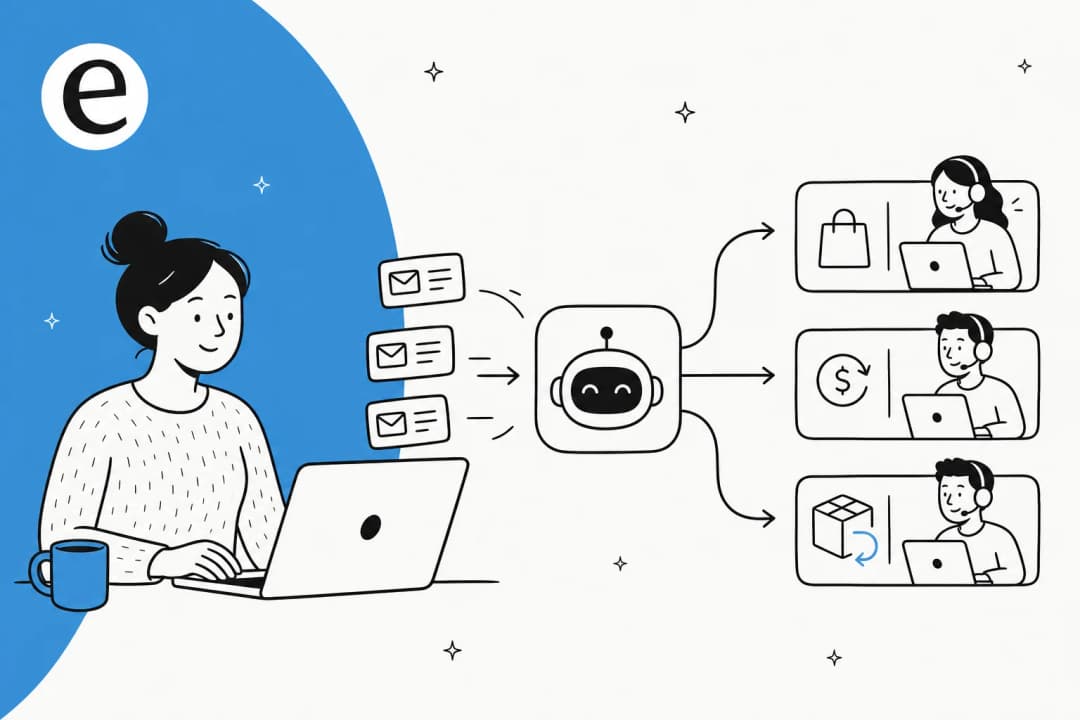
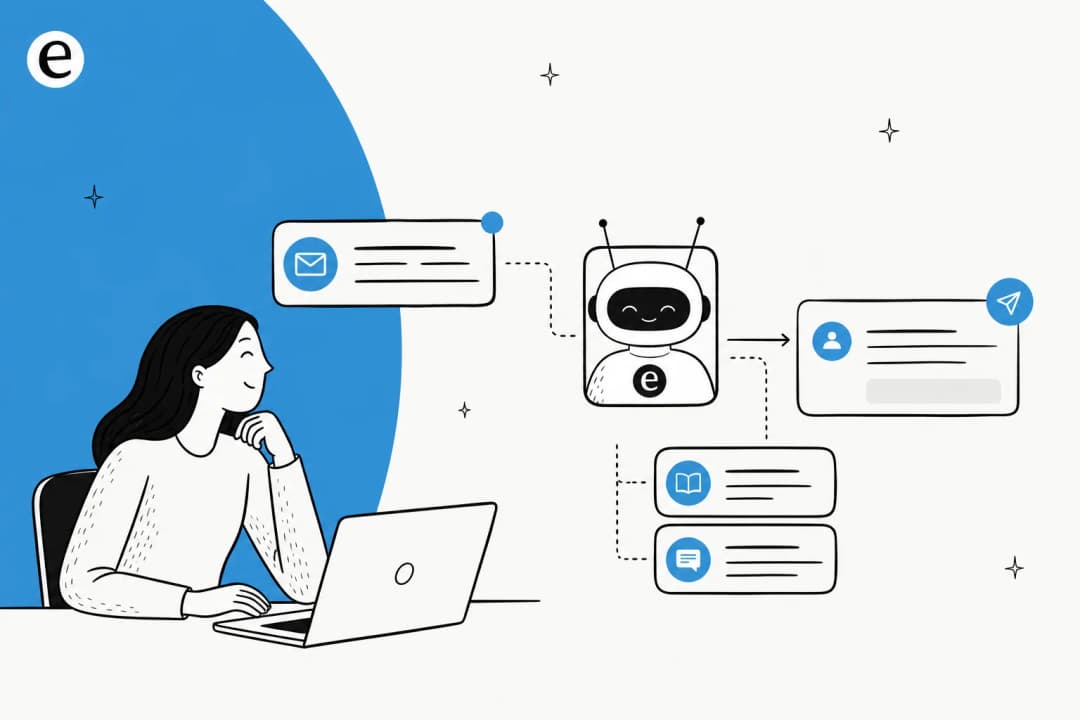
- Route. Based on that score, the ticket gets an instant answer, lands in the right queue or with the right specialist, or escalates to a human, with the conversation history, account details and a sentiment flag already attached so nobody re-asks the customer to explain themselves.
The two pieces people underrate are steps 2 and 4. Intent extraction is what lets the system handle a sentence it has never seen before. The confidence check is what keeps a confident-sounding wrong answer from going out the door, and after a few years of watching AI on live support queues, I can tell you that's the feature buyers actually lose sleep over, not raw resolution rate.
Where AI routing wins, and where it quietly doesn't
The honest answer is that routing accuracy varies enormously by ticket type, and any vendor showing you a single headline number is hiding this chart from you.
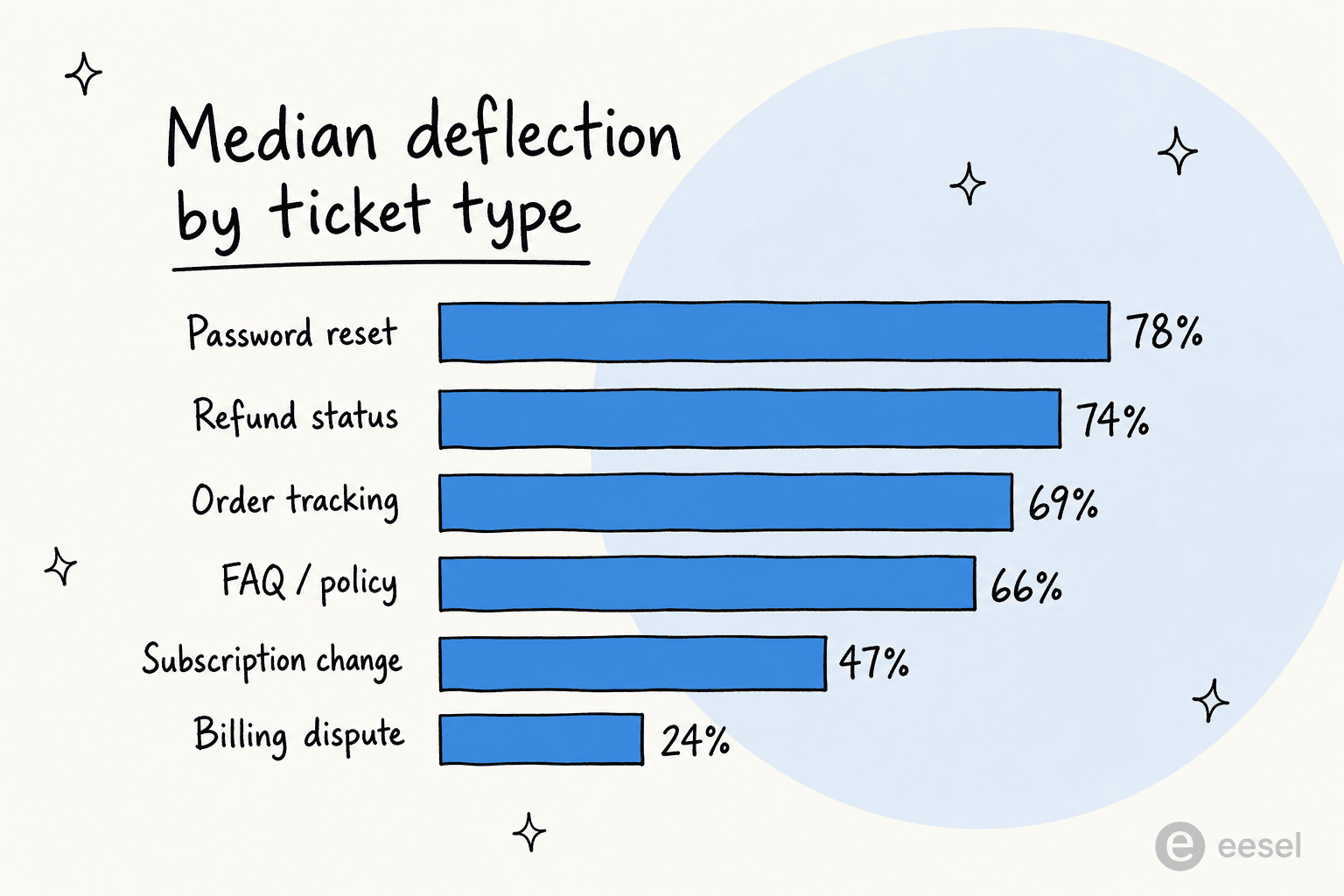
Structured intents with a clear system of record route beautifully. Password resets, refund status, order tracking, FAQ lookups: these sit at 66% to 78% median resolution across enterprise programs, per figures compiled from Zendesk's CX Trends and Salesforce's State of Service. Sentiment-heavy tickets are a different story. Billing disputes and complaints rarely clear 25%, no matter which vendor you pick.
For a SaaS team specifically, that maps neatly onto your queue. Tier-1 account and access questions, plan changes, "how do I" usage questions: great candidates. Angry churn-risk escalations and nuanced technical bugs: route those to a human quickly and don't try to be clever. The teams that get burned are the ones that point AI at the hard tail to chase a bigger number. There's a widely cited Gartner finding that AI deflects more than 45% of queries but only around 14% reach genuine self-service resolution. The gap is mostly tickets that got suppressed, not solved, and a frustrated customer who comes back angrier is worse than one you routed to a person in the first place.
So the right framing isn't "how high can the number go." It's "which intents can I route with confidence, and how do I keep everything else flowing cleanly to the right human." That's also the framing behind a sane AI ticket resolution rate target, and it's how the better ticket automation tools are built.
The thing that actually moves accuracy: integrations, not the model
This is the point I most want SaaS teams to internalize, because it's where the budget should go.
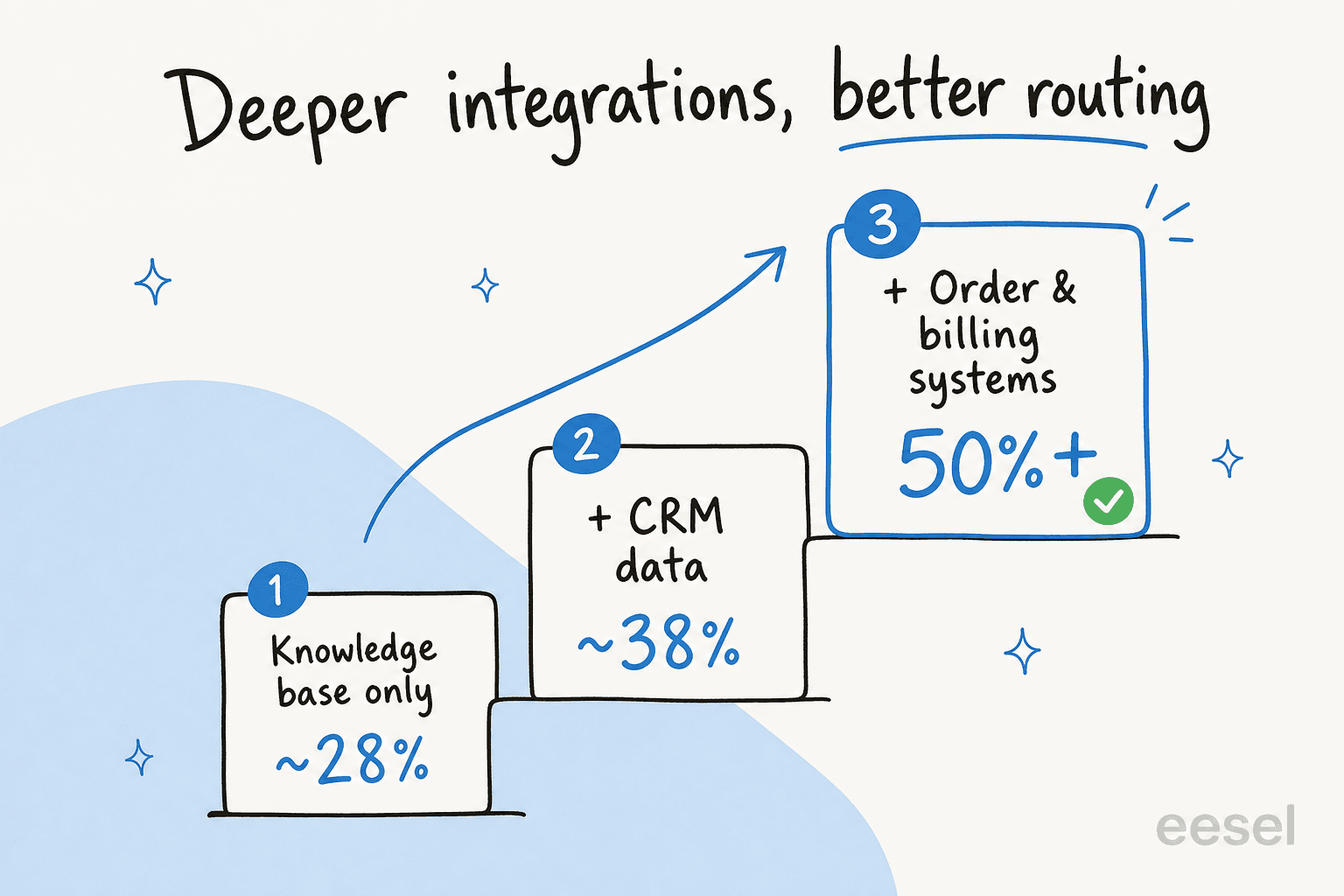
A router connected only to your knowledge base tends to plateau around 28% resolution. Connect it to your CRM so it can see who the customer is and it climbs to roughly 38%. Connect it to your order and billing systems so it can actually look up an account and take an action, and you get past 50%. Most real SaaS questions need account-specific context, not a generic help article, so a router that can read but not act will always disappoint.
Model choice matters less than this. Two routers running the same underlying model will perform completely differently depending on how many of your systems they can reach. When you're evaluating tools, the question to push on isn't "which LLM do you use," it's "what can you actually see and do inside my stack." That's also why a strong knowledge base is non-negotiable: it's the single highest-impact input, and a router pointed at stale docs produces confident, wrong, and badly-routed tickets.
How to roll it out without losing your team's trust
The biggest objection I hear isn't "will it work." It's "I don't want a bot answering things it shouldn't." That's the right instinct. One CX lead at a DTC supplements brand running about 7,000 tickets a month on Gorgias put the worry perfectly when we spoke: they needed an AI that only handles the tickets it's confident about and leaves the rest alone, because nobody has time to audit 7,000 AI replies after the fact. Control is the feature, not a nice-to-have.
Here's the rollout I'd actually run:
- Start with simulation, not production. Before a customer sees anything, run the AI against your last few months of real tickets and read the predicted outcomes by category. This is the step that tells you which intents will route well and which won't, with zero risk. It's the first thing I'd reach for, and it's why we built simulation mode into eesel.
- Scope tight. Pick the two or three highest-volume, most structured intents (password resets, plan questions, order status) and route only those. Resist the urge to cover everything in week one.
- Run as an internal note first. Let the AI triage, tag, and draft a suggested reply as an internal note rather than auto-sending. Your team approves or edits, and every correction trains the next response. This is how cautious SaaS teams get comfortable before granting real autonomy.
- Set confidence thresholds, then loosen them. Start conservative so more tickets escalate to humans, and tune down over a few weeks using real resolution and re-contact data, not intuition.
- Keep certain tickets off-limits. Good tooling lets you exclude ticket types entirely. VIP accounts, legal, anything sentiment-heavy: route those straight to a person.
- Treat every escalation as a signal. A ticket the AI couldn't route is usually a knowledge gap or a scope error. Fixing those is how the system improves, not by swapping models.
One IT team at a fintech I came across runs eesel as the first responder on their Jira Service Management desk, reading and drafting on incoming tickets exactly like a junior agent would, and has been pushing deflection up from 15% toward a 55% target on that desk alone. The pattern that works is always the same: narrow scope, human in the loop, widen as the data earns it. It's also the pattern I'd recommend to any Series A startup scaling support, where headcount can't keep pace with ticket growth. For the escalation side specifically, our guide to AI agent escalations goes deeper.
"In the first month, eesel is resolving 73% of our tier 1 requests, and we saw results quickly during our 7-day trial."
Kim Simpson, Gridwise (case results)
What AI ticket routing costs for a SaaS team
Pricing is where the models get sneaky, so read the billable unit carefully. Per resolution, per conversation, and per ticket are genuinely different, and a low per-something rate can hide a big per-seat platform fee on top.
eesel keeps it usage-based: $0.40 per ticket, no per-seat fee, no platform minimum on the self-serve plan, and you're never charged for tickets your humans handle. A partial rollout is fine, route 200 of your 1,000 monthly tickets and you pay for 200.
| Tickets routed per month | Monthly cost (eesel) |
|---|---|
| 100 | $40 |
| 500 | $200 |
| 1,000 | $400 |
| 2,500 | $1,000 |
Source: eesel pricing. For context, a human-handled SaaS support ticket runs into the dollars, not cents, so the math behind routing tier-1 volume to AI is rarely the hard part. The real decision is the cost of a human agent versus an AI agent on the tickets that don't need a person. If you're cost-sensitive, the cheapest AI helpdesk apps roundup is a useful next read, and smaller teams should skim the best tools for small teams too.
Try eesel for AI ticket routing
If you run support for a SaaS product on Zendesk, Freshdesk, HubSpot or Front, eesel plugs in, learns from your past tickets and help docs on day one, and routes, tags, drafts and escalates from inside the helpdesk your team already uses. The part SaaS teams tend to value most: you can simulate the whole thing against your real ticket history first, so you see exactly which intents will route well before any customer is involved, and you keep confidence-based control over what the AI is allowed to touch.
It's free to start, no credit card, and you can see it route your own tickets in a simulation before going live. Worth a look if you're tired of triaging the queue by hand.
Frequently Asked Questions

Share this article

Article by
Alicia Kirana Utomo
Kira is a writer at eesel AI with a Computer Science background and over a year of hands-on experience evaluating AI-powered customer service tools. She focuses on breaking down how helpdesk platforms and AI agents actually work so that support teams can make better buying decisions.