Dialpad pricing 2026: Plans starting at $15/mo compared

Last edited August 26, 2025
Table of Contents
- A look at the Dialpad pricing structure
- Breaking down Dialpad’s pricing for its core plans
- The hidden fees and add-ons
- Limitations and downsides of the Dialpad pricing model
- Hypothetical Dialpad pricing cost calculator: A support team of 10
- How eesel AI pricing compares to Dialpad
- Is Dialpad’s pricing worth it for you?
That $15 per-user price from Dialpad can look pretty good at first glance. But does it tell the whole story? Once you start digging in, you'll find a pricing model that feels a bit like a maze. Dialpad is a well-known, AI-powered platform for voice, meetings, and contact centers, but its costs are split across different products and riddled with potential add-ons and surprise fees. This makes it hard to pin down what you'll actually pay each month.
Figuring out the right tools for your business shouldn't be a guessing game. In this article, we’ll walk you through a clear breakdown of all the Dialpad pricing plans, shine a light on the real costs, and see how it stacks up against a more straightforward, modern alternative like eesel AI.
A look at the Dialpad pricing structure
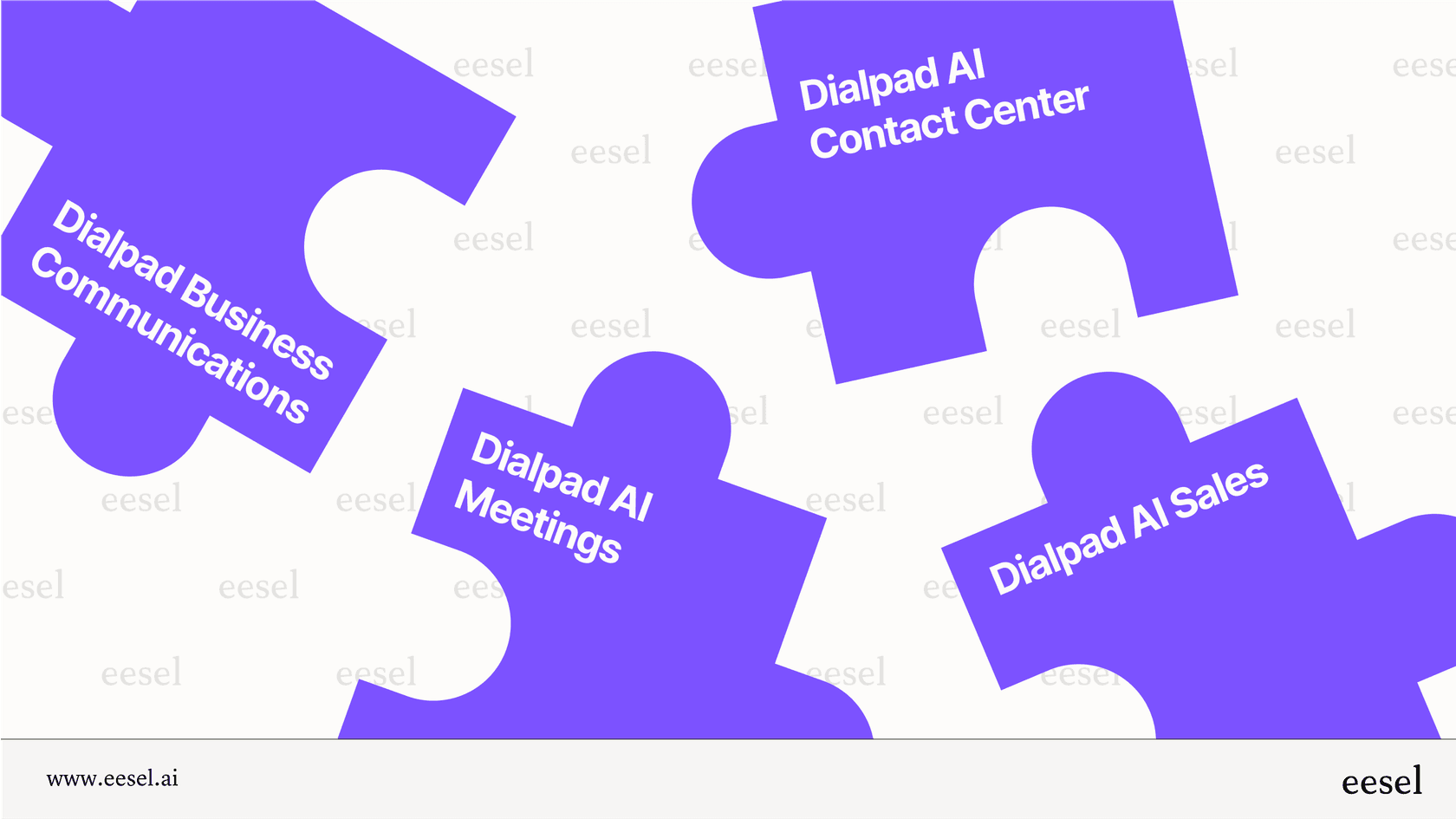
Dialpad separates its services into different product suites, each with its own pricing: Business Communications, AI Meetings, AI Contact Center, and AI Sales. This setup often means you have to patch together a solution by buying multiple products or pricey add-ons, which isn't exactly the unified platform experience you might be looking for.
It all runs on a classic per-user, per-month billing model. For some businesses, this can feel a bit restrictive compared to newer, value-based models. For instance, with an interaction-based pricing model, you pay for what the AI actually does for you, not just for adding another person to the plan. This approach tends to be much more flexible, especially for teams that are growing.
Breaking down Dialpad’s pricing for its core plans
Let's get into the details of each main product suite to see what your money gets you and, maybe more importantly, what it doesn't.
Dialpad pricing for business communications
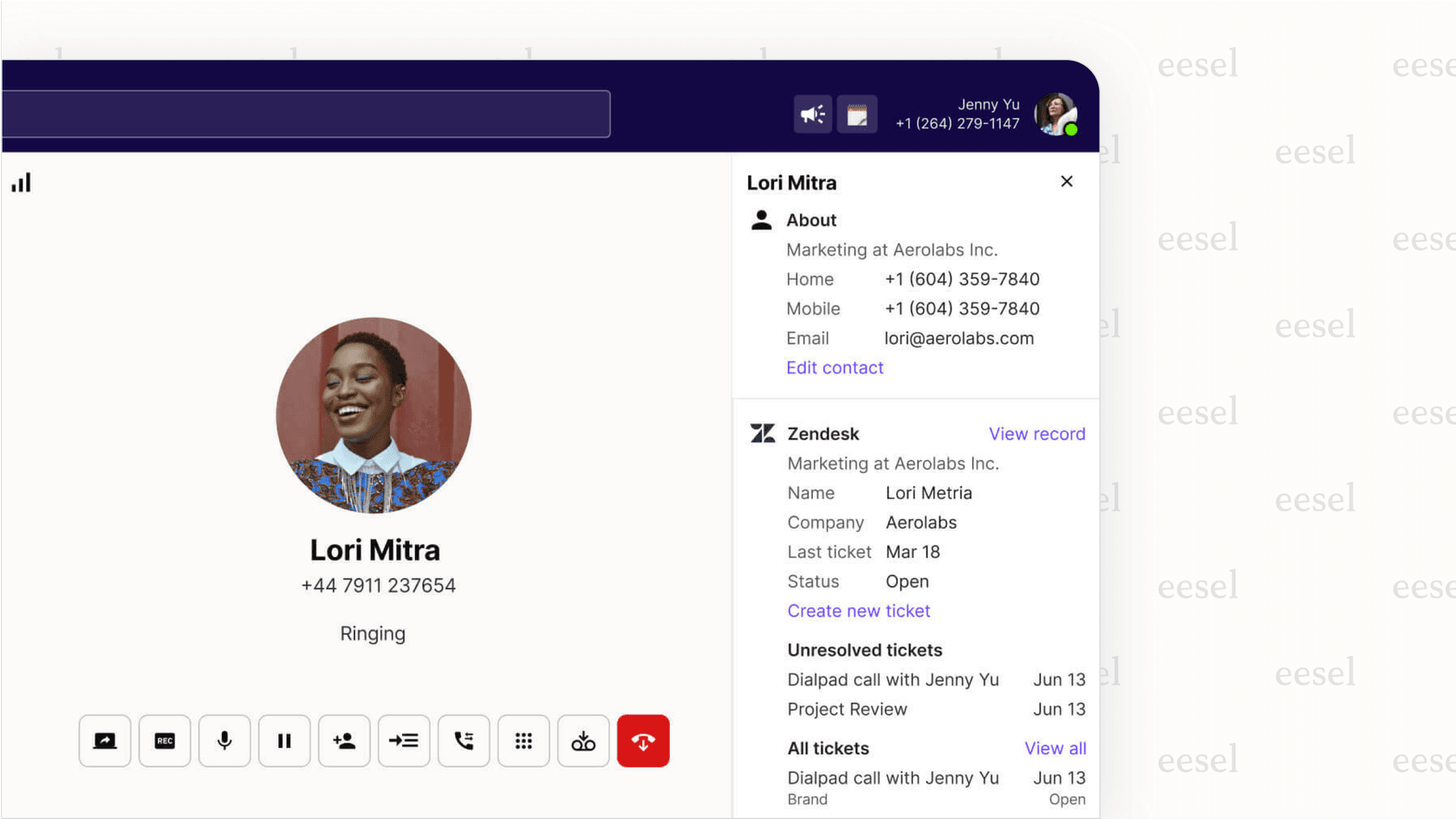
This is Dialpad's main Unified Communications (UCaaS) package, designed to cover your day-to-day business needs like voice, messaging, and video. It’s the most affordable way to get started, but if you’re running a support or sales team, you’ll probably find that important features are missing. Things like CRM integrations, hold queues, and 24/7 phone support are only available on the more expensive tiers, which might push you to upgrade sooner than you'd planned.
| Feature | Standard ($15/user/mo) | Pro ($25/user/mo) | Enterprise (Custom) |
|---|---|---|---|
| CRM Integrations | ❌ | ✅ | ✅ |
| International SMS | ❌ | ✅ | ✅ |
| 24/7 Phone Support | ❌ | ✅ | ✅ |
| Hold Queues | ❌ | ✅ | ✅ |
| SSO Integration | ❌ | ❌ | ✅ |
| 100% Uptime Guarantee | ❌ | ❌ | ✅ |
Dialpad pricing for the AI contact center and sales
These are Dialpad's high-end, AI-focused packages made for dedicated support and sales operations. This is where you’ll see a big jump in cost, with plans kicking off at $80 per user per month for the contact center and $60 for sales.
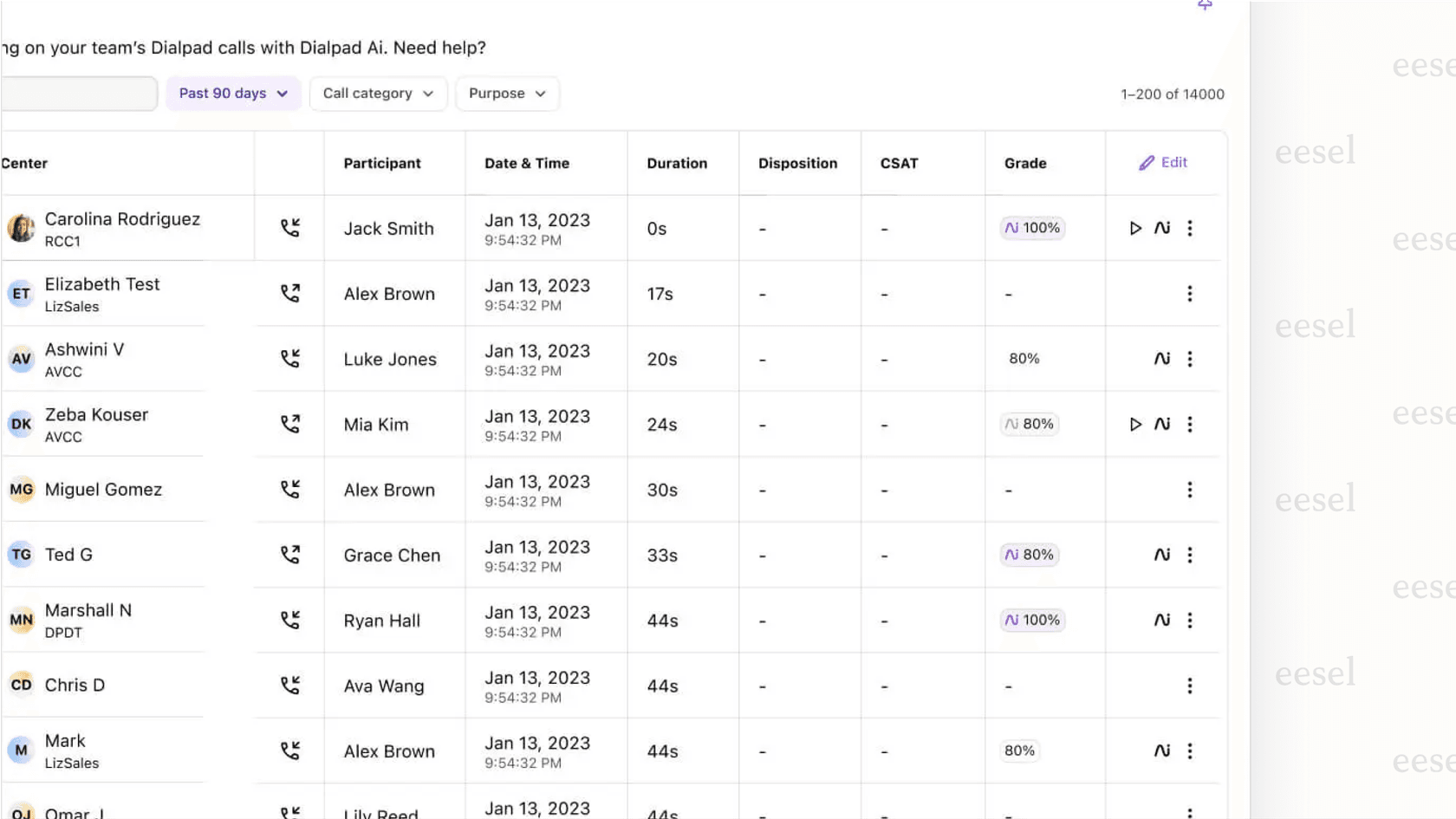
On top of that, the most powerful and genuinely useful AI features, like AI CSAT (Customer Satisfaction) and AI Scorecards, are held back for the top-tier Premium plans. To get access to those, you’re looking at a hefty $150 per user, per month. It's a common strategy designed to nudge you up the pricing ladder to get the tools you really want.
The hidden fees and add-ons
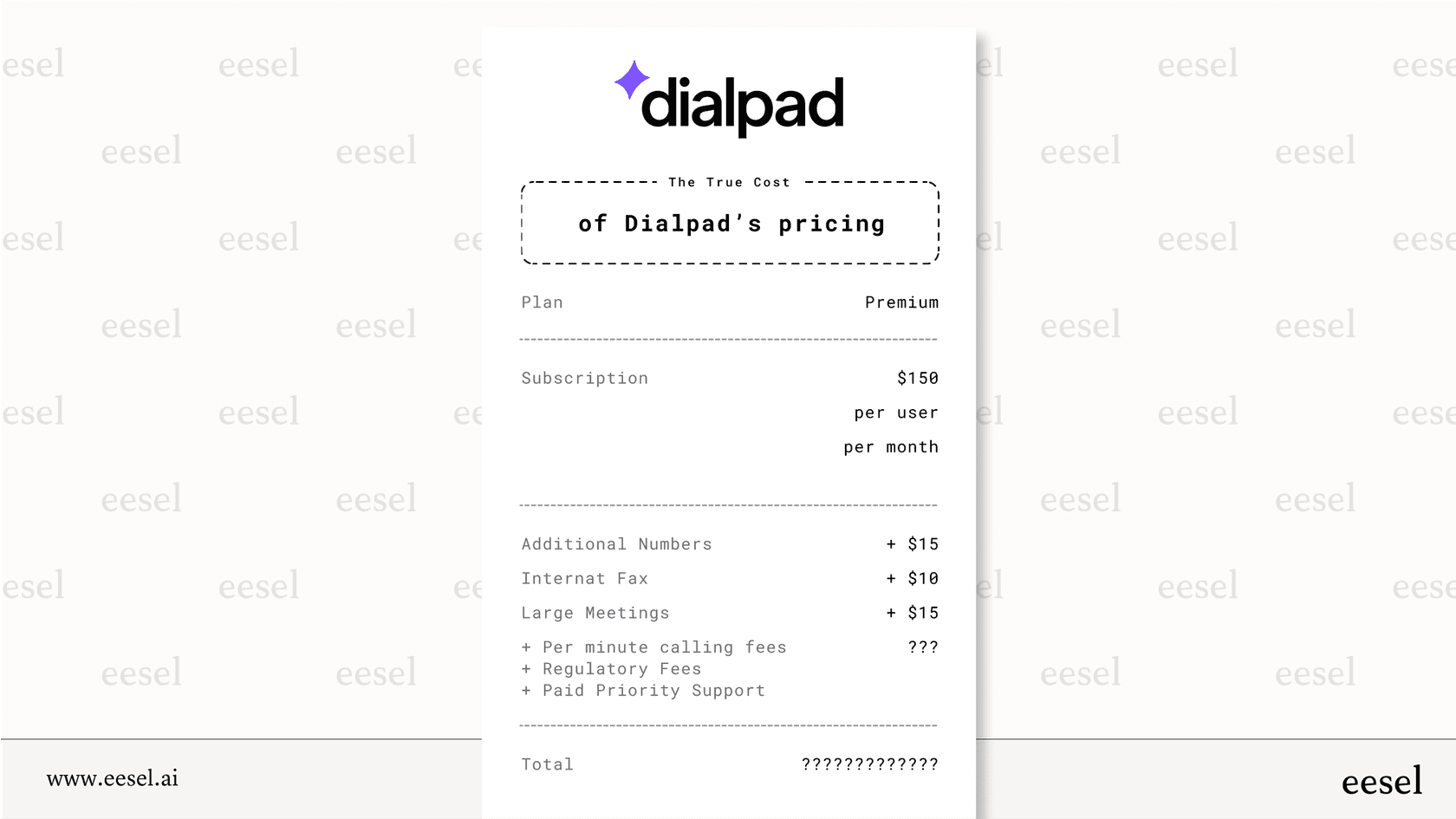
One of the most frequent complaints you'll see in user reviews is that the advertised price is rarely the final price. Before you sign on, it’s worth knowing about the extra charges that can quietly appear on your bill.
Expensive add-ons
Many features you might assume are included actually come with an extra monthly fee. Need another local number? That's $5. An international or toll-free number will run you at least $15. Internet faxing costs another $10, and if you need to host meetings for more than 10 people, that’s an additional $15 per user, per month.
Per-minute calling fees
This is one of the costs that can really add up. Even on the expensive AI Contact Center plans, you’re billed by the minute for both inbound ($0.01/min) and outbound ($0.02/min) calls. For any team that handles a decent number of calls, these small fees can inflate your bill surprisingly fast.
Unexpected regulatory fees
Keep an eye out for the non-negotiable E911 and administrative cost recovery fees on your invoice. They might not be huge charges, but they contribute to the total cost and are rarely discussed upfront.
When "unlimited" isn't really unlimited
Be careful with features that are labeled "unlimited." For example, the "Global Unlimited Calling" add-on often has a cap of 1,500 minutes per month. If you go over that limit, you have to start buying calling credits to keep making calls.
Paid priority support within Dialpad pricing
If your team can't afford any downtime, this is a big one. To get faster, dedicated support, you have to pay for a premium add-on. Otherwise, you’re left with the standard support channels, which might not be responsive enough when you have an urgent problem.
Limitations and downsides of the Dialpad pricing model
Beyond the extra fees, the way Dialpad pricing is built creates some real disadvantages for businesses that want to grow without their software costs spiraling out of control.
Why the per-user pricing model can get pricey fast
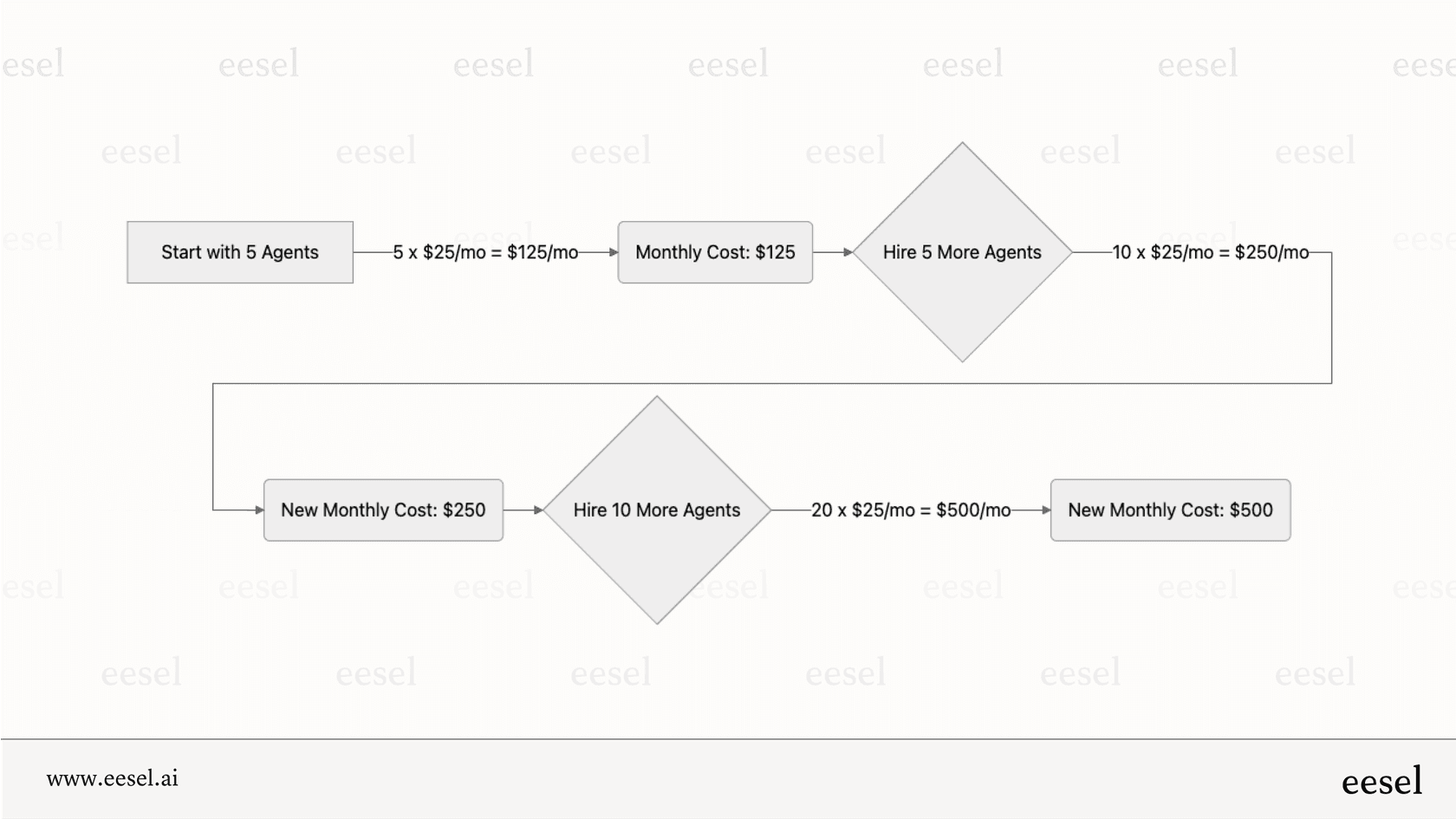
With a per-user model, your costs go up every time you hire a new agent. This model essentially penalizes you for growing your team. To make matters worse, some plans have user minimums. The Pro plan, for example, requires at least three users, forcing smaller teams to pay for seats they don't even need.
Key tools locked in the top tiers of Dialpad pricing
Dialpad keeps critical tools for more established businesses, like SSO, advanced integrations, and powerful AI automation, in its most expensive plans. This isn't by accident; it's a way to encourage costly upgrades. If you need enterprise-level security or deep workflow automation, you have to be ready to pay a premium.
How Dialpad’s pricing makes budgeting a moving target
When you mix separate products, tiered plans with gated features, and a long list of potential add-ons and per-minute fees, you get a recipe for unpredictable costs. It’s almost impossible for a business to accurately forecast its communication expenses, which makes financial planning a constant headache.
Hypothetical Dialpad pricing cost calculator: A support team of 10
Let's put this into practice. Imagine you run an e-commerce company with a 10-agent support team. They use Zendesk and need a phone system that connects with it, supports international SMS for global customers, and has some AI features to help agents be more efficient.
Here’s how their Dialpad pricing could quickly climb:
- For the basics: They need the Dialpad Connect Pro plan to get the Zendesk integration and international SMS.
Cost: 10 agents x $25/month = $250 per month.
For some real AI help: They soon realize the Pro plan's AI is pretty basic. To get features like call queues with callbacks and simple call monitoring, they need the AI Contact Center Essentials plan.
- Cost: 10 agents x $80/month = $800 per month.
For the best AI features: To unlock the most impactful tools like AI CSAT and AI scorecards, they have to jump up to the AI Contact Center Premium plan.
- Cost: 10 agents x $150/month = $1,500 per month.
And there you have it. The monthly cost for the same 10-person team skyrockets from $250 to $1,500, all to get the AI capabilities they need to serve their customers well.
How eesel AI pricing compares to Dialpad
If Dialpad's unpredictable, per-user model feels like a roadblock to growth, it's worth knowing there's a more modern and transparent way to go. Instead of making you switch your whole setup, an intelligent AI layer like eesel AI integrates with the help desk you already use, such as Zendesk or Freshdesk. This means you can avoid a costly and time-consuming platform migration.
Predictable, interaction-based pricing vs. Dialpad pricing
Here’s where things are really different: eesel AI's pricing is based on the number of AI interactions (like automated replies and actions), not on your agent headcount. This is a big deal for businesses because your cost is directly tied to the value you get from the AI. As you automate more, your bill might go up, but that’s because the system is handling more work for you. Your costs don’t automatically jump just because you hired someone new.
One unified platform vs. the fragmented Dialpad pricing structure
Unlike Dialpad's separate product suites, all of eesel AI's tools-including the AI Agent, AI Copilot, AI Triage, and AI Chatbot-are part of every plan. You don't have to purchase a separate "AI Support" or "AI Sales" package to get what you need. It’s a single, complete suite built for automation.
Superior AI without the complex Dialpad pricing
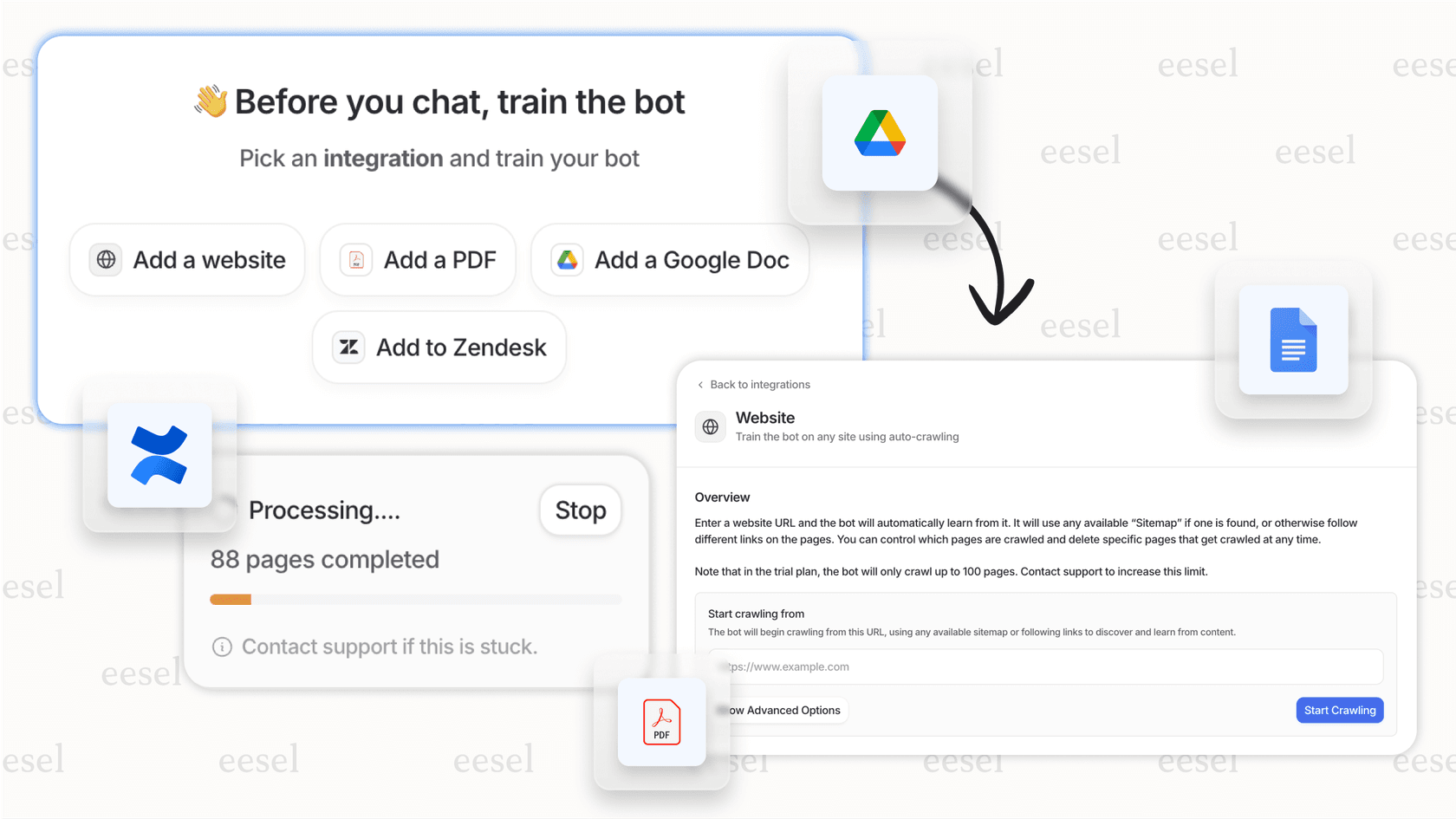
An AI is only as good as the information it learns from. eesel AI can be trained on a huge range of your company's actual knowledge, including past help desk tickets, internal wikis on Confluence, and documents in Google Docs. This is a huge step up from systems that only learn from a static help center. The ability to train on historical conversations, which is available on the affordable Business plan, leads to far more accurate, context-aware, and genuinely helpful automation.
| Feature | Dialpad (AI Contact Center) | eesel AI |
|---|---|---|
| Pricing Model | Per user/month ($80 - $150+) | Per AI interaction/month ($239+) |
| Scaling Cost | Increases with every new agent | Tied to usage, not headcount |
| Hidden Fees | Yes (per-minute charges, add-ons) | No (all-inclusive plans) |
| Past Ticket Training | Not offered | ✅ (Business Plan and up) |
| Platform Structure | Fragmented products | Unified suite (all products included) |
| Integration Approach | Partial replacement of your stack | Layers on top of existing tools |
Is Dialpad’s pricing worth it for you?
Dialpad is a capable voice-first platform, but its pricing model is complex, feels a bit dated, and can get very expensive for teams that want to scale with modern AI automation. The attractive entry-level price is a bit of a mirage, hiding the much higher true cost of unlocking the features that actually make a difference.
For businesses that prefer clear pricing, powerful automation that enhances their existing tools, and a cost model that scales with value instead of headcount, eesel AI presents a smarter path forward. It’s built for the modern team that wants to grow without being punished for it.
Ready to see how a flexible, interaction-based AI platform can improve your support without the unpredictable costs? Book a demo of eesel AI or start your free trial today.
Frequently asked questions

Share this article

Article by
Kenneth Pangan
Writer and marketer for over ten years, Kenneth Pangan splits his time between history, politics, and art with plenty of interruptions from his dogs demanding attention.