Google Drive AI: what Gemini in Drive actually does (and where it stops)


Last edited June 12, 2026
What "Google Drive AI" actually means
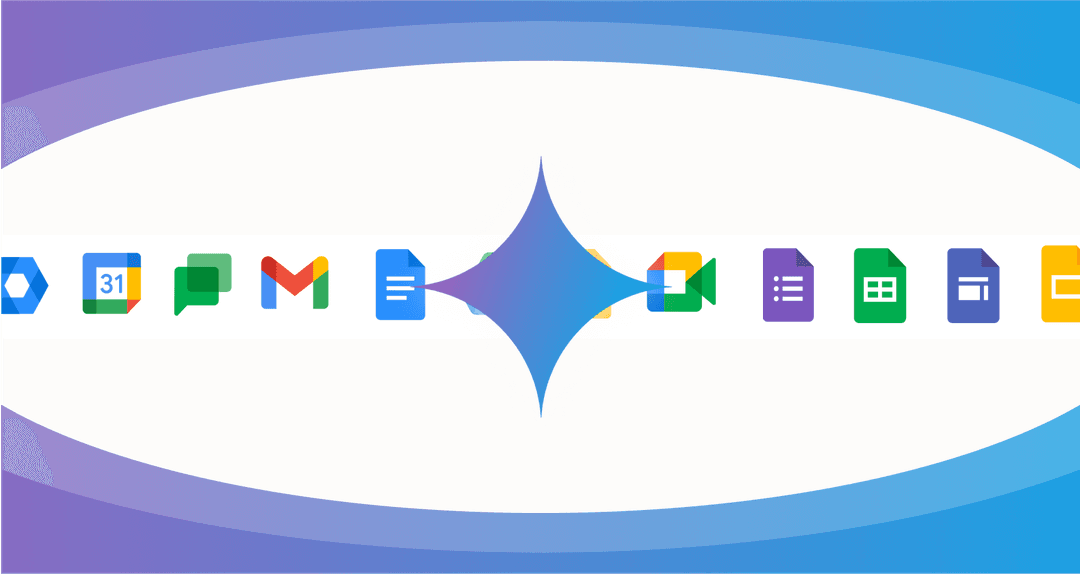
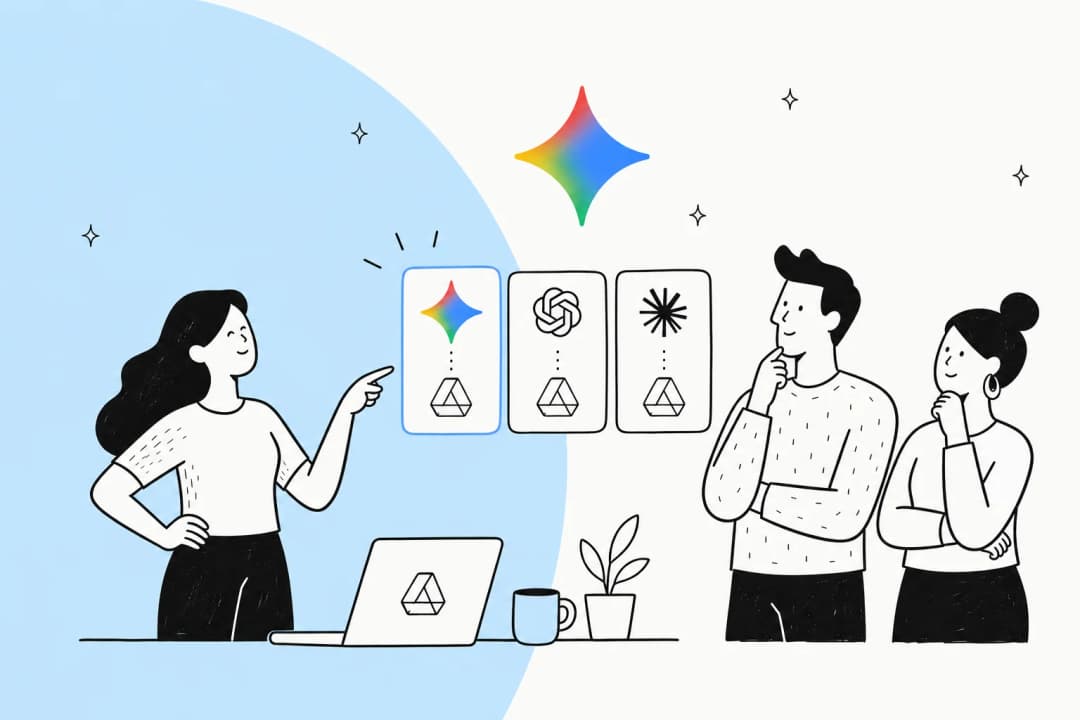
Here's the first thing to clear up, because the search term is misleading: there's no app called "Google Drive AI." When people type that, they mean the Gemini features Google has been folding into Drive over the last year, gated behind an eligible Workspace or Google AI plan.
There are two completely separate paths to it, and they're priced and named differently:
- The consumer path: a personal
@gmail.comaccount on a paid Google AI plan. - The business path: a custom-domain account on a paid Google Workspace tier.
Both unlock the same broad set of Gemini-in-Drive features, but as we'll see in the pricing section, the exact plan that flips on AI inside your Drive files is higher up the ladder than the entry tier on either side. If you're weighing the whole platform rather than just its AI, our Google Drive review goes deeper on the storage side.
What Gemini in Drive can actually do
This is the genuinely useful part, and Google has shipped more here than most people realise. The features split into a few buckets.
Searching and finding files
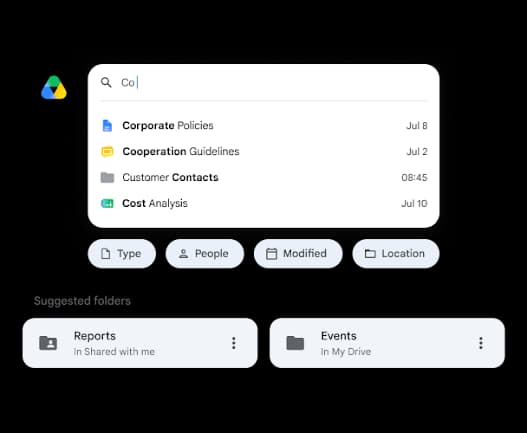
The headline feature is natural-language search. Instead of remembering an exact filename, you type something like "show me the PDF Josh emailed me last week about the marketing strategy" into the Drive search bar, and Gemini understands the phrasing and surfaces the file. When you ask a content question, an AI Overview card can appear at the top of the results with a summarised, citation-backed answer.
When it works, this is the feature people actually rave about. As one user put it after turning on a paid plan:
since I activated the plan when I open Drive the AI overview shows pretty much everywhere with summary and tips about files and folder, it's really useful as you've got tons of pdf and folders, as myself.
u/GrigioIngrid, r/GeminiAI (Jan 2026)
Summaries and "Catch me up"
Open a PDF or a video with a transcript and a summary card may pop up with a quick overview. On Docs and Sheets, a Catch me up badge shows changes and comments since you last opened the file. Both are Drive-web only.
Multi-file research and Drive projects
This is the most capable feature and the one that edges toward a real knowledge tool. From the full-screen "Ask Gemini" workspace you can group files, folders, and emails as sources and ask Gemini to connect the dots: "identify the top 3 risks mentioned across the Q2 operational updates" or "compare the Q3 budget forecast sheet against our Q4 projected spend presentations." Answers come with numbered citations back to your original documents, and you can save a source set as a shareable Project so a team works off the same foundation.
Creating content and organising files
Gemini can generate tables, proposals, images, and NotebookLM-style audio overviews (capped at 20 audio overviews a day, web-only). And a newer "let Gemini organise your files" feature suggests moving loose files into folders based on their content, though it never moves anything without your sign-off and is currently web-and-English-only.
Security and classification
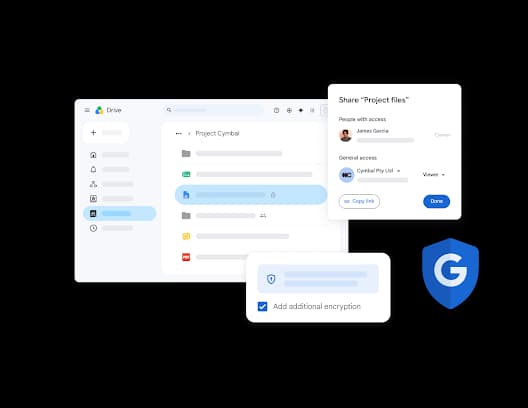
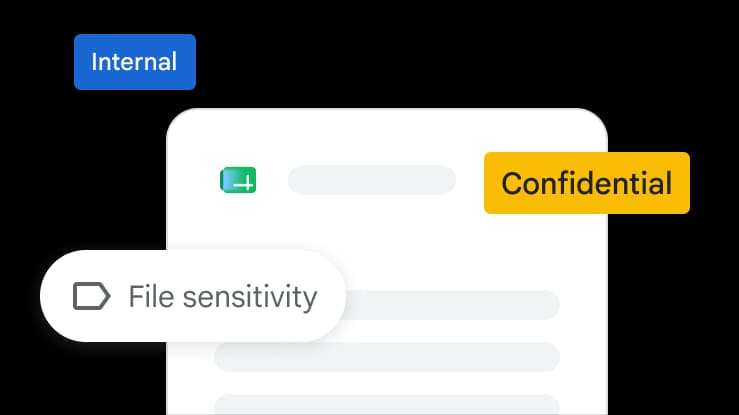
On the Enterprise tier, Google adds AI Classification for Drive, which auto-labels files by sensitivity and applies data-loss-prevention policies. Drive also leans on AI for ransomware detection in the desktop app.
One important footnote across all of this: a lot of the strongest features (Catch me up, file organisation, project creation, audio-overview generation) are web-only, with mobile getting a trimmed-down version.
How much Google Drive AI costs
Here's the part that catches people out. The free 15GB Google account gets you no paid Gemini at all, and the entry-level paid tiers don't necessarily put Gemini inside Drive. The exact plan you need sits a step higher than most people assume.
Consumer plans (personal Gmail account)
| Plan | Price/mo | Storage | Gemini in Drive? |
|---|---|---|---|
| Free | $0 | 15GB | No |
| Google One Basic | $1.99 | 100GB | No (storage only) |
| Google AI Plus | $4.99 | 400GB | Limited, Gmail proofreading scope |
| Google AI Pro | $19.99 | 5TB | Yes, adds Gemini in Docs and Sheets |
| Google AI Ultra | from $99.99 | from 20TB | Yes, highest limits |
A quick honesty note: Google presents these tiers inconsistently across its own pages (the general plans page lists "AI Plus" at $9.99 for 2TB, while the dedicated AI-plans page lists it at $4.99 for 400GB). Either way, the practical floor for AI acting inside your Drive files is Google AI Pro at $19.99/mo.
Business plans (Google Workspace)
| Tier | Price/user/mo | Storage | Gemini scope |
|---|---|---|---|
| Business Starter | $7 | 30GB | Gemini in Gmail only |
| Business Standard | $14 | 2TB | Gemini across Gmail, Docs, Drive, Meet, and more |
| Business Plus | $22 | 5TB | Same Gemini scope + Vault and advanced security |
| Enterprise | Contact sales | 5TB+ | Adds DLP and AI Classification for Drive |
The trap here is Business Starter. At $7/user/mo it advertises Gemini, but only "in Gmail," not in Drive, Docs, or Sheets. The first Workspace tier that actually unlocks Gemini in Drive is Business Standard at $14/user/mo. For a 20-person team, that's $280/month before you've added anything else, which is worth weighing against our Google Drive pricing deep-dive and the wider Google Drive alternatives.
Where Google Drive AI falls short
This is where the honest picture matters, because the community sentiment is, frankly, more frustrated than the marketing pages suggest. Three complaints come up again and again.
It often can't read files it should be able to. The single most upvoted complaint is that Gemini struggles to actually open and read your own Drive content:
Gemini thinks forever, forms search strategies, reconfigures its search strategies, tries a new angle, etc. and mostly fails and just makes up something. Maybe 1 out of 10 tries, it actually gets to the content, but it takes at least a minute.
u/williamtkelley, r/Bard (Jan 2026)
There's even a confirmed quirk in Google's own support community: hand Gemini a whole folder and it reads everything fine, but hand it a single shared file and it often gets only a partial read.
It hallucinates without good grounding. Several users describe Gemini confidently inventing answers when retrieval comes up empty:
Without context, gemini is an lazy annoying yes man who hallucinates constantly.
u/Historical_Bath_5046, r/google (Dec 2025)
The file size cap bites. Gemini in Drive caps most files around 100MB, which one user called an outright dealbreaker next to tools that handle hundreds of megabytes:
It seems Gemini can no longer analyze files larger than 100MB, even when using Google Drive... On the other hand, ChatGPT can handle files up to several hundred MB in size.
On top of those, the auto-summary panel that appears on every PDF is a recurring annoyance (the off-switch is buried under Workspace smart features), and there's real privacy unease about Gemini reaching into personal Drive content. We've collected more of these in our breakdown of Google Drive AI features, limitations, and alternatives.
The real limitation: it's walled, and it only answers
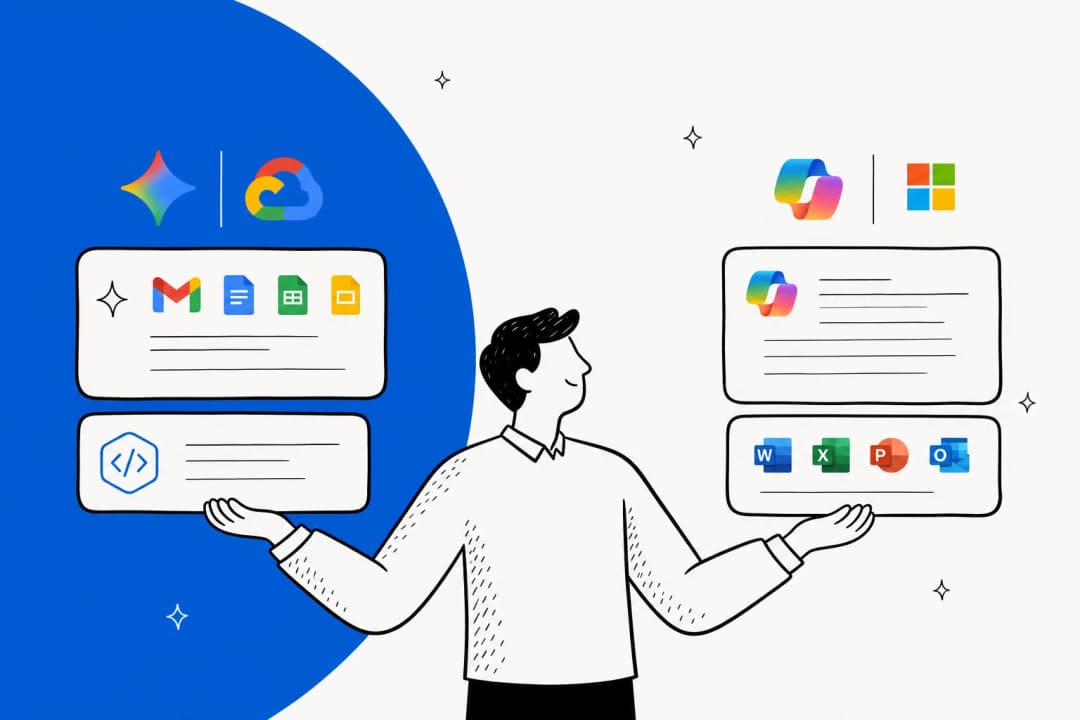
Step back from the individual complaints and there's a structural point worth highlighting. Gemini in Drive can only see your Google content, Drive, Docs, Gmail, Chat, and Calendar. Your help center, your Confluence space, your Slack history, your past support tickets, the order data in your e-commerce backend: none of that is in scope.
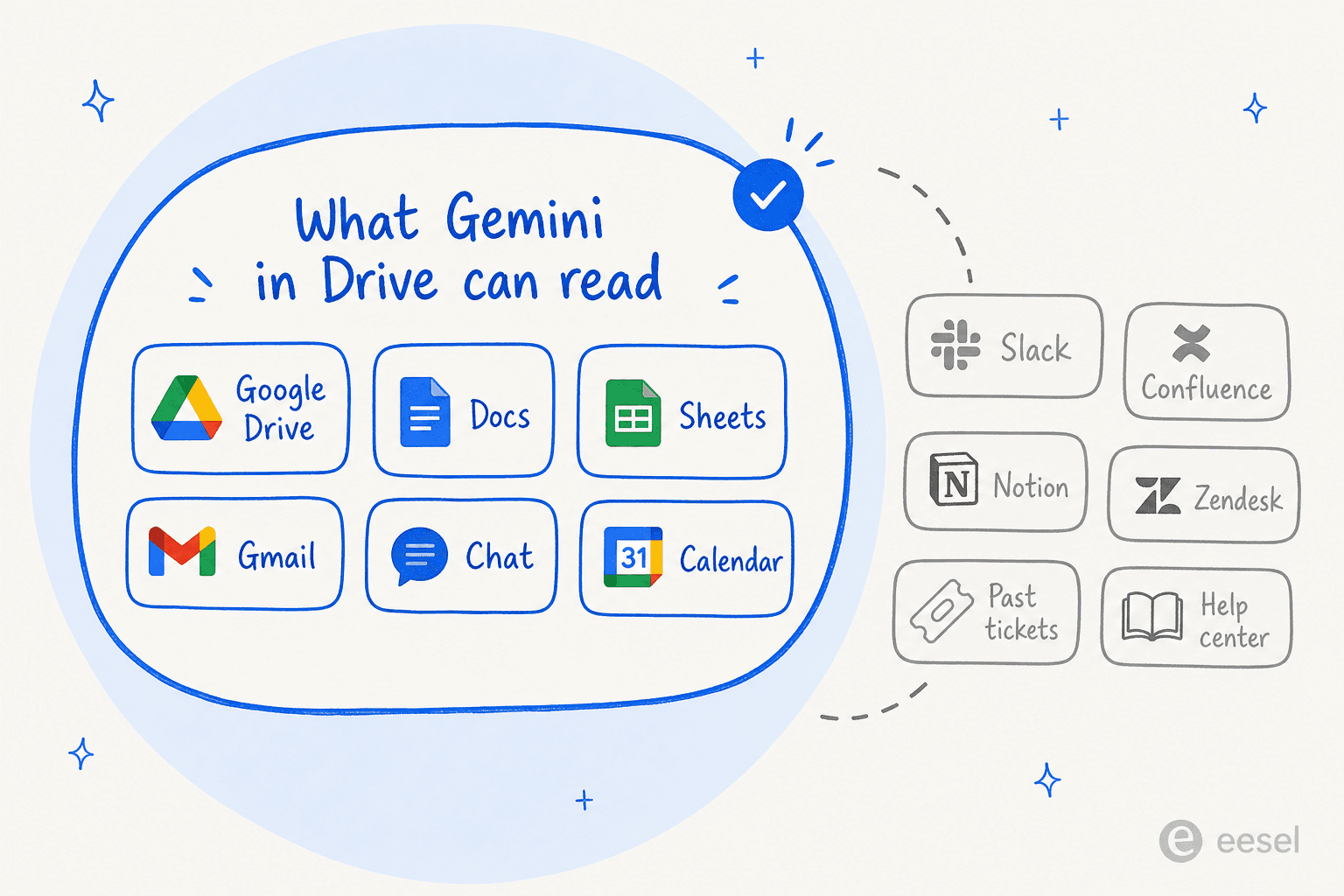
That matters because most teams don't keep their knowledge in one place. Support answers live in a Confluence AI knowledge base and old tickets; product context lives in Notion AI and Google Docs; team know-how lives in Slack. An AI that only reads one of those sources can only ever answer a fraction of the questions people actually ask.
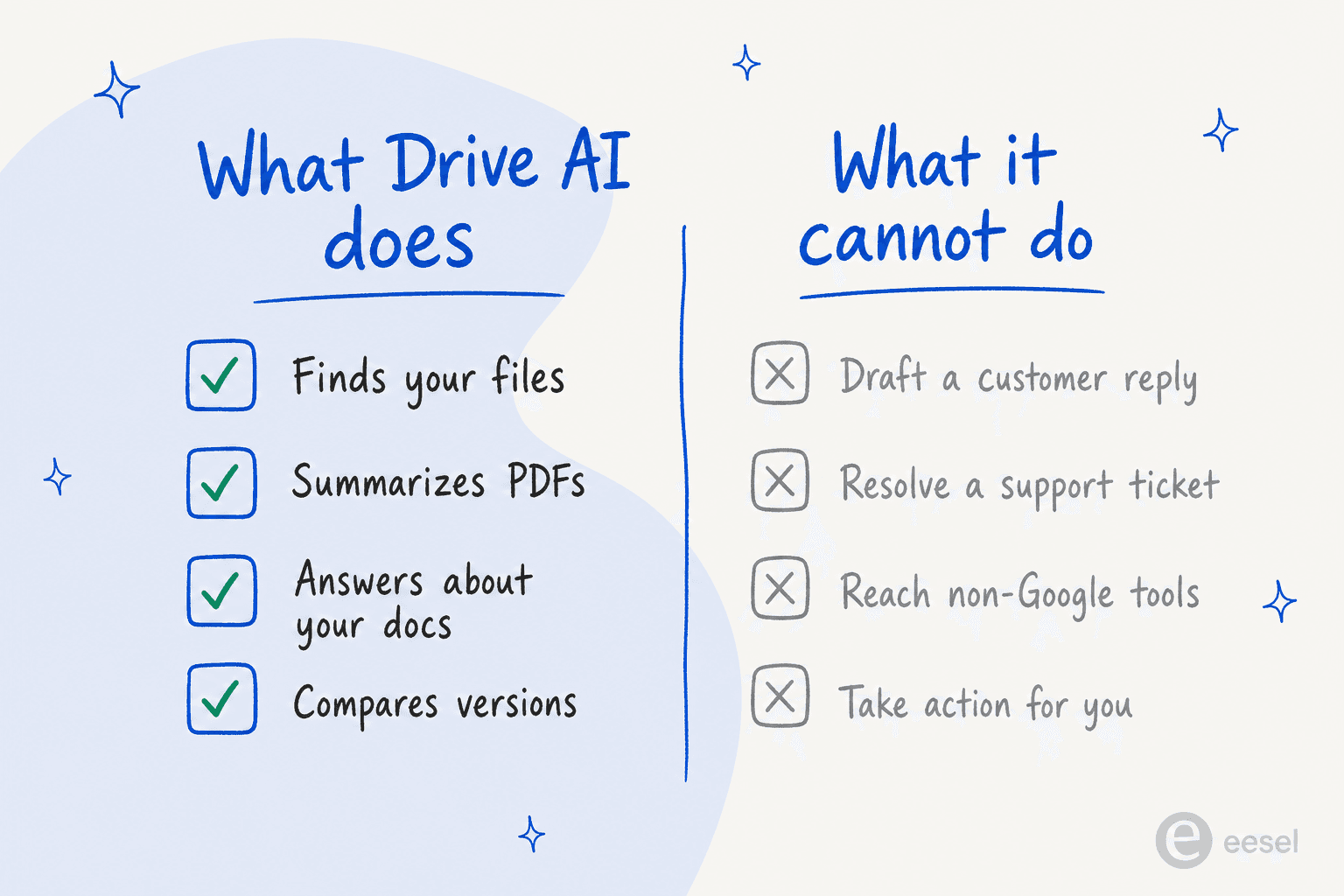
The second structural limit: Drive AI answers, it doesn't act. It can tell you what's in a document. It can't draft and send a customer reply, resolve a support ticket, route a request, or post an answer back into the channel where the question was asked. For a knowledge worker tidying their own files, that's fine. For a support or IT team fielding questions all day, it's the difference between a helper and a teammate.
Google Drive AI vs a dedicated AI knowledge layer
So when is Drive AI enough, and when do you need something else? A quick side-by-side:
| Google Drive AI (Gemini in Drive) | Dedicated AI knowledge layer (e.g. eesel) | |
|---|---|---|
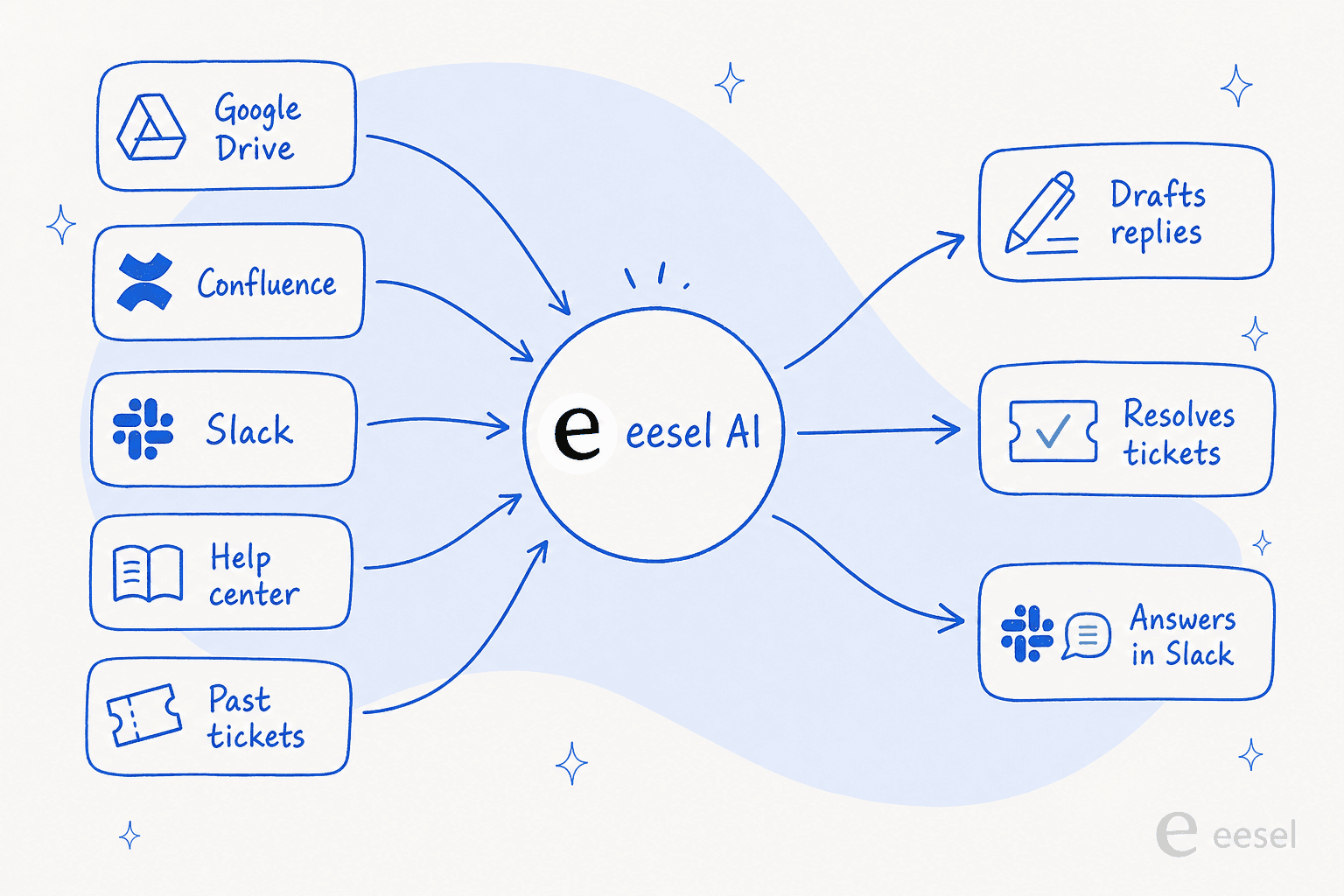
| Knowledge sources | Google only (Drive, Docs, Gmail, Chat, Calendar) | Drive, Confluence, Notion, Slack, help center, past tickets, 100+ sources |
| What it does | Answers questions about your files | Answers and acts: drafts replies, resolves tickets, posts in Slack |
| Where it runs | Inside Google Drive | Inside your existing apps (helpdesk, Slack, email, chat widget) |
| Best for | Individuals organising their own files | Support, IT, and ops teams answering others' questions |
| Cheapest AI tier | $19.99/mo (consumer) / $14/user/mo (business) | Usage-based, $0.40 per task, no per-seat fee |
The distinction is exactly what teams that have outgrown Drive AI describe. One support team at a meeting-productivity SaaS, running off Notion and Google Docs as their knowledge sources, told us their agents can now "instantly draft replies to customers" and that they "don't have to look through all our documentation on Notion, Google Docs or our help center anymore because eesel AI does it for us." That's the shift from "AI that reads my Drive" to "AI that answers across everything and does the work." If you're choosing tools for that second job, our guides to the best AI knowledge base tools and AI for internal support teams are a better starting point than a single-vendor AI.
Try eesel
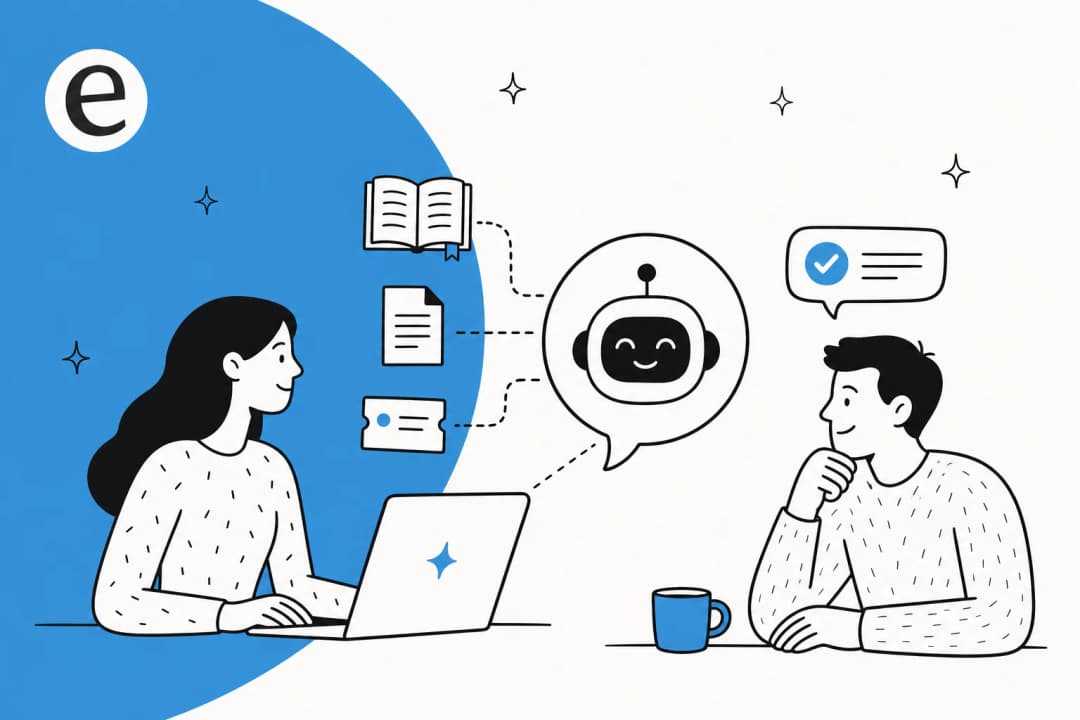
If your knowledge lives in Google Drive and a handful of other tools, and you want AI that actually answers questions and resolves tickets rather than just summarising files, that's the job eesel is built for. It connects to Google Docs, Confluence, Notion, Slack, your help center, and 100+ other sources, learns from your existing history in minutes, and then works inside the tools you already use: drafting customer service replies, resolving helpdesk tickets, and answering workplace questions in Slack.
Unlike Gemini in Drive, it isn't walled to one vendor's files, and unlike a copilot, it's coachable in plain language and pauses at a spend cap you set. You can try eesel free, no card required, and point it at your Drive to see how it answers across the rest of your stack too.

Frequently Asked Questions

Share this article

Article by
Alicia Kirana Utomo
Kira is a writer at eesel AI with a Computer Science background and over a year of hands-on experience evaluating AI-powered customer service tools. She focuses on breaking down how helpdesk platforms and AI agents actually work so that support teams can make better buying decisions.