|
VOOZH | about |
|
VOOZH | about |
Sometimes websites fail to load or your internet feels slow due to outdated DNS cache entries. These stored records may contain incorrect information, causing connectivity issues. Flushing the DNS cache helps refresh these records and improves browsing performance.
Example: When a website shows errors or loads an outdated version, it may be due to stale DNS cache data. Clearing the DNS cache forces your system to fetch the latest IP address. This helps the website load correctly and improves performance.
Flushing the DNS cache helps resolve connectivity issues, improve browsing performance, and ensure accurate domain resolution.
Clearing outdated DNS records helps your system connect to the correct server.
Ensures your system reflects recent DNS or hosting updates correctly.
Removes potentially unsafe or manipulated DNS entries.
Fixes delays caused by corrupted or outdated DNS entries.
Acts as a quick first step to fix common internet issues.
Now if you are facing any issue which is mentioned above, then explore this section to Let's see how to clear the DNS cache for macOS, Windows, and Linux.
Flushing the DNS cache on Windows involves using the Command Prompt. So, explore the below steps for successful DNS clearing in Windows.
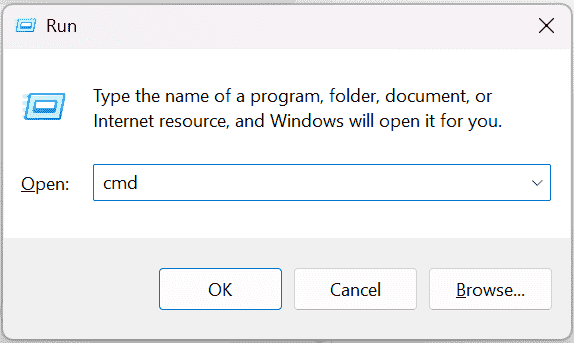
Step 1: Open Command Prompt
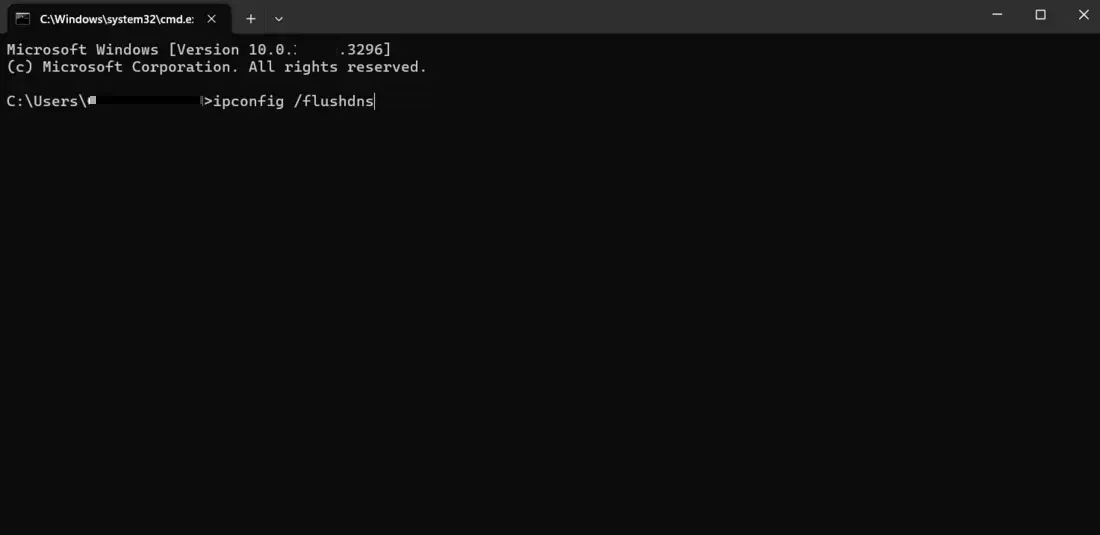
Step 2: Use ipconfig
👁 Windows-Flush-DNS-02ipconfig /flushdns
Step 3: Flush DNS Cache
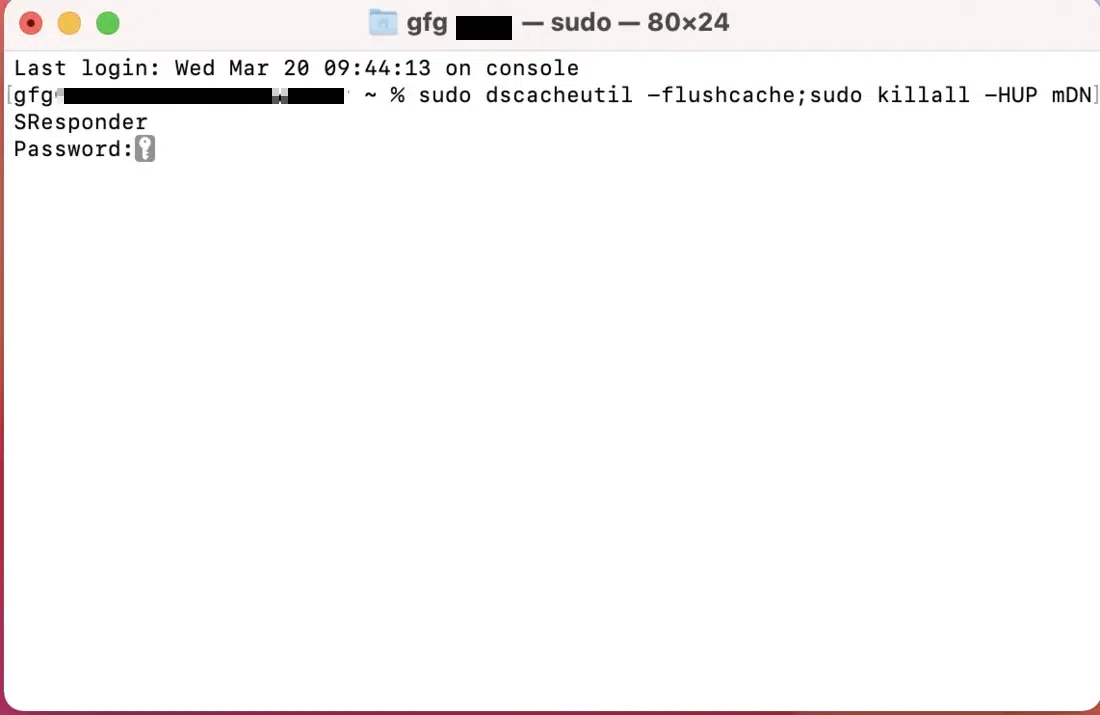
Here's how to flush the DNS cache on your Mac:
sudo dscacheutil -flushcache; sudo killall -HUP mDNSResponder
The specific commands for flushing the DNS cache on Linux can vary depending on your distribution. Here are some common methods:
For Ubuntu and Debian
sudo systemd-resolve --flush-caches
For newer versions of Ubuntu
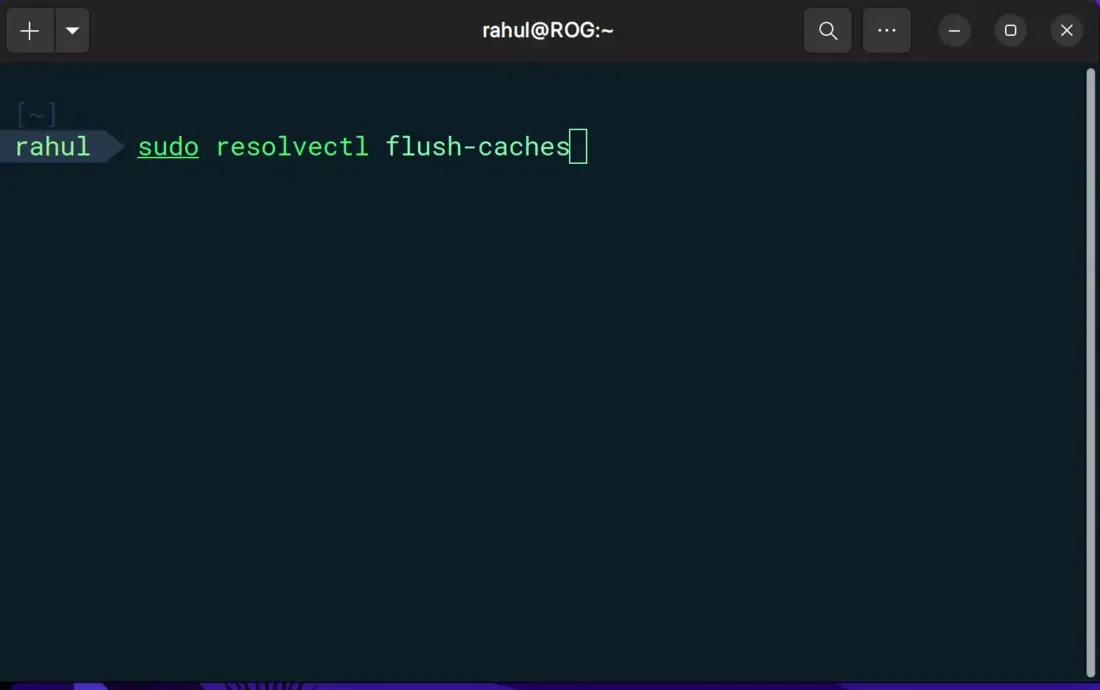
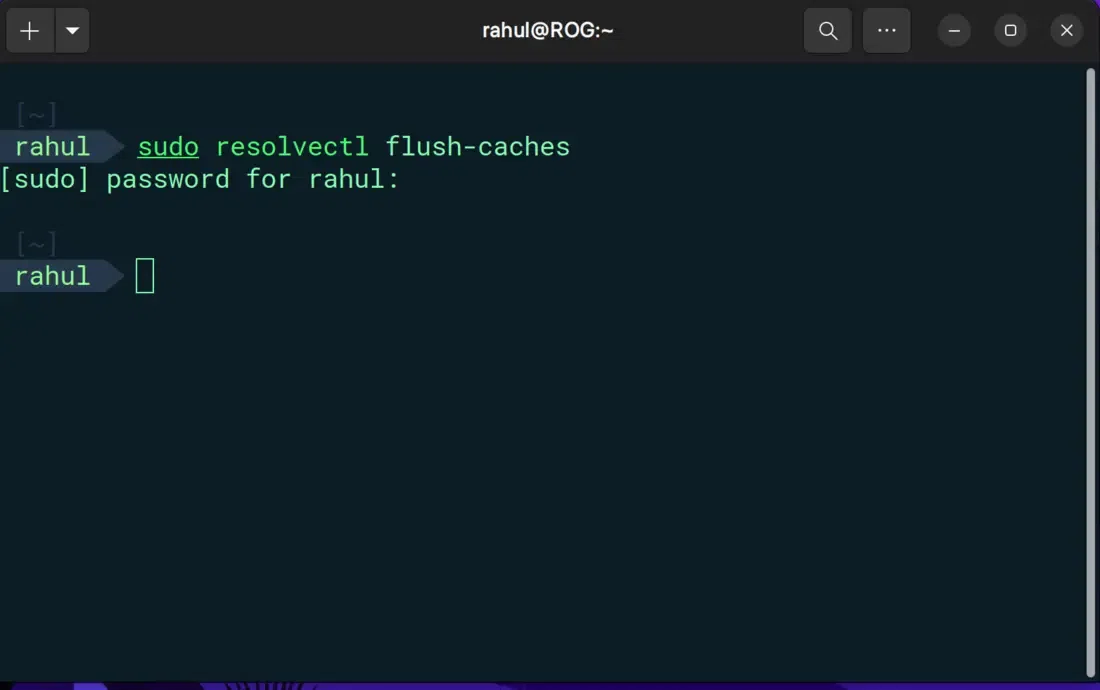
You may need to use this command instead:
👁 Linux-Flush-DNSsudo resolvectl flush-caches
If successful, you won't see any confirmation message, but your DNS cache will be flushed.
👁 Linux-Flush-DNS-2Here are some examples of other Linux distributions:
sudo service nscd restart
sudo systemd-resolve --flush-caches
Once you clear the DNS cache, there may be some slight latency when first visiting web pages. This is because your device has to obtain fresh IP addresses from the DNS server. This delay should be minimal, and subsequent visits to the same website should load at the usual speed.
This DNS (Domain Name System) cache flushing is not a magic bullet for all internet connectivity problems that affect your computer. Here are some scenarios where it might not be the solution:
Problems related to devices or network setup cannot be fixed by clearing DNS cache.
If the website itself is unavailable, DNS flushing will not help.
Wrong network settings can prevent proper internet connectivity.
Related Articles