|
VOOZH | about |
|
VOOZH | about |
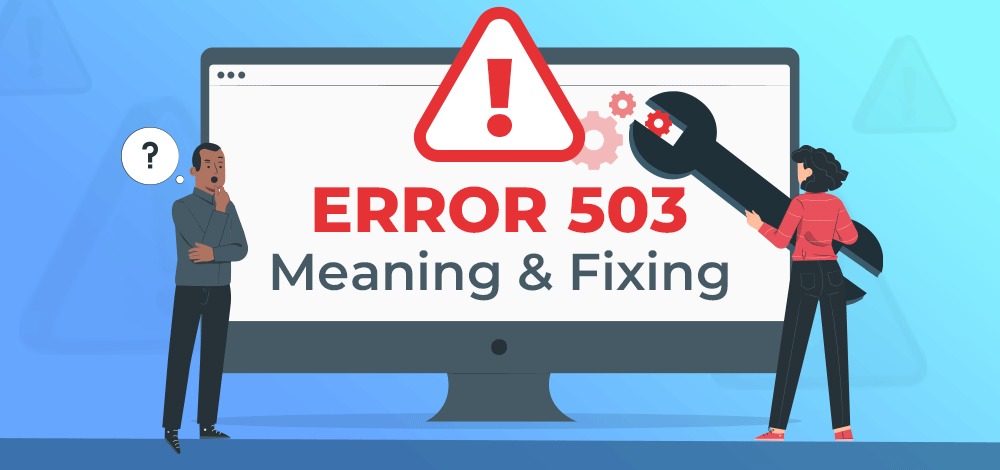
503 error means that the web server is temporarily unable to process your request. This can be due to server maintenance or server overloading. You might see texts like "503 Service Temporarily Unavailable" or "HTTP Server Error 503" on the webpage.
👁 Fix Error 503 Service Unavailable
Facing a 503 error is very frustrating and ruins your surfing experience. It is also harmful to the website itself, as 503 error pages can ruin its reputation and harm its web presence. These issues should be resolved ASAP by the website owners, and they should make sure to avoid them in the future.
The 503 error can appear in various ways, but it's always accompanied by the 503 code. Here are some variations you might encounter, depending on your server configuration and browser:
| Error Code | 503 service unavailable error |
|---|---|
| Error Type | Server-side error |
| Error Variations | 503 Service Unavailable 503 Service Temporarily Unavailable HTTP Server Error 503 HTTP Error 503 The server is temporarily unable to service your request due to maintenance downtime or capacity problems. Please try again later. |
| Error Causes | Unexpected traffic spikes Server communication problems Resource usage exhaustion DDoS attack Plugin or theme incompatibility |
One of web users' most common error messages is HTTP Error 503 (Service Unavailable). Unfortunately, it's a situation that the user must remedy, almost always due to a server issue. An overloaded server, insufficient resources, or configuration error are all examples of server-side issues.
Since the 503 error only concerns the server side of things, you can safely ignore the client side of things, like HTML, JS, CSS, or any other frontend component.
503 Service Unavailable Error is expected to occur anytime and it may become a hindrance at your work. There are Different ways to solve a 503 Service Unavailable Error as an end user are:
You'll have to troubleshoot the problem and determine its origin to fix it. To fix the 503 error as a website owner, you can follow the given steps:
When attempting to access a WordPress website, you might get the HTTP error 503 (Service Unavailable). This may be because of various factors out of WordPress's hands.
Follow these 8 easy steps to resolve the 503 error:
Go to the plugin's settings page and uncheck the box that says 'Enabled' to disable it temporarily. Then, try restarting your WordPress site after you've disabled the plugin to see if the problem persists. You'll have to manually delete or disable the extension from your server if it isn't working.
From the WordPress Theme Repository, deactivate your theme before installing a new one. Also, ensure all your plugins and themes are the latest versions. If these procedures fail, you'll need to contact your theme's creator to resolve the problem.
You can temporarily disable it if your WordPress site uses a content delivery network (CDN) to see if the error goes away. First, look for the 'Security' section on your server's configuration page. There are several options listed under the heading 'Configure CDN.' For now, disable it and see if the problem goes away.
Google's crawler is a piece of software that collects and organizes information on the Internet in an index to investigate the contents of websites. The crawler travels from site to site and Internet page to page, hunting for fresh material or potential updates of previously explored material.
Another factor that causes 503 errors in WordPress is Google's maximum crawl rate, which can be avoided by following these steps:
Increasing your server's resources may be your only option if you cannot resolve the problem using any of the preceding methods. To increase your server's resources, ask your hosting provider and request additional resources (CPU/memory).
It may be beneficial to review your logs and enable WP_DEBUG if the problem persists after increasing your server resources. Then, you'll have more insight into what's happening inside the machine.
Since there is a chance that the website isn't just operating in your region, a virtual private network would suffice as a remedy since some sites have separate servers for various nations. You may easily create your VPN using a third-party service.
Must Read: