|
VOOZH | about |
|
VOOZH | about |
In this article we are going to learn about how to install Gcloud CLI on termux and SSH into your free google cloud console from your mobile.
Follow the below steps to SSH into google cloud shell from mobile using termux:
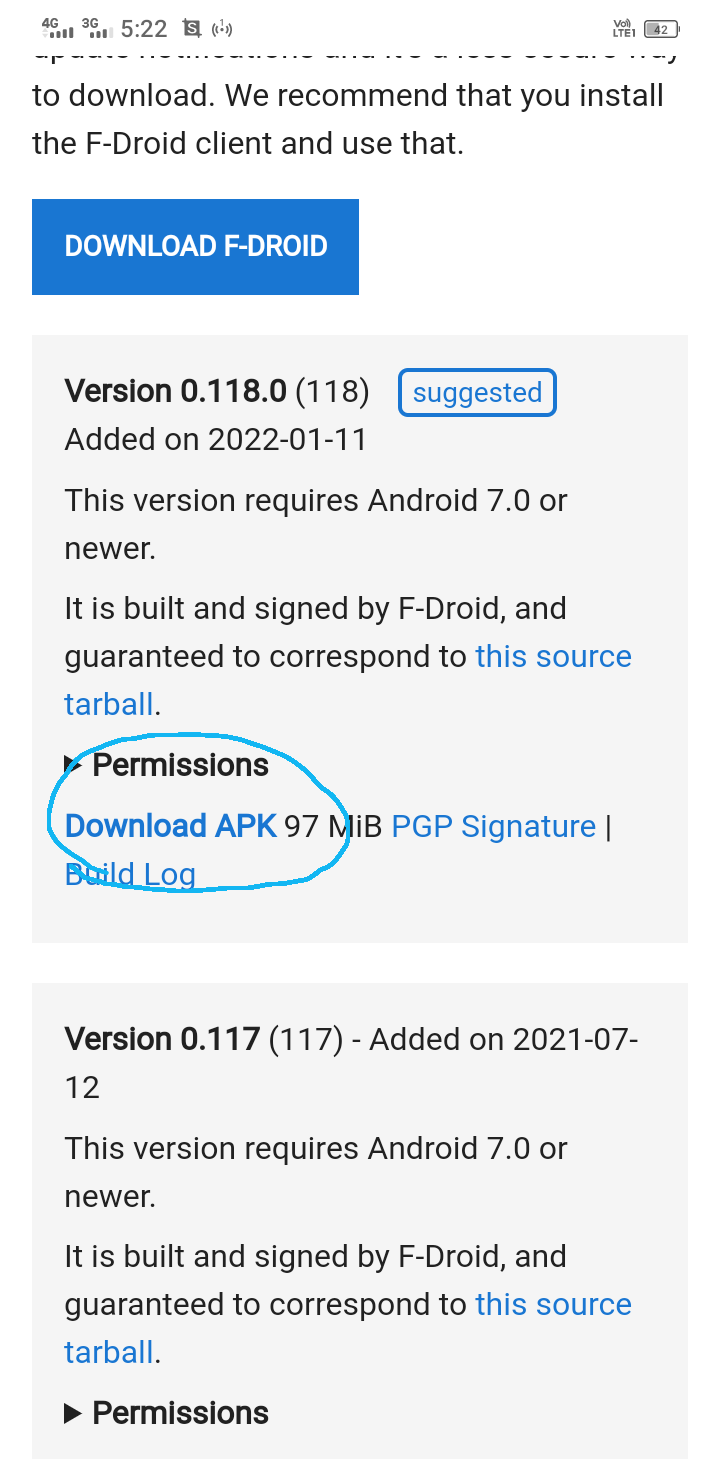
Step 1: You need to install termux on your mobile. Don't download it from playstore or appstore , instead install F-Droid and install termux from it. Go to the above link and find the latest version of termux and download.
Step 2: Now let's see how to install gcloud CLI , which allows us to SSH into our cloud shell.
apt update && apt upgrade
pkg install curl
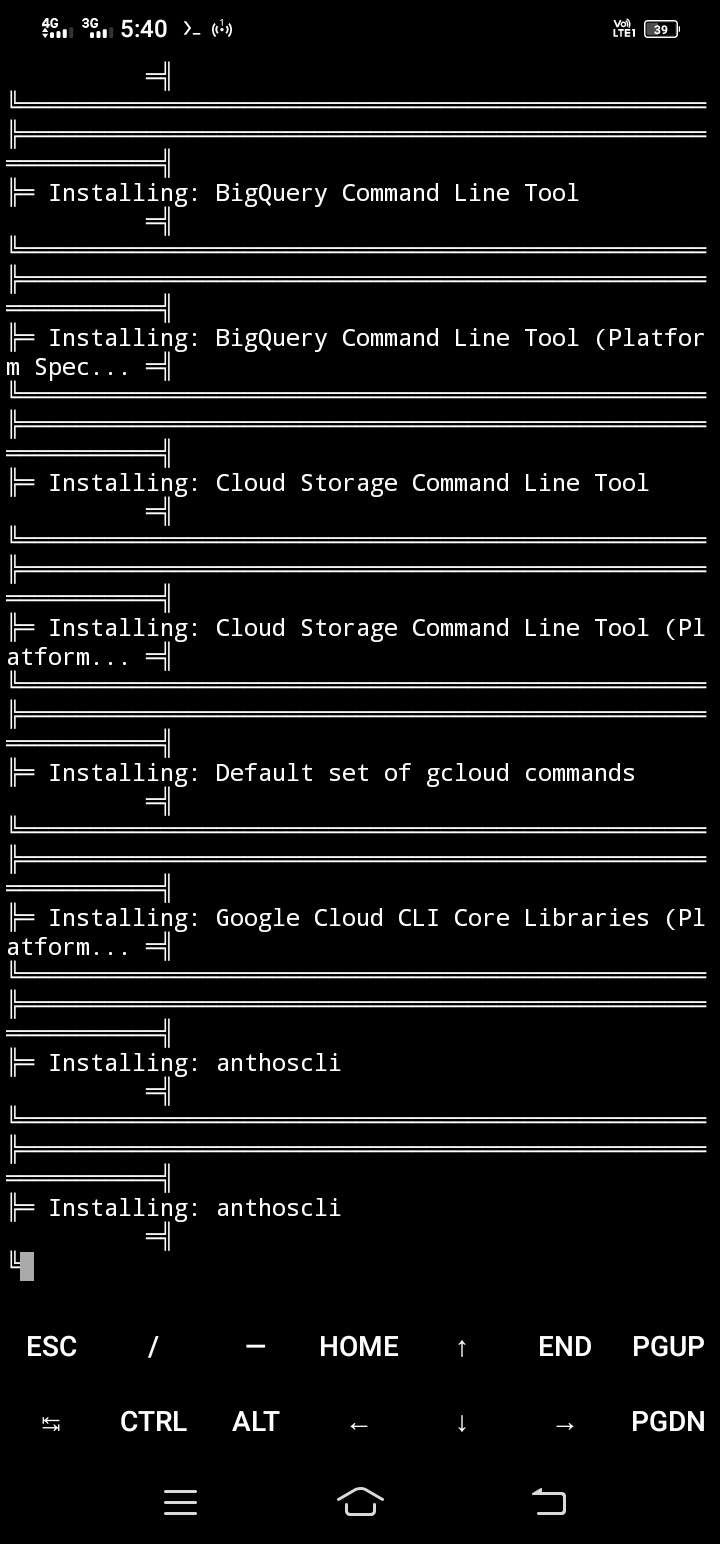
curl https://sdk.cloud.google.com/ | bash
Here hit "enter" if you are asked for (y/N) after this command.
~/google-cloud-sdk/install.sh --override-components
Step 3: After all files are installed enter this command:
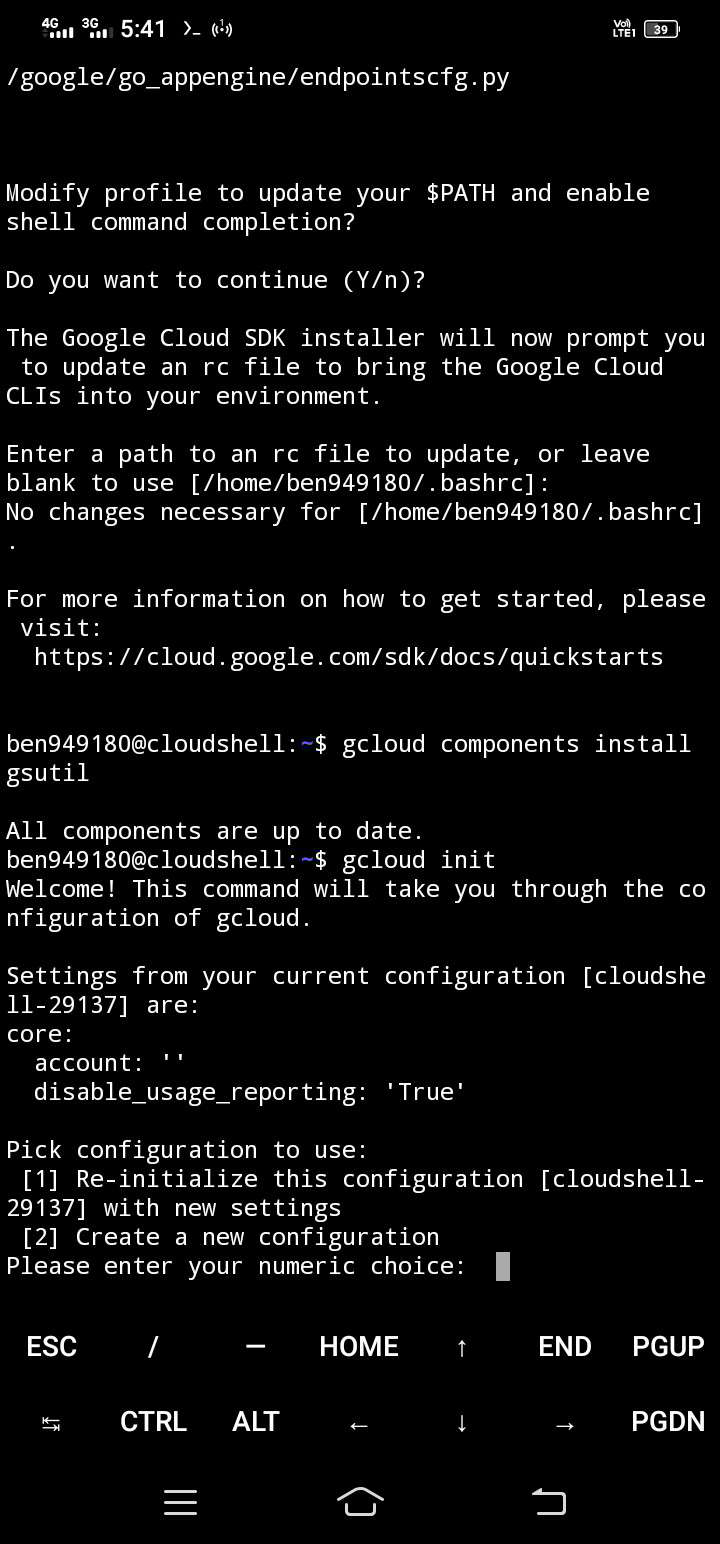
gcloud components install gsutil
Note: Don't worry if you get any errors at this stage.
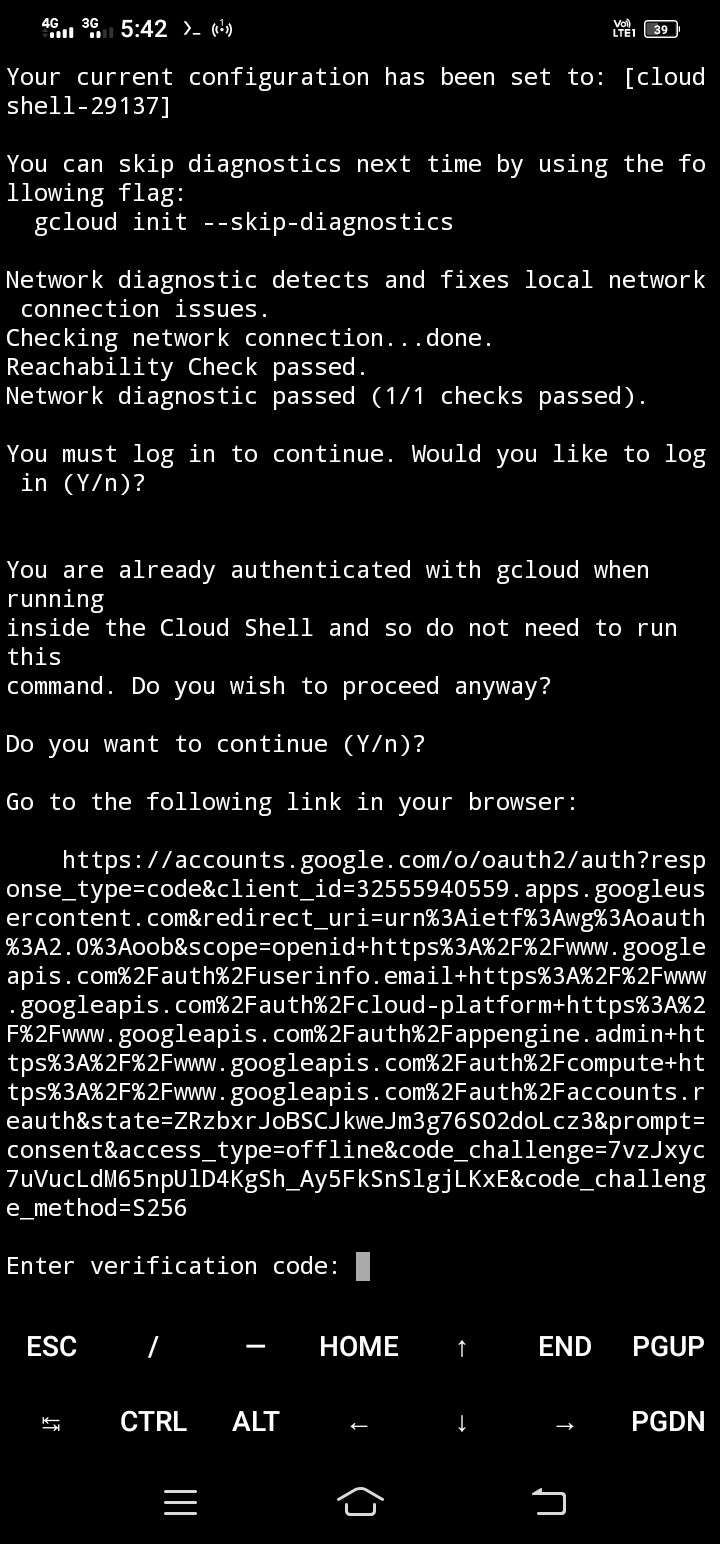
Step 4: Next enter this command to link your Google account with gcloud:
gcloud init --console-only
Note: If you want to change accounts after doing this step, just run this same command (gcloud init) again but this time you will be asked to enter between 2 choices, either re-initialize old configuration or create a new configuration, type 2 and hit enter.
Step 5: And finally use the below command to run the shell:
gcloud alpha cloud-shell ssh
That's it! Within a few seconds, you will be logged into your free Linux machine.