|
VOOZH | about |
|
VOOZH | about |
A Google Cloud CDN (Content Delivery Network) uses the Google global network to serve static resources such as media files like images and videos, CSS stylesheets, JavaScript files, and so on with lower latency and higher transfer speed. This cloud CDN will permit users to access the webpage content from the nearest edge location. Google Cloud CDN also reduces the stress on the backend server by sharing the content with the cloud CDN, which is available in 130+ edge locations.
Google Cloud CDN works with a load balancer to deliver the content to the end user. When users request any content from a website, that request will arrive at the edge of the Google network that is nearest to them.
A cache hit ratio is an important metric that is used to measure the success of a CDN server’s cache system. The cache hit ratio portrays the percentage ratio of the total number of cache hits and misses to the number of cache hits.
Let’s understand with an example. If a cache hit ratio is 70%, that means 70% of the requested content is served from the cache, and the rest 30% must be retrieved from the original server.
At this point, you have a basic idea about Google Cloud CDN. But let me cover this point in more detail for better understanding. Google Cloud CDN offers some exciting features that intensify content delivery.
Here I am explaining some of the features:
The CDN caches can store static files like CSS stylesheets, JavaScript files, media files, and images. It minimizes the work for the server to generate content again and serve the web page for the users. It will improve the website's page loading performance.
Google infrastructure can manage a large amount of traffic. Google Cloud CDN can ensure that your website content remains available even during sudden traffic spikes or peak usage periods.
First, you need to understand the SSL and TLS. Secure Sockets Layer (SSL) is a standard technology that is used to set up an encrypted connection between a server and a user. Basically, it is used to protect your personal or financial information from hackers. Transport Layer Security (TLS) is an updated version of SSL. It is more secure.
But you don't need to put in some extra effort. Google Cloud CDN can enable content delivery through encryption.
The real-world distance between the user and the server is one of the common reasons for a slow website. With a distributed network of the main server, Google Cloud CDN can ensure that the content will be served from the nearest edge location to the users. This will reduce the web page loading time.
Cache purging is known as Cache Flush. Cache purging refers to the process of removing or clearing the stored data from the cache server to avoid the cache stale. Google Cloud CDN cache ensures that the users will receive the up to date information.
There are a few steps that you need to follow to start with Google Cloud CDN.
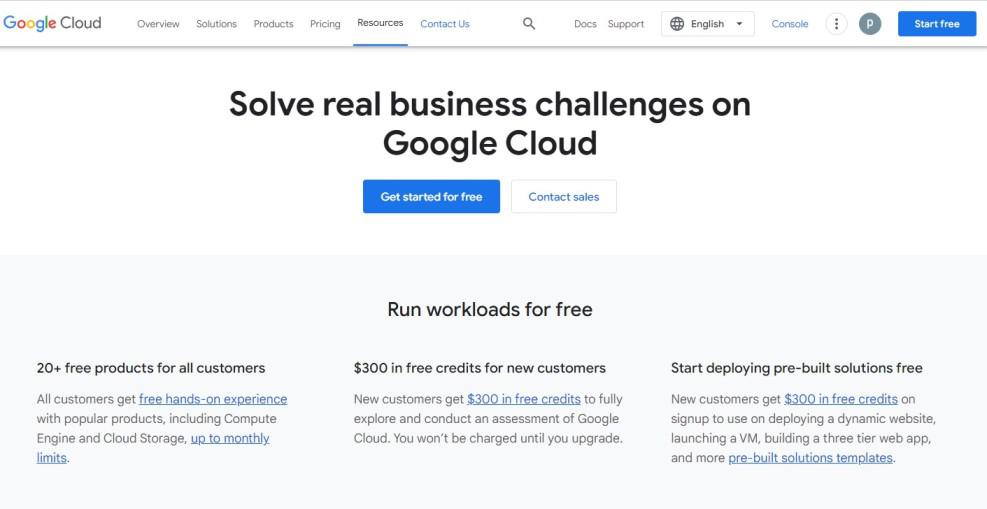
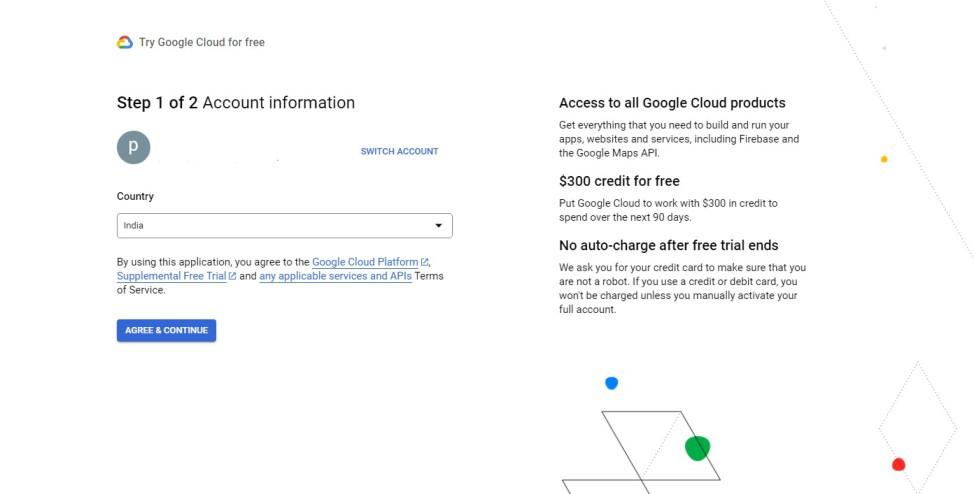
Follow the below steps to create an account in the Google Cloud platform:
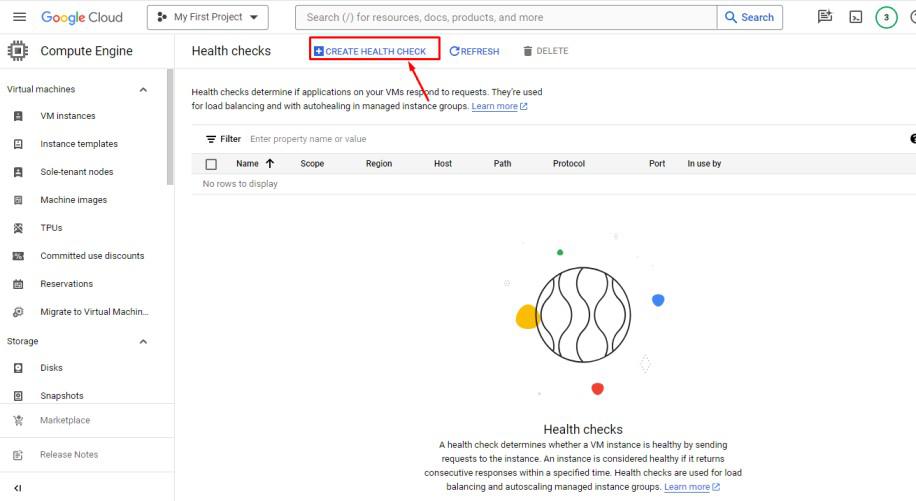
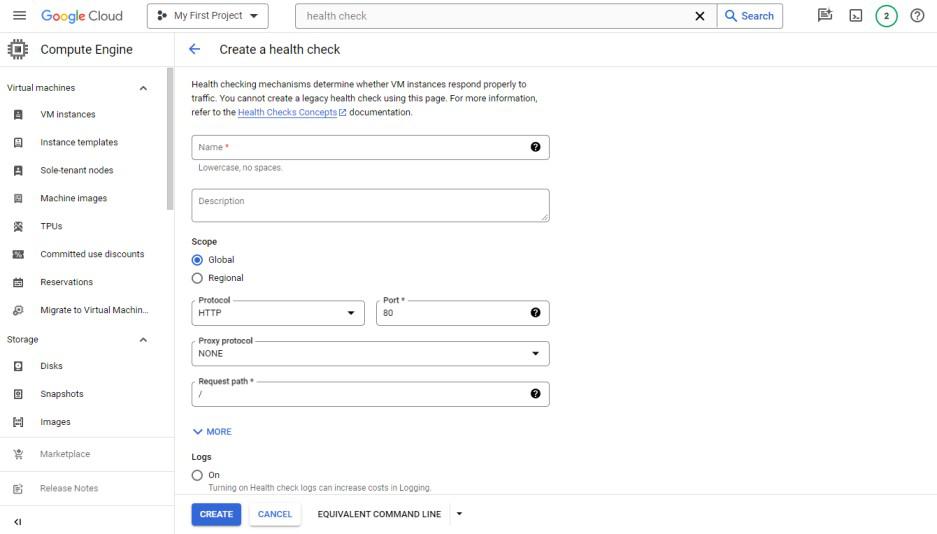
A health check in the Google Cloud Platform is necessary to determine whether the server is healthy. If a server can’t respond to any query then the load balancer will mark that as unhealthy and will stop sending the traffic.
To create a health checker you need to follow the below steps :
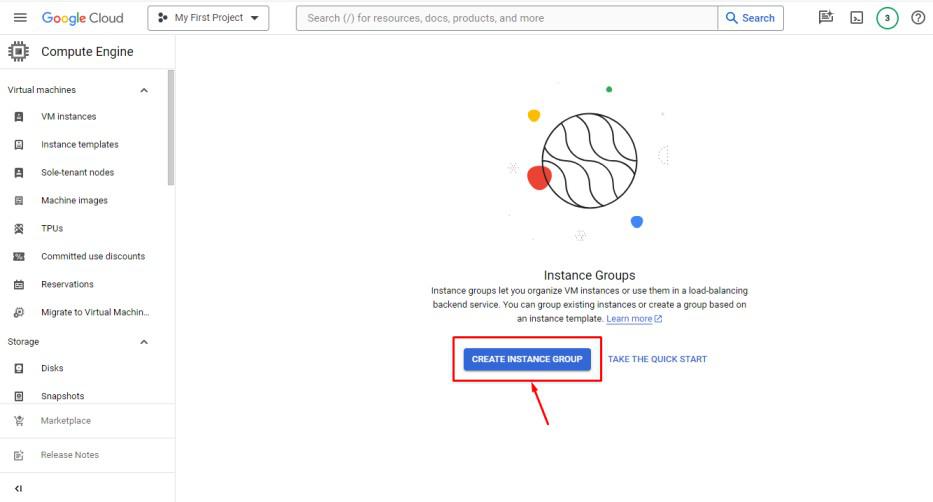
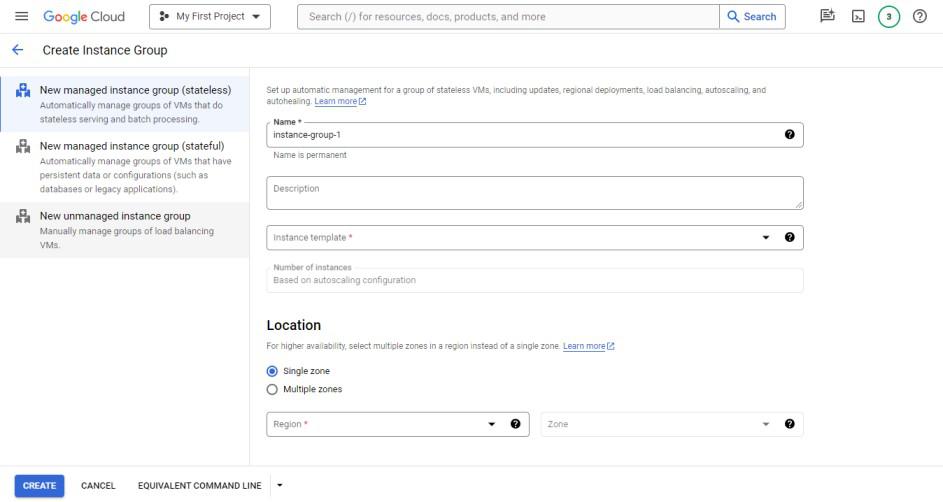
We use instance groups to set up the load balancing. It is also known as the backend service for load balancer (LB). By following the below steps you can Create an instance group in Google Cloud Platform.
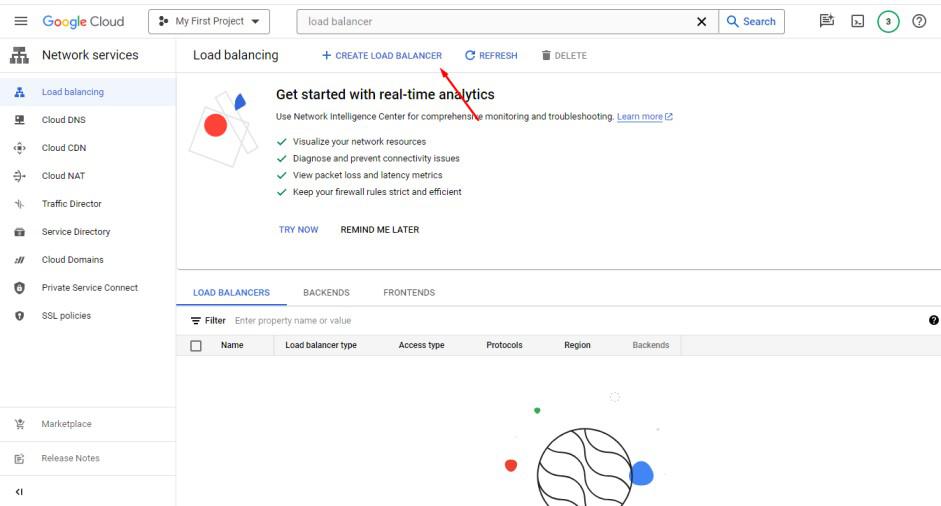
After creating instance groups, we need to create a load balancer :
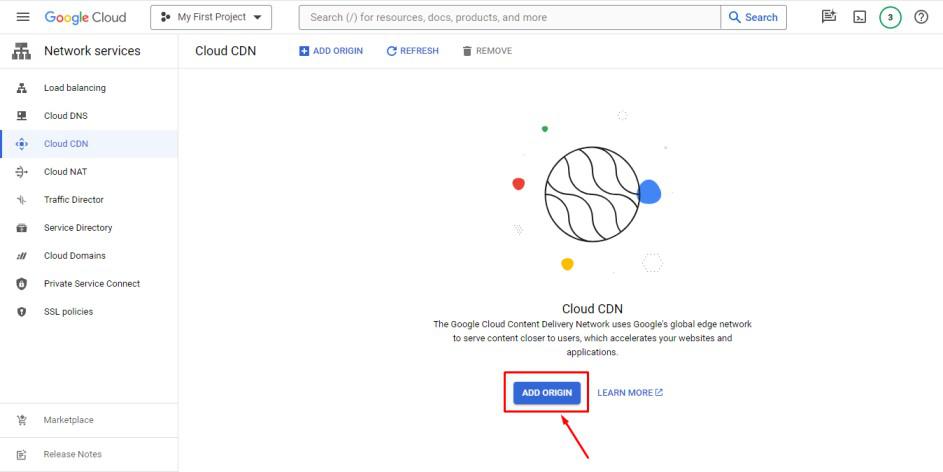
Now, all setups are done. It’s time to enable Google Cloud CDN :
Now, your Google Cloud CDN is enabled.
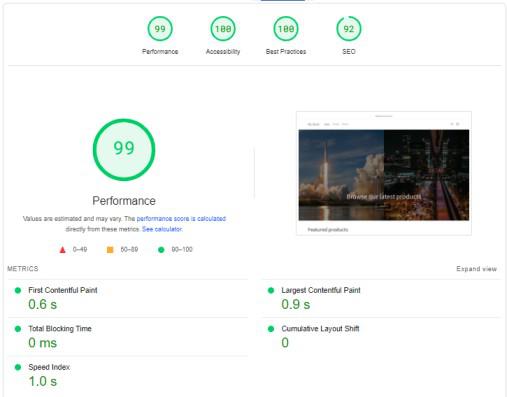
After connecting Google Cloud CDN, it is important to see the difference in the website’s loading speed and the improvement of the webpage performance.
To understand the improvement of the website PageSpeed performance, first need to analyze the PageSpeed without connecting Google Cloud CDN. There are many online tools like Google PageSpeed Insight, RabbitLoader and GTMetrix available to analyze the PageSpeed.
A Google PageSpeed insights score of 90 or above is considered a good performance score. Whereas, a score between 50-89 is considered an average score and it means site speed needs to be improved. And finally, A score of below 50 is considered a poor score.
Now, after connecting Google Cloud CDN, we need to check the performance for both, mobile mode and as well as desktop mode, So that we can measure the difference between the website’s speed performance and see the improvement.
Here, you have been guided to set up Google Cloud CDN and improve your pagespeed performance for better user experience as well as Search Engine Optimization (SEO) rankings. Now it’s time to set up your best efforts and apply the steps to connect Google Cloud CDN and speed up your website.