|
VOOZH | about |
|
VOOZH | about |
Automating server configuration and management in the cloud becomes far more efficient when you combine Ansible with AWS EC2. Ansible, a powerful open-source automation tool, allows you to manage multiple machines without the need for agents, while AWS EC2 provides scalable, on-demand virtual servers in the cloud.
In this guide, you will first learn about AWS EC2, and then follow a step-by-step process to install and configure Ansible on an AWS EC2 instance. By the end, you’ll be ready to automate tasks across your cloud infrastructure with ease.
Amazon Elastic Compute Cloud (EC2) is a web service from Amazon Web Services (AWS) that lets you rent virtual servers called EC2 instances in the cloud. You can choose from various instance types based on your needs:
t2.large or higher.t2.micro or t2.medium.AWS EC2 allows you to scale resources up or down easily, making it suitable for a wide range of workloads.
Now let's see the process of installing Ansible in AWS using EC2 server:
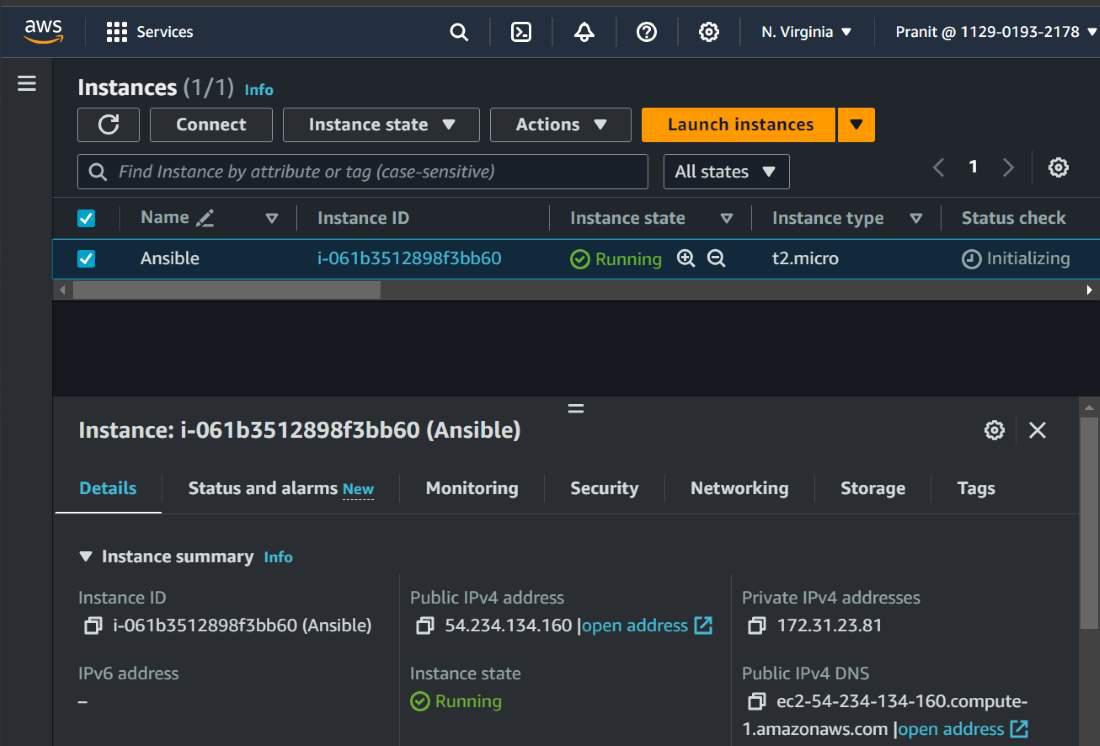
Step 1 : Create an EC2 instance with ubuntu as operating system .
Step 2 : Then connect your EC2 instance and update with the command below .
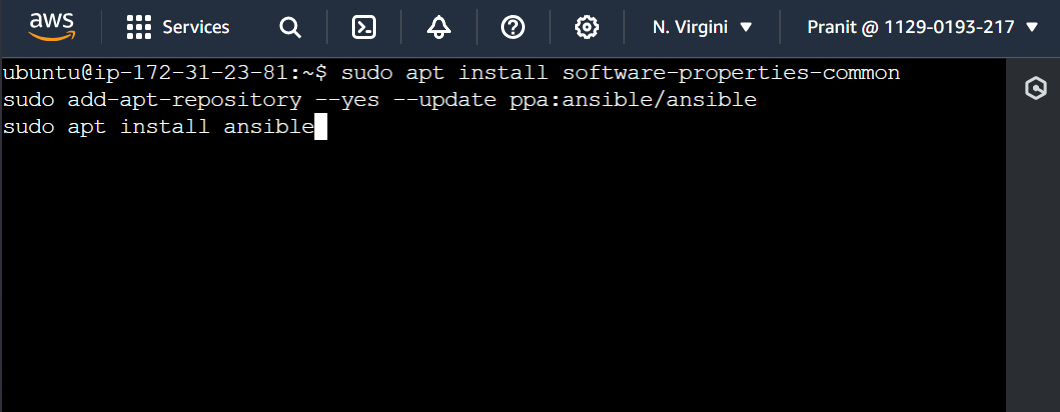
sudo apt updateStep 3 : Install ansible by using the commands below .
sudo apt install software-properties-common
sudo add-apt-repository --yes --update ppa:ansible/ansible
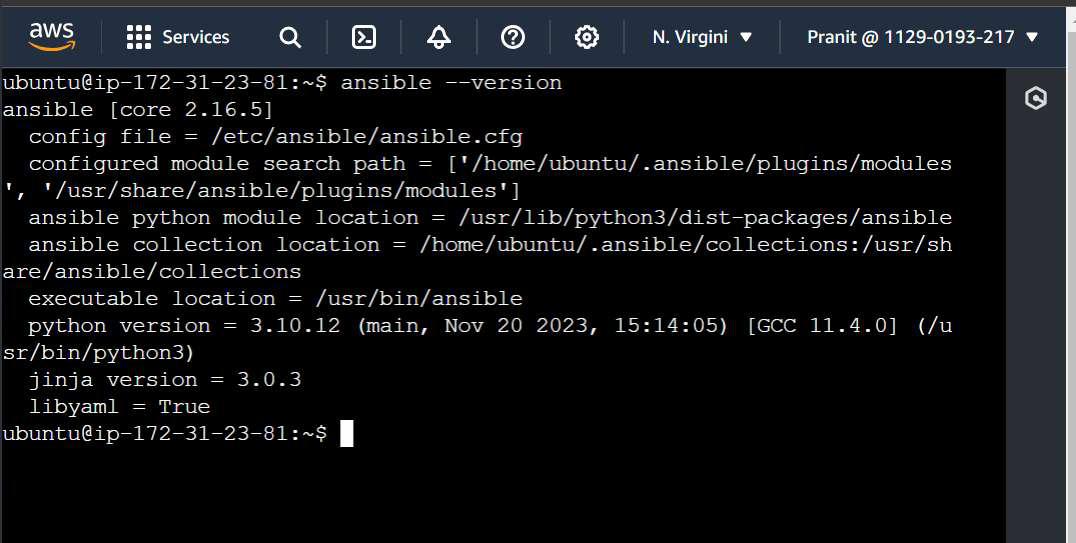
sudo apt install ansibleStep 4 : Verify whether ansible is installed or not .
ansible --versionStep 1 : Create a master node . Here open SSH port and also use a master key .
Step 2 : Create a worker node . Here open SSH and HTTP port , and also use a worker key.
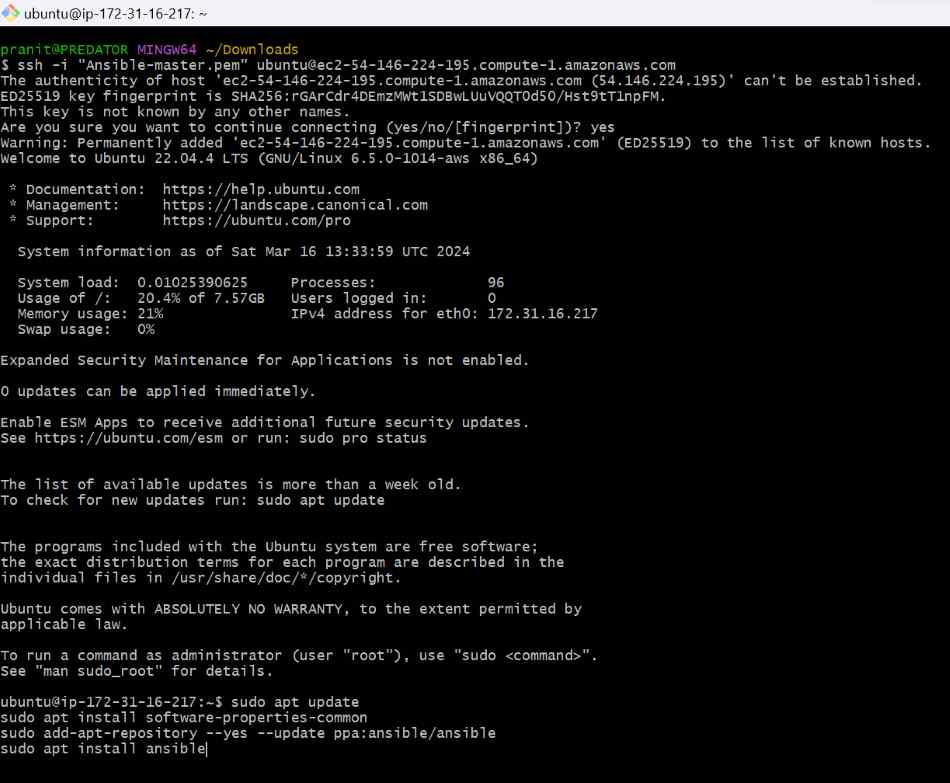
Step 3 : Connect master node using SSH and install ansible on this .
sudo apt update
sudo apt install software-properties-common
sudo add-apt-repository --yes --update ppa:ansible/ansible
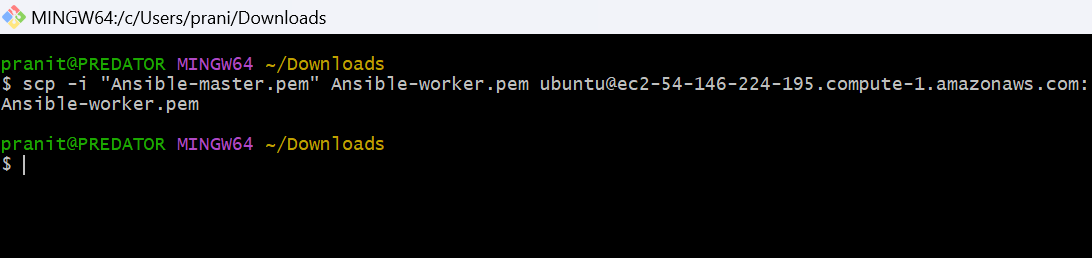
sudo apt install ansible Step 4 : Now copy the private key of worker node into the master node . Here use the command below to copy the private key into the home directory .
scp -i "Ansible-master.pem" Ansible-worker.pem ubuntu@ec2-54-146-224-195.compute-1.amazonaws.com:/Step 5 : Now make some changes in the ansible configuration file . Here assign host_key_checking to False .
sudo su
ansible-config init --disabled -t all > ansible.cfg
vi ansible.cfgStep 6 : Grant the read permission to the private key of worker node that is present inside the master node .
chmod 400 Ansible-worker.pem👁 Restricting Permission of Pem File