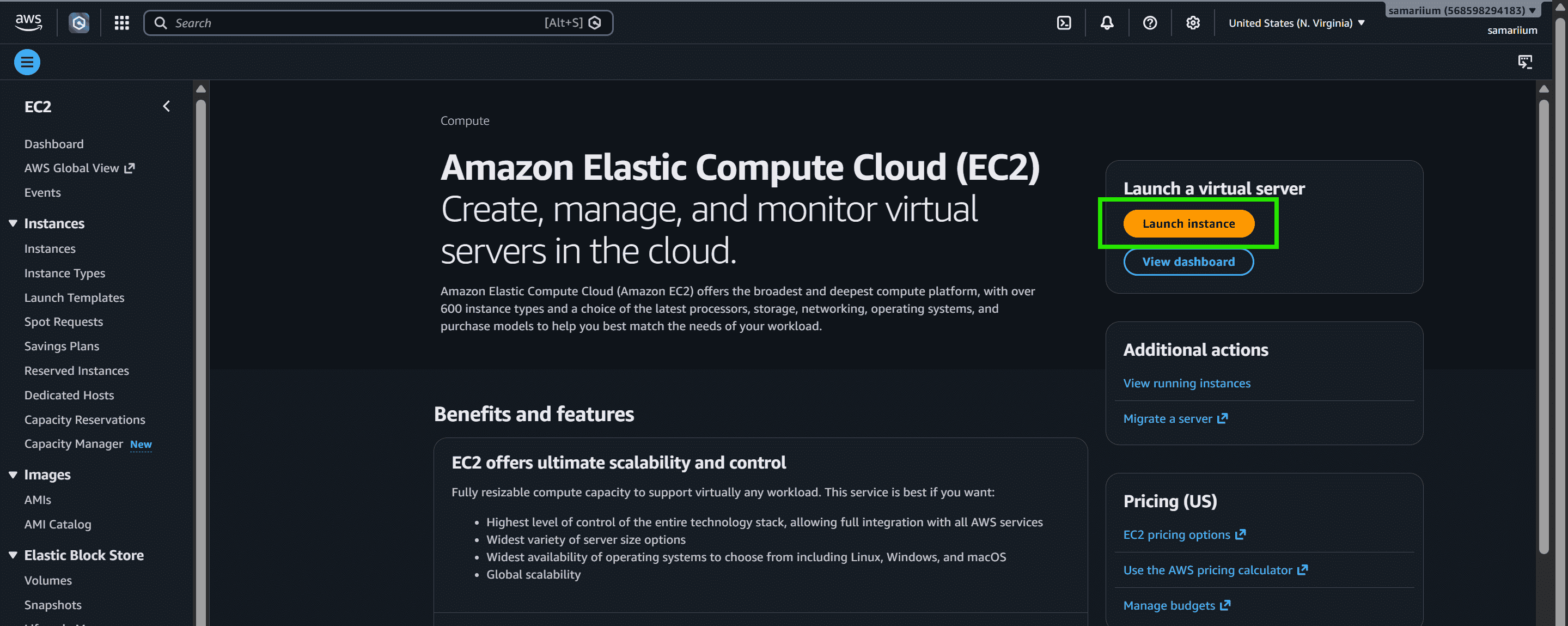
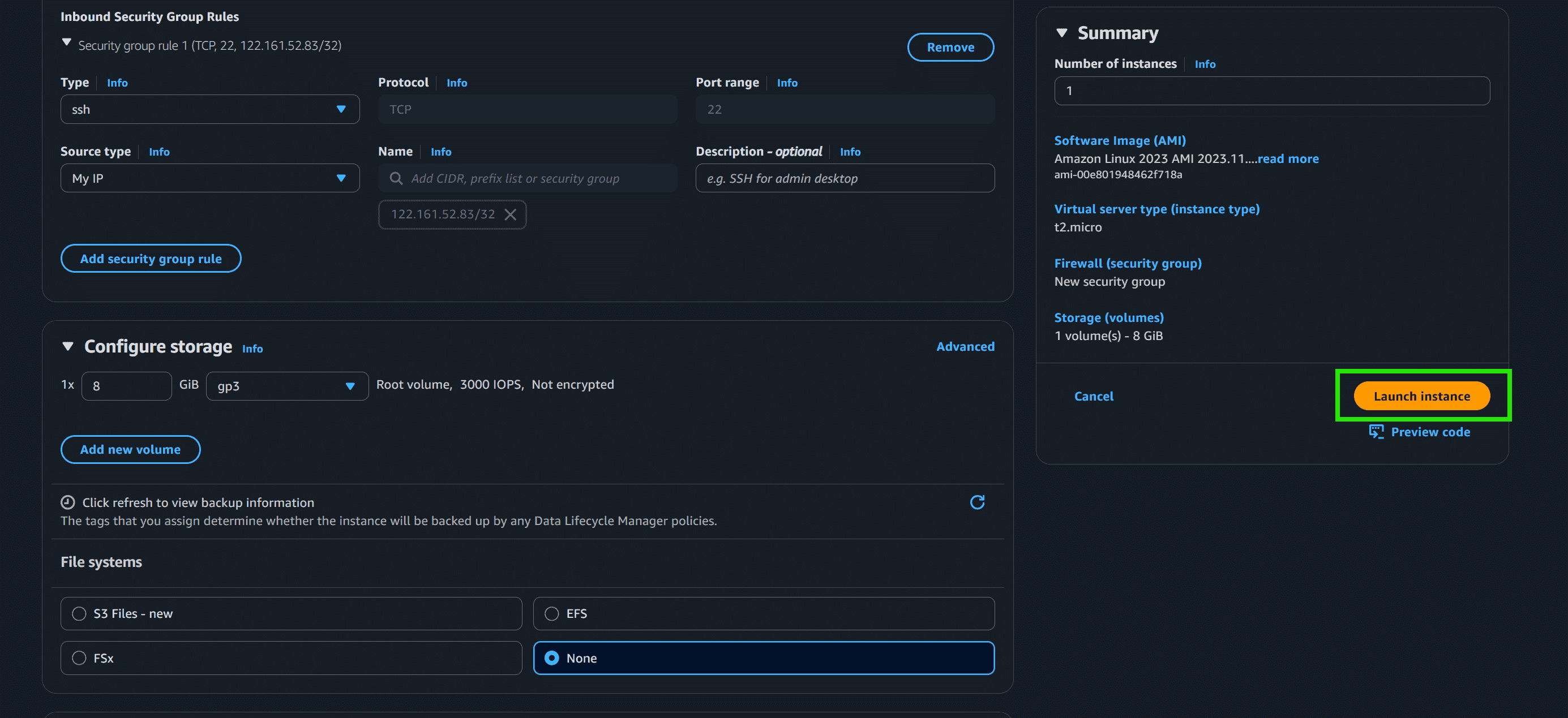
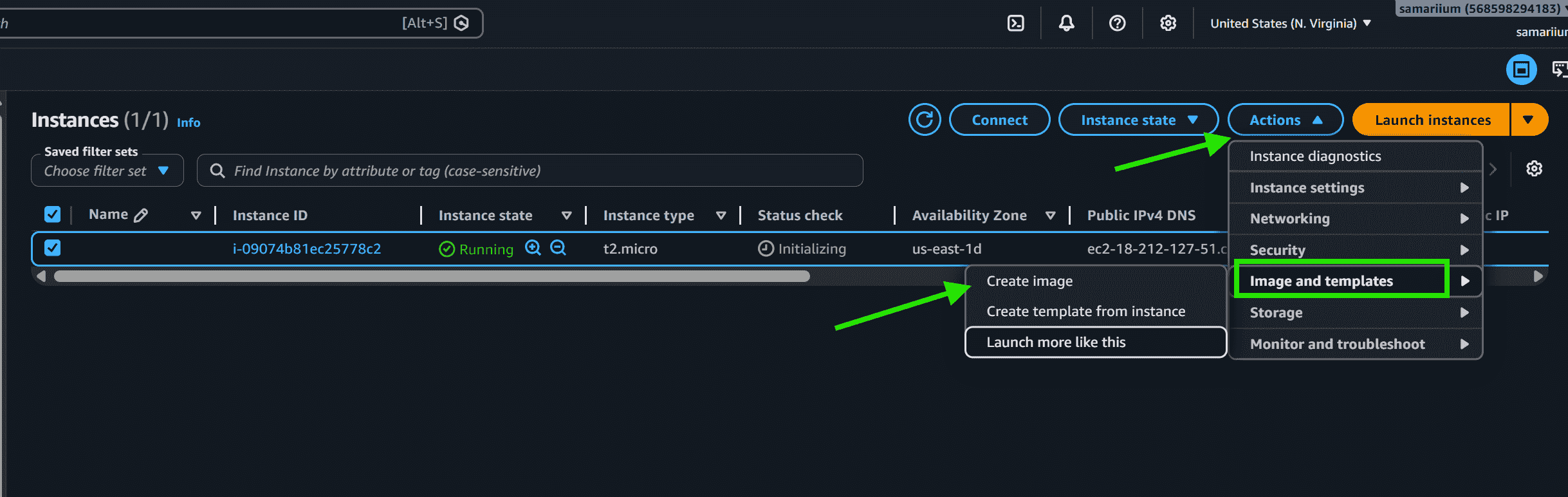
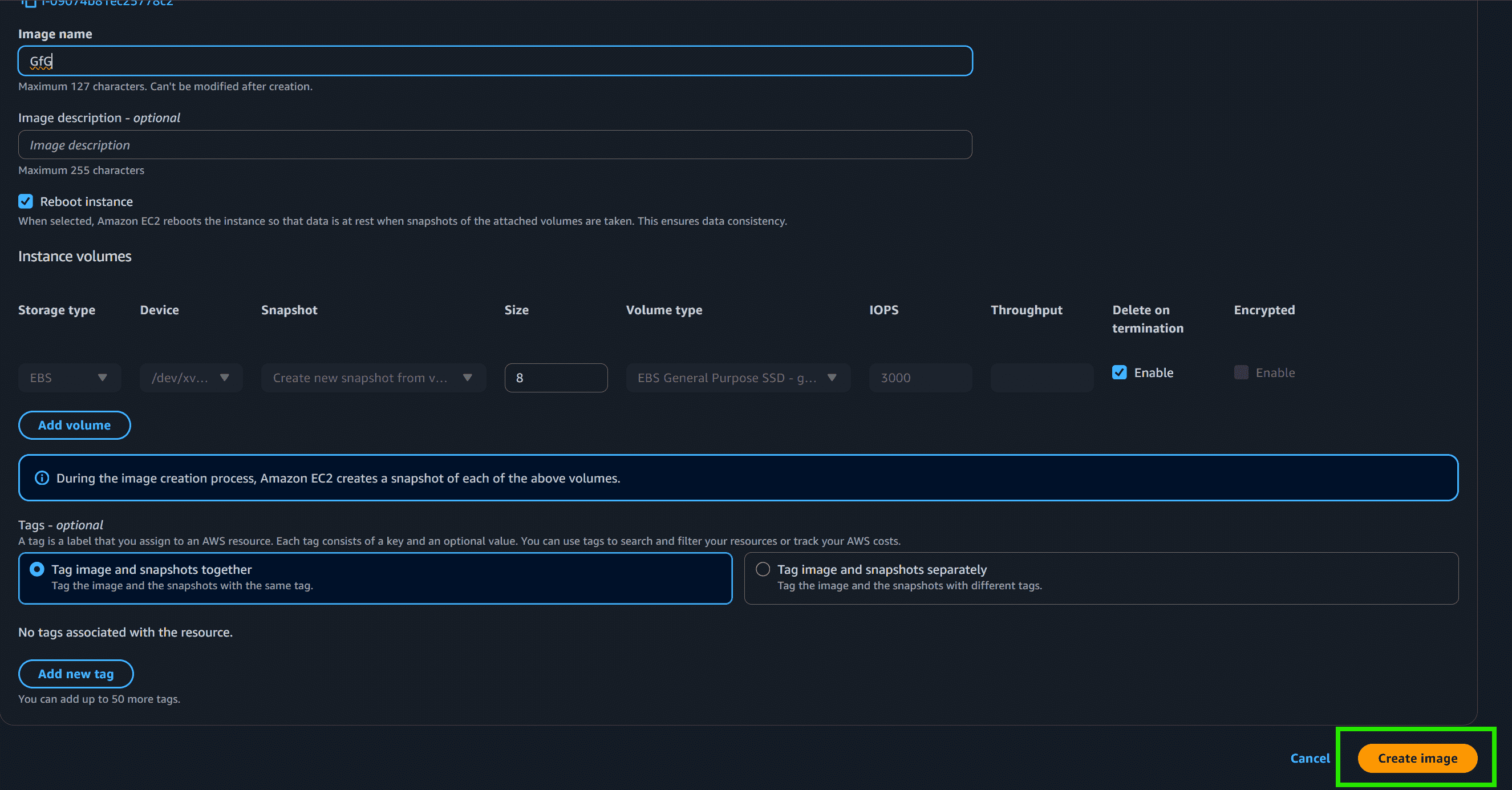
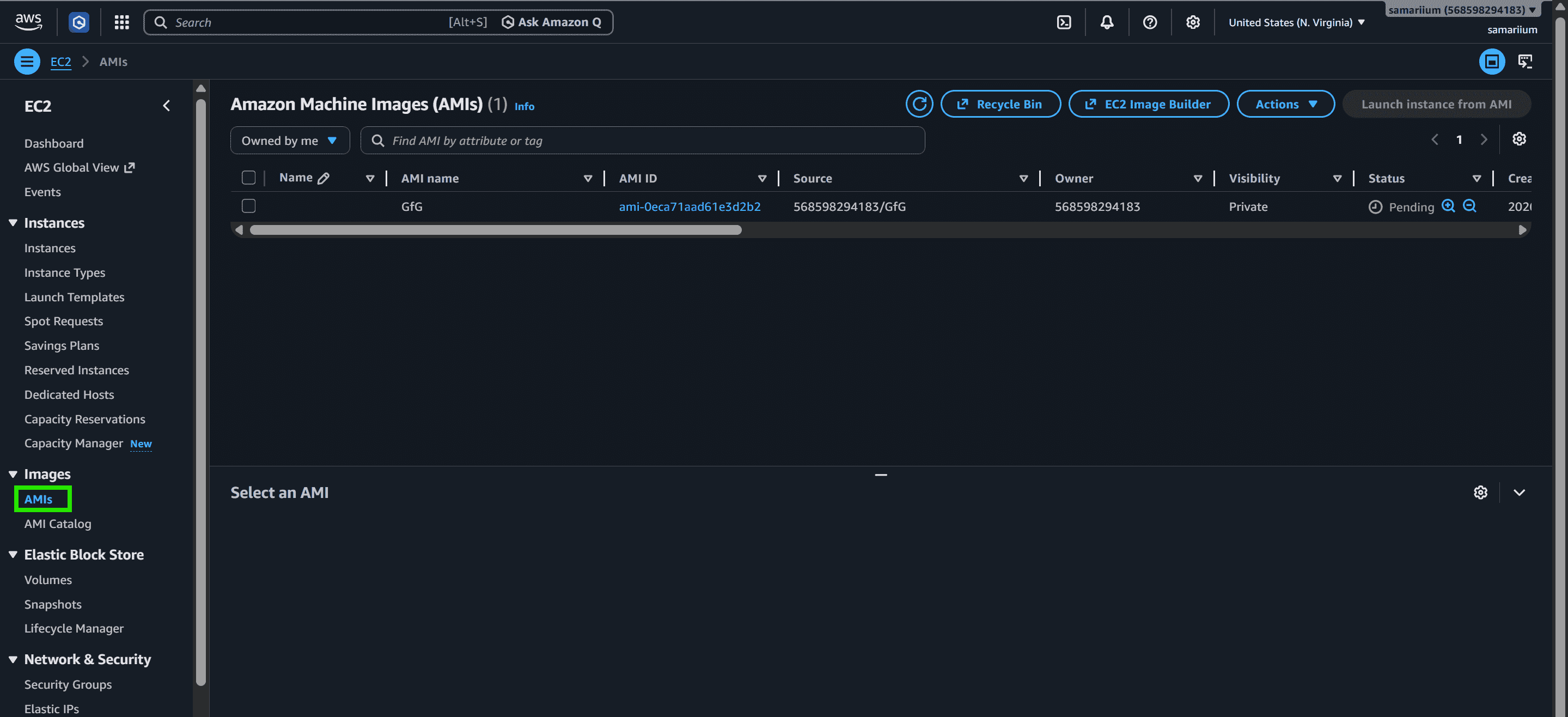
An Amazon Machine Image (AMI) is a template containing the software configuration (operating system, application server, and applications) required to launch an Amazon EC2 instance. You cannot launch an EC2 instance without specifying one.
Every EC2 instance, whether one or thousands, starts as a clone of the selected AMI.
Every AMI packages a root volume template, launch permissions, and a block device mapping.
AMIs exist in a single AWS Region and must be explicitly copied to be used in another.
AMIs are created, registered, copied, and deregistered. Deregistering does not automatically delete the underlying EBS snapshot.
AMIs come from Amazon, the AWS Marketplace, the community, or your own custom builds.
Do Not Bake Secrets: Never embed AWS access keys or database passwords in an AMI. Use IAM Roles and AWS Secrets Manager instead.
Automate Builds: Avoid building AMIs manually. Use EC2 Image Builder or HashiCorp Packer to automate patching and image creation pipelines.
Apply a Lifecycle Policy: Use Amazon Data Lifecycle Manager (DLM) to automatically deregister old AMIs and delete their associated snapshots, reducing unnecessary storage costs.
Encrypt Your AMIs: Always encrypt AMIs at rest. Encrypted AMIs can be shared with other AWS accounts by granting them permission to the associated KMS key.