|
VOOZH | about |
|
VOOZH | about |
Folium is used for data visualization, particularly for rendering interactive maps. If you are working on a Kaggle Notebook and want to add map-based visualizations, Folium is a great choice.
This article will walk you through the process of installing Folium in a Kaggle Notebook, as well as verifying its installation and addressing any common issues.
Installing Folium in a Kaggle Notebook is straightforward. Since Kaggle Notebooks use a cloud environment, you can install the library via pip. Follow these steps:
!pip install foliumThis command installs the latest version of Folium directly from PyPI (Python Package Index). Once the installation completes, you should see a success message in the output of the cell.
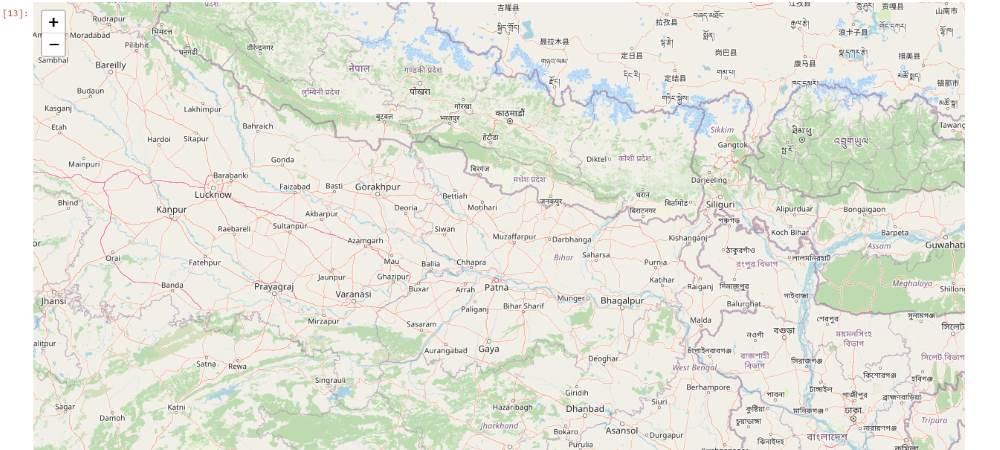
After installing Folium, you should verify that the library is correctly installed by importing it in your notebook. You can test the installation with the following steps:
Output
If the map renders correctly, Folium is installed and ready to use.
If you encounter issues during installation or while using Folium, consider the following troubleshooting steps:
!pip install folium==0.11.0