|
VOOZH | about |
|
VOOZH | about |
GeoPandas simplifies working with geospatial data. It extends the functionality of pandas by adding support for geographic objects such as points, lines, and polygons. If you're using Kaggle for your data analysis or machine learning projects, you can easily install and use GeoPandas to handle geospatial data.
Here's a step-by-step guide on how to install GeoPandas in Kaggle.
In Kaggle, you can install packages directly within your notebook using pip. To install GeoPandas, follow these steps:
!pip install geopandasOnce the installation is complete, you can start using GeoPandas in your notebook. To import the library, create another code cell and enter the following code:
import geopandas as gpdRun the cell, and you should now be able to use GeoPandas functions in your Kaggle notebook.
To verify that GeoPandas has been successfully installed and imported, you can check the version of GeoPandas with the following code:
Output:
0.14.4This will print the installed version of GeoPandas, confirming that the installation was successful.
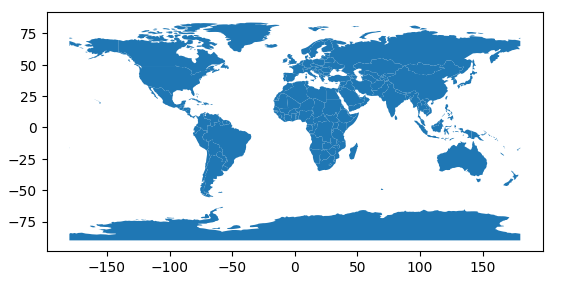
Now that you have GeoPandas installed, you can start using it to read, manipulate, and visualize geospatial data.
Output
You can also perform various geospatial operations like plotting maps, performing spatial joins, and calculating geometric properties.