|
VOOZH | about |
|
VOOZH | about |
Kernel Density Estimate (KDE) Plot is a powerful tool for estimating the probability density function of continuous or non-parametric data. KDE plot is implemented through the kdeplot function in Seaborn. This article explores the syntax and usage of kdeplot in Python, focusing on one-dimensional and bivariate scenarios for efficient data visualization.
Table of Content
Kernel Density Estimate (KDE) Plot allows to estimate the probability density function of the continuous or non-parametric from our data set curve in one or more dimensions it means we can create plot a single graph for multiple samples which helps in more efficient data visualization.
In order to use the Seaborn module, we need to install the module using the below command:
!pip install seaborn
Syntax: seaborn.kdeplot(x=None, *, y=None, vertical=False, palette=None, **kwargs)
Parameters:
x, y : vectors or keys in data
vertical : boolean (True or False)
data : pandas.DataFrame, numpy.ndarray, mapping, or sequence
We learn the usage of some parameters through some specific examples:
First import the corresponding library
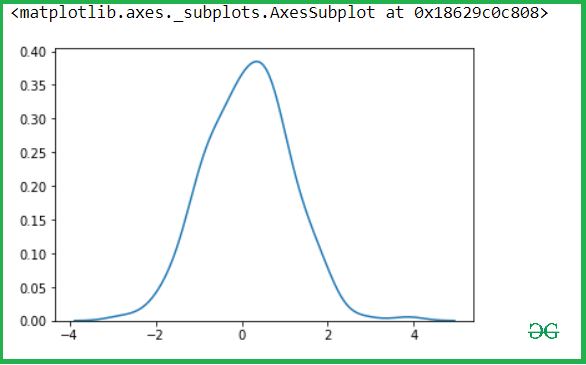
Let's see the Kde of our variable x-axis and y-axis, so let pass the x variable into the kdeplot() methods.
Output:
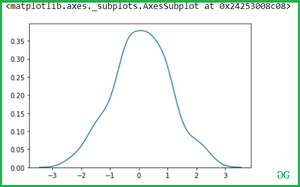
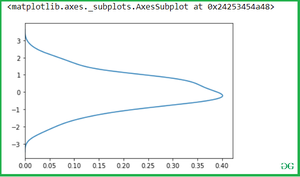
Then after check for y-axis.
Output:
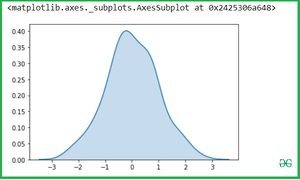
We can highlight the plot using shade to the area covered by the curve. If True, shadow processing is performed in the area below the kde curve, and color controls the color of the curve and shadow.
Output:
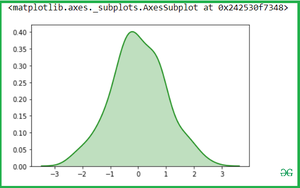
You can change the Shade color with color attributes:
Output:
Output:
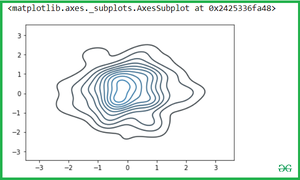
Simple pass the two variables into the seaborn.kdeplot() methods.
Output:
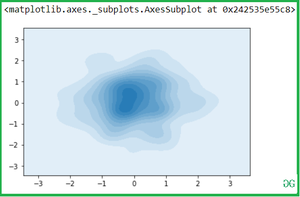
Shade the area covered by a curve with shade attributes:
Output:
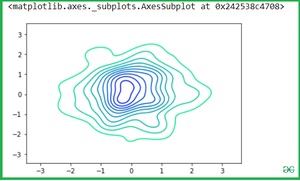
Now you can change the color with cmap attributes:
Output:
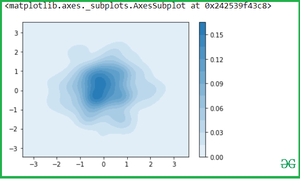
Use of Cbar: If True, add a colorbar to annotate the color mapping in a bivariate plot. Note: Does not currently support plots with a hue variable well.
Output:
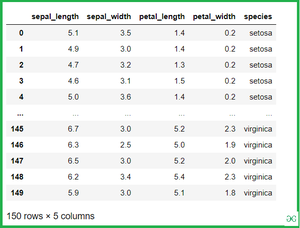
Let see the example with Iris Dataset which is plot distributions for each column of a wide-form dataset:
Iris data set consists of 3 different types of irises’ (Setosa, Versicolour, and Virginica) petal and sepal length, stored in a 150x4 numpy.ndarray
Output:
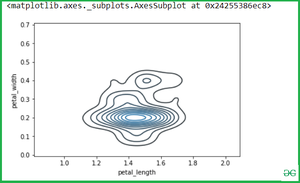
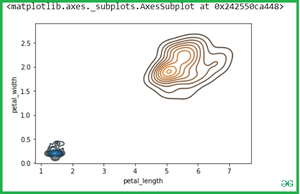
Once we have species set then if we want to simply calculate the petal_length and petal_width then Simple pass the two variables(Setosa and virginica ) into the seaborn.kdeplot() methods.
Output:
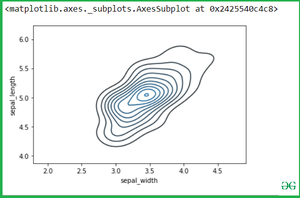
See another example if we want to calculate another variable attribute which is sepal_width and sepal_length.
Output:
If we pass the two separate Kdeplot with different variable:
Output:
In summary, kdeplot in Seaborn offers a versatile approach to visualize probability density functions, aiding in the exploration of one or more dimensions in datasets. Whether shading areas, adjusting colors, or applying it to real-world datasets like Iris, kdeplot stands as a valuable tool for data scientists and analysts.