Semantic search allows computers to understand the meaning behind user queries rather than relying only on exact keyword matching. Using FAISS (Facebook AI Similarity Search), we can build a high-performance system that searches through hundreds or even thousands of documents by meaning and not just by text overlap. This approach enables smarter, faster and more context-aware information retrieval.
Implementation Let's see how the model will work:
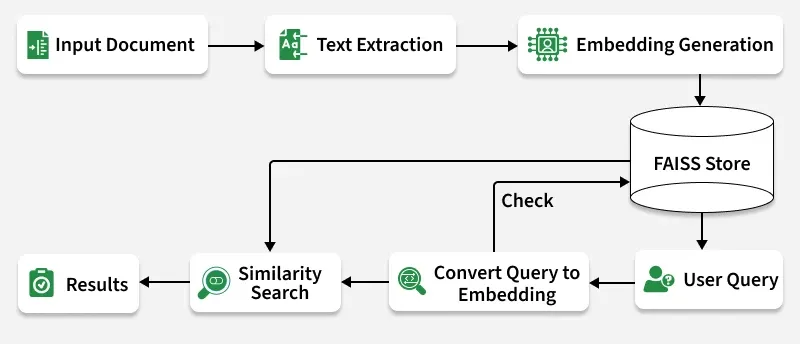
👁 objec Working Document Ingestion: PDF, DOCX and TXT files are read and converted into text. Chunking: Each document is split into smaller, meaningful parts. Embedding Generation: Text chunks are converted into dense vector representations. FAISS Indexing: Embeddings are stored in FAISS for efficient similarity search. Query Encoding: A user query is embedded into the same vector space. Similarity Search: FAISS finds top matches based on cosine similarity. Results Display: The most relevant document snippets are shown. Let's implement this model,
Used samples can be downloaded from here .
Step 1: Install Dependencies We need to install the required dependencies such as faiss-cpu, sentence-transformers, python-docx.
Step 2: Import Libraries We will import the necessary libraires such as os, docx, numpy, SentenceTransformers, faiss.
Step 3: Extract Text from Documents We need to define the function for document loading,
Reads different file formats like .pdf, .docx and .txt. Ensures content is extracted as plain text for embedding generation. Step 4: Split Text into Chunks Divides long documents into smaller segments (chunks). Improves search accuracy and performance by focusing on smaller text units. Step 5: Load and Process Documents Here:
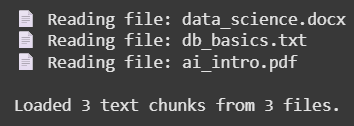
Reads all files in the documents/ folder. Splits them into manageable text chunks and stores the source file name for each. Output:
👁 Screenshot-2025-10-28-125125 Result Step 6: Generate Text Embeddings Here we will:
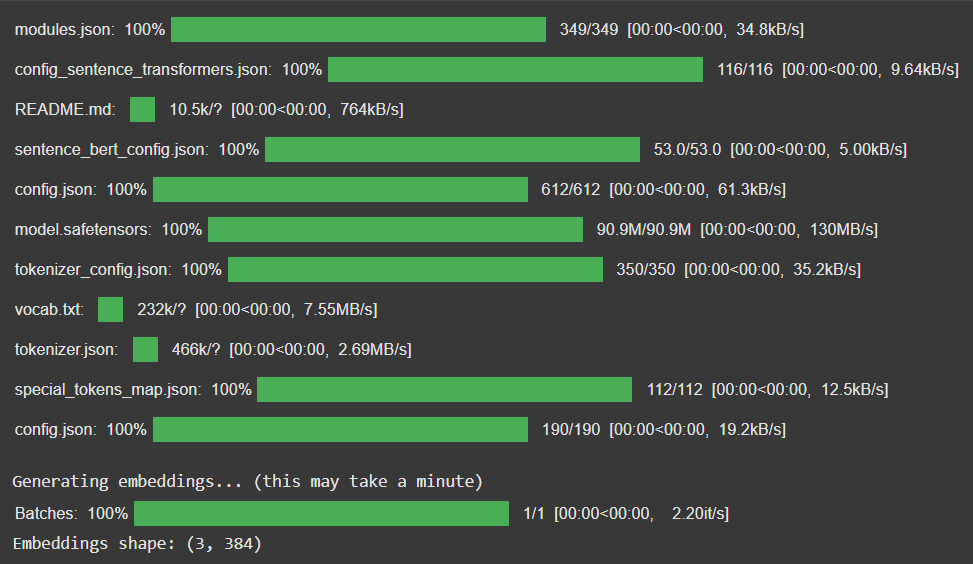
Converts text chunks into vector representations using SentenceTransformer. Normalizes vectors for cosine similarity in FAISS. Shows embedding progress for transparency. Output:
👁 Screenshot-2025-10-28-125118 Output Step 7: Create FAISS Index Initializes a FAISS IndexFlatIP index (for cosine similarity). Adds all text embeddings into the FAISS index for fast retrieval. Output:
FAISS index created with 3 vectors.
Step 8: Define Cleaning and Search Functions 1. clean_text(): Removes unwanted formatting and extra spaces.
2. semantic_search_best():
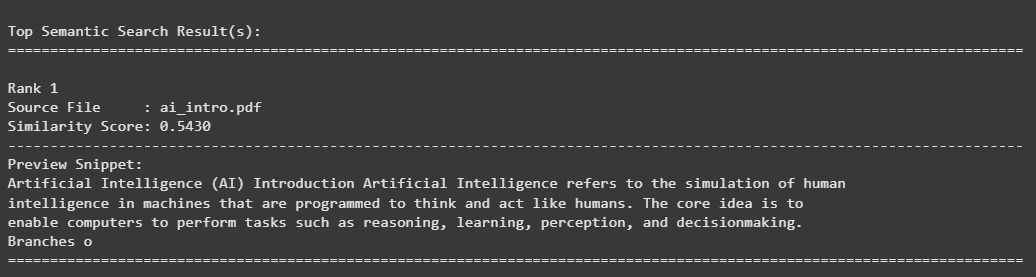
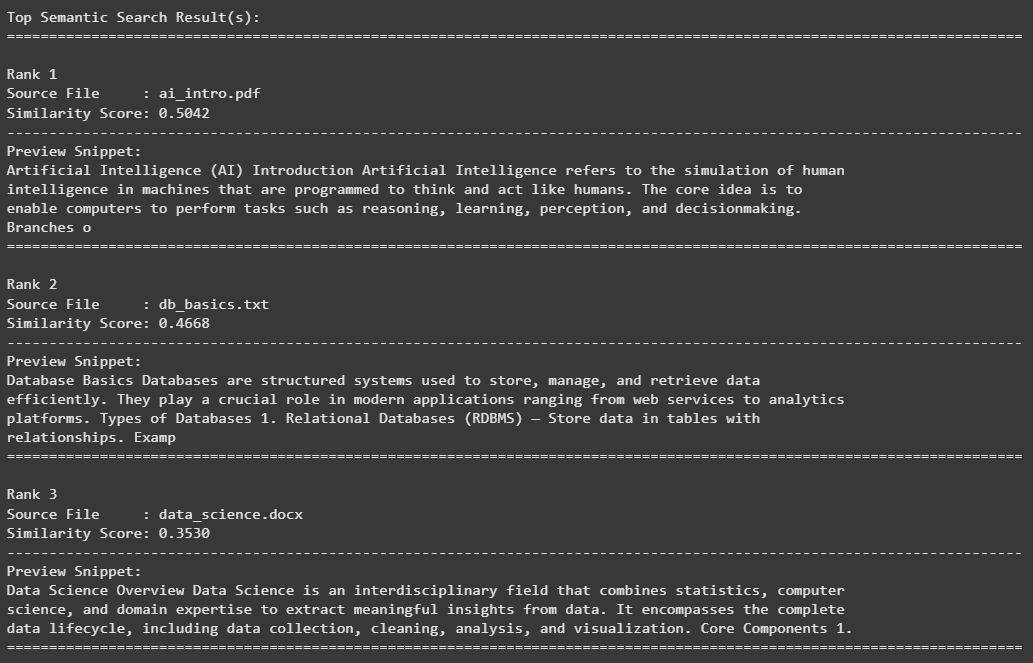
Converts the query into a vector. Searches the FAISS index for similar embeddings. Displays the best matches with readable snippets. Step 9: Run Semantic Search Retrieves top semantically relevant chunks for each query. Displays source document name, similarity score and wrapped text preview. Output:
👁 Screenshot-2025-10-28-125106 Result Output:
👁 Screenshot-2025-10-28-125059 Result The source code can be downloaded from here .
Advantages High Performance: FAISS enables instant retrieval even across thousands of vectors. Semantic Understanding: Captures meaning beyond keywords. Multi-format Support: Works with PDF, DOCX and TXT files. Scalable: Easily extensible to large datasets.