|
VOOZH | about |
|
VOOZH | about |
Amazon ElastiCache is a fully managed in-memory caching service provided by AWS for fast and real-time applications. It helps improve application performance by storing frequently accessed data in memory.
Note: Caching is the process of storing frequently accessed data in a temporary, high-speed data storage layer known as a cache.
Redis and Memcached are two popular in-memory caching engines used to improve application performance and reduce data access time. Both provide fast caching, but they differ in features, scalability, and supported use cases.
| Feature | Redis | Memcached |
|---|---|---|
| Data Type Support | Supports strings, lists, sets, hashes, and more. | Supports only simple key-value data. |
| Data Backup | Can save data using backups and recovery options. | Does not save data permanently. |
| Replication | Supports data replication and automatic failover. | Does not support replication. |
| Scaling | Supports clustering for better scaling. | Scales by adding more nodes. |
| Messaging Support | Supports publish/subscribe messaging. | Does not support messaging features. |
| Performance | Good for advanced and real-time applications. | Best for simple and fast caching. |
| Best Use Cases | Leaderboards, analytics, sessions, and chat apps. | Database query caching and temporary session storage. |
Note: Use Redis for 95% of modern workloads. Select Memcached only if you require a simple, multi-threaded cache or need compatibility with a legacy Memcached codebase.
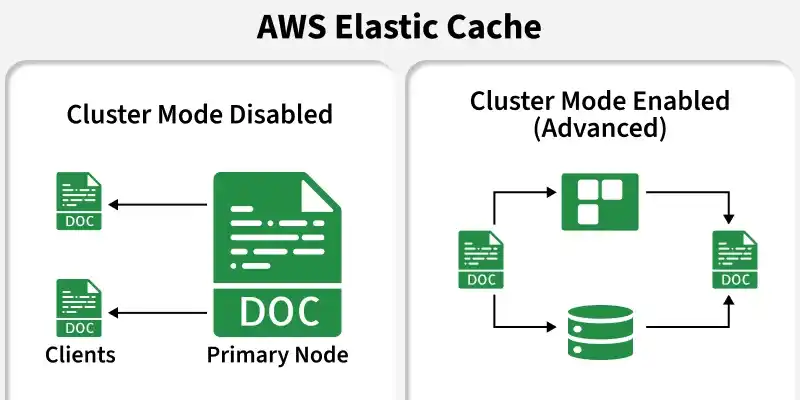
Amazon ElastiCache Redis provides two cluster modes for managing data and scaling performance. The choice depends on application size, workload, and scalability needs.
| Feature | Cluster Mode Disabled | Cluster Mode Enabled |
|---|---|---|
| Structure | One primary node with up to 5 replicas. | Multiple shards with primary and replica nodes. |
| Data Storage | All data is stored in a single node group. | Data is divided across multiple shards. |
| Read Scaling | Add replicas to improve read performance. | Add replicas or shards for better scaling. |
| Write Scaling | Scale by increasing instance size only. | Scale by adding more shards horizontally. |
| Best For | Small applications and simple setups. | Large applications with heavy workloads. |
ElastiCache provides two deployment models: Serverless and Provisioned. The best choice depends on application traffic, scaling needs, and management preferences.
| Feature | ElastiCache Serverless | Provisioned ElastiCache |
|---|---|---|
| Management | AWS automatically manages and scales resources. | Users manually choose nodes and instance types. |
| Scaling | Automatically scales based on traffic. | Scaling must be configured manually. |
| Pricing | Pay for actual storage and usage. | Pay a fixed cost for running nodes. |
| Availability | Multi-AZ enabled by default. | Multi-AZ setup is configured manually. |
| Best For | Applications with changing or unpredictable traffic. | Applications with stable and predictable workloads. |
To use ElastiCache effectively, your application must implement an appropriate caching pattern:
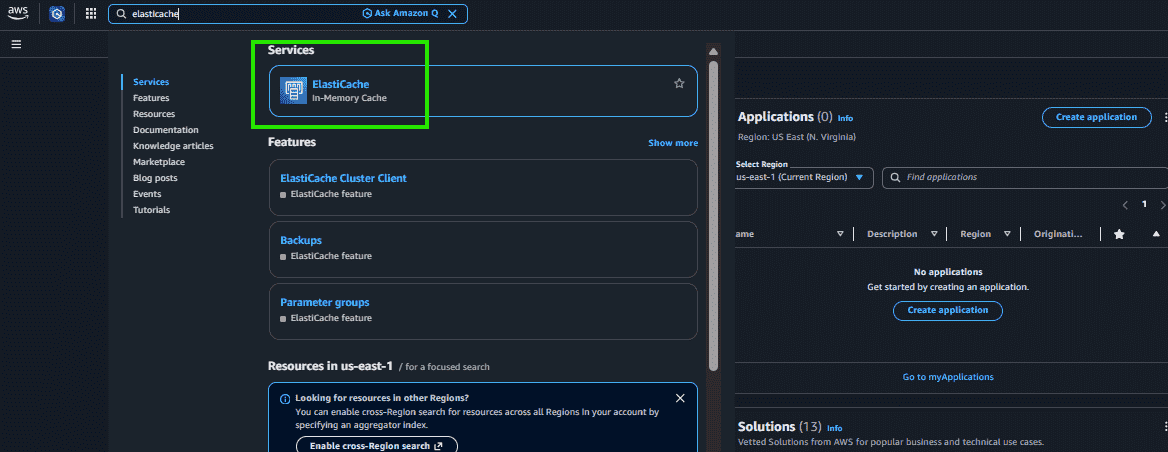
Step 1: Log in to the AWS management Console.
Step 2: In the search bar at the top, type ElastiCache
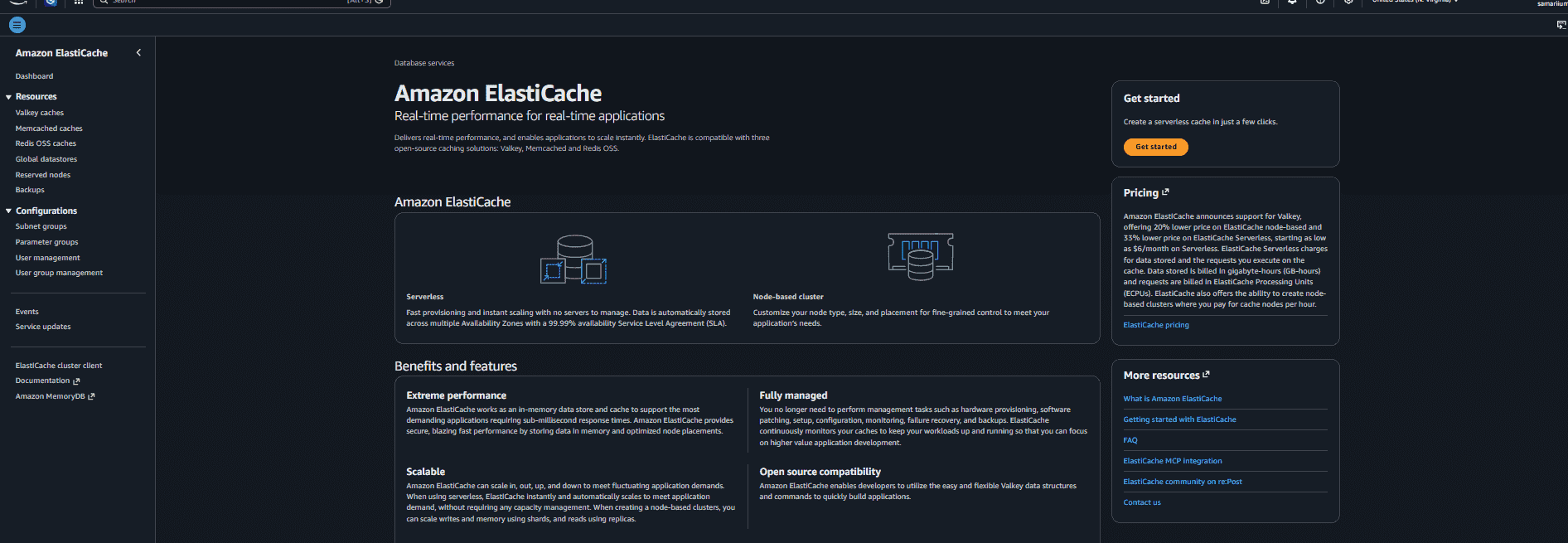
Step 3: Click on Amazon ElastiCache from the search results.
While both are in-memory caching solutions, they differ in flexibility and integration scope. Amazon ElastiCache is a general-purpose caching service that works with different databases and applications, while DynamoDB DAX is a specialized cache designed only for Amazon DynamoDB to improve read performance.
| Feature | ElastiCache (Redis) | DynamoDB DAX |
|---|---|---|
| Purpose | General cache for different databases and applications. | Cache made only for Amazon DynamoDB. |
| Code Changes | Requires application code changes to manage caching. | Only requires changing the DynamoDB endpoint. |
| Flexibility | Can store sessions, queues, leaderboards, and other data. | Mainly stores DynamoDB query results. |
| Database Support | Works with RDS, Aurora, DynamoDB, MongoDB, and more. | Works only with DynamoDB. |
| Performance | Very fast in-memory caching for many use cases. | Improves DynamoDB read performance. |
| Use Cases | Gaming, chat apps, caching, sessions, analytics. | Fast access to frequently used DynamoDB data. |