Connecting an AWS EC2 Instance of a Private Subnet using Bastion Host
Last Updated : 28 May, 2026
Connecting to an instance inside a private subnet is an important part of secure AWS networking. This is commonly done using a Bastion Host placed inside a public subnet, which acts as a secure entry point to private instances.
Before moving to the implementation section, let us first understand some important AWS networking terms.
Key Terminologies
EC2 Instance: A virtual server in AWS used to run operating system such as Linux and Windows.
AMI(Amazon Machine Image): A template that contains the operating system required to launch an EC2 instance.
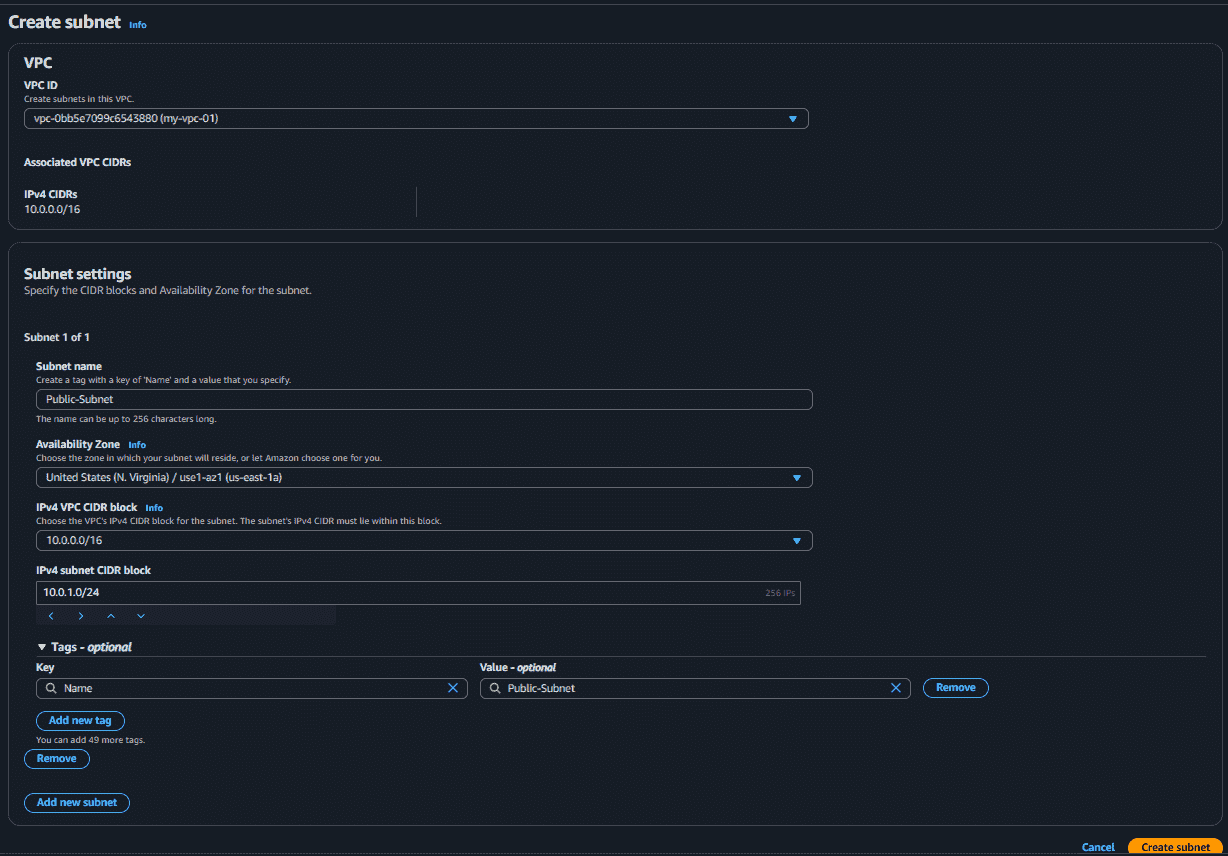
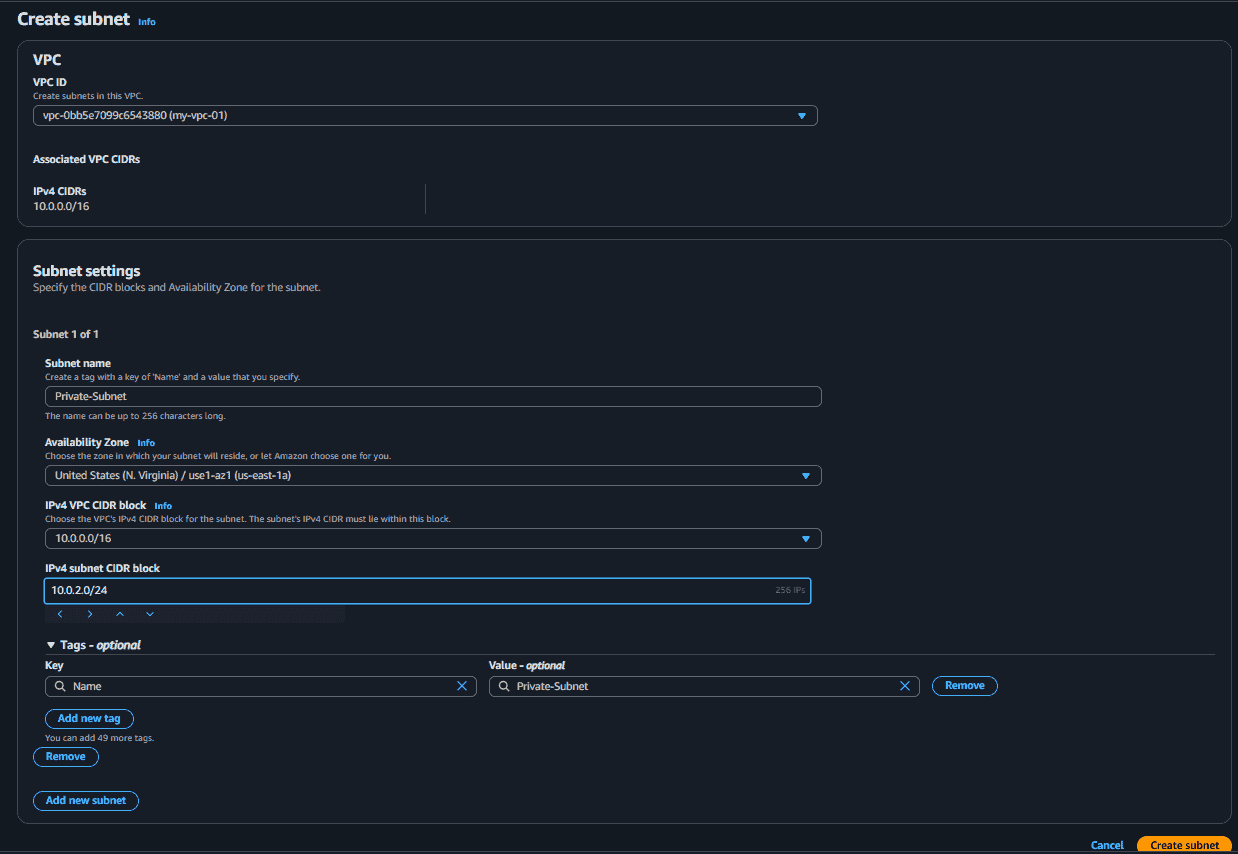
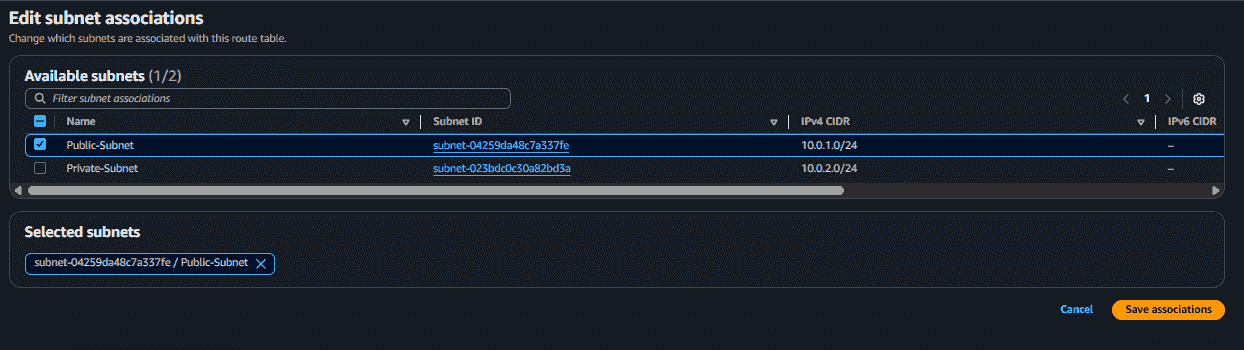
Subnet: A smaller section of a network inside a VPC used to organize AWS resources.
Availability Zones: Separate locations inside an AWS region designed for high availability and fault isolation.
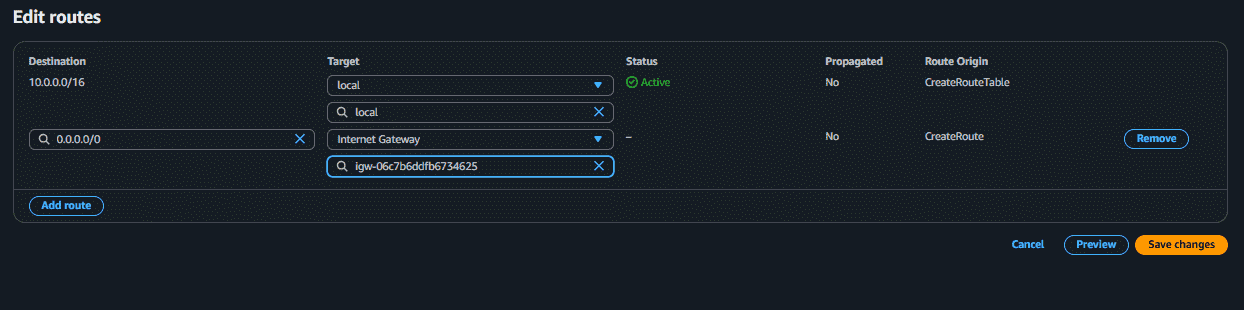
Public Subnet: A subnet connected to an Internet Gateway that allows internet access.
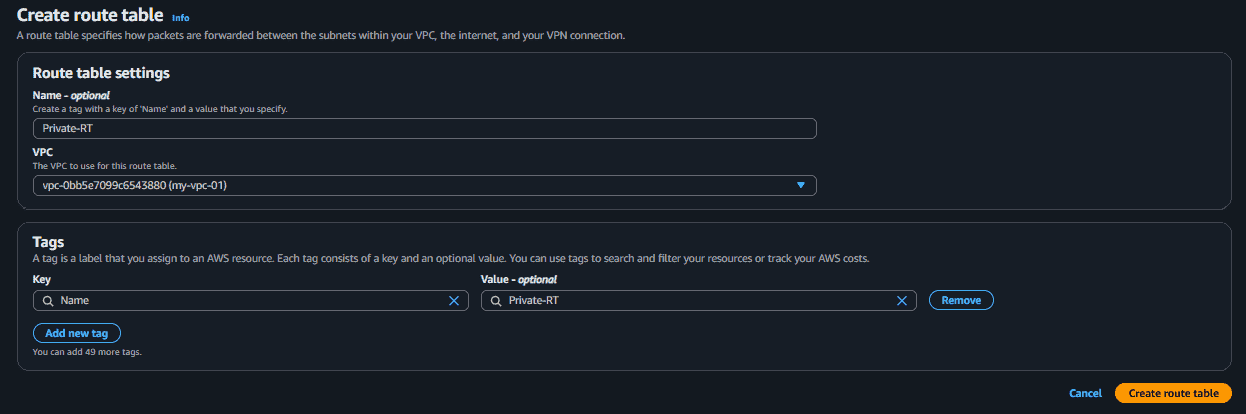
Private Subnet: A subnet without direct internet access, mainly used for internal resources.
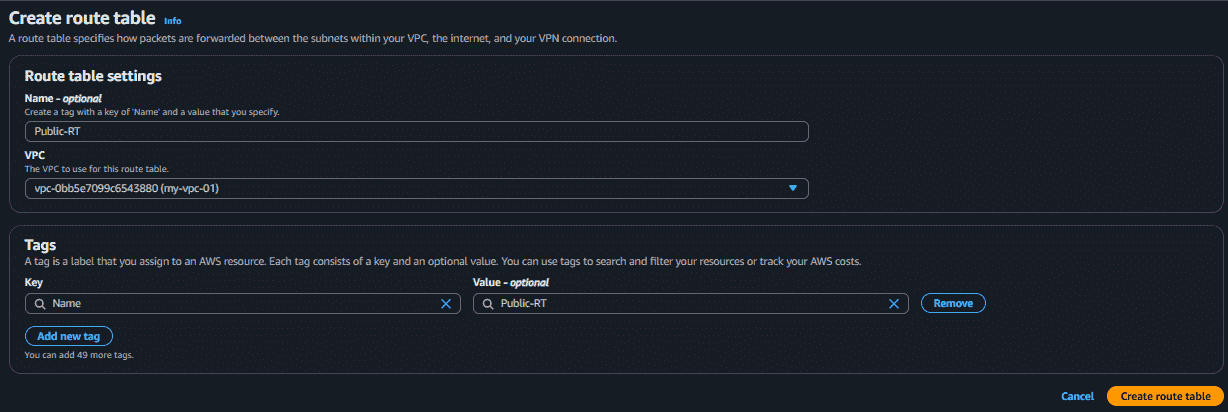
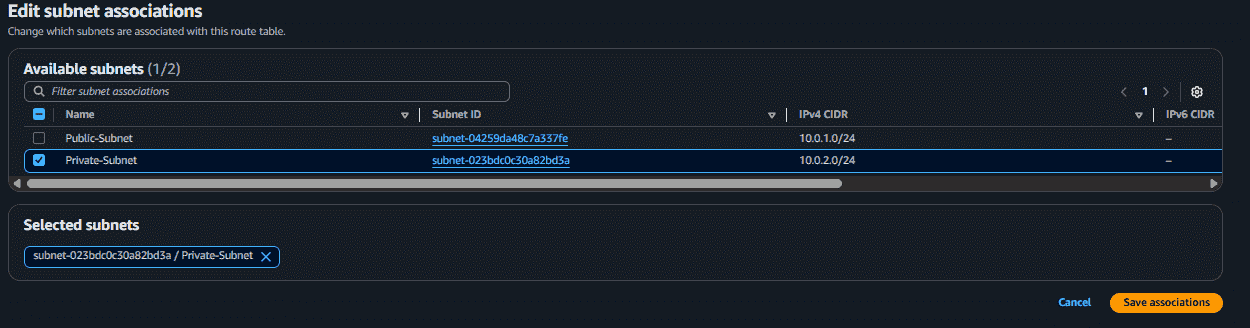
Route Table: A set of rules that controls how network traffic moves inside a VPC.
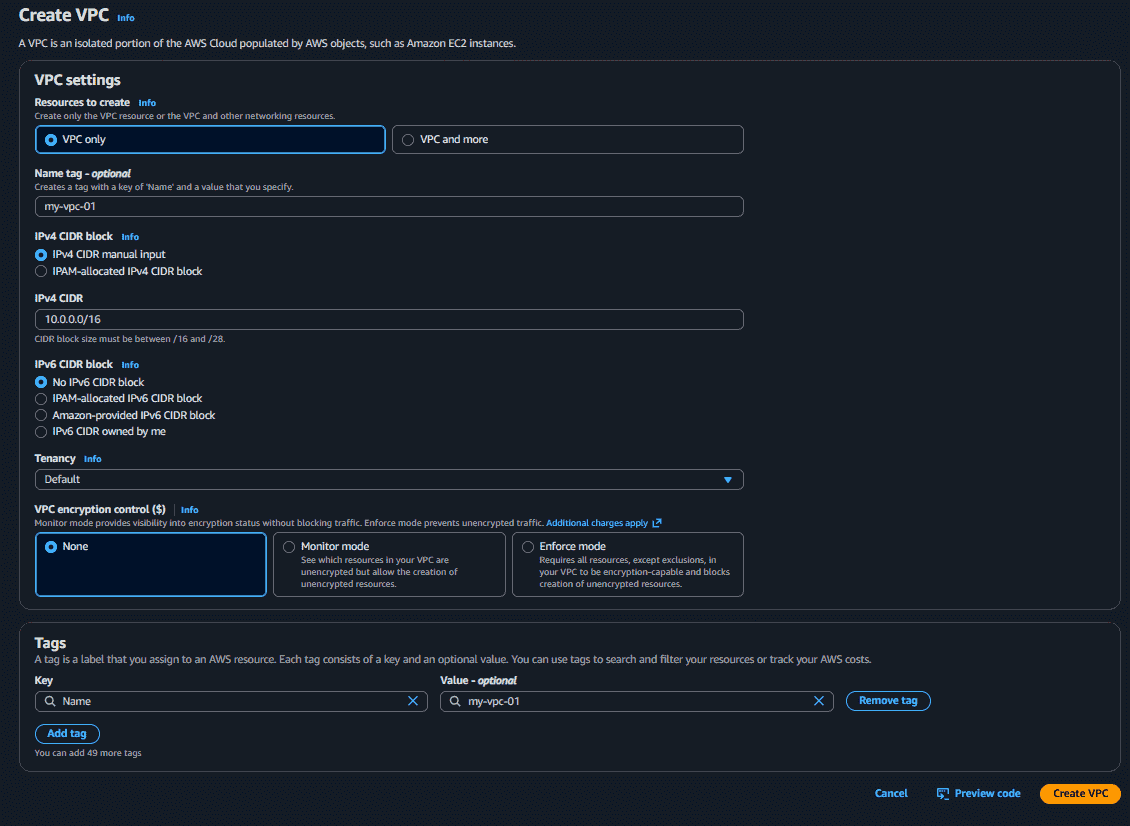
VPC (Virtual Private Cloud): A private virtual network in AWS where resources such as EC2 instances and databases are deployed.
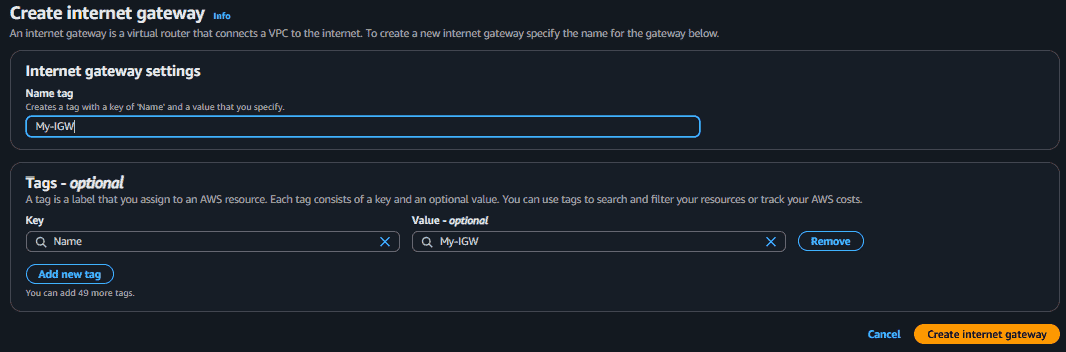
Internet Gateway: A component that allows communication between a VPC and the internet.
Security Groups: Virtual firewalls that control inbound and outbound traffic for EC2 instances.
Key Pair: A combination of public and private keys used to securely connect to EC2 instances.
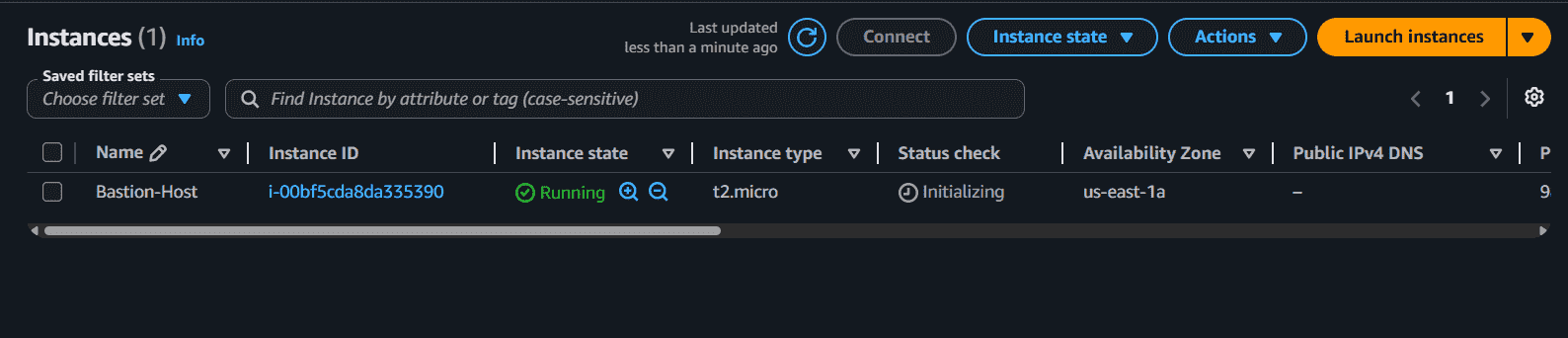
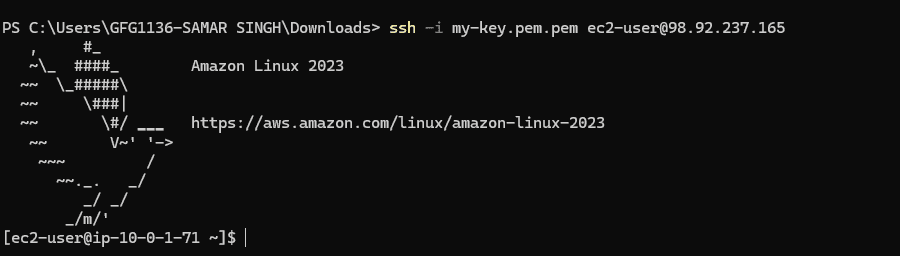
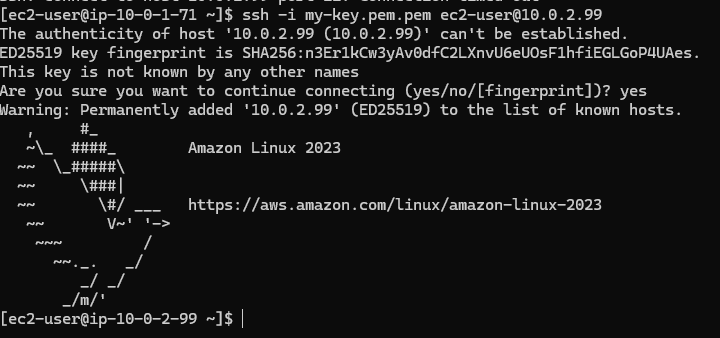
Bastion Host: An EC2 instance placed in a public subnet that is used to securely access instances in a private subnet.
After understanding these key concepts, we can now move towards the implementation part of connecting a private instance using a Bastion Host.