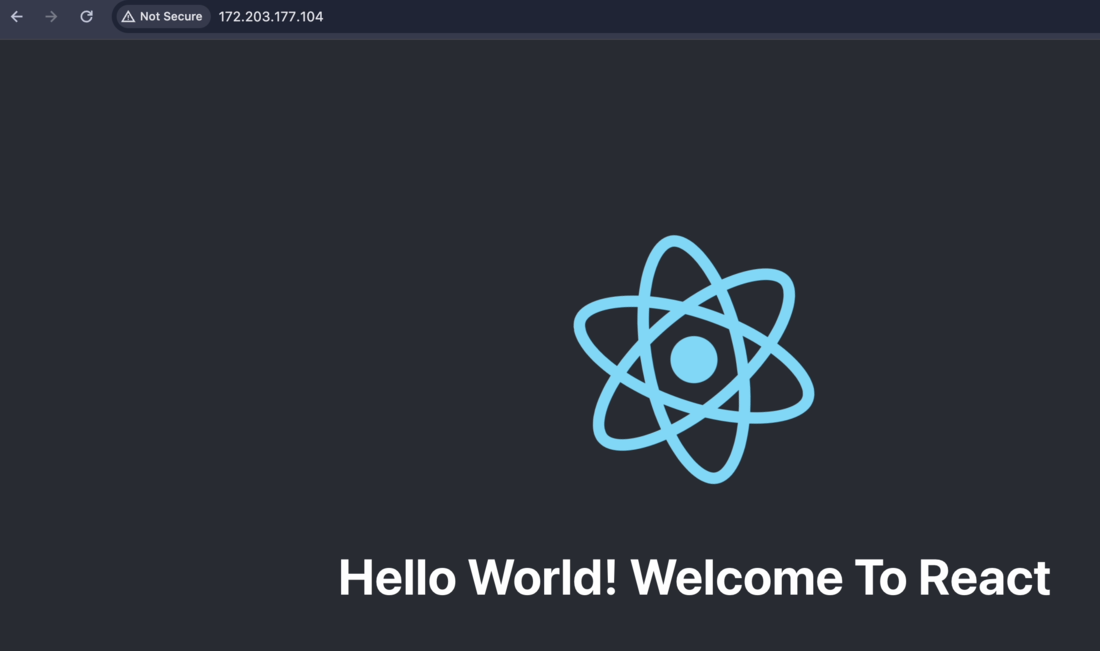
How to Deploy React App on Azure Virtual Machines?
Last Updated : 23 Jul, 2025
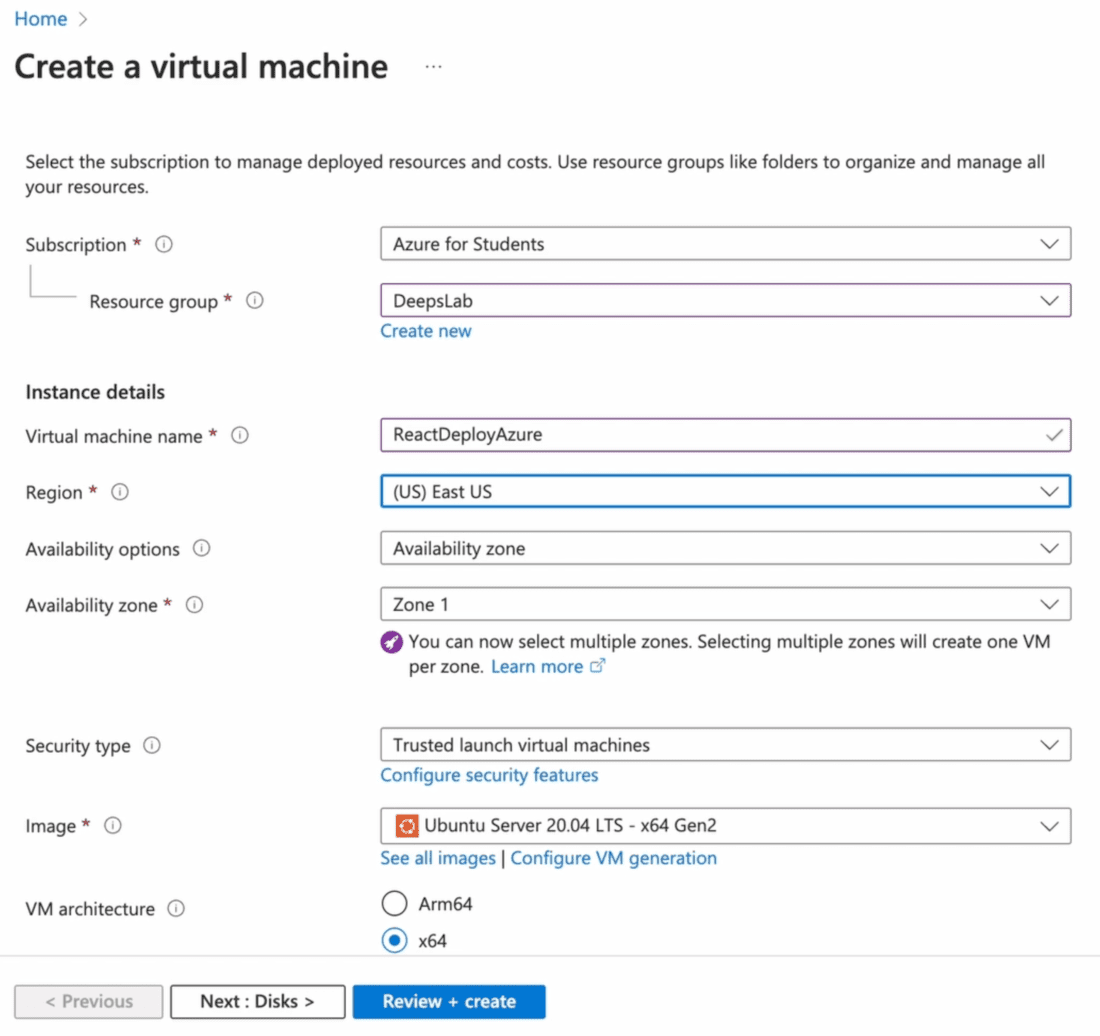
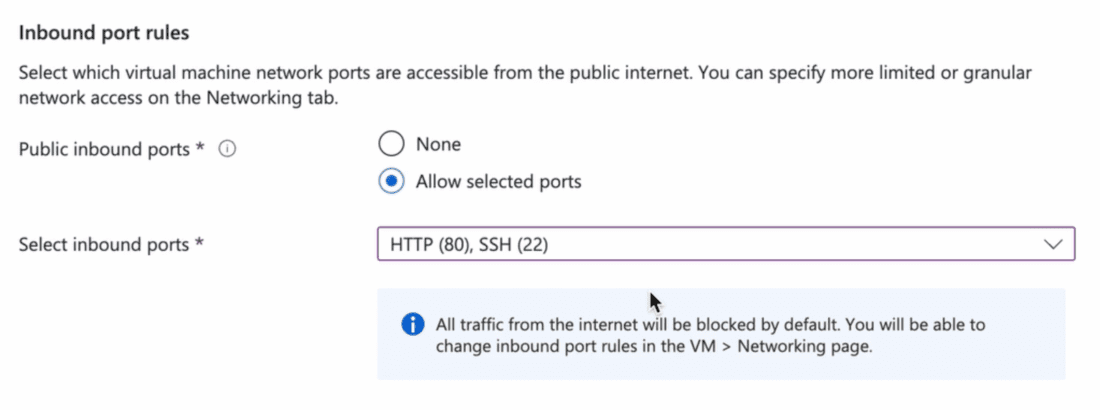
In this article, we will study how we can deploy our existing React web application to Azure VM on Ubuntu Server. We will also see how to use the public IP of the Azure VM to access the React application using Nginx. For this article, you should know about setting up a VM in Azure. We will see how to deploy applications on Linux Server.
What is a React App?
React is a Javascript framework for developing and building single-page web applications in Javascript. It supports rapid development and Scalability. It is a popular framework today that allows features like state management, Dynamic loading, and Fast Deployment.
Azure VMs are computing resources that can be used for various computing applications. VM can host different OS and provides a multi-platform environment for building and running applications in Azure. Azure VMs are highly scalable and fault tolerant providing seamless performance to users.
Benefits of Deploying React Applications on Azure VMs
The following are the benefits of deploying react applications on Azure VMs:
Azure VMs provide a simple and efficient option for the deployment of applications
It supports high scalability and throughput. It can be scaled up or down as per requirement along with the feature of autoscaling.
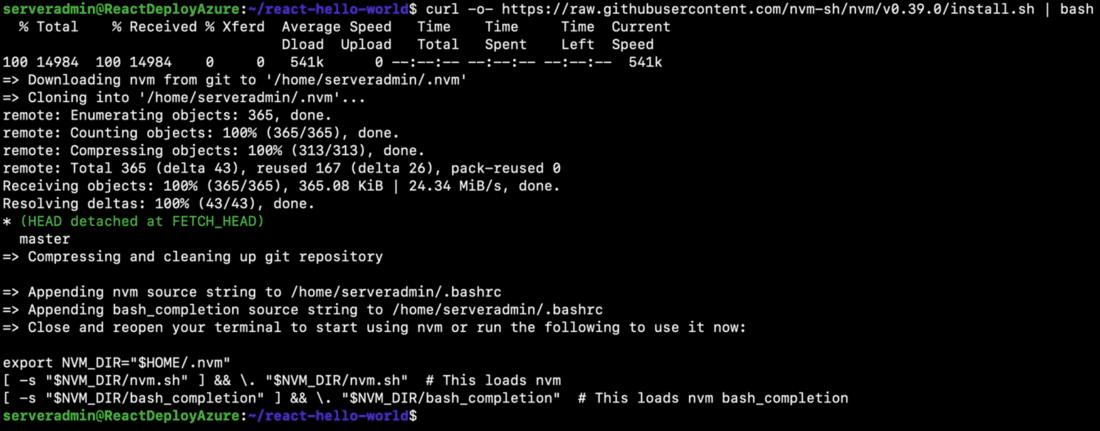
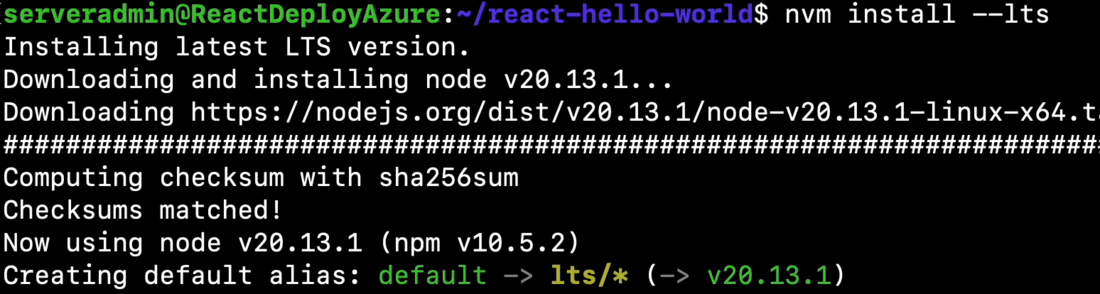
nvm alias default <YOUR VERSION OF INSTALLED NODEJS>
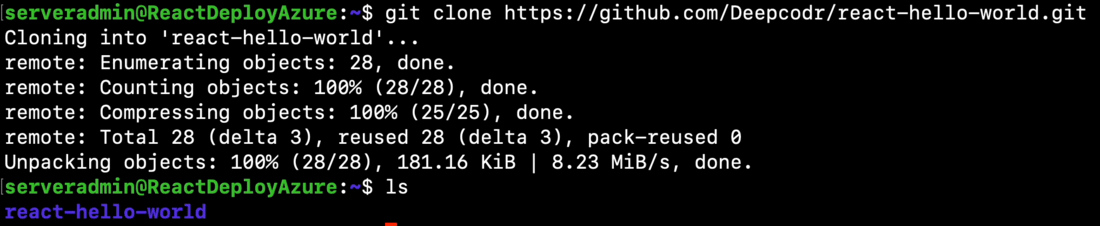
Once the node is install upload the project to VM. You can use AZcopy or Azure Storage for uploading. For this article we will clone project from github : https://github.com/Deepcodr/react-hello-world
Now lets add configuration for our VM in Nginx configuration. Go to /etc/nginx/sites-available and copy default configuration to file with name as Public IP of VM.
cp default <YOUR_PUBLIC_IP>
Now edit the newly created file and edit the server configuration to look like below.



.png)