Securing Your Cloud: Identity and Access Management (IAM) on GCP
Last Updated : 26 Jul, 2024
In a rapidly changing digital environment, weather protection is essential. Google Cloud Platform (GCP) manages Identity and Access Management (IAM) information. This article covers the basics and details of the system, as well as detailed instructions on setting up Identity and Access Management (IAM) in GCP.
Primary Terminologies
Identity and Access Management (IAM): A framework for ensuring individuals have access to appropriate resources at the right time and for the right reason.
Google Cloud Platform (GCP): Cloud services provided by Google.
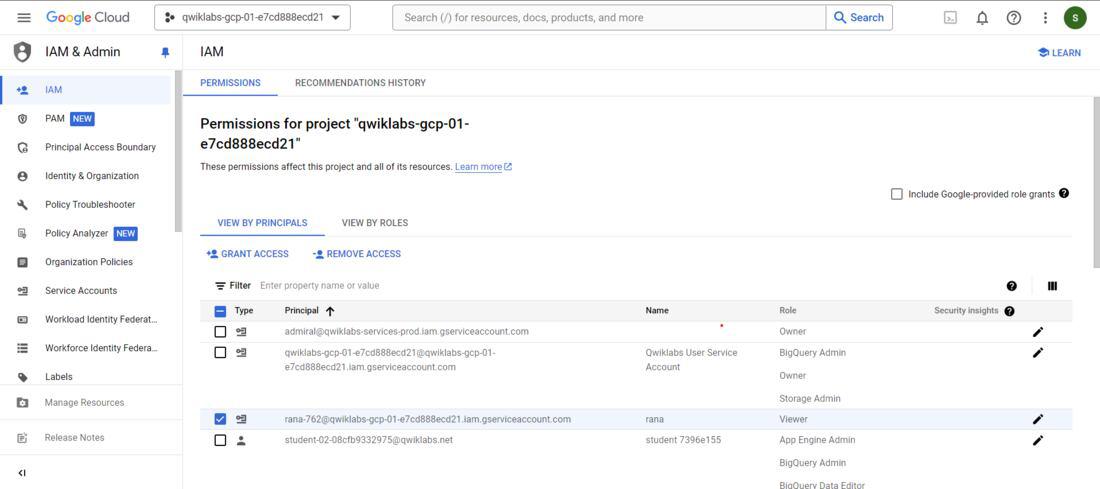
Principal: Entity (such as user, group, service account) requesting access to GCP resources.
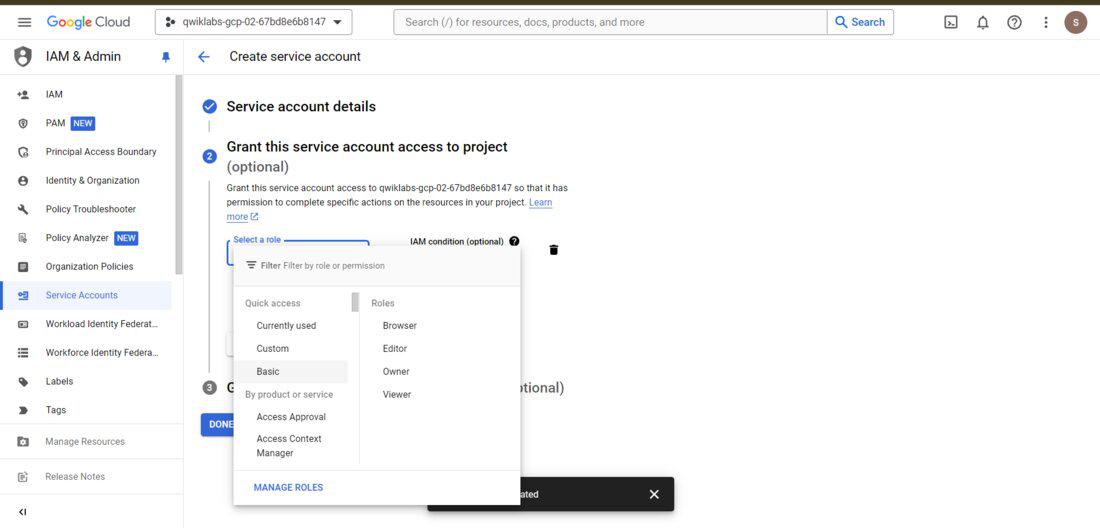
Roles: Collections of permissions assigned to principals to perform specific actions.
Permissions: Permissions to operate on specific GCP resources.
Policy: A configuration that attributes responsibility to the manager at the resource level.
Step-by-Step Process To Use Identity and Access Management (IAM) on GCP
Step 1: Understand IAM objects
Principals:
User: A person with a Google Account.
Group: A group of users.
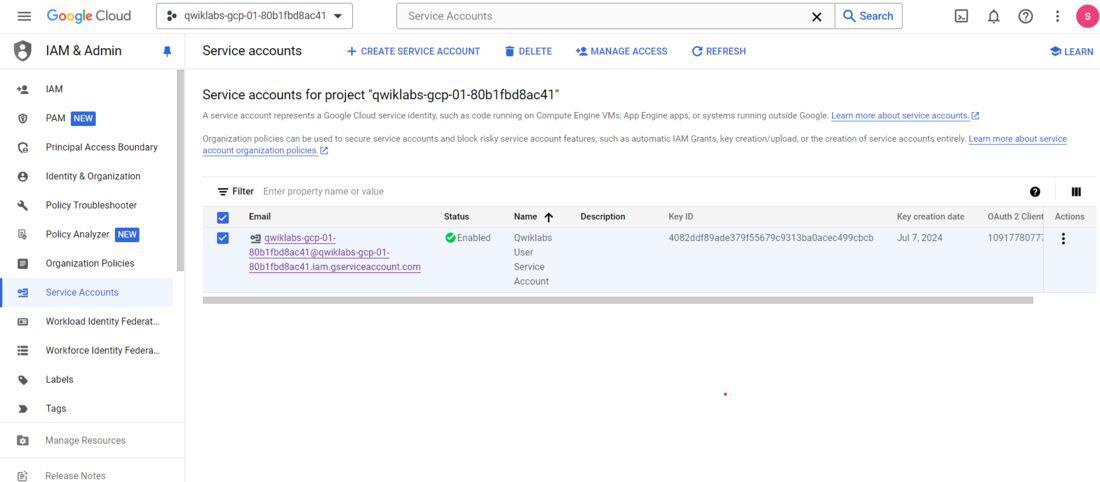
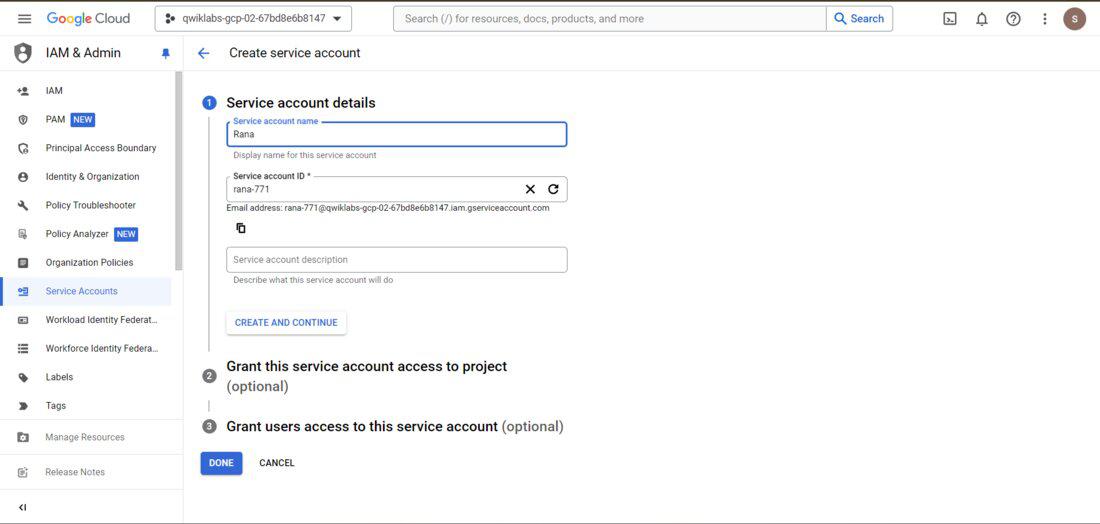
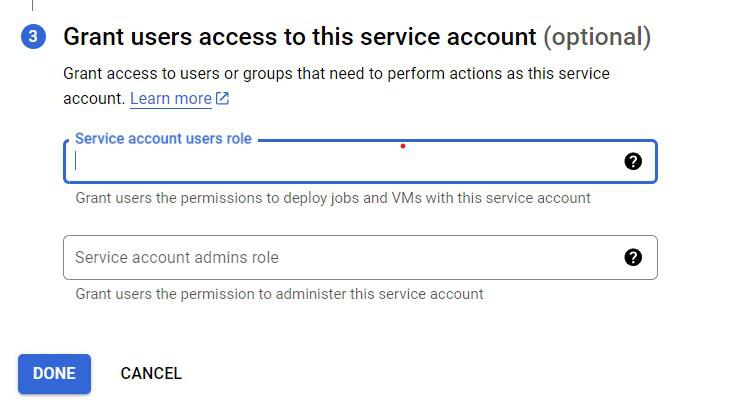
Service Account: A special account used for automated transactions.
Google Workspace domain: Organization that uses Google Workspace.
Identity and Access Management (IAM) on GCP - FAQs
What distinguishes specified roles from primitive roles?
Predefined roles are unique to GCP services and provide more granular management, whereas primitive roles are fundamental roles (Owner, Editor, Viewer) with broad permissions.
How can I audit GCP's IAM policies?
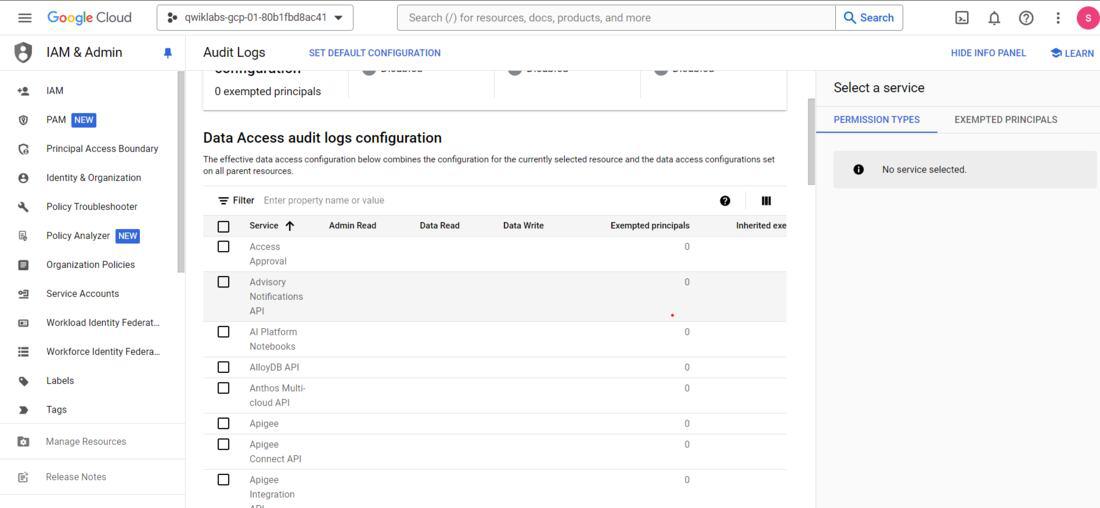
To examine roles and bindings, use the IAM & Admin console. For comprehensive access records, look through the Cloud Audit Logs.
Is it possible to give a single user several roles?
A user can be granted permissions from numerous roles, therefore yes, you can assign them several roles.
When should I utilize a service account and what does it entail?
Service account is a unique account designed for automated procedures that provide regulated access without the need for human involvement. Use it for virtual machines and apps that need access to APIs.
How do I set up GCP to use Multi-Factor Authentication (MFA)?
Use the Google Admin panel to activate multi-factor authentication (MFA), applying it to users and demanding extra verification for security.


![👁 gcloud projects add-iam-policy-binding [PROJECT_ID] --member="user:[EMAIL]" --role="roles/editor"](https://media.geeksforgeeks.org/wp-content/uploads/20240714172053/console-grant.jpg)
![👁 gcloud iam roles create myCustomRole --project=[PROJECT_ID] --file=myCustomRole.yaml](https://media.geeksforgeeks.org/wp-content/uploads/20240714172120/console2.png)