|
VOOZH | about |
|
VOOZH | about |
Pre-requisite: Helm, Kubernetes
Helm is a CNCF graduate project. It is a Kubernetes package manager that simplifies the process of deploying and running applications on a Kubernetes cluster. It provides an easy way to package Kubernetes applications in charts, which can be easily deployed, installed, and updated using the Helm CLI.
Application deployment: Helm simplifies the deployment of complex applications by giving a single package that contains all the settings and resources required for Kubernetes. Developers can accomplish this with Helm by packaging the application as charts, which makes it simple to install and manage using the Helm CLI. By eliminating the need to manually create and manage each individual Kubernetes resource, the deployment to the Kubernetes cluster is made simple.
Distribution of the Application: Helm provides a central repository for the storage and exchange of charts. The Helm Chart Repository, which allows developers to share their charts, also makes it simple to search and install charts from a single location. To distribute charts within their organization, developers can also establish their private repository.
Application Versioning: Helm charts can be versioned, which makes it simple to go back to a previous release of an application if necessary. This assists in preventing downtime brought on by application problems or failures. Helm charts may be readily upgraded or downgraded by users, and developers can easily track changes to their applications over time by versioning them.
App Reusability: Helm charts facilitate communication and cut down on effort duplication when utilized by numerous teams and projects. This aids in creating an ecosystem of applications that anyone within the company may swiftly deploy. Developers may easily share and reuse the same chart across several projects by packaging their apps as charts with all the necessary Kubernetes resources and configurations using Helm.
Chart management: Helm allows you to create and manage charts, which are packages of pre-configured Kubernetes resources that you can deploy and manage using Helm. Charts can be versioned, shared, and reused across different environments.
Dependency management: Helm supports dependency management, which means that you can define dependencies between charts and manage them as a single application.
Release management: Helm provides a simple way to install, upgrade, and uninstall your Kubernetes applications as releases. A release is a specific instance of a chart that has been deployed to a Kubernetes cluster.
Configuration management: Helm allows you to define and manage configuration values for your Kubernetes applications, which can be passed to your charts at deployment time. This makes it easy to manage configurations across different environments.
So, with Helm, you can find, share, and uses software built for Kubernetes. it helps you manage complex applications so all the complex applications require a lot of dependencies lot of yaml file writing and all can be managed by Helm. It makes the sharing of applications very simple by making the application in form of charts.
Before installing Helm, ensure the following requirements are met:
Step 1: Check if Chocolatey Is Installed
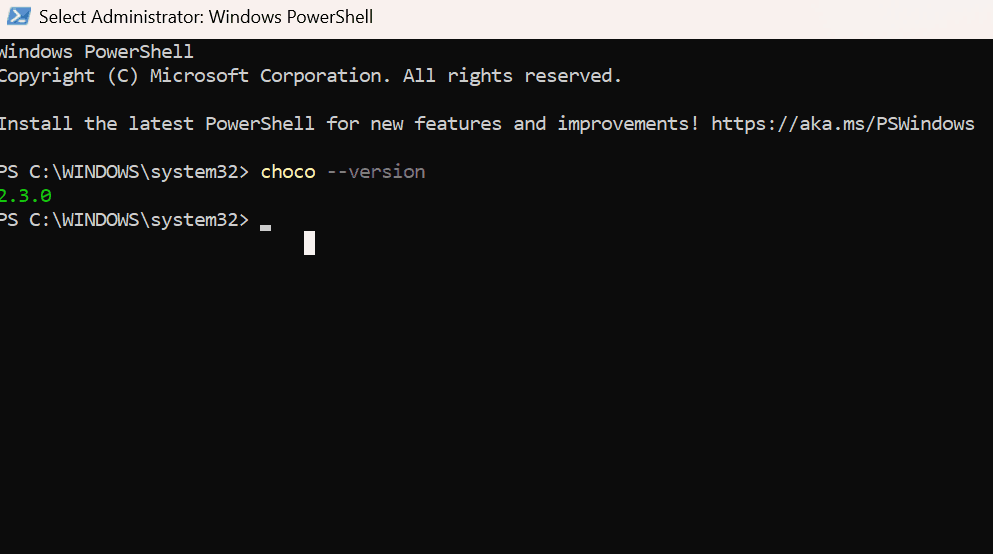
Open PowerShell as Administrator and run the following command:
choco --version
If a version number is displayed, Chocolatey is already installed—move to Step 3 and If the command is not recognized, proceed to the next step to install Chocolatey
Step 2: Install Chocolatey
Run the following command in PowerShell (Admin) to install Chocolatey
Set-ExecutionPolicy Bypass -Scope Process -Force;
[System.Net.ServicePointManager]::SecurityProtocol =
[System.Net.ServicePointManager]::SecurityProtocol -bor 3072;
iex ((New-Object System.Net.WebClient).DownloadString('https://community.chocolatey.org/install.ps1'))
Once the installation completes, close and reopen PowerShell to ensure Chocolatey is available.
Step 3: Install Helm Using Chocolatey
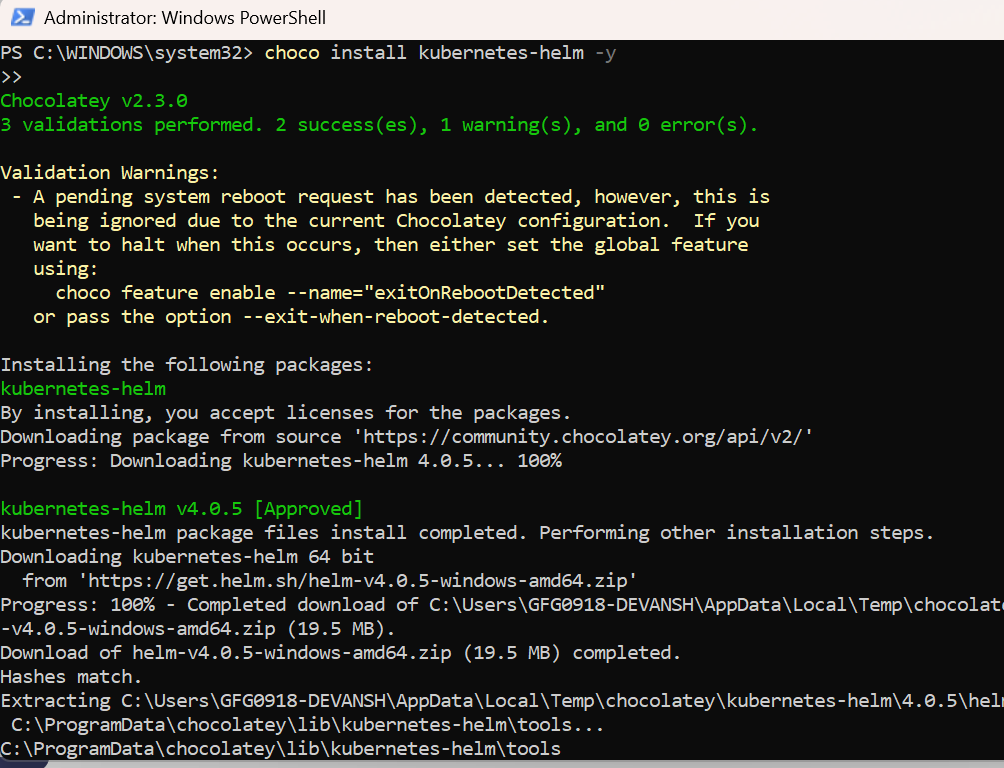
With Chocolatey installed, you can now install Helm using a single command:
choco install kubernetes-helm -yChocolatey will download and install the latest stable version of Helm automatically.
Step 4: Verify Helm Installation
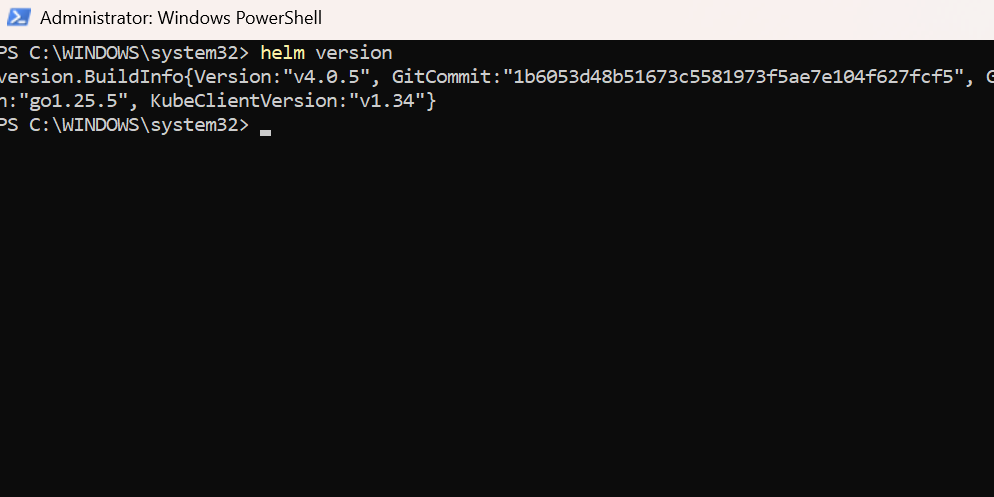
After installation, confirm that Helm is installed correctly by running:
helm versionIf Helm is installed successfully, you should see output similar to:

.png)