|
VOOZH | about |
|
VOOZH | about |
It is always more important for your web applications and services to ensure the transmission data security for users and protect personal information with HTTPS encryption. Microsoft’s cloud offering known as Azure offers several ways of deploying SSL & TLS certificates that would facilitate secure channeling. This tutorial will explain the steps of installing an SSL certificate in Azure in three various situations: targeting Azure App Service, Azure Kubernetes Service, or Azure Virtual Machines. This article shall underline how to go about it including obtaining a trusted CA (Certificate Authority), configuring and binding the certificate to the Azure resources.
An SSL (Secure Sockets Layer) or TLS (Transport Layer Security) certificate refers to an electronic document that carries digital certificates with a unique key pair and helps to authenticate a website or a server. It serves two primary functions:
If a client sends data over https, then the server responds with its certificate which contains the server’s public key. The client makes sure that the certificate presented to it is valid and if it is then proceeds to use one of the keys in the certificate to create a secure tunnel with the server. Such encryption allows for guaranteeing that all the data transferred between the client and server are safe and cannot be intercepted or changed.
Purchase an SSL certificate from a trusted Certificate Authority (CA) like DigiCert, GoDaddy, etc. I will be using the Cloudflare to obtain the certificate. ***
This is how the certificate should look on to get uploaded on Azure.
You can also use a free certificate from Let's Encrypt for testing purposes.
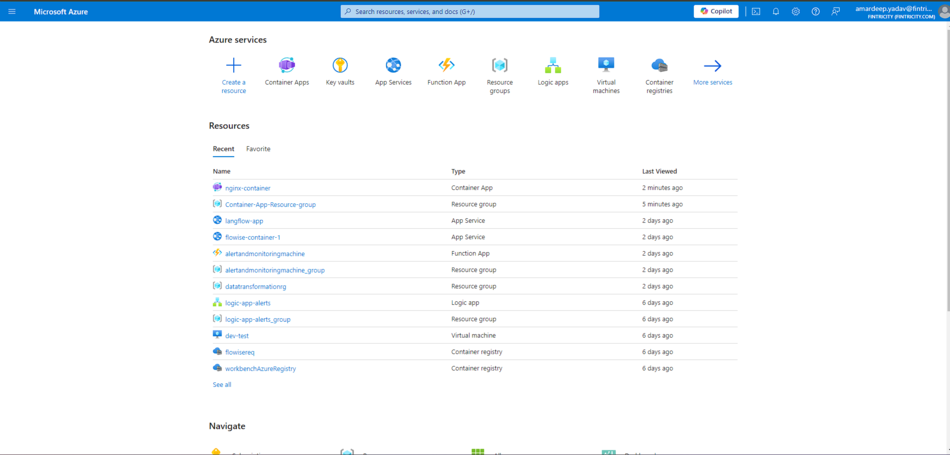
Go to the Azure resource where you want to install the SSL certificate (e.g., App Service, Virtual Machine, Container Apps, etc.).
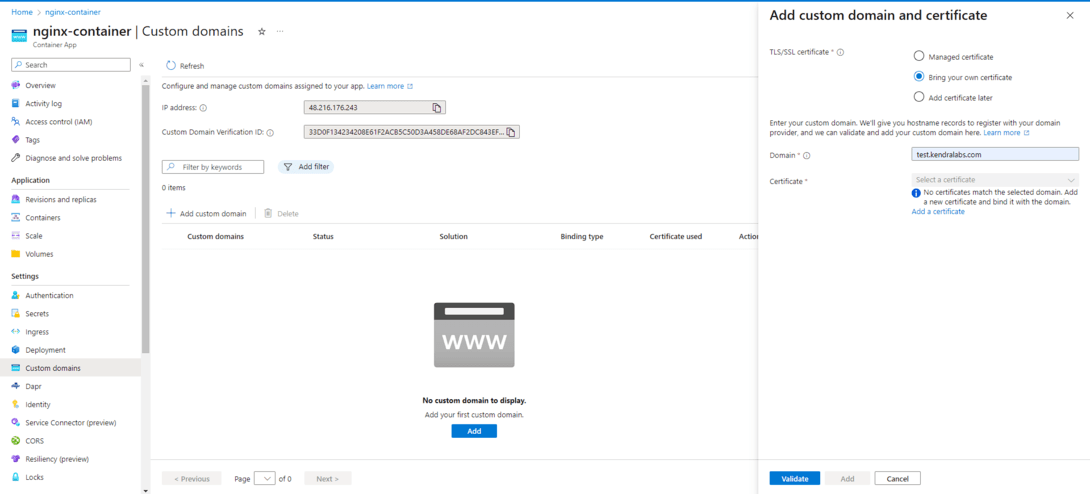
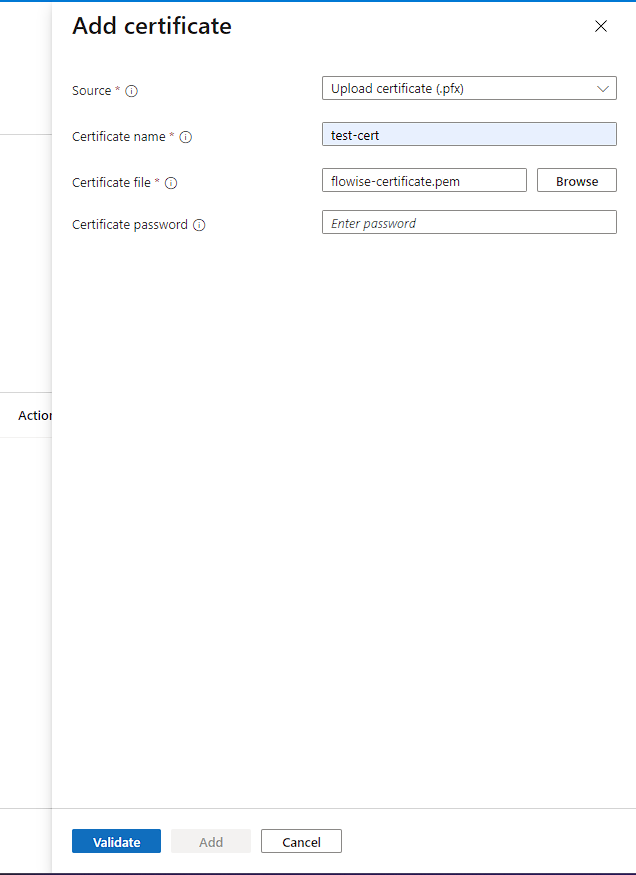
Navigate to the SSL settings and upload the certificate files (certificate, private key, and optional intermediate certificates).
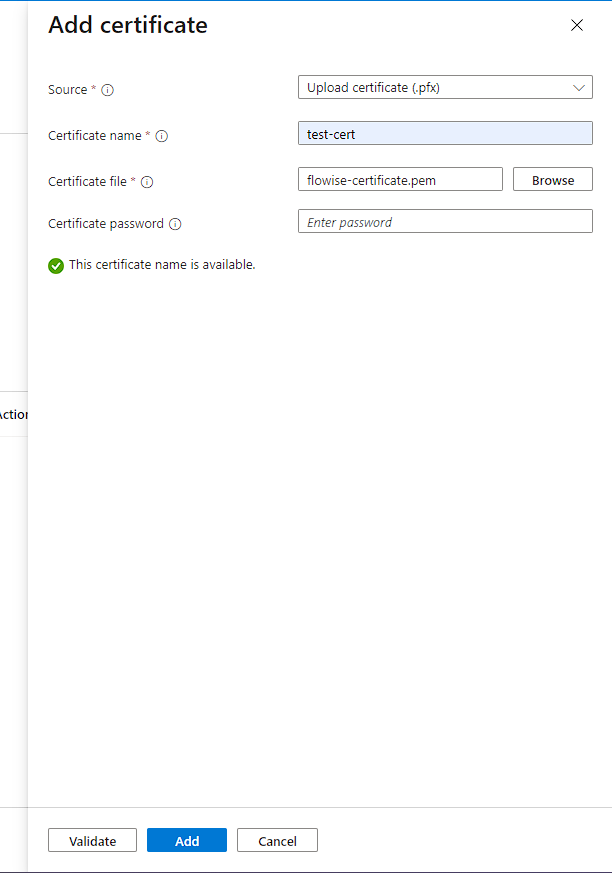
Validate the certificate that you have uploaded.
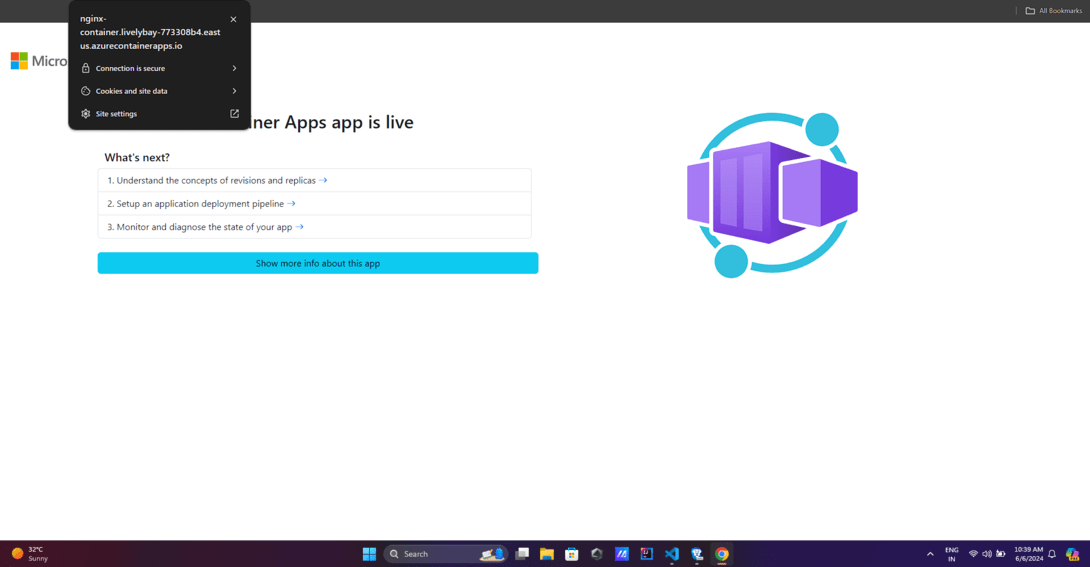
I will be using the container apps to provide the SSL certificate to my domain name to the app. ***
If using a custom domain, update the DNS records to point to the Azure resource's IP address or domain.For App Services, Azure provides a default domain that you can use without updating DNS settings.
Test your website or service using HTTPS and ensure the SSL certificate is working correctly.Enforce HTTPS by redirecting all HTTP traffic to HTTPS for better security.
There is an advantage in using an external SSL certificate from a trusted third-party CA on Azure rather than generated an own self-signed or the default Azure one. Here are some key advantages:
The external SSL certificates by recognized CAs such as DigiCert, GoDaddy, or GlobalSign can be easily implemented as most web browsers and OSs trust them, which means your users’ connection is secure.
Generally, certificates that are issued by a self-signed certificate or by an unknown CA are deemed untrusted by browsers, and result in security notifications that dissuade most people from accessing your website or your application.
On registering an external SSL certificate, the CA will check and ensure that you own or have control over the FQDN on which the certificate is going to be issued. This gives an extra level of assurance and credibility Most of its security protocols are encrypted to ensure that no third party accesses the information stored on the site.
Such certificates are self-signed certificates, and they do not go through the domain validation process, and therefore they are less reliable and more insecure.
SS Certificates: In general, SSL certificates procured from external and reputed CAs come with higher encryptions and longer key sizes, making the data more secure in transit.
The default certificates that Microsoft supplies could potentially have poorly chosen encryption or shorter key lengths than are supplied below, and in the long run this is less safe.
SSL certificates acquired from third-party CAs are scalable and compatible with leading web browsers, Operating systems, and utilities, making the overall experience more fluid and integrative to various platforms and technologies.
Certificates that are self-signed or issued by unknown CAs may not be accepted or trusted as many browsers and applications will not recognize this, thus introducing compatibility and security concerns.
Currently there are rumors that major search engines such as Google may add slight rank to every website using trusted SSL certificates as they are the ones that prioritize connections to the care of users.
Web sites that use Self-signed certificates or SSL certificates not trusted by Mozilla might not get this ranking boost.
It is very important to work with SSL certificates to ensure your web applications and services on Azure are secure to protect the data you transmit, gain the trust of users, and meet compliance requirements. As described above, it should be rather simple to install and properly configure an SSL certificate on the Azure resources of your choice, including Azure Web App, Cloud Service, Azure App Service, and more.
Keep in mind that the utilization of a reliable SSL certificate from a reputed CA is much more preferable than self-signed ones. Browser compatibility, greater protection, and end-user confidence are other benefits of external SSL certificates which will help to improve the general security and reliability of your Azure environment.
It is important to note that SSL/TLS configuration in Azure may be slightly different depending on the service being used, therefore it is strategic to refer to the official Azure guidelines while implementing the SSL/TLS.