|
VOOZH | about |
|
VOOZH | about |
Pre-requisites: Docker-Desktop
Docker Desktop is a native desktop application for Windows and Mac's users created by Docker. It is the most convenient way to launch, build, debug, and test containerized apps. Docker Desktop includes significant and helpful features such as quick edit-test cycles, file change notifications, built-in enterprise network compatibility, and the ability to work with proxies and VPNs of our own choice. Developer tools, Docker App, Kubernetes, and version synchronization are all part of the Docker desktop.
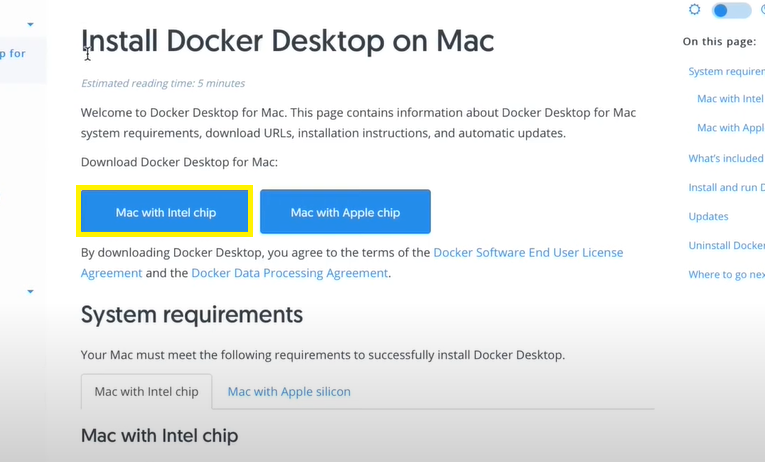
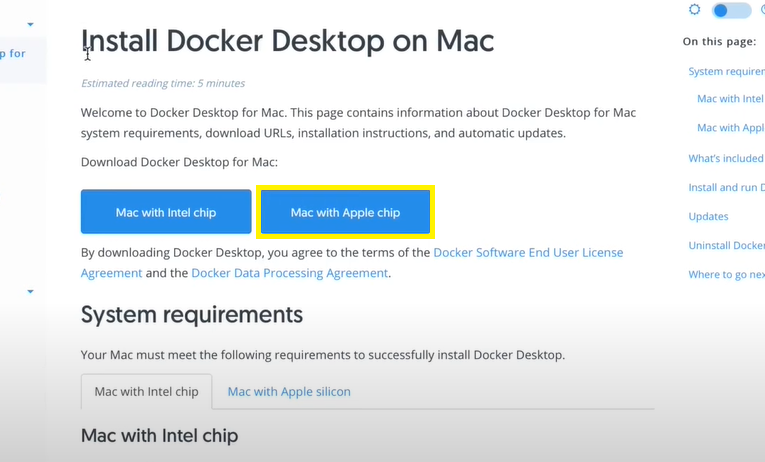
Note: Mac has two types of chips, so download the Docker According to your Mac chip.
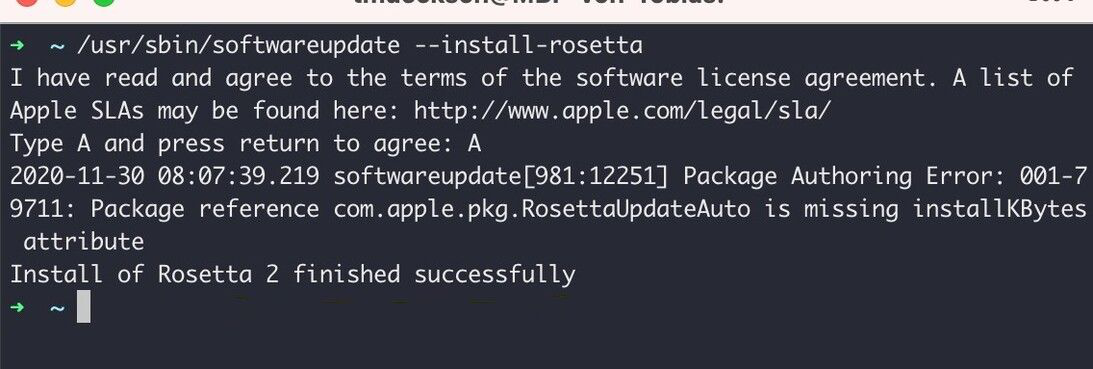
$ softwareupdate --install-rosetta
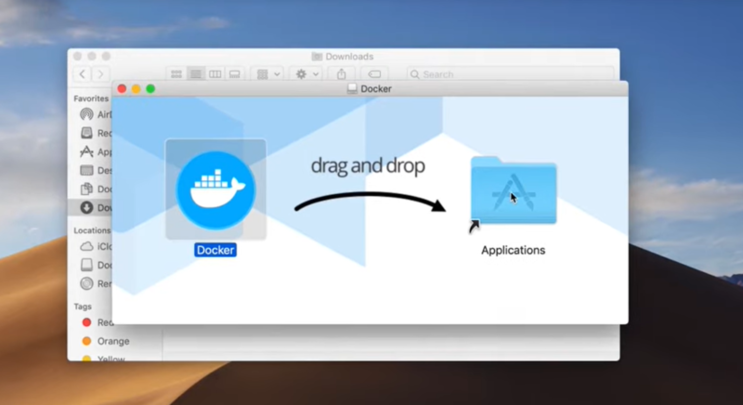
Step 1: Open the installer by double-clicking Docker.dmg, then drag the Docker icon to the Applications folder.
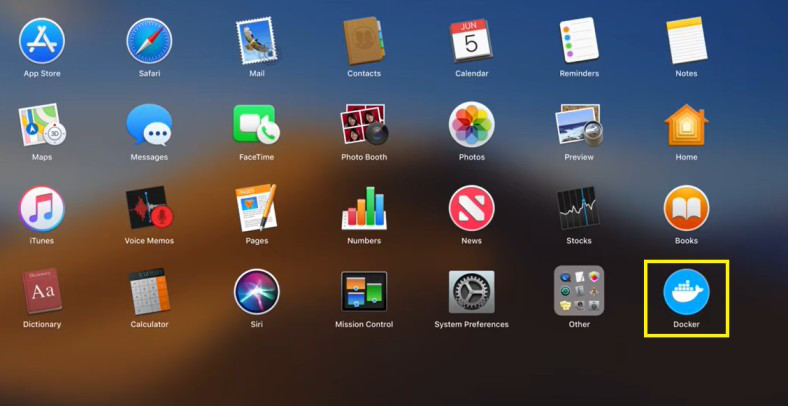
Step 2: To launch Docker, double-click Docker.app in the Applications folder.
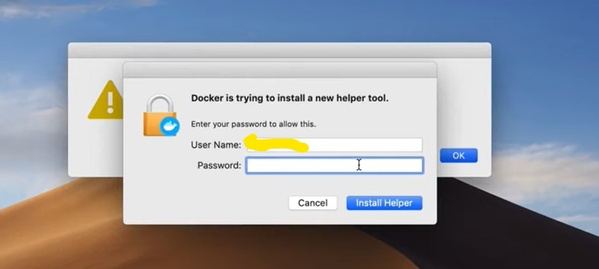
Step 3: It will Ask for your Mac password to install it. Enter your password and click on Install Helper.
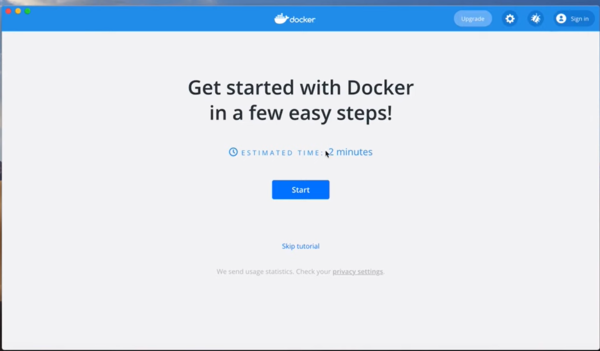
You are now successfully running Docker Desktop!
You need to make sure Docker Desktop is operating properly after installation. Open the Terminal application on your Mac and enter the following command to get started.
sudo docker --version
To verify the docker installation.
sudo docker run hello-gfg
To uninstall Docker Desktop from your Mac,