|
VOOZH | about |
|
VOOZH | about |
Azure Monitor VM Insights Agent enables you to get more visibility into the health and performance of your Azure VM. Here we'll see how we can enable Azure Monitor VM Insights to monitor the health, performance, and dependencies of azure virtual machines.
Follow the below steps to enable Azure Monitor VM insights agents for an Azure VM:
Step 1: Log in to Azure Portal
Step 2: Select your azure VM which you want to enable Azure Monitor VM Insights from Virtual Machines
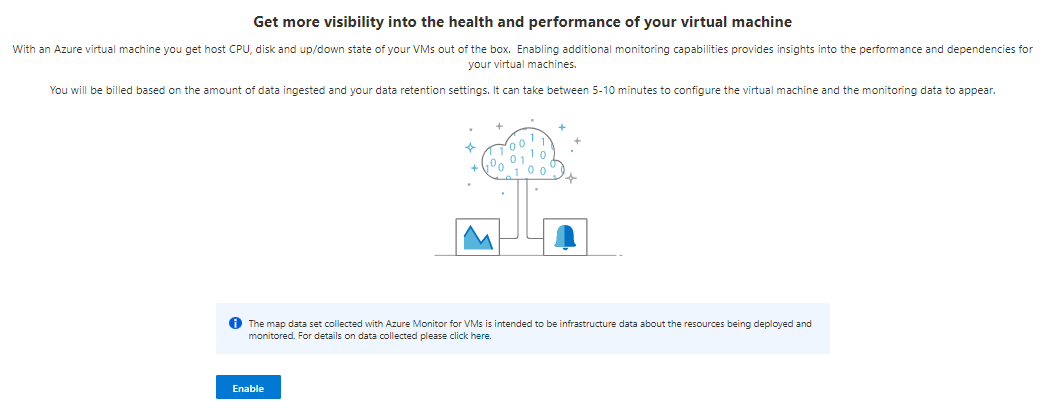
Step 3: After selecting your VM navigate to Insights and click on Enable button to set up Azure Monitor VM Insights for the select VM.
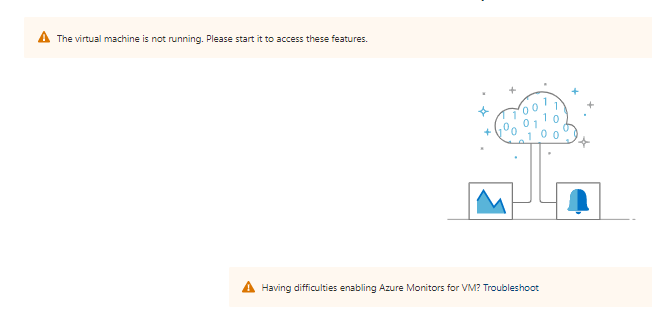
👁 ImageNote: VM should be in running state to enable the VM Insights Monitor Agent.
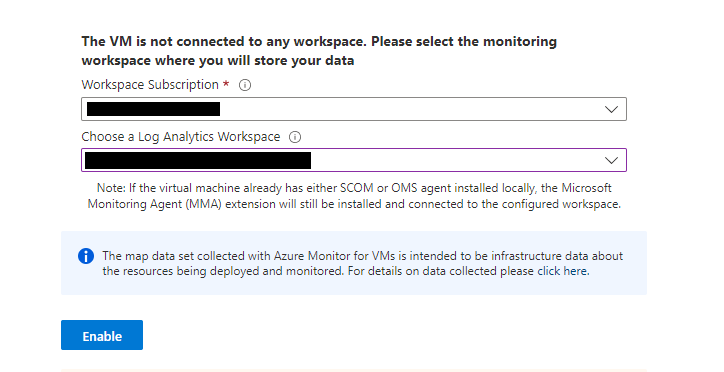
👁 ImageStep 4: Setup VM Logs Destination:
VM Insight Agent takes around 15 minutes to configure the virtual machine and the monitoring data to appear.
Result:
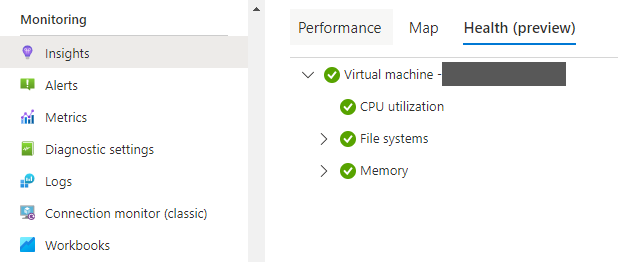
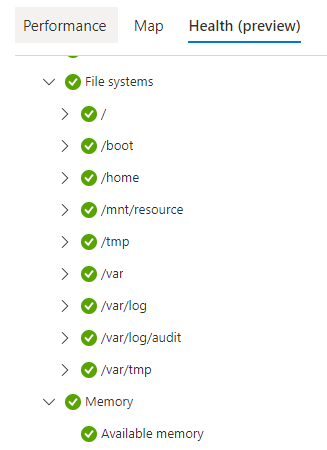
👁 ImageYou can view the Performance of a VM by Clicking on the Performance Tab, You can also view Map and health, and more.