Google Artifact Registry is a fully managed service that aims to provide you with services that allow us to secure storage and management of docker container images and other artifacts. It provides a centralized location for storing and managing the artifacts. In this article, I will provide you an overview of the Artifact Registry and its features and benefits.
Overview of Artifact Registry and its Features
An Artifact Registry is a centralized repository that allows us to store docker container images as well as other artifacts which include language packages and binaries. Its key features include:
Secure storage and management of container images and other artifacts.
Supports multiple formats such as Docker, Helm, and Maven.
It allows integration with Google Cloud services such as Google Kubernetes Engine and Cloud Build.
Role-based access control and permission management.
Automatically detects vulnerability.
Benefits of using Artifact Registry for Container Images
Centralized Management: Artifact registry provides us a single platform for managing container images which makes it easier to manage and track container images
Enhanced Security: It provides secure storage and management of container images with various features like encryption, access control,an and vulnerability detection.
Faster Development: It is integrated with Google Cloud services such as Google Kubernetes Engine and Cloud Build which allows us for faster development.
Improved Collaboration: It provides us a a repository for container images which makes it easier for team collaboration by sharing images across different environments,.
Version Control and Auditing: It allows us to track changes of our container images and maintain anenvironmentshistory of updates and deployment.
Comparison with other Image Storage Solutions in GCP
Artifact Registry
Google Container Registry (GCR)
Google Cloud Storage
Format Support
Multiple formats (Docker,Helm, Maven,etc)
Only Docker
Multiple formats (Docker, Helm, built-inMaven, etc) but not for optimized containers.
Vulnerability Scanning
Automatically detects
Manually scans
No built-in feature
Access Control
Fine-grained access control
Role-based access control
Bucket-level access control
Integration
Google Cloud services (GKE, Cloud Build, etc)
Google Cloud services (GKE, Cloud Build, etc.)
Google Cloud services (GKE, Cloud Build, etc.) but not for optimized containers.
Security
Encryption, access controls, and vulnerability detection
Encryption and access controls
Encryption and access controls
Management
Centralized management
Decentralized management
Decentralized management
Step-by-Step Process to Pushing a Docker Image to Artifact Registry in GCP
Preparing your environment for Artifact Registry
Step 1: Install Docker
Step 2: Install Google Cloud SDK
Creating a Repository
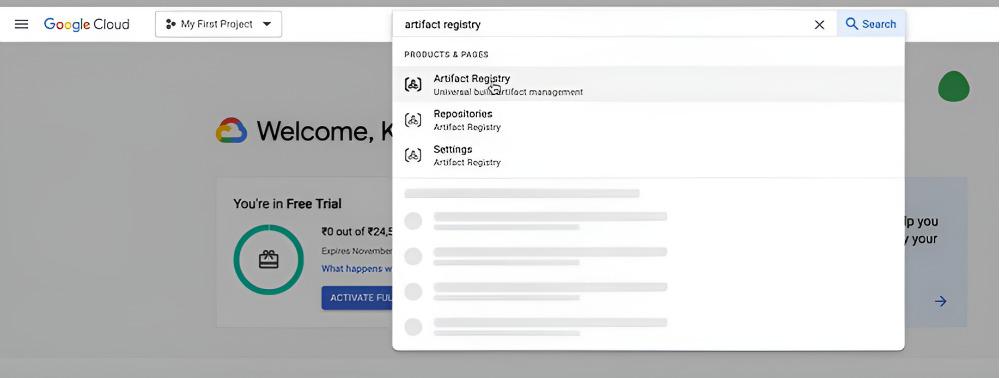
Step 1: Login into your Google Cloud Account.
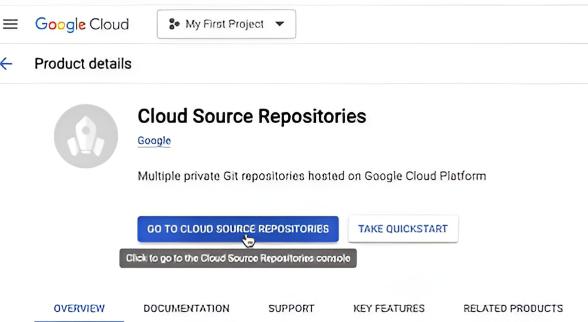
Step 2: Search for Artifact Registry and Click on it.
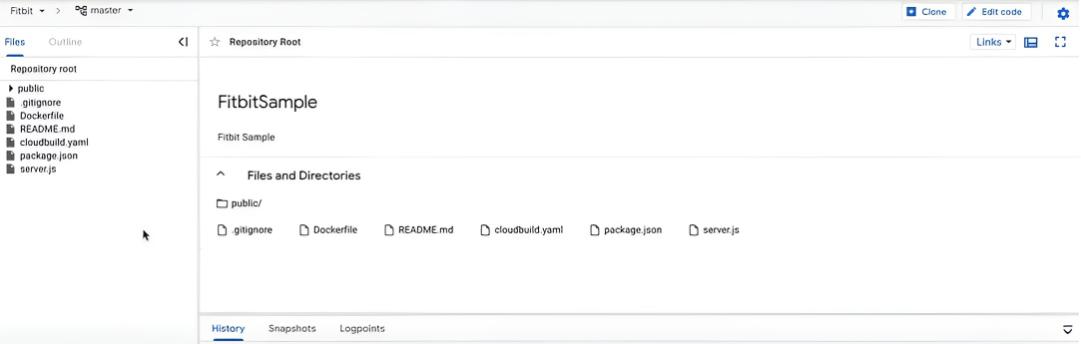
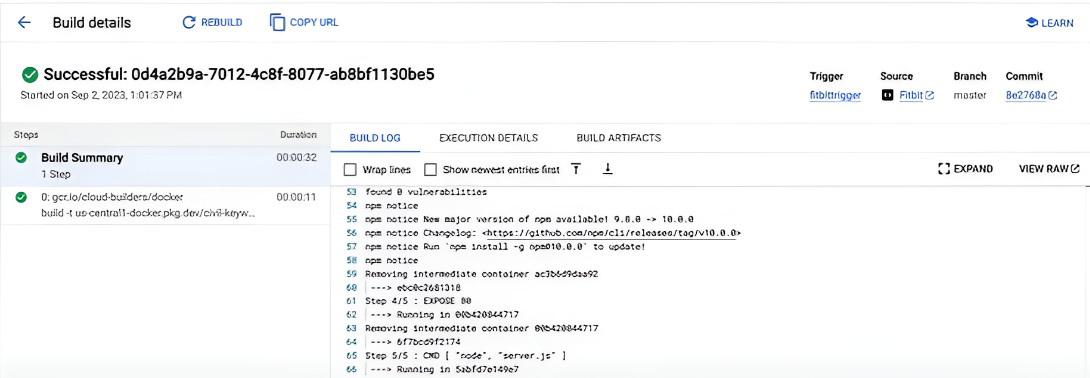
The source code created will be in the repository you've created above. We have a Dockerfile and the steps to build and push the image should be already present in cloudbuild.yaml .
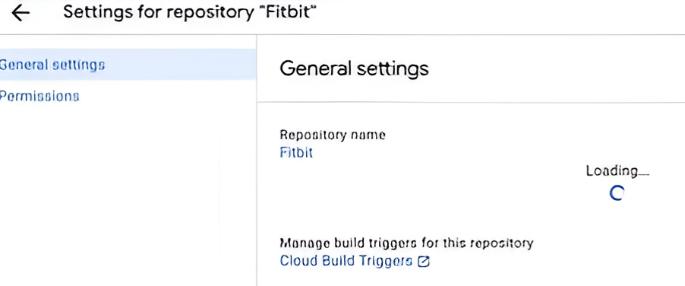
Step 3: Click on the Settings icon on the top-right corner and Click on Cloud build Trigger