|
VOOZH | about |
|
VOOZH | about |
Hostinger Website Builder is a userkills. It can offer simple drag-and-drop to build user-friendly websites, and it can enable users to design and customize the websites with the help of Hostinger Website Builder.
Create an account on the Hostinger website and choose the hosting plan that can suit your business needs.
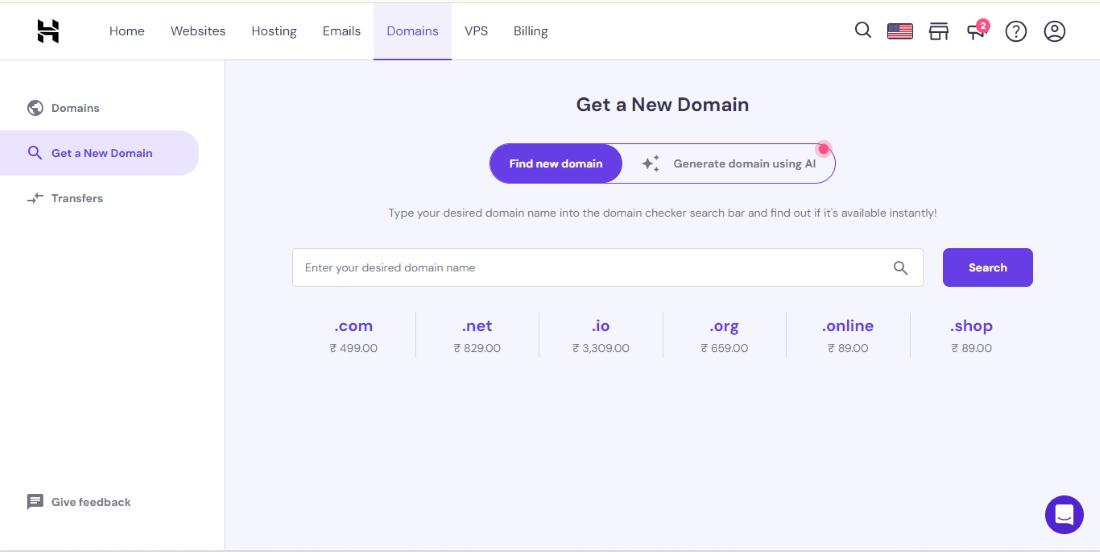
Choose the required domain you wan and buy it from the domains section refer the below image.
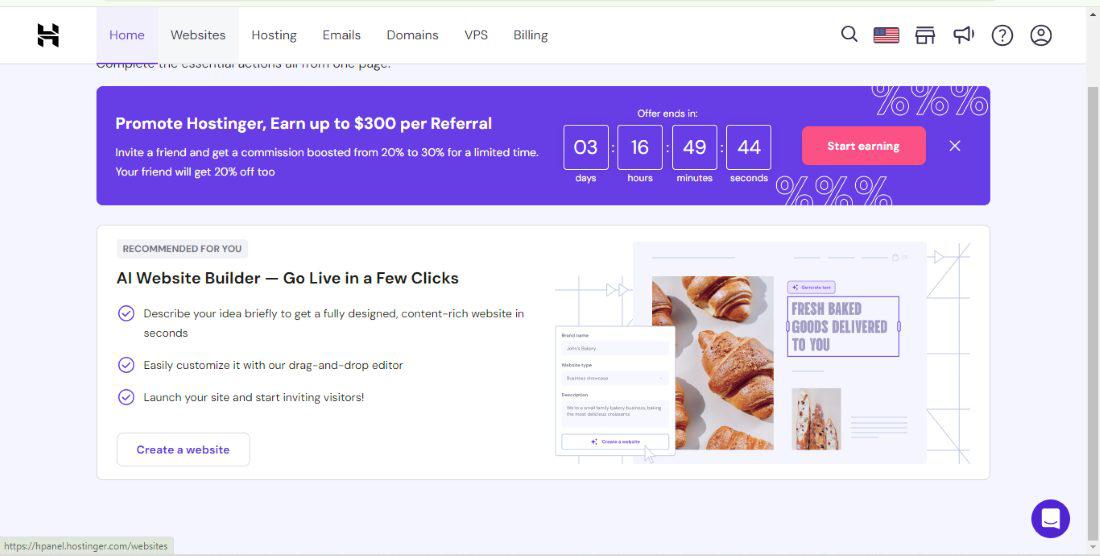
Hostinger Dashboard:
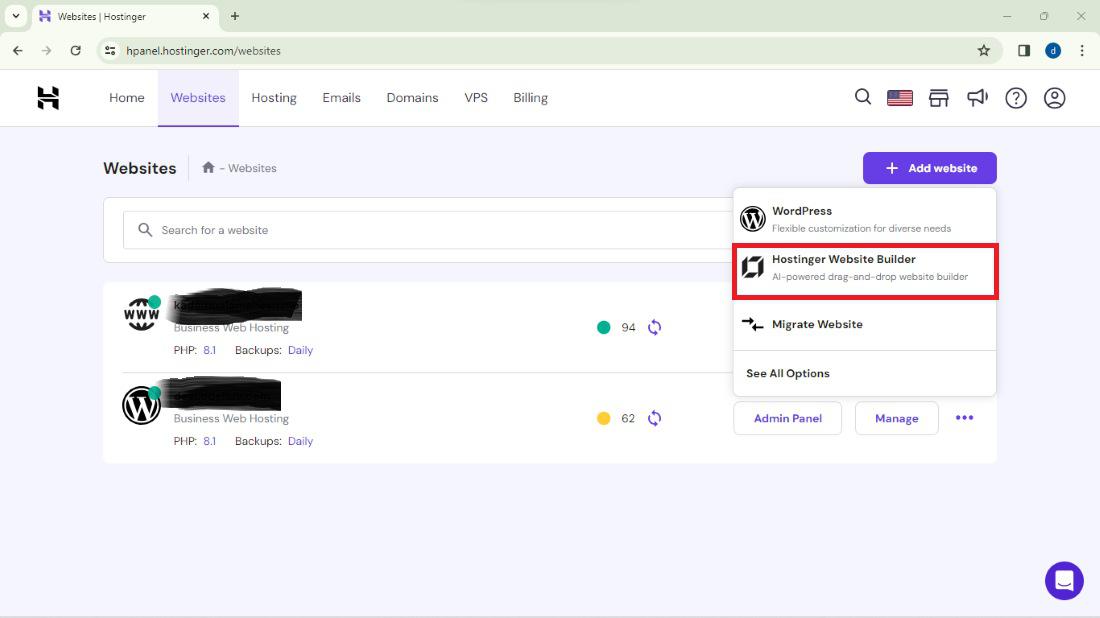
Go to the websites menu and click on the add website then choose the Hostinger Website Builder and click on it.
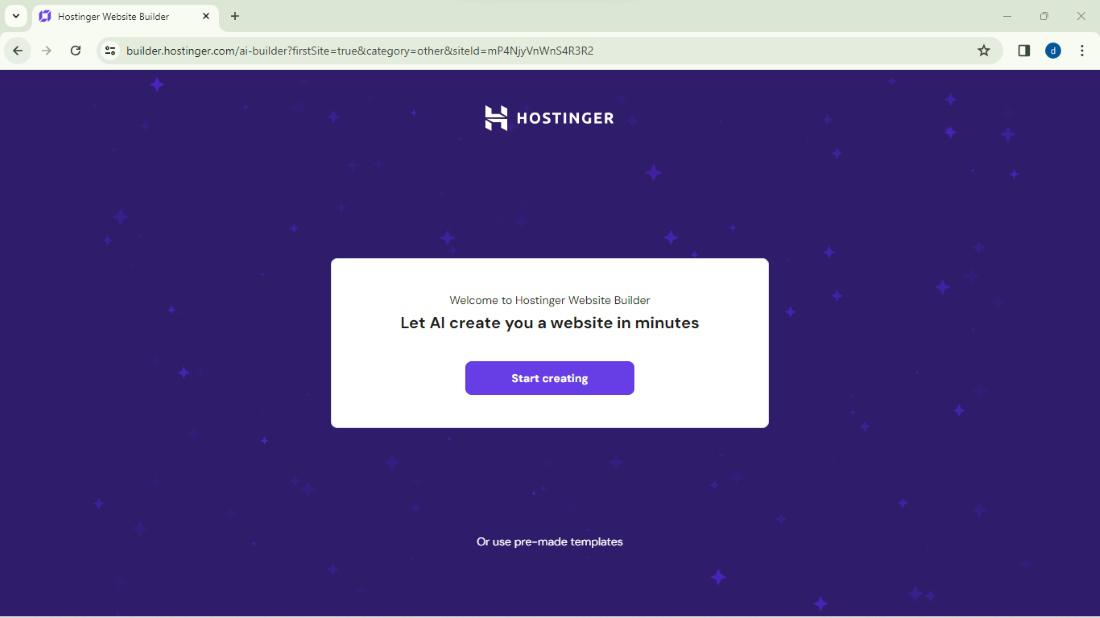
Click on the start creating button for creating the Hostinger Website builder website on the hostinger.
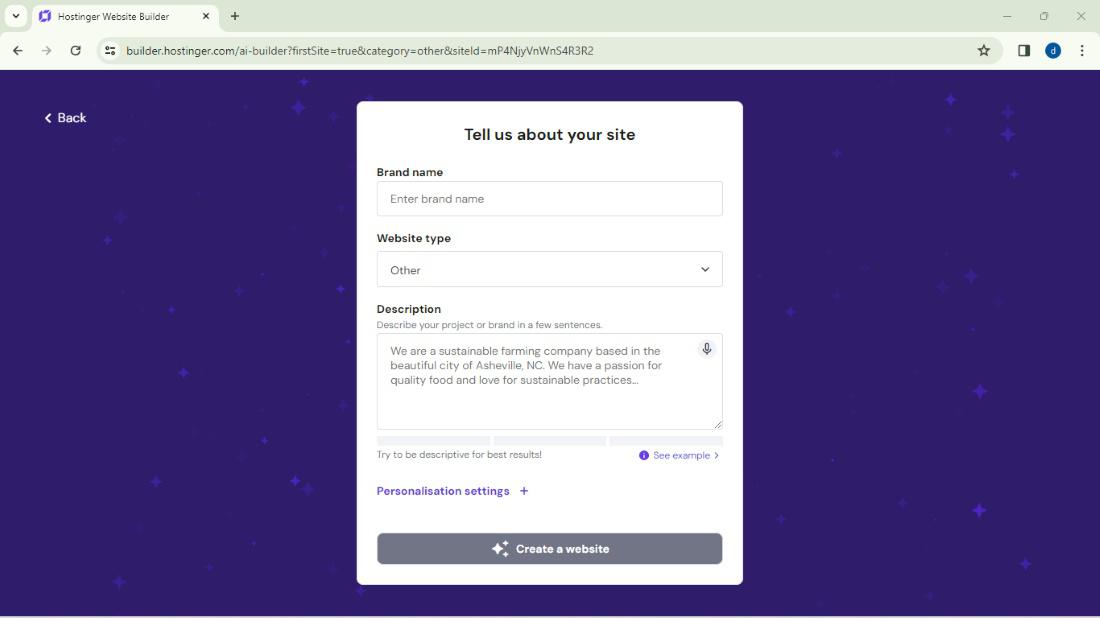
File the required details of the website.
👁 Details
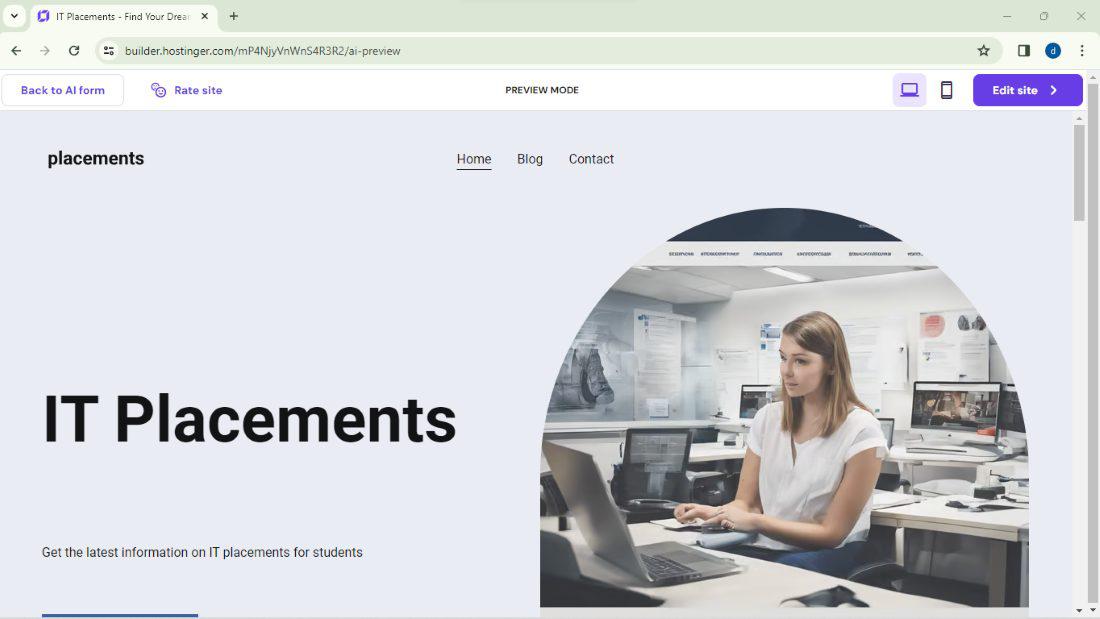
Once completed the process then the default theme open in the Hostinger Website Builder then click on the Edit site and edit the website.
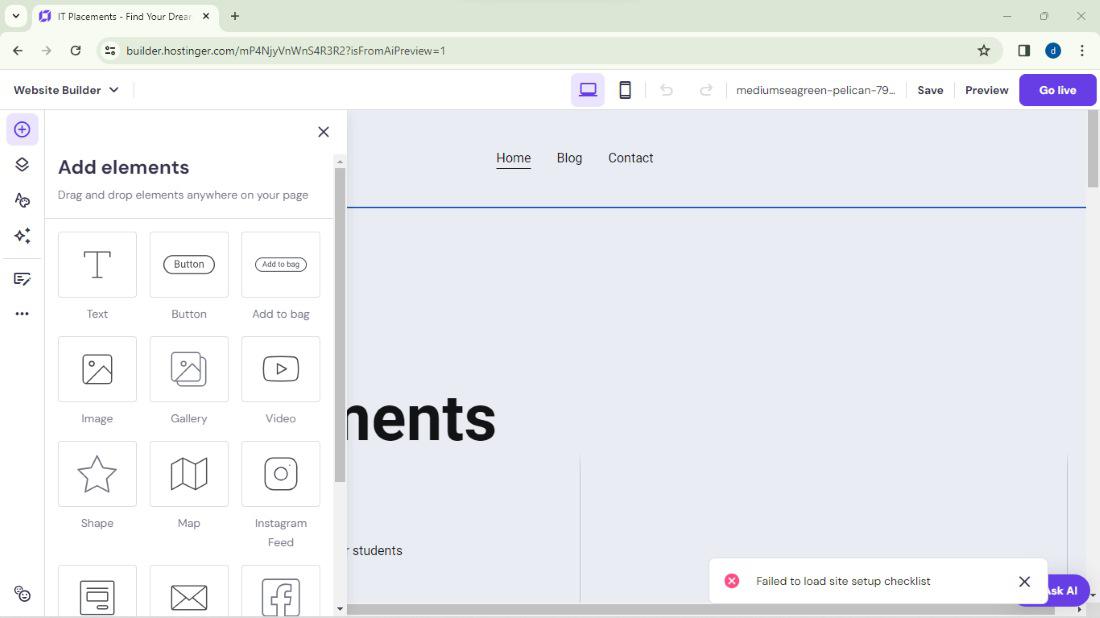
Now, we can customize the website can use the drag and drop interfaces to add and arrange the elements such as the text, images and videos and buttons of the website then publish the website.
Hostinger Website builder Dashboard:
👁 Hostinger Website builder Dashboard
We can follow the above step then you can successfully build the Hostinger Website builder on the hostinger.
Can I use the Hostinger Website Builder for the eCommerce Websites?
Yes, Hostinger Website Builder can offers the eCommerce features such as the products listening, shopping carts and the payment integration for the creating online stores.
Do I need the coding skills to use the Hostinger Website Builders?
No, Hostinger Website Builder is designed for the users without the coding experience. It can provides the user-friendly interface and intuitive tools for the website creation.
Can I switch the templates after creating the website?
Yes, We can switch the templates at any time without loosing the content. However, changing the templates may requires the re-customizing certain elements to the fit new design.
Is the Hostinger Website Builder SEO friendly?
Yes, Hostinger Website Builder includes the built-in SEO tools and these features can help to improve the website search engine visibility. We can customize the meta tags, URLs and the other SEO elements to the optimize the site for search engines.
Can I integrate the third party tools and its widgets into the Hostinger Website?
Yes, Hostinger Website Builder supports the integration with various third party tools and widgets and it can including the social media plugins, contact forms and analytics tools and more..