|
VOOZH | about |
|
VOOZH | about |
To use the Web-based services of AWS- DynamoDB the following steps need to be followed:
Creating AWS account:
After the above steps, you can sign in to the AWS console and then navigate to the DynamoDB console.
Getting an AWS Access Key:
Access keys are used to access DynamoDb either through the AWS CLI or through any computer program. Access keys have the following attributes:
An access key can be generated using the AWS Management console.
Keep in mind that, you can only download the secret key once while generating an Access key and there is no other way to recover them back. However, you can create new access keys at any time by using the required IAM actions.
Note: You do not need an Access key if you are accessing DynamoDB through the AWS console.
Creating access keys for an IAM user:
To create an access key for an IAM user follow the following steps:
Access key ID: AKIAIOSFODNN7EXAMPLE
Secret access key: wJalrXUtnFEMI/K7MDENG/bPxRfiCYEXAMPLEKEY
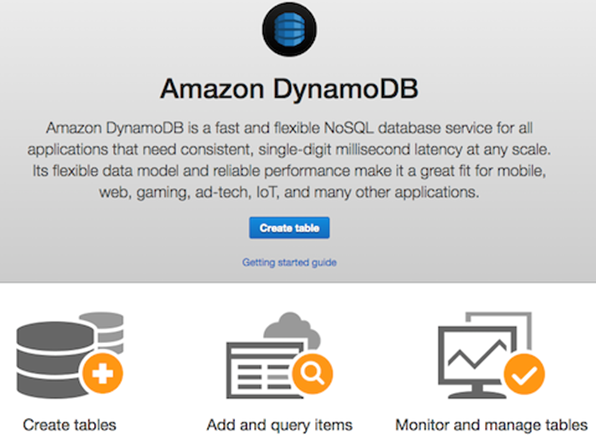
Now you are all set to access the AWS DynamoDB web-based console which is as shown below and start developing your application.
👁 Image