|
VOOZH | about |
|
VOOZH | about |
Firebase Dynamic Links offers a robust solution that delivers a seamless and personalized user experience across multiple platforms is essential for app developers. These versatile links enhance user engagement and retention by providing context-aware redirections, detailed analytics, and the ability to customize parameters for targeted marketing campaigns.
Let us get a better understanding of Firebase Dynamic Links and the steps to create and optimize Firebase Dynamic Links for your app.
Dynamic Links in Firebaseis a feature that allows you to create deep links that can be used to direct users to specific content within your app or website. These links are smart URLs that can determine the best destination for the user based on the context in which the link is clicked. You may use Dynamic Links to create a single link that, depending on the platform a user is using or whether they have your app installed, can lead them to various locations.
For instance, if a user has your app installed and taps a Dynamic Link on their mobile device, they will be brought immediately to the content within the app. They can be instructed if they don't have the app installed.
Additional parameters that can be used to tailor the user experience, monitor the success of your marketing campaigns, and other things can be added to Dynamic Links during customization. Firebase offers comprehensive analytics for Dynamic Links, allowing you to track the usage and click-through rate of your links. Overall, Firebase's Dynamic Links feature is a strong tool for deep linking and app promotion that can help you boost user retention and engagement.
The main points about Firebase Dynamic Links are as follows:
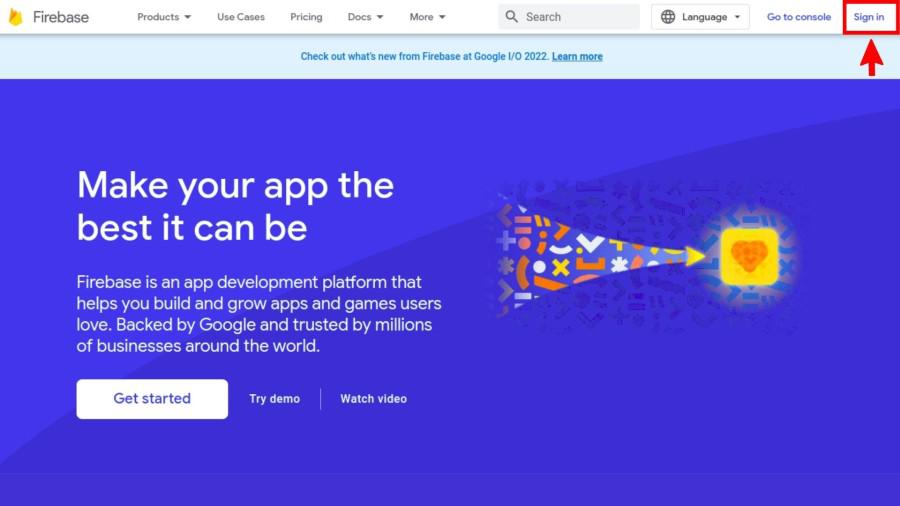
The first step in creating a dynamic link in Firebase is to log in to your Firebase account and select the project for which you want to create the dynamic link. If you haven't already created a Firebase account, you can sign up for free on the Firebase website.
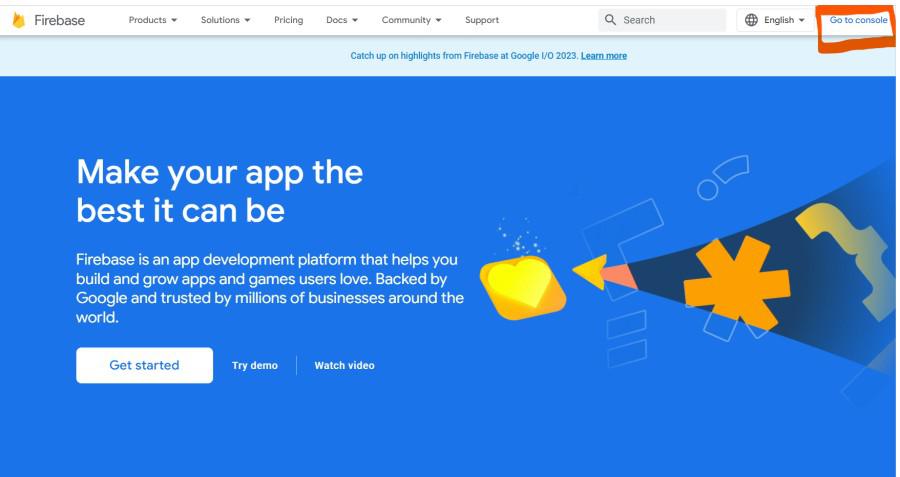
Once you have logged in to your Firebase account, open the Firebase console by clicking on the "Go to console" button in the top-right corner of the screen.
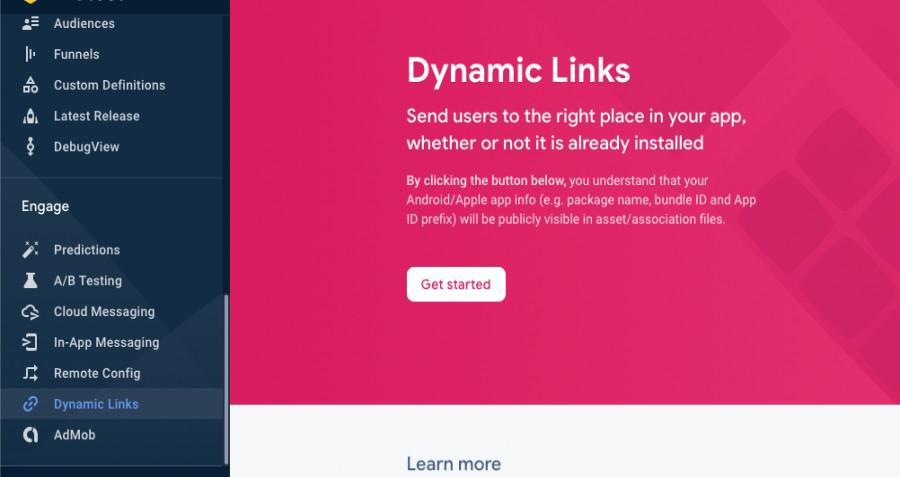
In the Firebase console, select the "Dynamic Links" option from the menu on the left. This will open the Dynamic Links dashboard, where you can create and manage your dynamic links.
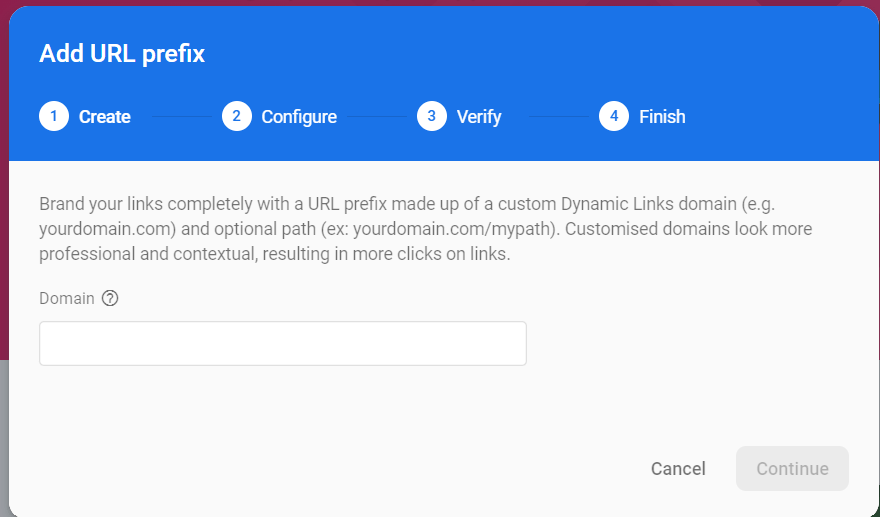
To create a new dynamic link, click on the "New Dynamic Link" button in the top-right corner of the Dynamic Links dashboard. This will open the dynamic link creation wizard, which will guide you through the process of creating your dynamic link.
In the "Link URL" field, enter the URL of the webpage or content that you want to link to. This can be any URL, whether it is on your website or hosted elsewhere.
Firebase Dynamic Links provides a wide range of parameters that you can use to customize your dynamic links. These parameters allow you to control the behavior of your links, track analytics data, and even pass data between your app and your website. Some of the key parameters that you can configure include:
Once you have configured the parameters for your dynamic link, click on the "Create" button to generate your link. Firebase will create a unique, smart link that can be used to link to the content you want to share.
Now that you have created your dynamic link, you can use it in your application or website to link to the content you want to share. You can use the link in your social media posts, email campaigns, or anywhere else you want to promote your content.
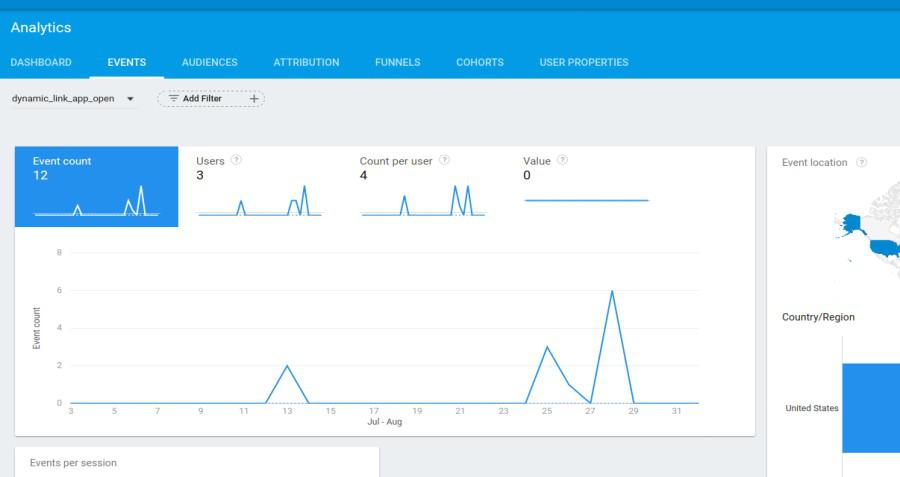
Firebase Analytics allows you to monitor the performance of your dynamic links in real time. You can track clicks, conversions, and other key metrics to gain insights into how your dynamic links are performing and make data-driven decisions to optimize your campaigns.
To access your dynamic link analytics, navigate to the "Dynamic Links" dashboard in the Firebase console and click on the link you want to analyze. From there, you can view detailed analytics reports that show you how many clicks your link has received, where your traffic is coming from, and much more.
Finally, it is important to test your dynamic links thoroughly to ensure that they work as expected on all platforms and devices. Firebase provides a range of testing tools that you can use to test your dynamic links, including the Dynamic Links testing tool and the Firebase Test Lab. By testing your links before launching your campaigns, you can ensure that your users have a seamless and enjoyable experience when clicking on your links.
Here are some advance feature of firebase dynamic links:
In conclusion, Firebase Dynamic Links are a powerful tool for improving user engagement and retention. By following above mentioned steps, you can create smart links that can be used to link to any content on the web or in your app, track analytics data, and even pass data between your app and your website. With the Firebase Dynamic Links API, you can take your dynamic link campaigns to the next level and create powerful, personalized experiences for your users.