|
VOOZH | about |
|
VOOZH | about |
GitLab is a web-based DevOps platform that enables teams to manage the entire software development lifecycle in a single application. It combines version control with built-in tools for automation, collaboration, and deployment.
Understanding these key GitLab concepts helps you manage projects and collaborate effectively.
Follow these steps to create your account, set up projects, and start collaborating on GitLab.
Start by creating a GitLab account or installing GitLab on your system to begin using its features.
Enter the verification code sent to your email address to complete the registration.
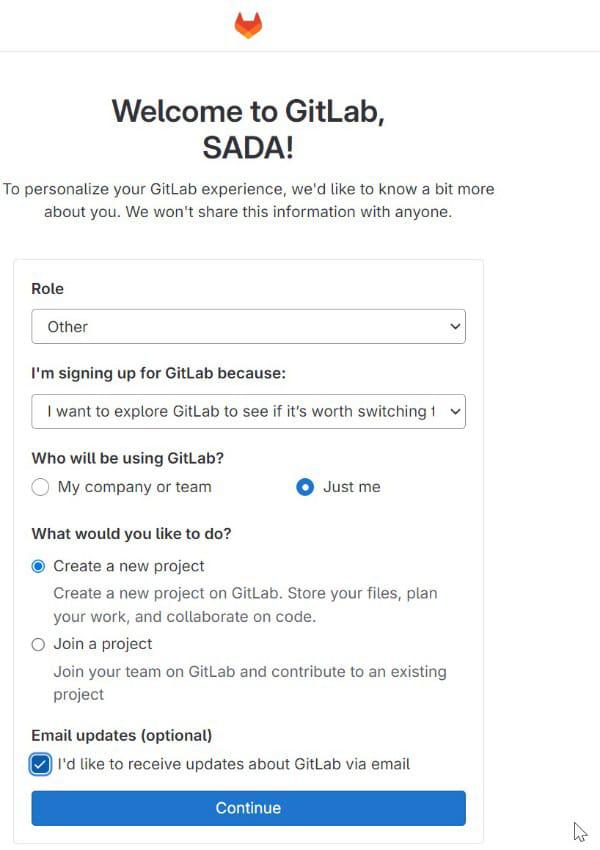
👁 Verfication CodeAfter verification is completed, a welcome page appears. On the welcome page, select your role and choose the purpose for using GitLab from the dropdown options. The dropdown box contains multiple options. Choose the option that best matches your purpose.
In this step, select Create a New Project, enter the group name and project name, and then click Create Project.
The GitLab dashboard is displayed after successful login.
After signing in, you can start a new project from the dashboard to organize your work in GitLab.
Initialize Repository: If starting from scratch, initialize the repository with a README file. Otherwise, push an existing repository to GitLab.
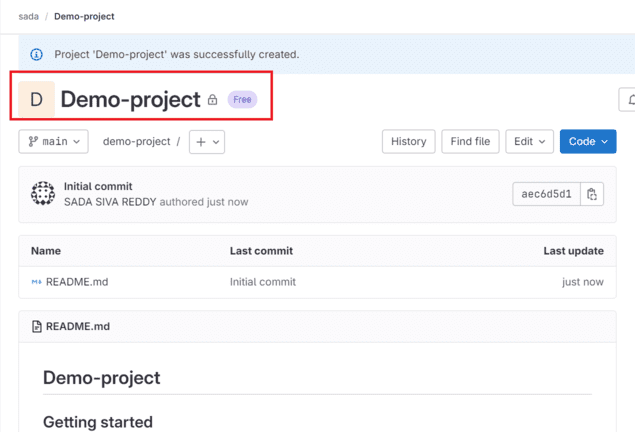
The following figure shows the successfully created project repository.
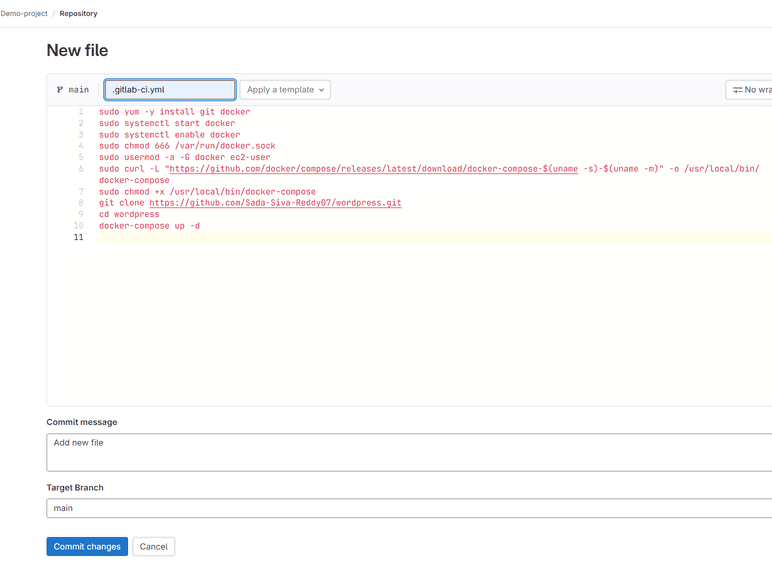
To add files to the project, select New File, Upload File, or New Directory.
Add your script to the file and click Commit Changes.
The file has been successfully added to the repository.
Implement Merge Requests: When working on new features or bug fixes, create a new branch, make changes, and open a merge request. Request feedback from team members and iterate on the changes.
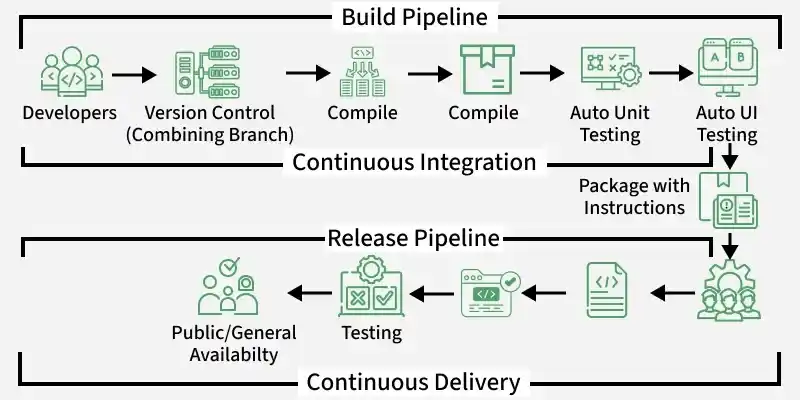
Define CI/CD pipelines by creating a .gitlab-ci.yml file in your project's repository. Specify stages, jobs, and scripts for building, testing, and deploying your application.
Here is the example script to run CI/CD Pipeline
build-job:
 stage: build
 script:
 - echo "Hello, $GITLAB_USER_LOGIN!"
test-job1:
 stage: test
 script:
 - echo "This job tests something"
test-job2:
 stage: test
 script:
 - echo "This job tests something, but takes more time than test-job1."
 - echo "After the echo commands complete, it runs the sleep command for 20 seconds"
 - echo "which simulates a test that runs 20 seconds longer than test-job1"
 - sleep 20
deploy-prod:
 stage: deploy
 script:
 - echo "This job deploys something from the $CI_COMMIT_BRANCH branch."
 environment: production
When a .gitlab-ci.yml file is added to the repository, GitLab automatically triggers a CI/CD pipeline that includes build, test, and deployment stages.
Run Tests and Deploy: GitLab automatically triggers CI/CD pipelines whenever new commits or merge requests are pushed to the repository. Monitor pipeline execution, review test results, and deploy changes to staging or production environments.
The figure below shows a successfully executed pipeline.
GitLab CI/CD streamlines the software development process by automating build, test, and deployment workflows, making development faster and more reliable.