|
VOOZH | about |
|
VOOZH | about |
Go (also known as Golang) is an open-source programming language developed by Google. It is widely used for building web applications, cloud services, networking tools and system software due to its simplicity, performance and built-in concurrency support.
This guide shows how to install Go on macOS and verify the installation.
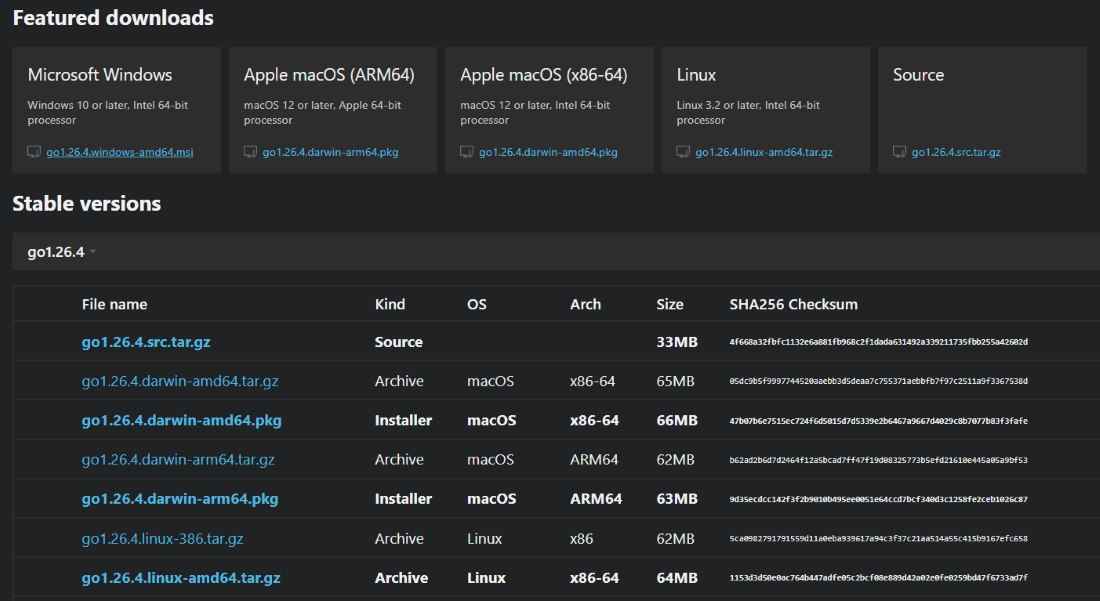
Download the macOS installer that matches your system, from Go Downloads Page
After downloading the .pkg installer, follow these steps:
Note: Go is installed in the system location used by macOS. For most users, no additional setup is required because the installer automatically configures the necessary paths.
Once the installation is complete, open Terminal and run:
go version
If Go is installed successfully, you will see output similar to:
go version go1.25.0 darwin/arm64
or
go version go1.25.0 darwin/amd64
The exact version number may vary depending on the latest Go release and your Mac's processor type. This confirms that Go has been installed successfully and is ready to use.