|
VOOZH | about |
|
VOOZH | about |
System.out.println() in Java is one of the most commonly used statements to display output on the console. It prints the given data and then moves the cursor to the next line, making it ideal for readable output.
Hello, World!
Welcome to Java programming.
System.out.println prints text on a new line.
Explanation:
System.out.println(parameter)
Parameter: The parameter can be a value of any data type such as int, double, char, String, or even no parameter at all.
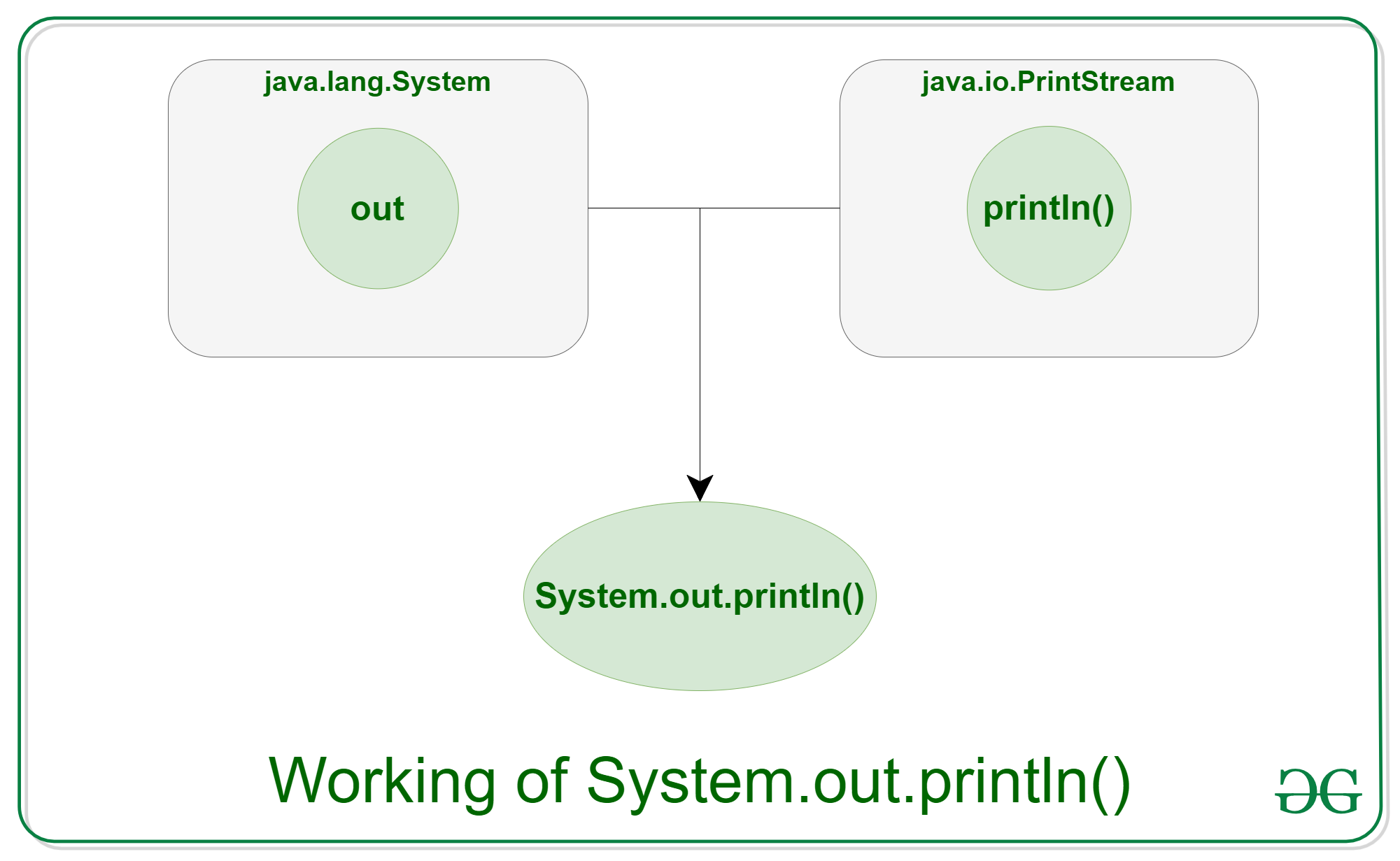
The statement System.out.println() can be understood by breaking it into three parts:
Example 1: Below is the implementation of System.out.println :
Welcome
To
GeeksforGeeks
Each call to println() prints the text on a new line.
Example 2: Printing Variables and Expressions
The addition of 10 and 20 is: 30
Explanation:
Feature | System.out.print() | System.out.println() |
|---|---|---|
New line after output | Does not move cursor to next line | Moves cursor to the next line |
Cursor position | Remains at the end of the printed text | Moves to the beginning of the next line |
Parameter requirement | At least one parameter required | Parameter is optional |
Blank line printing | Cannot print a blank line directly | Can print a blank line using println() |
Common usage | Printing text on the same line | Printing output on separate lines |
Related Articles: